Skip to Main Content
Sam's Club
Sam's Club
All Departments
All Services
Customer reviews for SAMSUNG 65" Class CU7000-Series Crystal UHD 4K Smart TV with HDR - UN65CU7000DXZA for
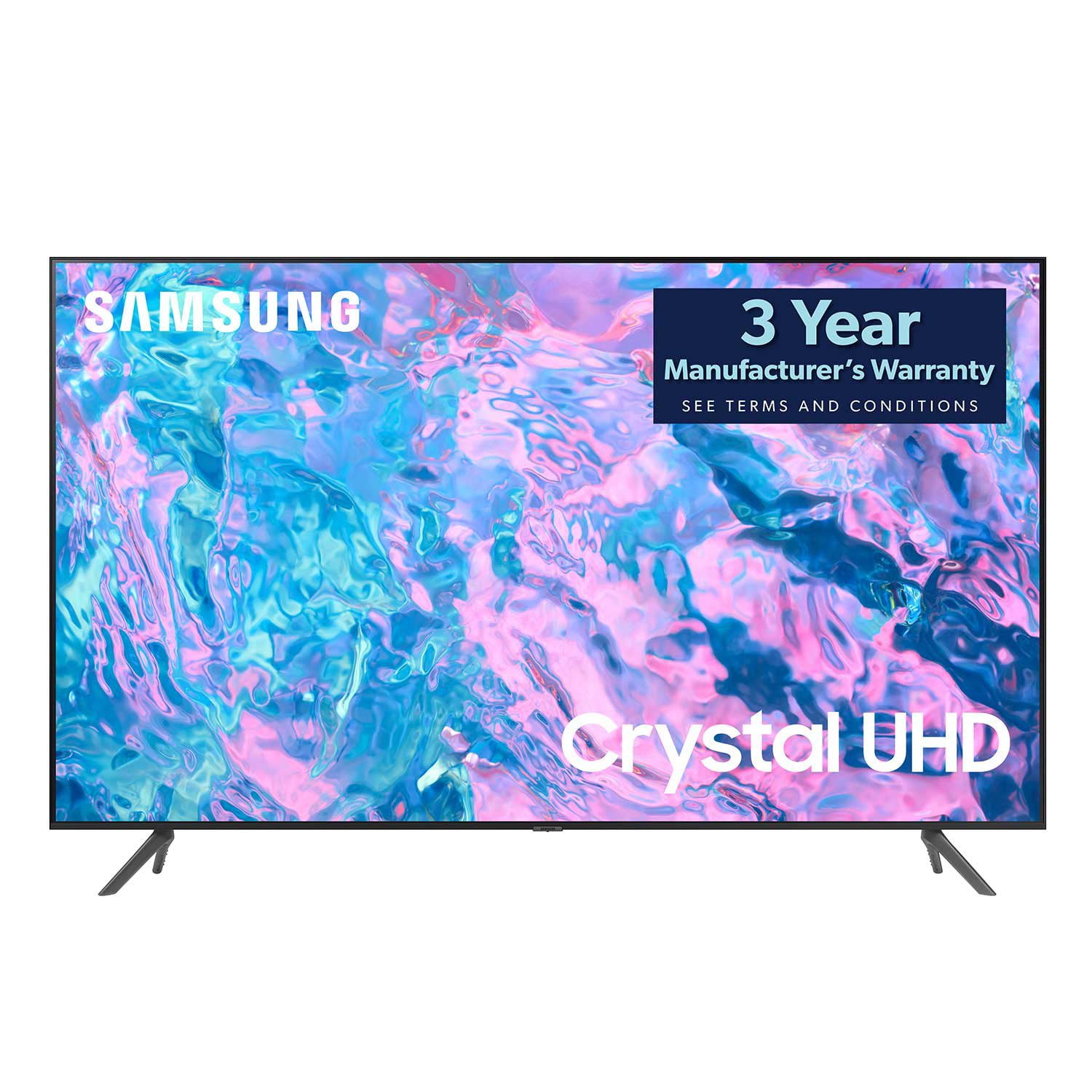
SAMSUNG 65" Class CU7000-Series Crystal UHD 4K Smart TV with HDR - UN65CU7000DXZA
4.6 out of 5 stars
stars
1,820 ratings1,412 reviews
  1. 5 stars74% (1,339)
  2. 4 stars17% (309)
  3. 3 stars4% (76)
  4. 2 stars2% (29)
  5. 1 star4% (67)

Member photos

  • +319 images
Sort by |
Showing 321-330 of 1,412 reviews
Dec 14, 2023
Sc
5 out of 5 stars review

Verified Purchase

Tv

Exactly what i wanted

Helpful?6RZZK6GIRBUS13960862018
Mar 28, 2024
Re
5 out of 5 stars review

Verified Purchase

Very food

Very good

Helpful?6RZZK6GIRBUS13960862018
Mar 22, 2024
jjh
5 out of 5 stars review

Verified Purchase

Works well

Works well

Helpful?6RZZK6GIRBUS13960862018
Dec 14, 2023
Joe
5 out of 5 stars review

Verified Purchase

good

good

Helpful?6RZZK6GIRBUS13960862018
Feb 19, 2024
Rodney
5 out of 5 stars review

Verified Purchase

Samsung TV

Nice TV

Helpful?6RZZK6GIRBUS13960862018
Oct 5, 2023
Nick
5 out of 5 stars review

Verified Purchase

Samsung tv

So far great tv

Helpful?6RZZK6GIRBUS13960862018
Oct 8, 2023
Nana
5 out of 5 stars review

Verified Purchase

Excellent

Excellent

Helpful?6RZZK6GIRBUS13960862018
Jul 26, 2023
Kathleen
5 out of 5 stars review

Verified Purchase

All good

All good

Helpful?6RZZK6GIRBUS13960862018
Dec 13, 2023
Bob
3 out of 5 stars review

Verified Purchase

Samsung TV

Volume isn't loud enough

Helpful?6RZZK6GIRBUS13960862018
reply from Samsung

Hi Bob,Thank you for sharing your experience with low volume. There are several volume features you can adjust, which may improve your audio experience.1) Auto Volume automatically adjusts the sound to a certain level when changing channels or switching to another external input. Go to Settings > All Settings> Sound > Expert Settings > Auto Volume.2) Adaptive Sound automatically adjusts to a specific volume level while watching TV. The TV analyzes your volume usage history by time period to automatically adjust the volume when you use an app or switch to an external input source. Go to Settings> All Settings> Sound> Sound Mode> Adaptive Sound.3) Several Sound Modes are likewise available to meet your personal preferences: Home > Settings > All Settings> Sound > Sound Mode. Also, some sources have their own volume control, which might need to be set higher. Please check the volume control of the external device (cable box or satellite box, DVD, Blu-ray, etc.) connected to your TV. Also, check the cable connection between an external device and the TV and then try the cable connection again.If you need more help, Samsung is here for you. Please call us at 1-800-SAMSUNG, 8 AM - 12 AM EST, seven days a week. Our LiveChat agents are also available by clicking on the ‘Support’ link on our website.~ Samsung Advisor

Jan 8, 2024
Catherine
5 out of 5 stars review

Verified Purchase

Great buy

Nice TV for our garage

Helpful?6RZZK6GIRBUS13960862018