Skip to Main Content
Sam's Club
Sam's Club
All Departments
All Services
Customer reviews for SAMSUNG 65" Class CU7000-Series Crystal UHD 4K Smart TV with HDR - UN65CU7000DXZA for
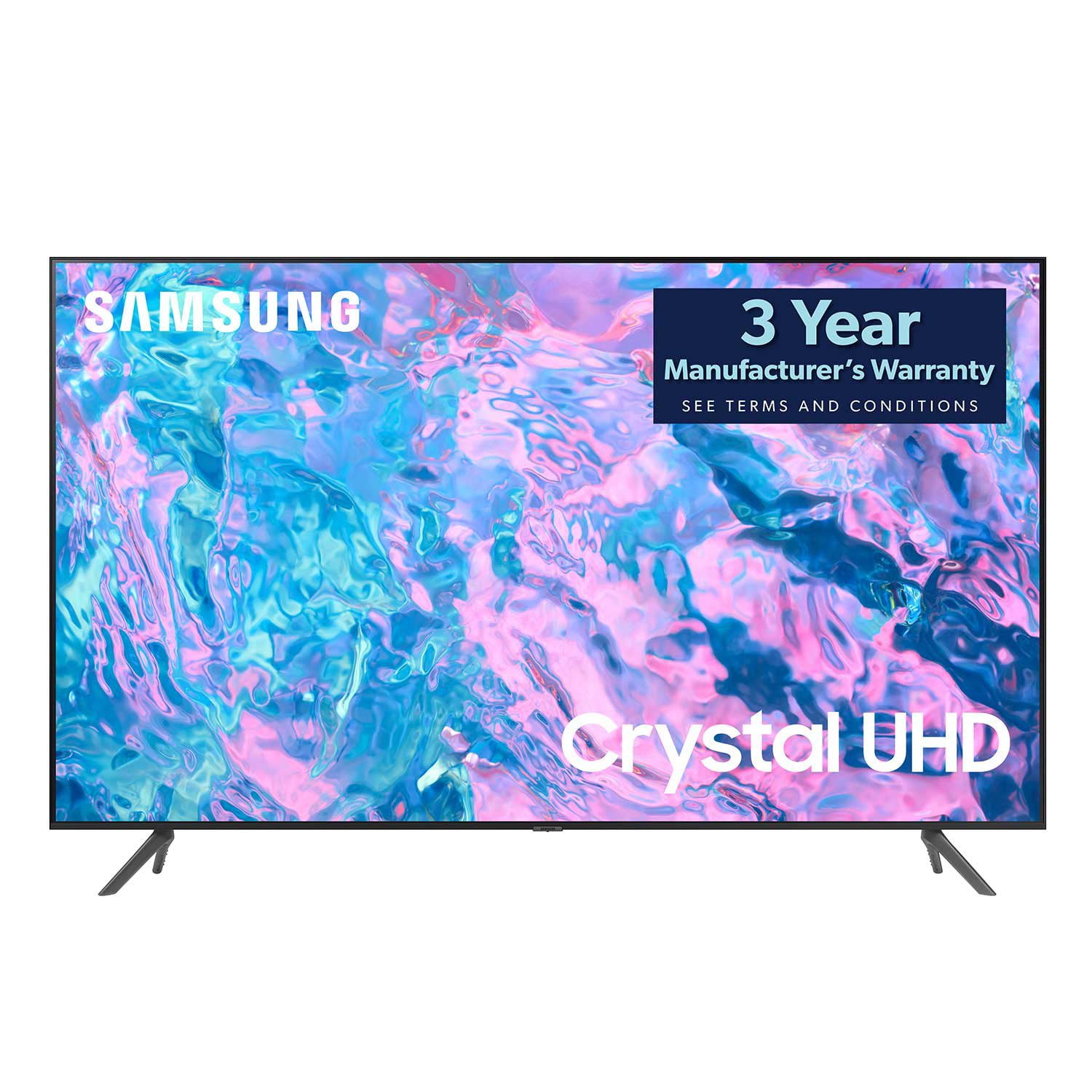
SAMSUNG 65" Class CU7000-Series Crystal UHD 4K Smart TV with HDR - UN65CU7000DXZA
4.6 out of 5 stars
stars
1,820 ratings1,412 reviews
  1. 5 stars74% (1,339)
  2. 4 stars17% (309)
  3. 3 stars4% (76)
  4. 2 stars2% (29)
  5. 1 star4% (67)

Member photos

  • +319 images
Sort by |
Showing 231-240 of 1,412 reviews
Mar 30, 2024
Gates
4 out of 5 stars review

Verified Purchase

65"

clear, visible, and a nice size.. remote is a little confusing. but you get used to it..

Helpful?6RZZK6GIRBUS13960862018
Apr 4, 2024
mimi texas
5 out of 5 stars review

Verified Purchase

Samsung TV

what a nice screen and colors!!

Helpful?6RZZK6GIRBUS13960862018
Jan 4, 2024
Judy
4 out of 5 stars review

Verified Purchase

2nd choice tv

You need to keep the volume very high in order to hear it, but the picture is very good.

Helpful?6RZZK6GIRBUS13960862018
Apr 5, 2024
HKM
3 out of 5 stars review

Verified Purchase

Samsung TV

Sports shows on streaming look grainy. Miss talking feature on remote.

Helpful?6RZZK6GIRBUS13960862018
reply from Samsung

Hi HKM,We appreciate your feedback on your CU7000 TV’s picture when watching fast-motion. For optimal motion image performance, you may want to adjust the picture clarity setting by going to Settings > All Settings> Picture > Expert Settings > Picture Clarity Settings.- Off: Picture Clarity Settings will always be off- Auto: Picture Clarity Settings will automatically activate and deactivate based on the type of program being watched - Custom: Allows custom adjustments and settings to be used. By selecting the Custom option, you can access these advanced settings for Judder Reduction, LED Clear Motion, and Noise Reduction.Please know your CU7000 TV will work with an external Alexa device. You can connect them to your existing Alexa device to ask them to turn on your TV, change channels, control volume, and more.Should you need further assistance with features or other product usage, please reach out to Samsung Support at 1-800-SAMSUNG, 8 AM - 12 AM EST, seven days a week. Or visit us on the Samsung website and click on the ‘Support’ link for:1) LiveChat2) Manuals, Software, & Warranty Info~ Samsung Advisor

Aug 12, 2024
Ikenna
4 out of 5 stars review

Verified Purchase

A lovely picture to enjoy

The picture is quite clear, sharp and voice lovely

Review from Samsung Canada
Helpful?6RZZK6GIRBUS13960862018
Dec 31, 2023
Jill
5 out of 5 stars review

Verified Purchase

Quality tv

Easy purchase and delivery. Good quality tv.

Helpful?6RZZK6GIRBUS13960862018
Feb 8, 2024
Laz
5 out of 5 stars review

Verified Purchase

Samsung TV

Showed up on time and easy-to-setup. The picture is really awesome.

Helpful?6RZZK6GIRBUS13960862018
Mar 18, 2024
Anonymous
5 out of 5 stars review

Verified Purchase

It's Smarter

Just the right size for our living room. Clear picture and good sound.

Review from Samsung Canada
Helpful?6RZZK6GIRBUS13960862018
Apr 3, 2024
Daniel
5 out of 5 stars review

Verified Purchase

Smart tv

It's a great product, amazing screen and clear image

Helpful?6RZZK6GIRBUS13960862018
Nov 24, 2023
HWMC
4 out of 5 stars review

Verified Purchase

Right size

Great picture resolution, sound ok a sound bar maybe need in certain setups, the size fits in.

Review from Samsung Canada
Helpful?6RZZK6GIRBUS13960862018
reply from Samsung Support Team

Hello, thank you for your review and feedback. We will pass your comments along to our store staff and hope you visit us again someday soon.