Skip to Main Content
Sam's Club
Sam's Club
All Departments
All Services
Customer reviews for SAMSUNG 65" Class CU7000-Series Crystal UHD 4K Smart TV with HDR - UN65CU7000DXZA for
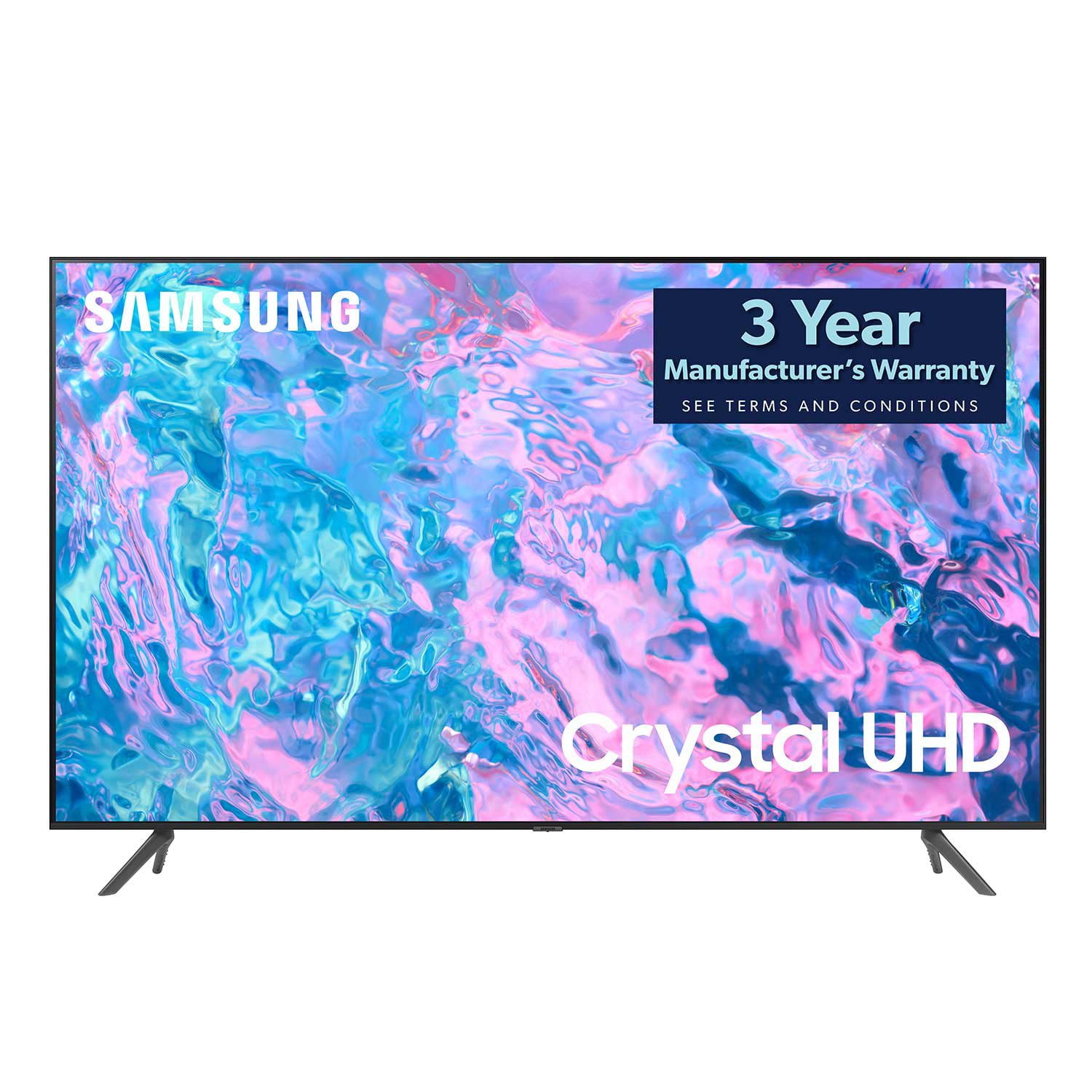
SAMSUNG 65" Class CU7000-Series Crystal UHD 4K Smart TV with HDR - UN65CU7000DXZA
4.6 out of 5 stars
stars
1,820 ratings1,412 reviews
  1. 5 stars74% (1,339)
  2. 4 stars17% (309)
  3. 3 stars4% (76)
  4. 2 stars2% (29)
  5. 1 star4% (67)

Member photos

  • +319 images
Sort by |
Showing 1,251-1,260 of 1,412 reviews
Jun 3, 2024
MistyMirror
5 out of 5 stars review

Adequately thin, good quality resolution

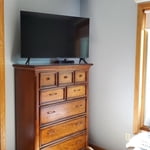
Fits perfectly in my apartment. Next to windows but still shows well despite light from windows during day.

Review from Samsung Canada
Helpful?6RZZK6GIRBUS13960862018
Mar 22, 2024
Gchinander
5 out of 5 stars review

What are amazing t v for this price

[This review was collected as part of a promotion.] This TV has amazing sound and amazing picture, both in bright light and in dark settings.

Review from Samsung US
Helpful?6RZZK6GIRBUS13960862018
Nov 12, 2024
Jameskoek
5 out of 5 stars review

Amazing tv

Switched from lg to Samsung for my tv and so glad I did I will always stay with Samsung it has the best picture

Review from Samsung Canada
Helpful?6RZZK6GIRBUS13960862018
Jul 2, 2024
Juli3000
5 out of 5 stars review

So far so goood.

[This review was collected as part of a promotion.] Good quality image. No issues so fsr. Recommended.

Review from Samsung US
Helpful?6RZZK6GIRBUS13960862018
Dec 13, 2023
JOSEPH10298
5 out of 5 stars review

Best TV in TV Land.

(This review was collected as part of a promotion.) I have this same exact TV in my upstaits living room. The Picture is crystal clear.

Review from Caddle
Helpful?6RZZK6GIRBUS13960862018
Dec 13, 2023
Patricia 96364
5 out of 5 stars review

Excellent Television

(This review was collected as part of a promotion.) Crystal clear picture and great sound! Easy to set up. Great purchase.

Review from Caddle
Helpful?6RZZK6GIRBUS13960862018
May 12, 2023
Christy
4 out of 5 stars review

Tv

Not as sharp a picture as expected but otherwise good tv.

Review from Samsung US
Helpful?6RZZK6GIRBUS13960862018
reply from Samsung Brand Ambassador

Hi Christy, Thank you for sharing your thoughts on your CU7000D TV’s image quality. The TV will upscale as best as possible any content sent to it. The closer your content is to 4K, the better the image will look on the screen. Here are some tips to help improve picture Sharpness: 1) HDMI cables are recommended for optimal HD viewing. 2) If you have an analog cable box or satellite box, upgrade to a digital cable box or satellite box. 3) Change the output resolution of your devices, such as digital broadcast receivers, IPTV, and set-top boxes, to UHD or HD. 4) You can further adjust your sharpness, brightness, contrast, color, and more by going to Settings > All Settings> Picture > Expert Settings 5) Choose a Picture Mode by going to Settings > All Settings> Picture > Picture Mode and choose from Dynamic, Standard, Natural, Movie, or Filmmaker Mode. Should you ever have questions or need help with TV features, specs, or operations, we are here to help. You can call us at 1-800-SAMSUNG, 8 AM - 12 AM EST, seven days a week. Our LiveChat agents are also available by clicking on the ‘Support’ link on our website. ~ Samsung Advisor

Jan 21, 2024
Gunner J
4 out of 5 stars review

Great Picture Quality

Purchased this a month ago, Great Picture, ease of operation is great

Review from Samsung Canada
Helpful?6RZZK6GIRBUS13960862018
reply from Samsung Support Team

Hello, thank you for your review and feedback. We will pass your comments along to our store staff and hope you visit us again someday soon.

Aug 3, 2023
Prophatman
3 out of 5 stars review

Needs louder speakers

Same as my 50. Beautiful picture and terrible sound

Review from Samsung US
Helpful?6RZZK6GIRBUS13960862018
reply from Samsung Brand Ambassador

Hi Prophatman, Thank you for sharing your thoughts regarding the CU7000 TV’s sound quality. We recommend adjusting the Sound Settings to improve your experience. You can change the Sound Mode by going to Settings > All Settings> Sound > Sound Mode. You can also customize the sound with Expert Settings by going to Settings > All Settings> Sound > Expert Settings. To assist you with possible sound settings adjustments for a better audio experience or choosing a Samsung Soundbar to complement your viewing enjoyment, please reach out to us at 1-800-SAMSUNG, 8 AM - 12 AM EST, seven days a week. Our LiveChat agents are also available by clicking on the ‘Support’ link on our website. ~ Samsung Advisor

Jan 1, 2024
Baboo
5 out of 5 stars review

Very good so far.Easy to set up and works great with sound bar

Review from Samsung Canada
Helpful?6RZZK6GIRBUS13960862018
reply from Samsung Support Team

Hello, thank you for your 5 star review and feedback. We will pass your comments along to our store staff and hope you visit us again someday soon.