Skip to Main Content
Sam's Club
Sam's Club
All Departments
All Services
Customer reviews for SAMSUNG 65" Class CU7000-Series Crystal UHD 4K Smart TV with HDR - UN65CU7000DXZA for
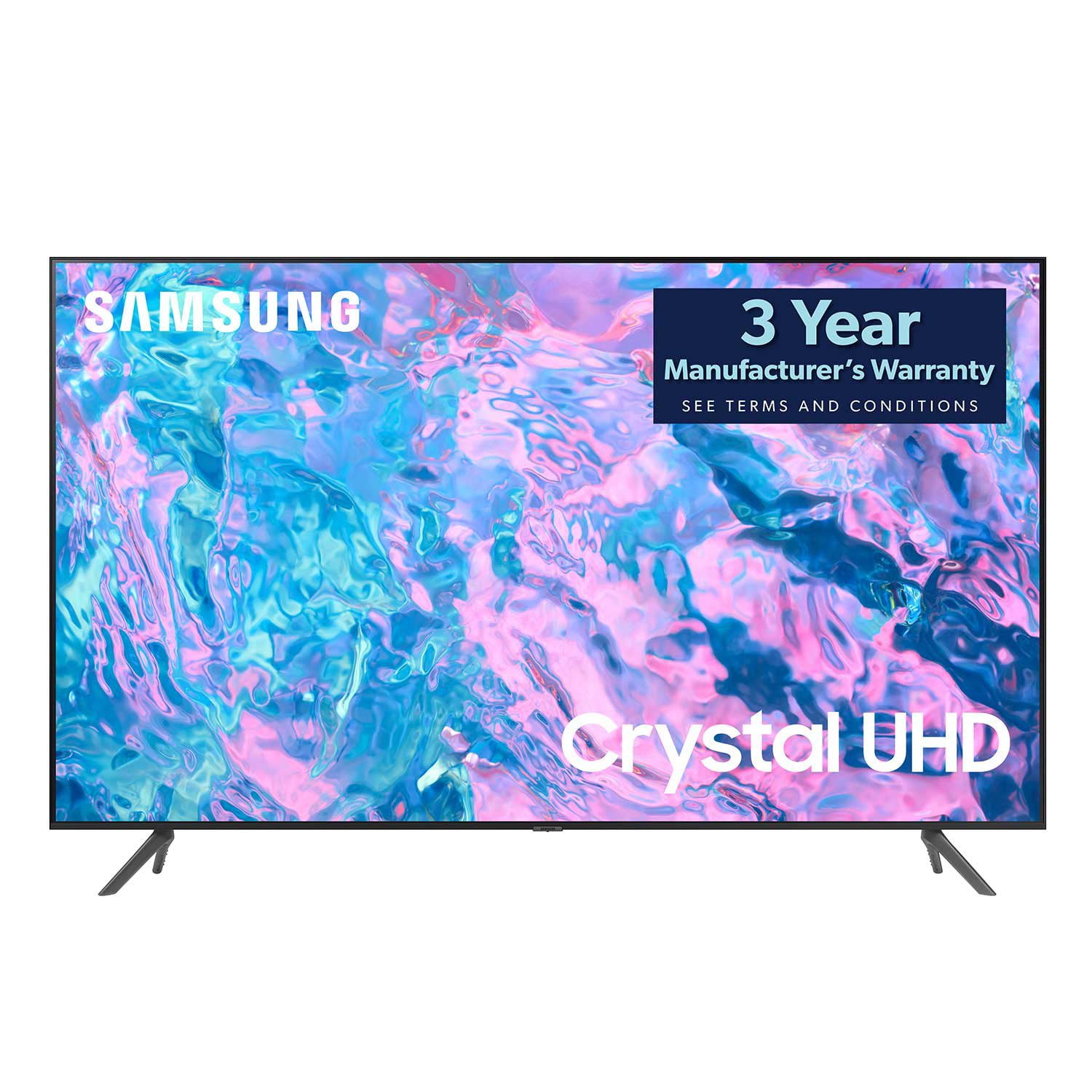
SAMSUNG 65" Class CU7000-Series Crystal UHD 4K Smart TV with HDR - UN65CU7000DXZA
4.6 out of 5 stars
stars
1,823 ratings1,415 reviews
  1. 5 stars74% (1,340)
  2. 4 stars17% (310)
  3. 3 stars4% (77)
  4. 2 stars2% (29)
  5. 1 star4% (67)

Member photos

  • +319 images
Sort by |
Showing 1,071-1,080 of 1,415 reviews
Sep 19, 2024
Reviewer name: Ponxex3
5 out of 5 stars
5 out of 5 stars review

Great tv for a good price

[This review was collected as part of a promotion.] Well designed tv. Colors and light levels are Great, Bluetooth is a great for late night movie. Watching movies in the dark are super satisfying.playing my Xbox looks excellent.

Review from Samsung US
Helpful?6RZZK6GIRBUS13960862018
Jun 27, 2023
Reviewer name: Linda
2 out of 5 stars
2 out of 5 stars review

TV volume is seriously lacking.

It's a great Tv EXCEPT the sound. At 100 (the highest volume) it's not loud enough for certain things… movies. I am considering returning the TV because of this issue. Btw… I am NOT hard of hearing orca senior citizen who blasts their TV.

Review from Samsung US
Helpful?6RZZK6GIRBUS13960862018
reply from Samsung Brand Ambassador

Hi Linda, Thank you for sharing your experience with low volume on the CU7000 TV. I have a few recommendations that should help. There are several volume features you can adjust, which I have put below for you to troubleshoot. 1) Auto Volume automatically adjusts the sound to a certain level when changing channels or switching to another external input. Go to Settings > All Settings> Sound > Expert Settings > Auto Volume. 2) Adaptive Sound automatically adjusts to a specific volume level while watching TV. The TV analyzes your volume usage history by time period to automatically adjust the volume when you use an app or switch to an external input source. Go to Settings> All Settings> Sound> Sound Mode> Adaptive Sound. 3) Several Sound Modes are likewise available to meet your personal preferences: Home > Settings > All Settings> Sound > Sound Mode Also, some sources have their own volume control, which might need to be set higher. Please check the volume control of the external device (cable box or satellite box, DVD, Blu-ray, etc.) connected to your TV. Also, check the cable connection between an external device and the TV and then try the cable connection again. I hope this helps improve your audio experience. Should you need further assistance or have any questions, please contact Samsung Customer Support at 1-800-SAMSUNG, 8 AM - 12 AM EST, seven days a week. Our LiveChat agents are also available by clicking on the ‘Support’ link on our website. ~ Samsung Advisor

Jul 29, 2024
Reviewer name: swpz13
4 out of 5 stars
4 out of 5 stars review

Great picture

[This review was collected as part of a promotion.] Great picture quality. Wireless remote is very small. Phone application does not always connect. TV seems to have a mind of its own, and will lock up or change to default Samsung Channel.

Review from Samsung US
Helpful?6RZZK6GIRBUS13960862018
Oct 14, 2024
Reviewer name: marymary
4 out of 5 stars
4 out of 5 stars review

hate the remote

[This review was collected as part of a promotion.] I hate the new remotes. I like the older tv / remotes that had the numerical buttons and all the other function buttons.

Review from Samsung US
Helpful?6RZZK6GIRBUS13960862018
Nov 4, 2024
Reviewer name: Joshj959
5 out of 5 stars
5 out of 5 stars review

Exceptional TV

(This review was collected as part of a promotion.) I recently purchased the TV, and I absolutely love it. I use it mainly for gaming and streaming. The picture is phenomenal, especially when gaming.

Review from Samsung Canada
Helpful?6RZZK6GIRBUS13960862018
Nov 4, 2024
Reviewer name: TrendSetter
4 out of 5 stars
4 out of 5 stars review

Overall description

(This review was collected as part of a promotion.) General streaming at home, watching youtube, iptv and playing games. Overall quality is good. Prices are little bit at higher side..

Review from Samsung Canada
Helpful?6RZZK6GIRBUS13960862018
Oct 28, 2024
Reviewer name: Jack118
5 out of 5 stars
5 out of 5 stars review

good quality

(This review was collected as part of a promotion.) the tv is good quality. The only down side is that Samsung does not allow customer to install the third party apps.

Review from Samsung Canada
Helpful?6RZZK6GIRBUS13960862018
Nov 12, 2024
Reviewer name: Patient Kadima
5 out of 5 stars
5 out of 5 stars review

Great quality
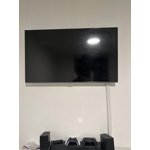
More than I expected, I have bought this tv for my bedroom, great screen quality, I love the weight not too heavy. It's very easy to use, the sound is good, I have it connected to my Boose soundbar.

Review from Samsung Canada
Helpful?6RZZK6GIRBUS13960862018
Oct 14, 2024
Reviewer name: AntyAnt
5 out of 5 stars
5 out of 5 stars review

Great picture

[This review was collected as part of a promotion.] I mostly watch sports and movies. The clarity of the picture is awesome. I also like that the tv is easy to use.

Review from Samsung US
Helpful?6RZZK6GIRBUS13960862018
Jul 15, 2023
Reviewer name: cosfini05
2 out of 5 stars
2 out of 5 stars review

I hate the ads

The TV itself is fine and I would probably give it five stars. I hate the ads. Some of them are very inappropriate for kids. And just when I think I have gotten rid of them, it seems to come back. I oot out of all the 3rd party items, and it's still there. So I use the TV without internet and just use my own streaming devices.

Review from Samsung US
Helpful?6RZZK6GIRBUS13960862018
reply from Samsung Brand Ambassador

Hi cosfini05, Thank you for choosing the CU7000 TV and for your review regarding Smart Hub. Your feedback will be shared with our internal teams. Please know you can choose what your TV does when you turn it on by going to Settings > All Settings> General > Smart Features. When you set Autorun Smart Hub to be on, the TV displays the Home Screen automatically when you turn the TV on. If Autorun Last App is set to on, the last used app automatically runs when you turn on the TV which would help you avoid any ads. You can turn this function on or off. If you’d like more help with settings, please know we’re here to help! Call us at 1-800-SAMSUNG, 8 AM - 12 AM EST, seven days a week. Or visit us on the Samsung website and click on the ‘Support’ link for: 1) LiveChat 2) Manuals, Software, & Warranty Info ~ Samsung Advisor