Skip to Main Content
Sams Club
Sams Club
Customer reviews for SAMSUNG 50" Class DU6900 Series UHD 4K Smart TV for
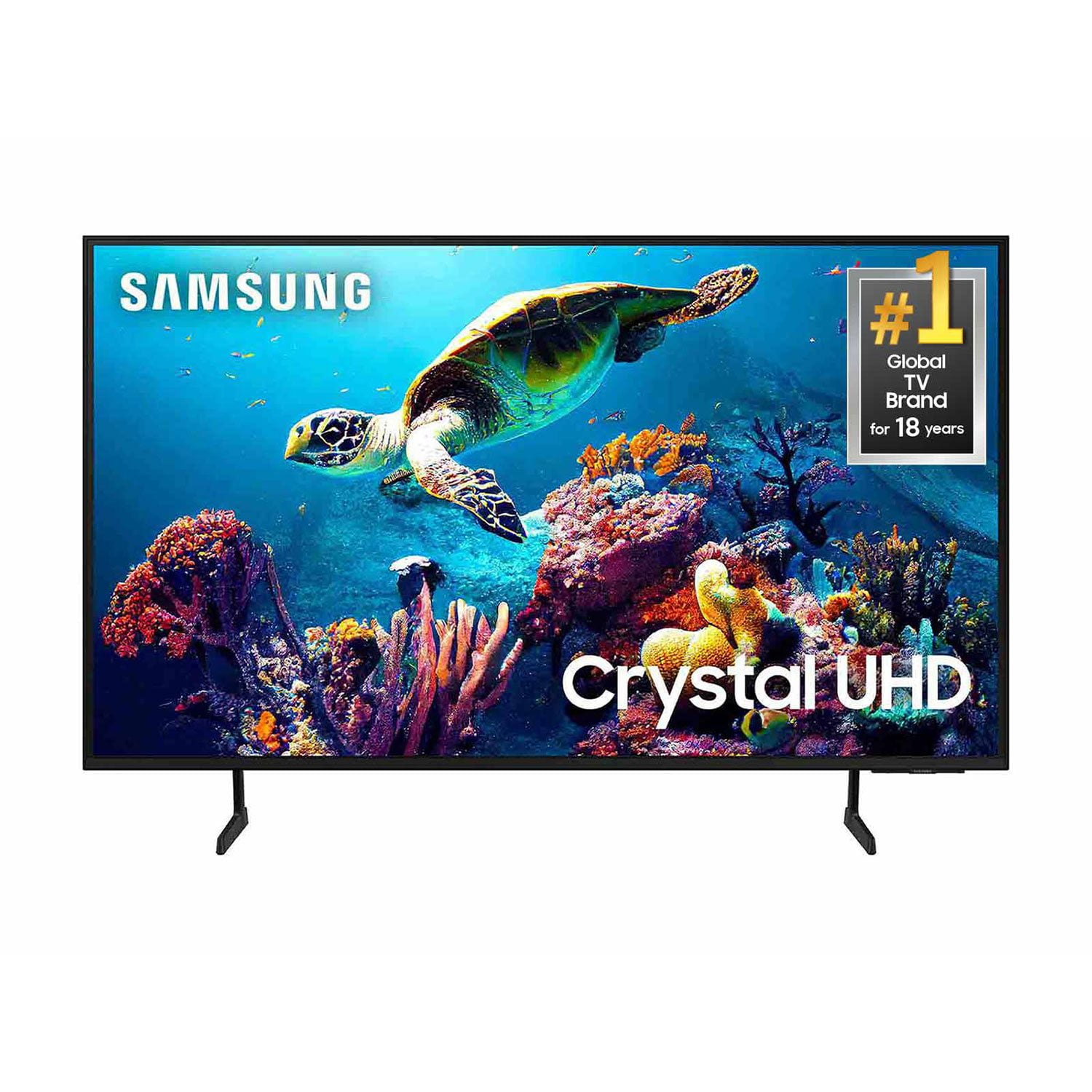
SAMSUNG 50" Class DU6900 Series UHD 4K Smart TV
4.4 out of 5 stars
stars2,179 ratings2,177 reviews
  1. 5 stars68% (1,482)
  2. 4 stars16% (354)
  3. 3 stars7% (154)
  4. 2 stars4% (81)
  5. 1 star5% (108)

Member photos

  • +557 images
Sort by |
Showing 1,271-1,280 of 2,177 reviews
Mar 20, 2025
Lovedy
5 out of 5 stars review

Excelente tv

[This review was collected as part of a promotion.] Es muy cómodo ver tu tv en este tipo de tv audio agradable, imagen calidad me siento muy satisfecho por esta compra

Review from Samsung US
Helpful?21P69184561C13959770739
May 5, 2025
Bman0279
5 out of 5 stars review

Samsung tv

[This review was collected as part of a promotion.] I love the picture and sound quality. I do wish it could be a little more customizable with a wider variety of apps though.

Review from Samsung US
Helpful?21P69184561C13959770739
Mar 20, 2025
Albert
5 out of 5 stars review

A very good tv for the price

[This review was collected as part of a promotion.] A very good tv for the price. I hope to get the Qled 75 inches soon and move this one to the master badroom

Review from Samsung US
Helpful?21P69184561C13959770739
Aug 5, 2024
CALLMEBYTE
5 out of 5 stars review

Great tv for the price

[This review was collected as part of a promotion.] Tv is great, worth the cost. For the price you get amazing features, plus the added Samsung TV channels. Don't even need to pay for Cable TV.

Review from Samsung US
Helpful?21P69184561C13959770739
Feb 5, 2025
Jetski Dave
5 out of 5 stars review

Amazing S 25 Ultra review!

I am beyond thrilled with my choice to pre-order this device after trying the Z Fold 6 and being so disappointed with that device. I have not one bad thing to say about the S25 Ultra! And you won't either!

Review from Samsung US
Helpful?21P69184561C13959770739
Mar 23, 2025
Ctdaboss24
4 out of 5 stars review

Samsung Tv

[This review was collected as part of a promotion.] Once again they've done it Samsung has made an absolutely great TV nearly flawless the picture quality is second to none The audio again superb I rate this TV 4 out of 5 stars.

Review from Samsung US
Helpful?21P69184561C13959770739
May 5, 2025
bobwilk
5 out of 5 stars review

This tv is the bomb

[This review was collected as part of a promotion.] First off I went from 47 inch to a 65 inch and wow what a screen. The colors are so vibrant and the sound is great.

Review from Samsung US
Helpful?21P69184561C13959770739
Nov 19, 2024
Yeah1Yeah2
5 out of 5 stars review

Great Television

[This review was collected as part of a promotion.] We have this connected to our streaming box and we watch a lot of sports and action movies. Very little lag when watching the football being passed in the air. Very pleased with this purchase.

Review from Samsung US
Helpful?21P69184561C13959770739
Apr 19, 2025
ShanA
3 out of 5 stars review

Woks fine but screen is too dark

My husband bought it a couple of months ago and it work well. However, the screen is so dark! Hard to see at times and can’t seem to get it to brighten up.

Review from Samsung US
Helpful?21P69184561C13959770739
reply from Samsung Brand Ambassador

ShanA, It’s unfortunate to hear you’re not fully satisfied with the brightness of your TV’s picture. Please know that we are here to help you. First, let’s ensure you are running the latest Firmware Update. Go to Settings> Support> Software Update. Next, If the colors on your TV are correct but just a little too dark or bright, you can try adjusting Picture Modes, Contrast, Brightness, or Sharpness settings. For darker scenes, I recommend Dynamic Picture Mode, which makes pictures brighter and clearer in bright viewing environments. Go to Settings > All Settings> Picture > Picture Mode > Dynamic. Or you can manually adjust the Brightness by pressing the HOME button on your remote, then navigating to Settings > All Settings> Picture > Expert Settings. You may also want to disable Power Saving Mode, which automatically adjusts the brightness to reduce the TV’s power consumption. Go to Settings > All Settings> General > Eco Solution> Power Saving Mode. I hope this helps to improve your picture. Should you need further assistance, please contact us at 1-800-SAMSUNG, 8 AM - 12 AM EST, seven days a week. Our LiveChat agents are also available by clicking on the ‘Support’ link on our website. ~ Samsung Pro

Nov 30, 2024
Grouch
4 out of 5 stars review

Nice tv

We’ve had this tv for a few weeks now. This tv is well worth the money. It has great sound and a great picture, and color. The only reason I rated it a four is the refresh rate is slow, but other than that I would rate it a five.

Review from Samsung US
Helpful?21P69184561C13959770739