Skip to Main Content
Sam's Club
Sam's Club
All Departments
All Services
Customer reviews for HP Envy 6558e Wireless All-in-One Color Photo Inkjet Printer, 6 Months Instant Ink with HP+ for
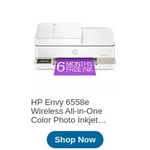
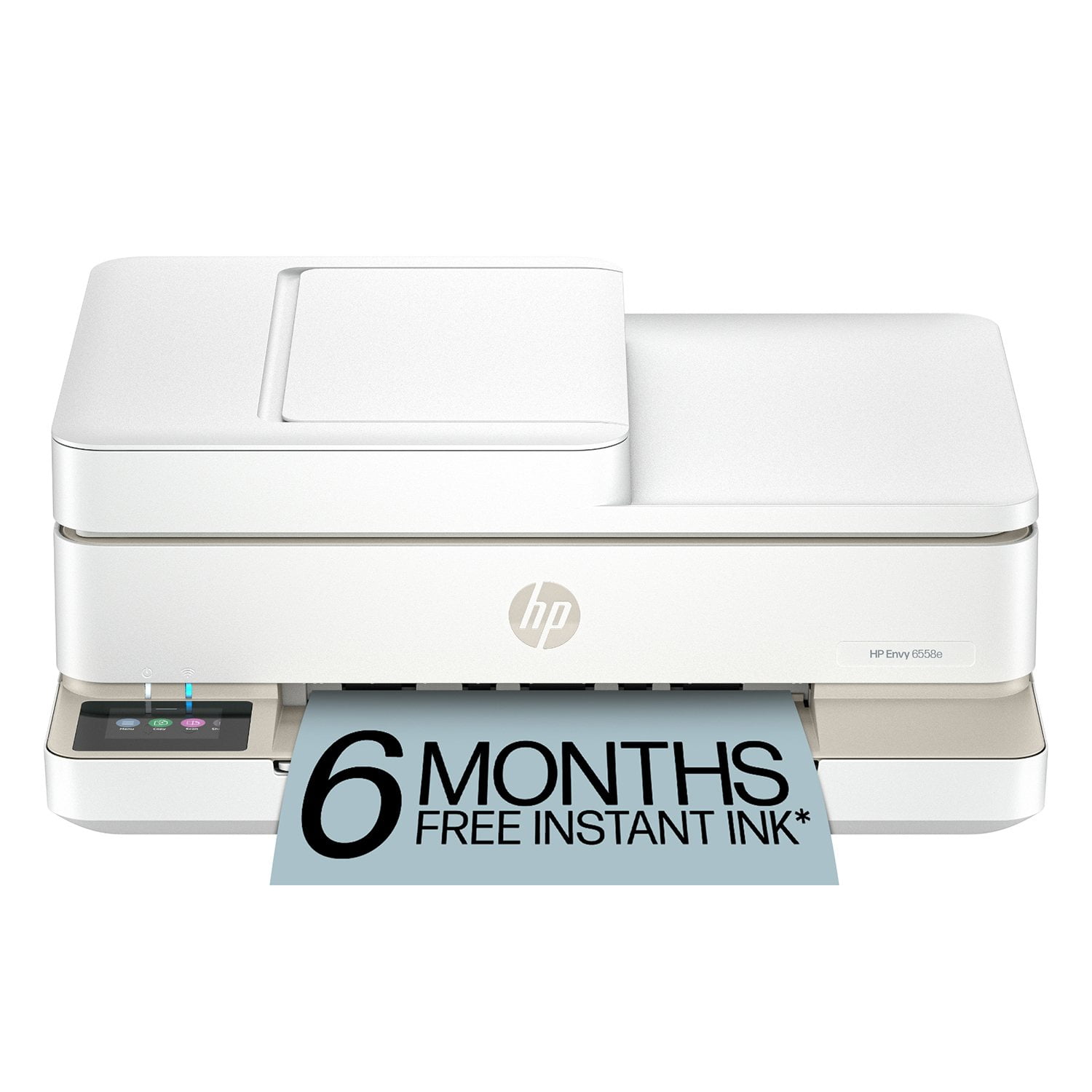
HP Envy 6558e Wireless All-in-One Color Photo Inkjet Printer, 6 Months Instant Ink with HP+
3.6 out of 5 stars
stars
111 ratings71 reviews
  1. 5 stars46% (51)
  2. 4 stars14% (16)
  3. 3 stars12% (13)
  4. 2 stars9% (10)
  5. 1 star19% (21)

Member photos

Sort by |
Showing 51-60 of 71 reviews
Jan 20, 2026
Deborah Ferry
4 out of 5 stars
4 out of 5 stars review

Verified Purchase

old and in need of simple and protected personal phone no. would have helped.

ran out of black ink.. and lost my discoumt card.. a new printer shoiuld not have so may issues. to get in..

Review from hp.com
Helpful?1DDHN6VGE4M213957706171
Feb 10, 2025
bluenoserlady
4 out of 5 stars
4 out of 5 stars review

Verified Purchase

HP always reliable

The setup was very easy and uncomplicated. I am very happy to have an HP printer again to useeach time I require printing. Clean and quick. HP has always been my go to

Review from hp.com
Helpful?1DDHN6VGE4M213957706171
Apr 12, 2026
April ac
5 out of 5 stars
5 out of 5 stars review

Verified Purchase

Love it!

Nice looking, quiet and reliable!

Review from hp.com
Helpful?1DDHN6VGE4M213957706171
Dec 11, 2024
BarbLB
3 out of 5 stars
3 out of 5 stars review

Expensive to Use; Glitchy Performance

Printer is glitchy (messages pop up about it being offline or configuration issues). Refill ink cartridges are $22.89 each, and you need both color & black, so you'll spend $45.78 every 88 pages. I've printed 22 pages and already had to reorder. If you very rarely print, this might be for you, but I would not recommend it for anyone printing more than just a few pages a week due to cost. The color print quality is average.

Helpful?1DDHN6VGE4M213957706171
Apr 28, 2025
Michael
2 out of 5 stars
2 out of 5 stars review

HP cheap products

More bark thsn bite. HP is notorious for putting out unreliable desktop and computing printing products. I retired from 25-year career supporting HP and Dell computer and printer products for a large college campus. I never did, nor would I, recommend HP printers. The cost is in the ink designed to use out quickly. The printers jam, clog, and just quit. Careful.

Helpful?1DDHN6VGE4M213957706171
Feb 2, 2025
Mom2Girls
1 out of 5 stars
1 out of 5 stars review

Not worth the trouble

We print very little and I've had printer two month so far : 1) it takes forever to connect every single time I want to print...never had this issue before with my other HP Envy that this is replacing 2) it didn't want to recognize a change to photo paper, which I just worked around and would NOT accept 4x6 photo paper, which I didn't have time to figure out 3) the power button will not power off the machine 4) already got error of no paper when there was paper after changing out papers see #2, which is how I realized #3 5) realized it would only scan if I was willing to get involved with their "program", I don't have to scan but just know you cannot get all features if you're unwilling to join up with their Smart App...I just want a printer people Because of those issues, I plan to return before it is too late

Helpful?1DDHN6VGE4M213957706171
Mar 2, 2026
GREG
2 out of 5 stars
2 out of 5 stars review

Systemic Wireless Reliability and Software Design

In fairness to HP, my experience was with HP Envy 6155e not the 6558e however owners of this series experience repeated reliability and connectivity issues with HP Envy 6000‑series printers, including the 6100e and 6500e/6558e models, particularly when using wireless functionality on a modern dual‑band home network. These devices frequently lose Wi‑Fi connectivity, become unreachable despite reporting a valid IP address, and often require complete reconfiguration after router restarts, SSID changes, or firmware updates. They appear highly sensitive to band steering and mixed 2.4 GHz/5 GHz environments that are standard on current ISP‑provided routers, leading to intermittent network visibility, failed access to the embedded web server, and inconsistent wireless printing. Additionally, the Windows driver and HP Smart ecosystem around these printers is unnecessarily complex. Automatic installation of HP class drivers and HP Smart components can create duplicate queues and confusion, while setup and management are heavily dependent on the HP Smart app, which may hang or fail during critical transitions such as Wi‑Fi setup and account linking. Across multiple models in the Envy 6000/6500e family, the wireless experience is fragile and highly dependent on ideal network conditions, making a direct USB connection or, in some cases, Wi‑Fi Direct, the only consistently reliable options for day‑to‑day use. Furthermore, you will find that the Ink cartridge replacements are very expensive, no affordable generic alternatives, and they do not produce as advertised the volume of print they state. HP used to represent quality, today it is capturing users with a low cost all in one device that frequently loses wifi, overly complicated software for setup and online features, and expensive ink cartridges you will drop $50 for on replacements. Lessons learned, I lost confidence in HP after this.

Helpful?1DDHN6VGE4M213957706171
Mar 9, 2026
Anonymous
5 out of 5 stars
5 out of 5 stars review

Verified Purchase

HP Envy 6555e Allinone

Works well. Different from my old Photosmart. Pretty easy to set up.

Review from hp.com
Helpful?1DDHN6VGE4M213957706171
Jan 20, 2026
Anonymous
5 out of 5 stars
5 out of 5 stars review

Verified Purchase

I like my new HP printer...Thank You

My new HP printer is working just fine......

Review from hp.com
Helpful?1DDHN6VGE4M213957706171
Jan 5, 2026
Anonymous
5 out of 5 stars
5 out of 5 stars review

Verified Purchase

User Friendy

Easy setup and easy to use. Very user friendly

Review from hp.com
Helpful?1DDHN6VGE4M213957706171