Skip to Main Content
Sams Club
Sams Club
Customer reviews for SAMSUNG 60" Class DU6900 Series UHD 4K Smart TV for
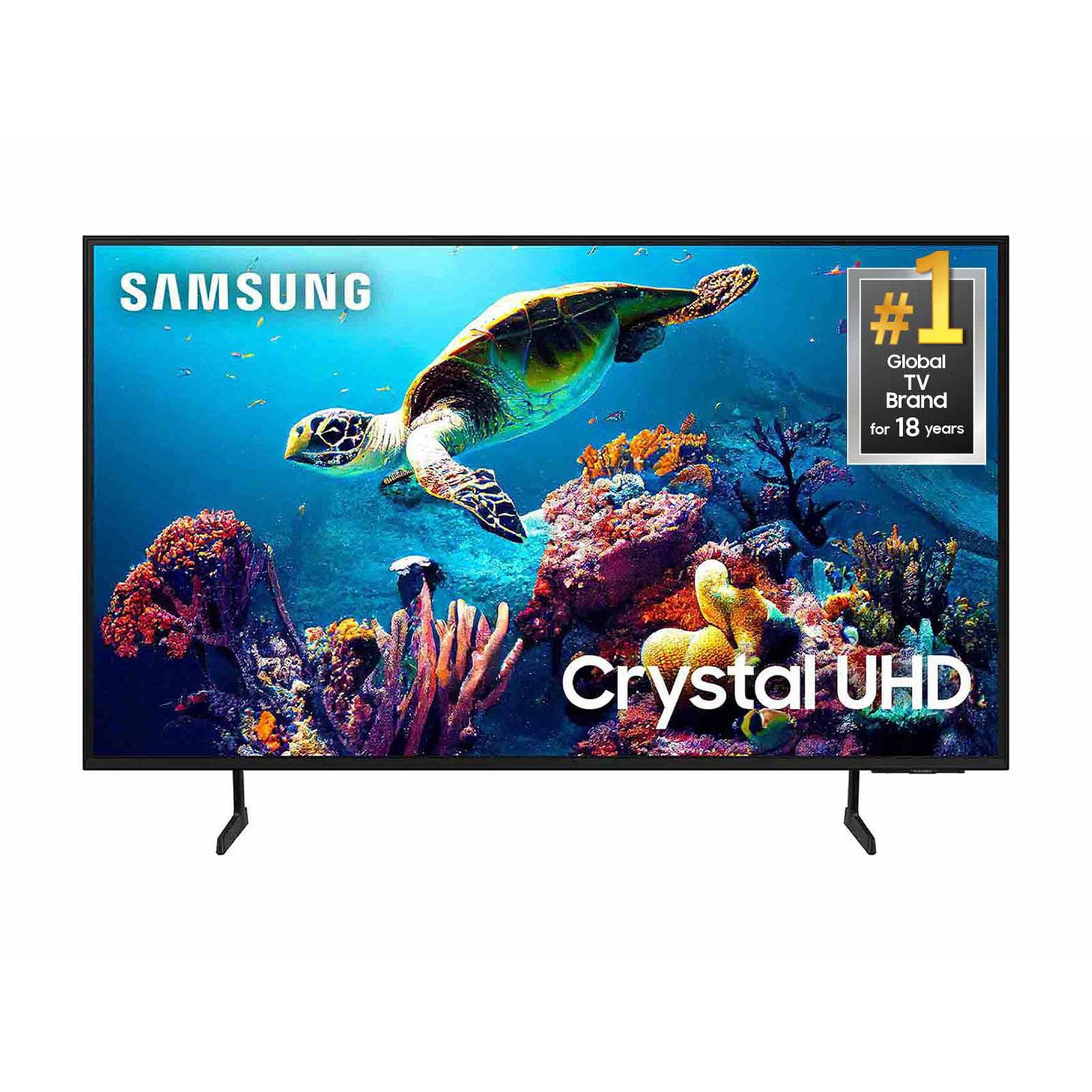
SAMSUNG 60" Class DU6900 Series UHD 4K Smart TV
4.4 out of 5 stars
stars2,026 ratings2,004 reviews
  1. 5 stars68% (1,372)
  2. 4 stars16% (330)
  3. 3 stars7% (145)
  4. 2 stars4% (77)
  5. 1 star5% (102)
Write a review

Customer photos

  • +505 images
Sort by |
Showing 1,381-1,390 of 2,004 reviews
Mar 18, 2025
Ivaylo
5 out of 5 stars review

Great TV great price

[This review was collected as part of a promotion.] Amazing picture for the price deff would recommend

Review from Samsung US
Helpful?2944RFFI236513954163060
Feb 22, 2025
RonA
3 out of 5 stars review

Remote

TV is working great but having issues with the remote, sometimes the channel and or volume controls do not work.

Review from Samsung US
Helpful?2944RFFI236513954163060
reply from Samsung Brand Ambassador

RonA, We appreciate your feedback on the Samsung DU6900 TV. We are very sorry to hear the remote is not functioning properly. So we can best help with this, please call us at 1-800-SAMSUNG, 8 AM - 12 AM EST, seven days a week. Our LiveChat agents are also available by clicking on the ‘Support’ link on our website. ~ Samsung Pro

Feb 9, 2025
Jamit
5 out of 5 stars review

Awesome TV

Awesome product love that it works with SmartThings it also has a great picture too! Keep up the excellent work

Review from Samsung US
Helpful?2944RFFI236513954163060
Feb 5, 2025
New to working
4 out of 5 stars review

Works great!

Love new TV, picture is so clear, it took me sometime to adjusted to differ from what I had but, going good still learning.

Review from Samsung US
Helpful?2944RFFI236513954163060
Feb 5, 2025
Ericabeth
4 out of 5 stars review

Volume is not loud enough at its highest

I am happy with this TV and picture quality but the volume doesnt seem to go loud enough even at 100.

Review from Samsung US
Helpful?2944RFFI236513954163060
Mar 20, 2025
Babies4Me
4 out of 5 stars review

Great TV Review

[This review was collected as part of a promotion.] I really love this TV! I do need a better stereo sound instead of purchasing a sound bar

Review from Samsung US
Helpful?2944RFFI236513954163060
Feb 20, 2025
Jerry
3 out of 5 stars review

Operation is good

Bought tv at Xmas . Picture not as sharp as I thought it would be but it is larger which probably accounts for some distortion.

Review from Samsung US
Helpful?2944RFFI236513954163060
reply from Samsung Brand Ambassador

Jerry, We appreciate you sharing your experience with the DU6900 TV. Your feedback regarding image quality is essential to us and will be shared with our internal teams. Please try adjusting the below image settings to improve your picture. Go to Home > Settings > All Settings > Picture > Picture Mode and select the mode that best fits your usage: 1) Standard: Default mode suitable for general viewing environments. 2) Natural: Reduces eye strain for a comfortable viewing experience. 3) Movie: Most suitable for watching TV or movies in a dark room. 4) Dynamic: Makes the picture brighter and clearer in bright viewing environments. 5) Filmmaker Mode: You can watch the source content (e.g., movie) as it is. If the image is defined as Filmmaker Mode, it will automatically switch to Filmmaker Mode while watching. You can also go to Settings > All Settings> Picture > Expert Settings > to manually fine-tune your image. If you need more help, Samsung is here for you. Call us at 1-800-SAMSUNG, 8 AM - 12 AM EST, seven days a week. Our LiveChat agents are also available by clicking on the ‘Support’ link on our website. ~ Samsung Pro

Mar 20, 2025
JLCPCC
3 out of 5 stars review

blurry on sports

[This review was collected as part of a promotion.] Longer shots on sports games are blurry, otherwise its a good picture

Review from Samsung US
Helpful?2944RFFI236513954163060
reply from Samsung Brand Ambassador

JLCPCC, Thank you for sharing your experience with the DU6900 TV’s image quality. Motion smoothing features eliminate ghosting and blurring that occurs from fast-moving images. On Samsung TVs, these are known as Auto Motion Plus or Picture Clarity. These motion smoothing settings look great on live TVs, like sporting events or parades, which are filmed at 30 frames per second. To Change Motion smoothing settings on your TV: Navigate to Settings > All Settings > Picture > Expert Settings > Auto Motion Plus Settings (Picture Clarity Settings). 1. The default setting is Auto. This means the feature automatically turns on and off based on the type of program being watched. 2. Select Auto Motion Plus (Picture Clarity) to change the setting to either Off or Custom. If you select Custom, three additional options are available: - Blur Reduction: Use the directional keys on the remote to adjust the Blur setting. - Judder Reduction: Use the directional keys on the remote to adjust the Judder setting. - LED Clear Motion: This option allows you to configure the LED backlight to sharpen fast-moving images. Select to turn On or Off. If you’d like more help with settings, we are always happy to help! Call us at 1-800-SAMSUNG, 8 AM - 12 AM EST, seven days a week. Or visit us on the Samsung website and click on the ‘Support’ link for: 1) LiveChat 2) Manuals, Software, & Warranty Info ~ Samsung Pro

Feb 6, 2025
love to watch
5 out of 5 stars review

great tv

I am very happy with my new tv. I only wish that is came a manuel book on how to navagate the remote control .

Review from Samsung US
Helpful?2944RFFI236513954163060
Feb 5, 2025
Liz17
4 out of 5 stars review

Sound and remote

I don't like the very small remote , sound is not not as loud as my old tv. I ordered a sound bar hope that helps.

Review from Samsung US
Helpful?2944RFFI236513954163060