Join Now
Skip to Main Content
Sam's Club
Sam's Club
All Departments
All Services
Customer reviews for SAMSUNG 55" Class CU7000D Crystal UHD Smart TV - UN55CU7000DXZA for
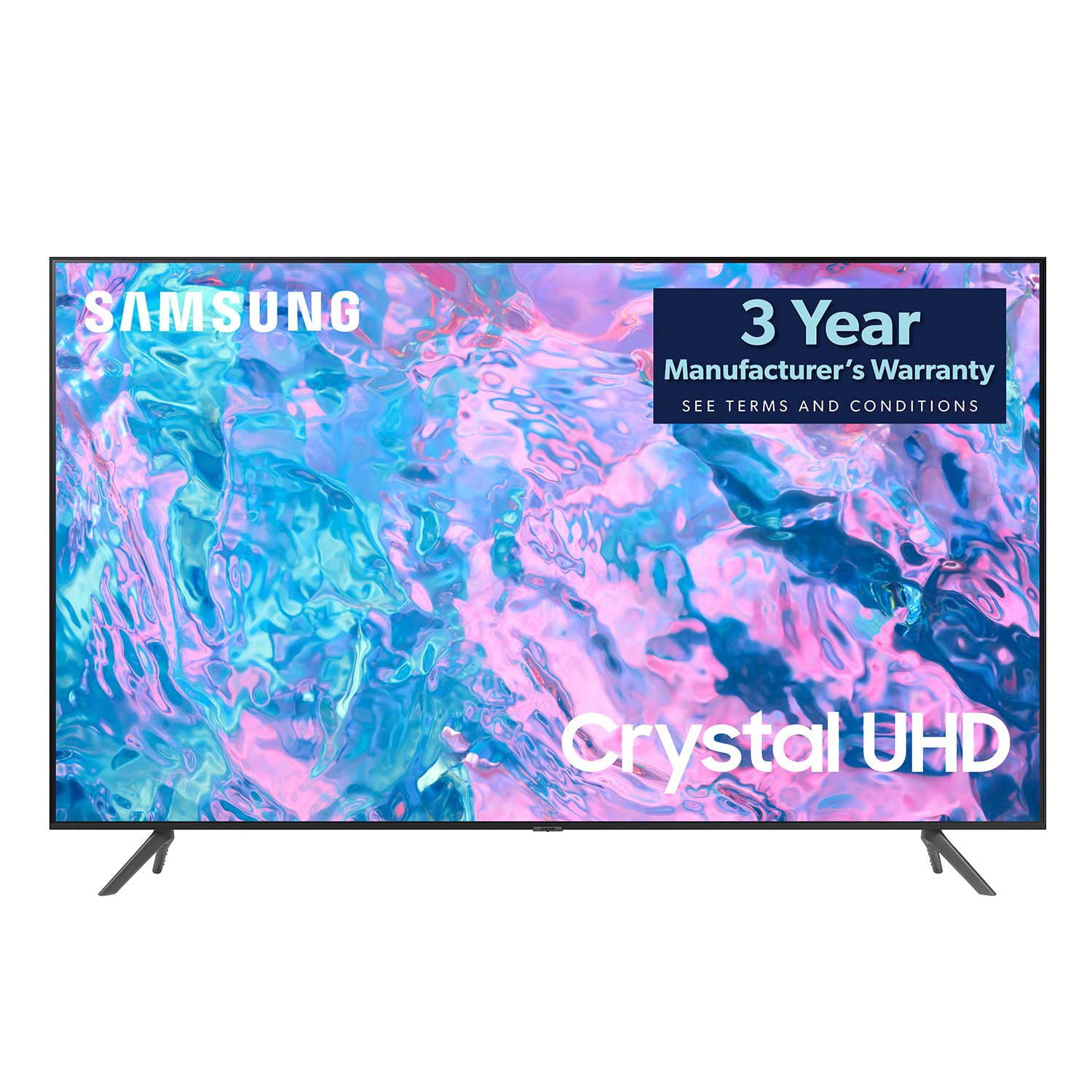
SAMSUNG 55" Class CU7000D Crystal UHD Smart TV - UN55CU7000DXZA
4.6 out of 5 stars
stars
662 ratings575 reviews
  1. 5 stars72% (474)
  2. 4 stars20% (133)
  3. 3 stars4% (27)
  4. 2 stars1% (7)
  5. 1 star3% (21)

Member photos

  • +123 images
Sort by |
Showing 371-380 of 575 reviews
Jun 27, 2023
Reviewer name: Linda
2 out of 5 stars
2 out of 5 stars review

TV volume is seriously lacking.

It's a great Tv EXCEPT the sound. At 100 (the highest volume) it's not loud enough for certain things… movies. I am considering returning the TV because of this issue. Btw… I am NOT hard of hearing orca senior citizen who blasts their TV.

Review from Samsung US
Helpful?1QJ37B7FTXIJ13935724563
reply from Samsung Brand Ambassador

Hi Linda, Thank you for sharing your experience with low volume on the CU7000 TV. I have a few recommendations that should help. There are several volume features you can adjust, which I have put below for you to troubleshoot. 1) Auto Volume automatically adjusts the sound to a certain level when changing channels or switching to another external input. Go to Settings > All Settings> Sound > Expert Settings > Auto Volume. 2) Adaptive Sound automatically adjusts to a specific volume level while watching TV. The TV analyzes your volume usage history by time period to automatically adjust the volume when you use an app or switch to an external input source. Go to Settings> All Settings> Sound> Sound Mode> Adaptive Sound. 3) Several Sound Modes are likewise available to meet your personal preferences: Home > Settings > All Settings> Sound > Sound Mode Also, some sources have their own volume control, which might need to be set higher. Please check the volume control of the external device (cable box or satellite box, DVD, Blu-ray, etc.) connected to your TV. Also, check the cable connection between an external device and the TV and then try the cable connection again. I hope this helps improve your audio experience. Should you need further assistance or have any questions, please contact Samsung Customer Support at 1-800-SAMSUNG, 8 AM - 12 AM EST, seven days a week. Our LiveChat agents are also available by clicking on the ‘Support’ link on our website. ~ Samsung Advisor

Jun 23, 2024
Reviewer name: Dayzed
5 out of 5 stars
5 out of 5 stars review

Clear picture nice bang for your buck

[This review was collected as part of a promotion.] Very easy to use with a clear picture and such an ease of access. Other a variety of options as far as streaming. Can't go wrong

Review from Samsung US
Helpful?1QJ37B7FTXIJ13935724563
Dec 2, 2023
Reviewer name: Wayneo
5 out of 5 stars
5 out of 5 stars review

Fantastic remote !

Love how easy this thing operates ! Simple remote is the best !! I only have one issue, I wish it came with the 4 screws to mount it to a wall mount !

Review from Samsung US
Helpful?1QJ37B7FTXIJ13935724563
Jul 29, 2024
Reviewer name: swpz13
4 out of 5 stars
4 out of 5 stars review

Great picture

[This review was collected as part of a promotion.] Great picture quality. Wireless remote is very small. Phone application does not always connect. TV seems to have a mind of its own, and will lock up or change to default Samsung Channel.

Review from Samsung US
Helpful?1QJ37B7FTXIJ13935724563
May 16, 2023
Reviewer name: RBender859
5 out of 5 stars
5 out of 5 stars review

Samsung LED TV

Good quality TV for the price. Like 3 HDMI inputs. I might be old fashioned but I prefer the standard buttons for use without a remote. The current setup is limited and difficult to use.

Review from Samsung US
Helpful?1QJ37B7FTXIJ13935724563
Feb 9, 2024
Reviewer name: Anonymous
1 out of 5 stars
1 out of 5 stars review

Difficult to get sound

This tv would be awesome if we could get sound every time we turn it on. We get sound maybe 40% of the time. When it turns on with no sound, it takes about ten minutes of frustration turning it on and off to finally get sound.

Review from Samsung Canada
Helpful?1QJ37B7FTXIJ13935724563
reply from Samsung Support Team

Hello, thank you for your review. We are here to help. Please contact us at 1-800-SAMSUNG or via live chat on our website (http://www.samsung.com/ca/support/) for assistance. Thanks again, we look forward to hearing from you.

Jun 28, 2023
Reviewer name: Mlou
4 out of 5 stars
4 out of 5 stars review

Happy

Very happy with the TV. Picture is clear and sharp. I'm not impressed with the remote. Changing channels is not as easy as I would like. Also took me a while to figure out how to control the volume.

Review from Samsung US
Helpful?1QJ37B7FTXIJ13935724563
Oct 21, 2023
Reviewer name: Rawan
1 out of 5 stars
1 out of 5 stars review

Unclear picture

Unclear picture we tried many times to adjust the picture sitting to have a nice picture but all are disappointed because we thought it will had a nicer picture

Review from Samsung US
Helpful?1QJ37B7FTXIJ13935724563
reply from Samsung Advisor

Hi Rawan, Thank you for sharing your thoughts on your CU7000 TV’s image quality. The TV will upscale as best as possible any content sent to it. The closer your content is to 4K, the better the image will look on the screen. Here are some tips to help improve picture clarity: 1) HDMI cables are recommended for optimal HD viewing. 2) If you have an analog cable box or satellite box, upgrade to a digital cable box or satellite box. 3) Change the output resolution of your devices, such as digital broadcast receivers, IPTV, and set-top boxes, to UHD or HD. 4) You can further adjust your sharpness, brightness, contrast, color, and more by going to Settings > All Settings> Picture > Expert Settings 5) Choose a Picture Mode by going to Settings > All Settings> Picture > Picture Mode and choose from Dynamic, Standard, Natural, Movie, or Filmmaker Mode. Should you ever have questions or need help with TV features, specs, or operations, we are here to help. You can call us at 1-800-SAMSUNG, 8 AM - 12 AM EST, seven days a week. Our LiveChat agents are also available by clicking on the ‘Support’ link on our website. ~ Samsung Advisor

Jun 11, 2023
Reviewer name: ponytail
5 out of 5 stars
5 out of 5 stars review

great picture.

only have it a couple of weeks but very pleased with the reception and clarity so far. purchased the samsung sound bar a week later and the combination is fantastic.

Review from Samsung US
Helpful?1QJ37B7FTXIJ13935724563
May 28, 2023
Reviewer name: Fcchelsea24
4 out of 5 stars
4 out of 5 stars review

Great Picture

[This review was collected as part of a promotion.] This TV has great picture quality. Always using it for family night. Apps are easy to access. Would highly recommend this to anyone looking for a quality TV.

Review from Samsung US
Helpful?1QJ37B7FTXIJ13935724563