Join Now
Skip to Main Content
Sam's Club
Sam's Club
All Departments
All Services
Customer reviews for SAMSUNG 55" Class CU7000D Crystal UHD Smart TV - UN55CU7000DXZA for
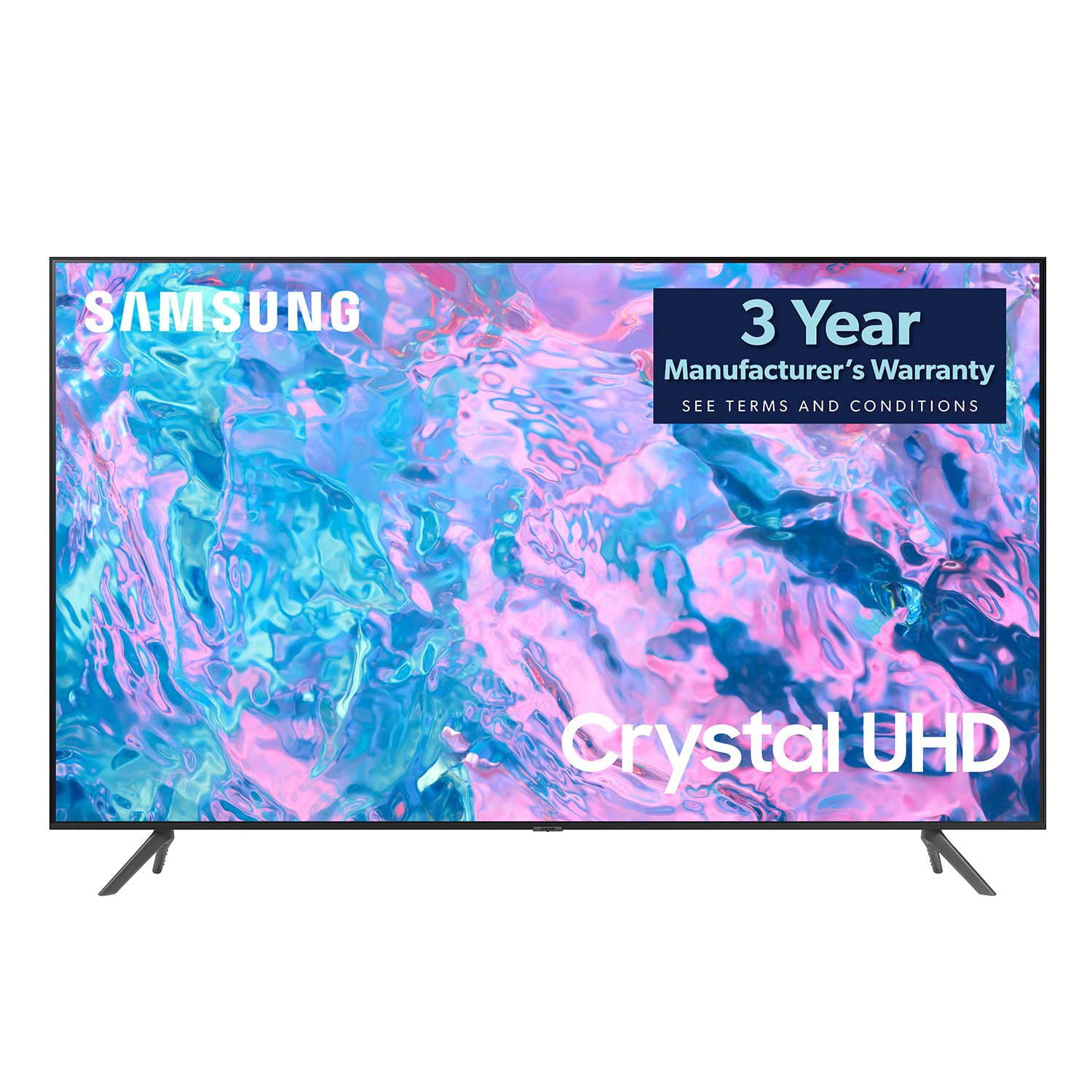
SAMSUNG 55" Class CU7000D Crystal UHD Smart TV - UN55CU7000DXZA
4.6 out of 5 stars
stars
662 ratings575 reviews
  1. 5 stars72% (474)
  2. 4 stars20% (133)
  3. 3 stars4% (27)
  4. 2 stars1% (7)
  5. 1 star3% (21)

Member photos

  • +123 images
Sort by |
Showing 91-100 of 575 reviews
Dec 29, 2023
Reviewer name: L Melin
5 out of 5 stars
5 out of 5 stars review

Verified Purchase

Great smart tv!

Easy to set up and use. Perfect for my use. Recommend!

Review from Samsung Canada
Helpful?1QJ37B7FTXIJ13935724563
Jan 31, 2024
Reviewer name: Ndubeinc
5 out of 5 stars
5 out of 5 stars review

Verified Purchase

I love the Size and clear picture.

Very Cear picture on a big screen. I added a soundbar

Review from Samsung Canada
Helpful?1QJ37B7FTXIJ13935724563
Dec 15, 2023
Reviewer name: Dee
3 out of 5 stars
3 out of 5 stars review

Verified Purchase

Tv good, not the remote

Tv is good remote control not very user friendly

Helpful?1QJ37B7FTXIJ13935724563
reply from Samsung

Hi Dee,We appreciate your review of the CU7000 TV remote. Please know that many of the buttons on your remote have multiple functions. For example, the Volume button is moved UP/DOWN to adjust the volume, and to MUTE the sound, you need to PRESS it in. If that same button is pressed for more than 1 second, the Accessibility Shortcuts appear. You can find more information regarding the remote on pages 24-26 of the full user manual.You can also learn how to use your remote directly from your TV. Just go to Home> (left directional button) Settings> Support> Remote Control Guide.If you ever have questions or need help, Samsung is here for you! Give us a call at 1-800-SAMSUNG, 8 AM - 12 AM EST, seven days a week. Our LiveChat agents are also available by clicking on the ‘Support’ link on our website.Thanks for being a part of the Samsung family!~ Samsung Advisor

Feb 12, 2024
Reviewer name: Celine.
5 out of 5 stars
5 out of 5 stars review

Verified Purchase

Recommend

It is a great TV. I really enjoyed! Big enough, nice quality, easy to use.

Review from Samsung Canada
Helpful?1QJ37B7FTXIJ13935724563
Sep 10, 2024
Reviewer name: Nana123
5 out of 5 stars
5 out of 5 stars review

Verified Purchase

Love my purchase

Great picture, clear sound, easy to mount on the wall

Review from Samsung Canada
Helpful?1QJ37B7FTXIJ13935724563
Dec 28, 2023
Reviewer name: Margaret Elliott
5 out of 5 stars
5 out of 5 stars review

Verified Purchase

Nice size TV

Very easy to set up and good quality picture and sound.

Review from Samsung Canada
Helpful?1QJ37B7FTXIJ13935724563
Mar 25, 2024
Reviewer name: Lynne S
5 out of 5 stars
5 out of 5 stars review

Verified Purchase

Awesome tv. Definitely recommend this to everybody

Very clear picture. No distortion or wavy lines. Nice look.

Review from Samsung Canada
Helpful?1QJ37B7FTXIJ13935724563
Feb 2, 2024
Reviewer name: SAIM IQBAL
4 out of 5 stars
4 out of 5 stars review

Verified Purchase

Missing feature

It would be better with google play store because some apps only available in google play store

Review from Samsung Canada
Helpful?1QJ37B7FTXIJ13935724563
Jun 5, 2023
Reviewer name: Foss
4 out of 5 stars
4 out of 5 stars review

Verified Purchase

T.V.

Picture good but not as crystal as we would like Volume seems low needs to be higher than old T.V.

Helpful?1QJ37B7FTXIJ13935724563
reply from Samsung

Hi Foss,We appreciate you sharing your experience with the CU7000 TV. Your feedback regarding image and sound quality is essential to us and will be shared with our internal teams. Please try adjusting the below settings to improve your sound.Go to Home > Settings > All Settings > Picture > Picture Mode and select the mode that best fits your usage:1) Standard: Default mode suitable for general viewing environments. 2) Natural: Reduces eye strain for a comfortable viewing experience. 3) Movie: Most suitable for watching TV or movies in a dark room. 4) Dynamic: Makes the picture brighter and clearer in bright viewing environments.5) Filmmaker Mode: You can watch the source content (e.g., movie) as it is. If the image is defined as Filmmaker Mode, it will automatically switch to Filmmaker Mode while watching. You can also go to Settings > All Settings> Picture > Expert Settings > to manually fine-tune your image.For sound settings, I recommend going to Settings > All Settings> Sound > Sound Mode.You can also customize the sound with Expert Settings by going to Settings > All Settings> Sound > Expert Settings.To assist you with possible sound settings adjustments for a better audio experience or choosing a Samsung Soundbar to complement your viewing enjoyment, please reach out to us at 1-800-SAMSUNG, 8 AM - 12 AM EST, seven days a week. Our LiveChat agents are also available by clicking on the ‘Support’ link on our website.~ Samsung Advisor

Sep 10, 2026
Reviewer name: CD85
5 out of 5 stars
5 out of 5 stars review

Great features!

I bought second hand and it's been so easy to use and has a very clear picture! Happy with our purchase!

Review from Samsung Canada
Helpful?1QJ37B7FTXIJ13935724563