
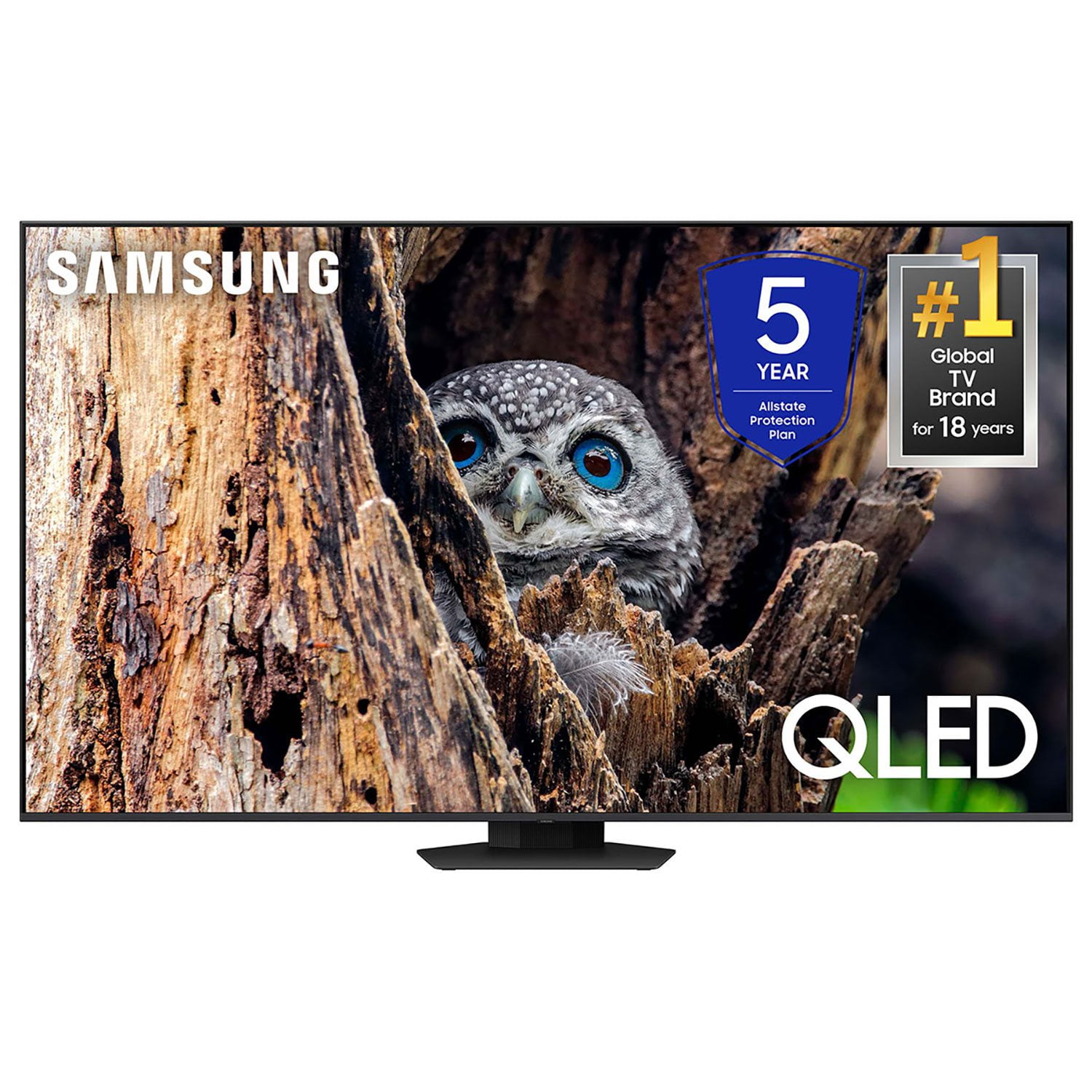
 Customer reviews for SAMSUNG 85” Class Q80D Series 4K QLED Smart TV for
Member photos



 +119 images
Outstanding Picture Quality and Performance
The Samsung 65" QLED 4K Q80D has exceeded expectations in nearly every way. The picture quality is vibrant and detailed, with excellent brightness and rich contrast thanks to the Direct Full Array backlighting. Whether I’m watching movies, sports, or streaming shows, the clarity and color depth really stand out. Gaming is a major plus on this TV—120Hz refresh rate, HDMI 2.1, and FreeSync support make it perfect for fast-paced gameplay. Input lag is impressively low, and motion stays smooth even during intense action scenes. The Tizen platform runs fast and includes all the popular apps, plus built-in voice assistants for added convenience. While the built-in speakers perform well with Object Tracking Sound Lite, pairing with a soundbar takes the audio experience to the next level. This model strikes a great balance between performance and value. It brings premium features without the flagship price tag. Pros: Stunning 4K picture with Quantum HDR Full Array backlighting enhances contrast Excellent for gaming (120Hz, FreeSync, HDMI 2.1) Smooth and intuitive smart platform Highly recommended for anyone looking to upgrade their home entertainment setup.
Great picture!
[This review was collected as part of a promotion.] This is my 2nd large screen from Samsung. I've been been nothing but satisfied with this model. The picture clarity is great, the sound is as well. I like the connection options it has. A lot of tvs only have 1 HDMI Port. Not this tv Connecting additional devices is easy. The fact that i can also Kast to my tv is also helpful. I'd definitely buy it again!

It's okay but..
On older programs it does not do so well, there is a lot of pixelation and fuzz. But for the price, I guess it's worth considering. I have seen some LG units that look really good. I probably would have spent a couple of dollars more on them. I do not care for the menuing system. Picture adjustments are basic.
Jazzman48234,Thank you for sharing your thoughts on your Q80DD TV’s image quality. The TV will upscale as best as possible any content sent to it. The closer your content is to 4K, the better the image will look on the screen. Here are some tips to help improve the picture clarity:1) HDMI cables are recommended for optimal HD viewing. 2) If you have an analog cable box or satellite box, upgrade to a digital cable box or satellite box. 3) Change the output resolution of your devices, such as digital broadcast receiver, IPTV, and set-top box to UHD or HD.4) You can further adjust your sharpness, brightness, contrast, color, and more by going to Menu > Settings > All Settings > Picture > Expert Settings5) Choose a Picture Mode by going to Menu > Settings > All Settings > Picture > Picture Mode and choose from Dynamic, Movie, or Filmmaker Mode.Should you ever have questions or need help with TV features, specs, or operation, we are here to help. You can reach us at 1-800-SAMSUNG, 8AM - 12AM EST, 7 days a week. Or visit us on the Samsung website and click on the ‘Support’ link for:• LiveChat• Manuals, Software, & Warranty Info~ Samsung Specialist
Not so great
Not happy, picture blurry, Can’t identify people during game, no picture size, voice and mouth movements don’t match, on the picture side movement are to fast or to slow, watching Netflix or Amazon movies picture is perfect. Reason didn’t return to store to heavy to take down. My 75” also a Samsung was better. What happens with the 4k system? I’m paying extra to you tube tv for this. I’m giving all this information to make your product better.
Willy, We appreciate your thoughts on the picture quality of Samsung’s Q80D TV. If the image you’re seeing isn’t to your liking, there are several picture settings you may want to adjust. Go to Home > left direction button > Settings > All Settings > Picture > Picture Mode ...and select the mode that best fits your usage: 1. Standard: Is the default mode suitable for general viewing environments 2. Dynamic: Makes the picture brighter and clearer in bright viewing environments 3. Eco: Provided to save energy 4. Movie: Suitable for watching TV or movies in a dark room 5. Filmmaker Mode: Provides source content just as the creators intended. If the image is defined as Filmmaker Mode, it’ll automatically switch to Filmmaker Mode while watching. You can also fine-tune your picture with expert settings such as brightness, contrast, sharpness and more (All Settings > Picture > Expert Settings). If you’re hearing an audio delay across all sources/channels and you have a receiver, soundbar, or other speakers connected to your TV, you can access the Audio Delay settings to increase the audio delay. Go to: Menu > Settings > All Settings > Sound > Expert Settings > Digital Output Audio Delay Our TVs have an audio Pass-Through feature, which allows the audio signal to be sent out unprocessed to an external soundbar or receiver connected to the TV. The external device then processes the audio, thereby eliminating the added step of processing by the TV, which adds delay. On your TV, go to: Menu > Settings > All Settings > Sound > Expert Settings > Digital Audio Output Format > Pass-Through Please also be sure you’re running the latest firmware. You can check to see what software version your TV is using and if there is an available update through the settings on your TV. Go to: Menu > Settings > Support > Software Update. If you’ve tried these steps and your issue persists, please contact us for troubleshooting and a Support agent will gladly assist. You can reach us at 1-800-SAMSUNG, 8AM - 12AM EST, 7 days a week. Or visit us on the Samsung website and click on the ‘Support’ link for: • LiveChat • Manuals, Software, & Warranty Info ~ Samsung Specialist
Overall good tv
[This review was collected as part of a promotion.] Got this one based on size, price, and features. Was easy to setup using my Samsung phone and smart things. Good pictures, sound is better than many without sound bar. Streaming services are good. Little bit crowded on screen. Still fine tuning colors and such but pretty close out of box. Thought the unpacking instructions were difficult based on diagrams only and should have written directions but I am old school. Remote charges using usb c connector. Not sure how often it will require charging but also has solar on back. Nice touch. Voice comnans are nice and interfaces with alexa too. Pleased so far
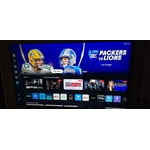
Good tv
It's a great tv, good sound and picture. Am still learning how to use all the different programming. The thing I am having an issue with is that I cannot find a way to download Chrome so I can use my dishanywhere app. It keeps telling now I need to download either Chrome or Saffari, but no links are given on how to get there and no directions supplied on how to this. Am not exactly a techie, so it would be nice to have something to go by instead of trying to figure it out myself. I have successfully downloaded Chrome on all my computers, but somehow, with this tv, no go.
Best TV Ever
This is the best tv I have ever owned. My other two TV’s are Sony 4K and have great pictures but this Samsung QLED is much better. I also like how it connected with the 5.1.2 Samsung Sound Bar. Finally, I like how it comes on when entering the room ready for viewing.
So Far So Good
[This review was collected as part of a promotion.] I purchased this tv to replace the one in my living room. I've not hooked up my ultra high speed eARC HDMIcables yet, but even so the picture quality is fantastic. The set up (smartphone option) was incredibly easy. I have a Q800D soundbar coming today and my new cables, so I anticipate that the picture quality will be even better. I've only had the tv a few days, but I am very pleased with my purchase so far.
Crystal Clarity with Tizen Makes This TV The One
[This review was collected as part of a promotion.] Coming from a 4k UHD, stepping into the QLED was like jumping into the future! The clarity makes you feel as if you're a part of the cast of your favorite shows. Since i have a Samsung phone, set up was super easy. All my apps were sticky installed and digging into my streaming services was very easy. The live TV is reminiscent of tubi or Pluto tv amc you don't have to access the apps to get to your favorite binge channel. 10 out of 10 for this tv. My only regret is not getting a bigger size. 😆

Great TV
Excellent RV, the menus and features are some of the best I've ever experienced. I really enjoy the wake up feature and streaming from my phone or TV is very easy. On top of the picture is ultra crisp and sharp. It has amazing sound as well. Well worth the money.