Skip to Main Content
Sam's Club
Sam's Club
Customer reviews for SAMSUNG 70” Class Q60D Series QLED Smart TV for
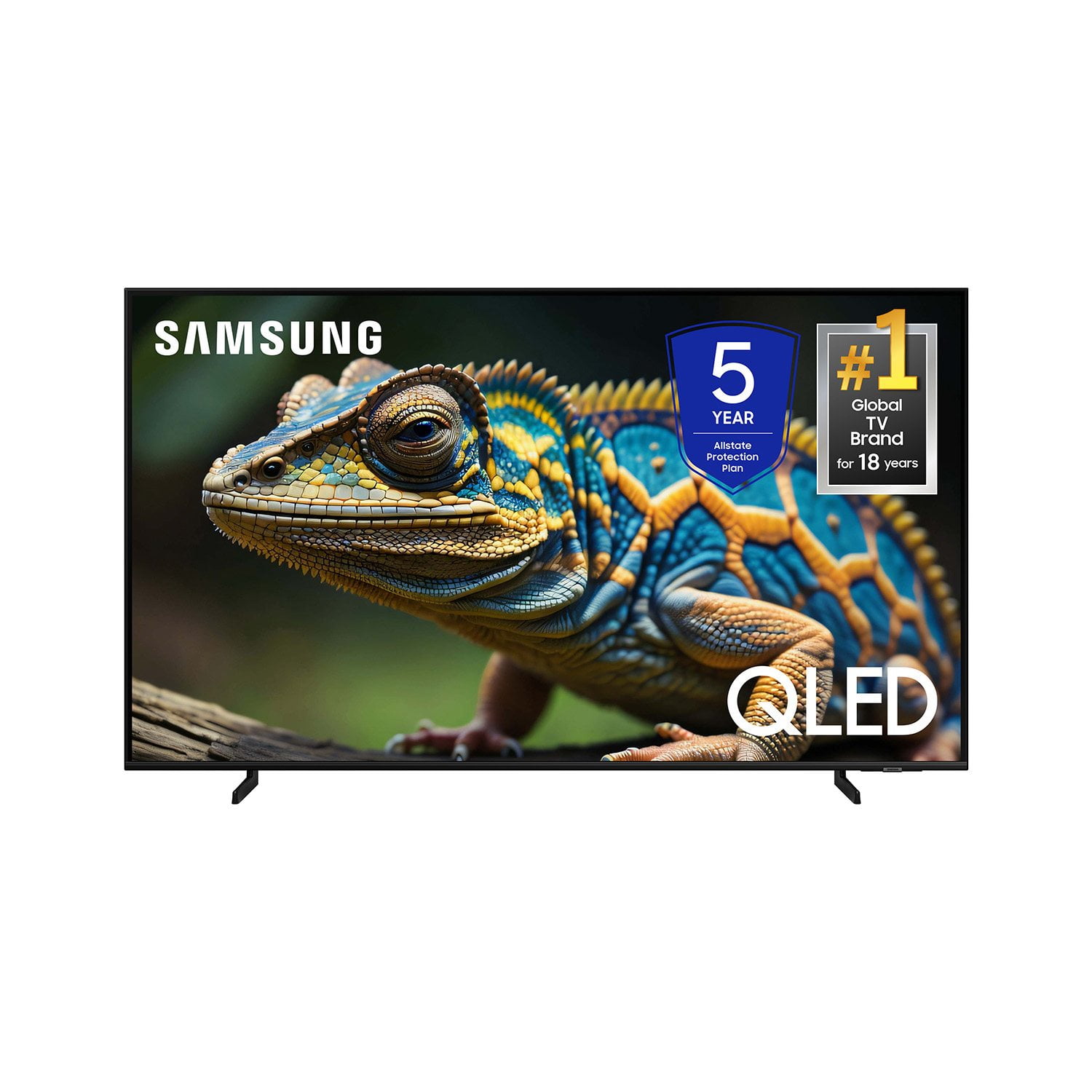
SAMSUNG 70” Class Q60D Series QLED Smart TV
4.4 out of 5 stars
stars701 ratings694 reviews
  1. 5 stars70% (492)
  2. 4 stars15% (108)
  3. 3 stars5% (36)
  4. 2 stars4% (28)
  5. 1 star5% (37)

Member photos

  • +120 images
Sort by |
Showing 11-20 of 694 reviews
Jul 30, 2025
Pozolero69
5 out of 5 stars review

Great QLED 4K Q60D

[This review was collected as part of a promotion.] It is a great product! I love all Samsung products.

Review from Samsung US
Helpful?1EEO1IUOE2NN13900012337
Feb 20, 2025
Fox1
4 out of 5 stars review

Nice picture quality

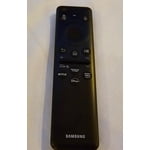
Three weeks into owning this TV and the picture is very good. My main complaint is with the remote. It is hard to navigate if you have arthritis or any other mobility issues, and some buttons control more than 1 function. The remote is not lit and is hard to use in low light situations.

Review from Samsung US
Helpful?1EEO1IUOE2NN13900012337
Feb 20, 2025
Vincentia
5 out of 5 stars review

You have to buy a Samsung TV

Having a Samsung TV means saying goodbye to cable. Love the Samsung TV Plus that we had on a monitor so definitely knew our next TV would be Samsung. The QLED image is so good that we can’t even watch our Sharp Aquos living room set anymore. Only regret is not buying one sooner.

Review from Samsung US
Helpful?1EEO1IUOE2NN13900012337
Dec 27, 2024
Apollonia
5 out of 5 stars review

Small but Mighty

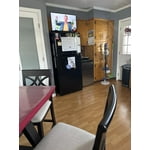
[This review was collected as part of a promotion.] Perfect footprint for the kitchen or small area, not to mention the quality picture that Samsung is known for. Since I spend a lot of time in the kitchen, this TV fits perfectly on top of my refrigerator where can cook and follow recipes, listen to music, or simply watch TV shows or movies while I just hang out in the kitchen!

Review from Samsung US
Helpful?1EEO1IUOE2NN13900012337
Mar 6, 2025
Waadman
5 out of 5 stars review

Try one and prove me wrong:)

We have been loyal Samsung Customers for over 17 years. In fact we still have our first 43 inch TV we purchased new! It still provides exceptional color and clarity as it did brand new! The best thing Samsung does is continue to make their products better and better with each release! We have four tv's purchased over the 17 years and each one out performs the early models but all of them provide great pictures!!!

Review from Samsung US
Helpful?1EEO1IUOE2NN13900012337
Apr 20, 2025
Debtrus
1 out of 5 stars review

Hate it

This TV came without a operating Manuel and I'm still trying to figure out how to adjust the volume button as there is none so I can only listen to it when it's very quiet otherwise I cannot hear. It also does not have the normal input buttons so I can switch to my antenna. I really wish I could send it back.

Review from Samsung US
Helpful?1EEO1IUOE2NN13900012337
reply from Samsung Specialist

Debtrus, We appreciate you sharing your user experience. To assist in learning the various functions, please know you can download the Q60D TV's User Manual, e-Manual, Remote Control Leaflet, and Quick Setup Guide on Samsung's website under Support > Manuals & Software > TVs & Home Theater. You can search for and select the Q60D TV to download the guides you would like. The e-Manual and Remote Guide are both also embedded into your TV itself under Menu > Settings > Support > Open e-Manual. If you need more help, Samsung is here for you. Please call us at 1-800-SAMSUNG, 8AM - 12AM EST, 7 days a week. Our LiveChat agents are also available by clicking on the ‘Support’ link on our website. ~ Samsung Specialist

Apr 19, 2025
BudC
5 out of 5 stars review

Exceptional Brand and model!

I bought a 34" class QLED Q60C about a year ago and was very satisfied with the exceptional quality of the picture and the Smart aspects of the programs that came with the unit. I relocated this TV into another location and replaced it with the 43" Q60D. I am still impressed and awed at the picture quality and all the unit has to offer. Would definitely purchase this brand again if needed. Also, I strongly recommend this brand to anyone.

Review from Samsung US
Helpful?1EEO1IUOE2NN13900012337
Apr 20, 2025
Cire
5 out of 5 stars review

55" Samsung Tv

I bought this a few weeks ago, so far, i am very happy with the picture, But, I wish that there were some written instructions on the different program modes and settings. For some that are not as tech savy it is a little more difficult to program. I am a fan of Samsung, so that's why I purchased this one

Review from Samsung US
Helpful?1EEO1IUOE2NN13900012337
Feb 11, 2025
Prof Sam
1 out of 5 stars review

impossible to set up

I replaced my older 32" samsung with what was advertised to be very bright....ha..ha..ha, Not only is it very dark but it is impossible to get the colors right for most movie viewing. Too green, too dull...but commertials are ok????? Sound is very very bad. I need to turn the volume up to 60 (near max) sometimes; sometimes 25 is loud??? This unit might be broken but it took me over a month of adjusting to convince myself that it is just a bad design. So not returnable! Does it need a software update? Samsung wants me to create an account just to find out. Won't buy another Samsung TV.......

Review from Samsung US
Helpful?1EEO1IUOE2NN13900012337
reply from Samsung Specialist

Prof Sam, We appreciate your thoughts on the picture quality of Samsung’s Q60D TV. If the image you’re seeing isn’t to your liking, there are several picture settings you may want to adjust. Go to Home > left direction button > Settings > All Settings > Picture > Picture Mode ...and select the mode that best fits your usage: 1. Standard: Is the default mode suitable for general viewing environments 2. Dynamic: Makes the picture brighter and clearer in bright viewing environments 3. Eco: Provided to save energy 4. Movie: Suitable for watching TV or movies in a dark room 5. Filmmaker Mode: Provides source content just as the creators intended. If the image is defined as Filmmaker Mode, it’ll automatically switch to Filmmaker Mode while watching. You can also fine-tune your picture with expert settings such as brightness, contrast, sharpness and more (All Settings > Picture > Expert Settings). There are also several sound settings you can adjust to suit your personal preferences. • Sound Modes may better meet your personal preferences. Go to: Menu > Settings > All Settings > Sound > Sound Mode, or Expert Settings to fine-tune and customize your sound. • Adaptive Sound will also further optimize sound quality by analyzing the viewing space and the acoustic components of the content. Go to: Menu > Settings > All Settings > General & Privacy > Intelligent Mode Settings. Should you choose to add a Samsung Soundbar to your TV, please know that our Q-Series Soundbars (such as the HW-Q600C) feature Q-Symphony which will synchronize with the speakers of your TV for an immersive 3D sound experience. To assist you with possible sound settings adjustments for a better audio experience or choosing a Samsung Soundbar to complement your viewing enjoyment, please reach out to us at 1-800-SAMSUNG, 8 AM - 12 AM EST, seven days a week. ~ Samsung Specialist

Apr 1, 2025
Joel Hunt
5 out of 5 stars review

Samsung's affordable 4K TV

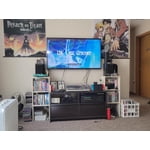
I got the 50 inch Q60D as a birthday present, and it like it so far. I have a Spectrum cable box, a Sony 4K UltraHD player and a Nintendo Switch hooked up to it. It has 3 HDMI ports, 2 USB ports, and an optical audio output on the back. The built in speakers don't sound the best, so you might want to have an external audio device like a home theater system, soundbar, or stereo system hooked up to the TV. The HDMI3 port also can be set up as an HDMI audio return channel(ARC) or you can use the optical audio output. I have the optical audio output hooked up to my late 80s Onkyo TX-850 2 channel stereo receiver with the help of a JTECH-D2A3 Digital to Analog Converter

Review from Samsung US
Helpful?1EEO1IUOE2NN13900012337