
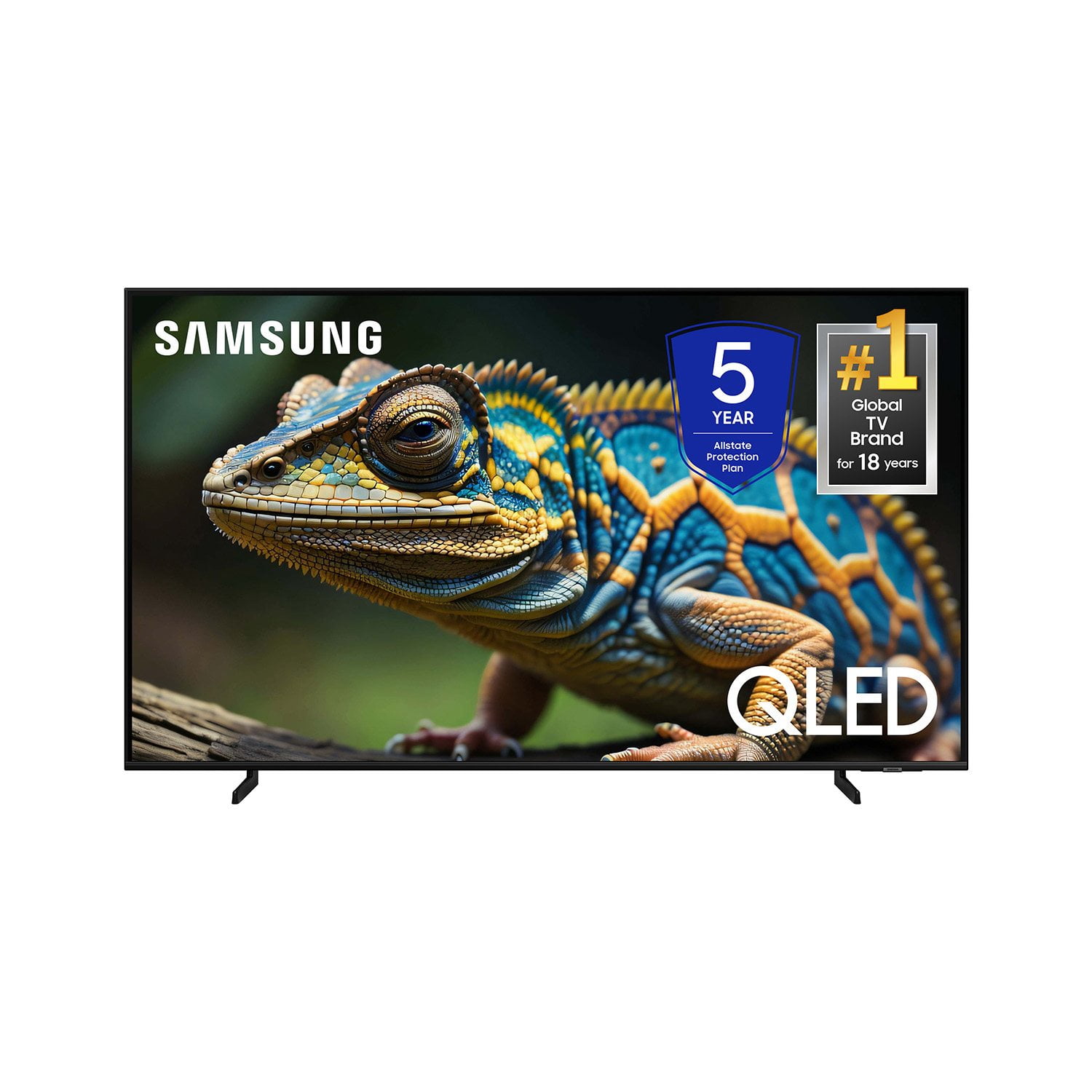
 Customer reviews for SAMSUNG 70” Class Q60D Series QLED Smart TV for
Member photos




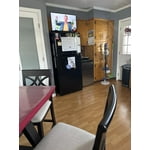
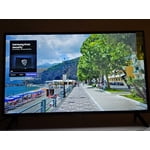
 +120 images
Best TV EVER!
[This review was collected as part of a promotion.] We wanted to upgrade from the tv we had and chose this Samsung. It was in our price range and a bit bigger so I ordered it and crossed my fingers. WOW! Super easy setup which was nice to begin with. Then the best thing was how nice the picture was while watching a movie. Sharp & Clear color. It didn’t take long to realize we made a great choice. We then decided to mount it on the wall which we’ve never done in the past. Again it was so easy to do and it hangs close to the wall so looks like a framed picture. We are hooked!! Best tv we have ever owned. ☺️

False Advertising
It took mere hours to regret my purchase. One of the primary reasons I chose this TV was for the promise it would adapt to the content and my viewing habits. It says, "Get a natural, realistic picture and accurate contrast with innovative technology that adapts automatically to match your content." During setup I couldn't find any mention of it. I looked in the User Guide and found "Intelligent Mode" that matches the feature description for this TV. It reads, "In Intelligent Mode, the TV recognizes the surroundings, noise, the content, and your usage patterns to provide the best viewing experience. Optimizes brightness and provides the best picture quality in real time, based on the lighting condition and the content you're viewing..." But when you try to follow the prompts to engage the setting, what you get is "This function may not be supported depending on the region, model, or device settings." Additionally, unless you're sitting dead-center in front of the screen, the image looks awful. I multi-task on my computer same distance back and 10 feet to the right and the TV looks like garbage. I dim down my lights as the evening goes on, and my old 2008 Vizio that just died would adapt and you could see the true picture from practically any angle. If this is a "smart" TV, I'll take the dumb ones any day.
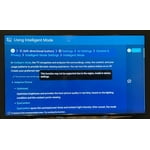
SavvyCat, Thank you for sharing your thoughts on the picture quality of your Q60D TV. To ensure you’ve got the latest image quality updates, please confirm that your TV is up to date with the latest firmware version. You can check by going to: Home > Menu > Settings > Support > Software Update. If the picture you’re seeing is still not to your liking after updating firmware, there are several picture settings you may want to try adjusting. Go to Home > left direction button > Settings > All Settings > Picture > Picture Mode ...and select the mode that best fits your usage: 1. Standard: Is the default mode suitable for general viewing environments 2. Dynamic: Makes the picture brighter and clearer in bright viewing environments 3. Eco: Provided to save energy 4. Movie: Suitable for watching TV or movies in a dark room 5. Filmmaker Mode: Provides source content just as the creators intended. If the image is defined as Filmmaker Mode, it’ll automatically switch to Filmmaker Mode while watching. You can also fine-tune your picture with expert settings such as brightness, contrast, sharpness and more (All Settings > Picture > Expert Settings). Intelligent Mode enables the TV to recognize and analyze the surroundings, noise, content, and your usage patterns to provide the best viewing experience. You can enable Intelligent Mode by going to Menu > Settings > All Settings > General & Privacy > Intelligent Mode Settings > Intelligent Mode. If adjusting image settings does not improve your picture, please contact Samsung Customer Support at 1-800-SAMSUNG, 8AM - 12AM EST, 7 days a week. Or visit us on the Samsung website and click on the ‘Support’ link for: • LiveChat • Manuals, Software, & Warranty Info ~ Samsung Specialist
Great Picture, Sound... not so much.
We've had this TV for several months now and the picture is great. The sound, not so much. Well, the sound is okay when you can hear it, but if you can't and try to turn it up, there doesn't seem to be much difference between setting the volume at 19 or 63. It's weird. Looking into getting a soundbar (which i think should be unnecessary) to see if that helps.
Samsung TV
I love Samsung and that the television is preloaded with Samsung Plus streaming channels. Pictures clarity and color are exceptional. Also the remote control is simple and easy to use. This is the second Samsung television I have purchased recently, one for the front room and one for the bedroom.
The picture is WOW!
[This review was collected as part of a promotion.] My old TV started giving me problems so I started the research for a new one. Once I narrowed the search I went to the stores to see the TV. Of course they all looked good but there were a few that really stood out. I got rid of cable a couple of years ago and now only stream the things I want to watch. I didn’t want a 55, 65 or larger TV. My final decision was Samsung QLED 43 inch 4K smart TV. I am totally impressed! I’m 74 yrs old and it was so very easy to hook up and start streaming. The picture is amazing! The colors, the quality of the picture…….I've actually gone back and have viewed programs/ movies again to see how enhanced they are. One in particular is Outlander. The details are wonderful! The sound was much better than I had anticipated too. But I wanted the full theater effect so I purchased a Samsung sound bar with sub-woofer. This too was easy to hook up and get started. While watching and listening to the Olympics I’m so immersed it’s almost like being in the stands! I’m totally happy with both and absolutely love the quality of both the products.

Impressive Picture Quality in a Compact Size
The 43” Class QLED 4K Q60D delivers stunning picture quality with vibrant colors and sharp contrast. Its Quantum Dot technology really makes visuals pop, especially in 4K content. The smart features are responsive and intuitive, with easy access to streaming apps. Sound quality is decent for its size, but a soundbar enhances the experience. Sleek design and slim bezels give it a modern look that fits nicely in smaller spaces. Great value for a QLED TV at this size—ideal for bedrooms, offices, or smaller living rooms. Overall, a solid choice for anyone wanting premium visuals in a compact form.
This TV shows an amazing picture
[This review was collected as part of a promotion.] We got this TV for the entertainment room and it is a success for different reasons, here they are. The QN32Q60DAFXZA is part of Samsung’s basic QLED 4K TV series and it features Quantum Dot Color technology, which provides a wide color gamut for rich and accurate colors on the screen. The TV has a 4K UHD resolution with 4K upscaling, ensuring excellent picture clarity even from non-4K content. It does come with Dual LED backlighting, which enhances natural color details. The TV’s native refresh rate is 60Hz, but it still delivers smooth motion for action movies and sports. Auto Low Latency Mode support enhance the gaming experience. The QN32Q60DAFXZA supports HDR10+, HDR10, and HLG formats, allowing us to enjoy enhanced details and expanded contrast from a wide range of HDR content sources. As for the TIZEN the integrated operating system, it offers access to a variety of premium entertainment and smart apps. The Wi-Fi 5 ensures easy connectivity to the home network. Control options include the included TM2360E smart remote, Google Assistant, Amazon Alexa, Apple AirPlay, and Bixby. The speaker system is basic (2CH 20W), but it still delivers decent sound quality with Q-Symphony and Object Tracking Sound Lite (OTS Lite). Overall, the Samsung QLED 4K TV is a good choice. It offers Wide Color Gamut and good contrast on its VA panel, keep in mind that it does not come with advanced gaming and motion features, yet it is perfect for us.


Great product, for a living room tv.
[This review was collected as part of a promotion.] I love it!!! It serves well on our usual binge tv and movies marathon. Great on my gaming console monitor as well (PS5). No problem so far, I highly recommend it to all specially friends and families.

Great job Samsung
I upgraded from an older model Samsung 55 inch TV to a 85 inch Q60DD and I am immensely impressed by the improvements. Samsung has done their homework. The picture is excellent, the sound is greatly superior to the older model. The impression I get while watching this set is one of being seated in a movie theater. Thank you Samsung.
Great Samsung TV
I just wanna say I love my 55 inch TV and I am happy that I purchased this size because I’m able to read the closed caption on the screen because my hearing is okay but I still need to figure out if I need to do some changing so I can hear things clearly In the color is beautiful soI am very happy with that.