
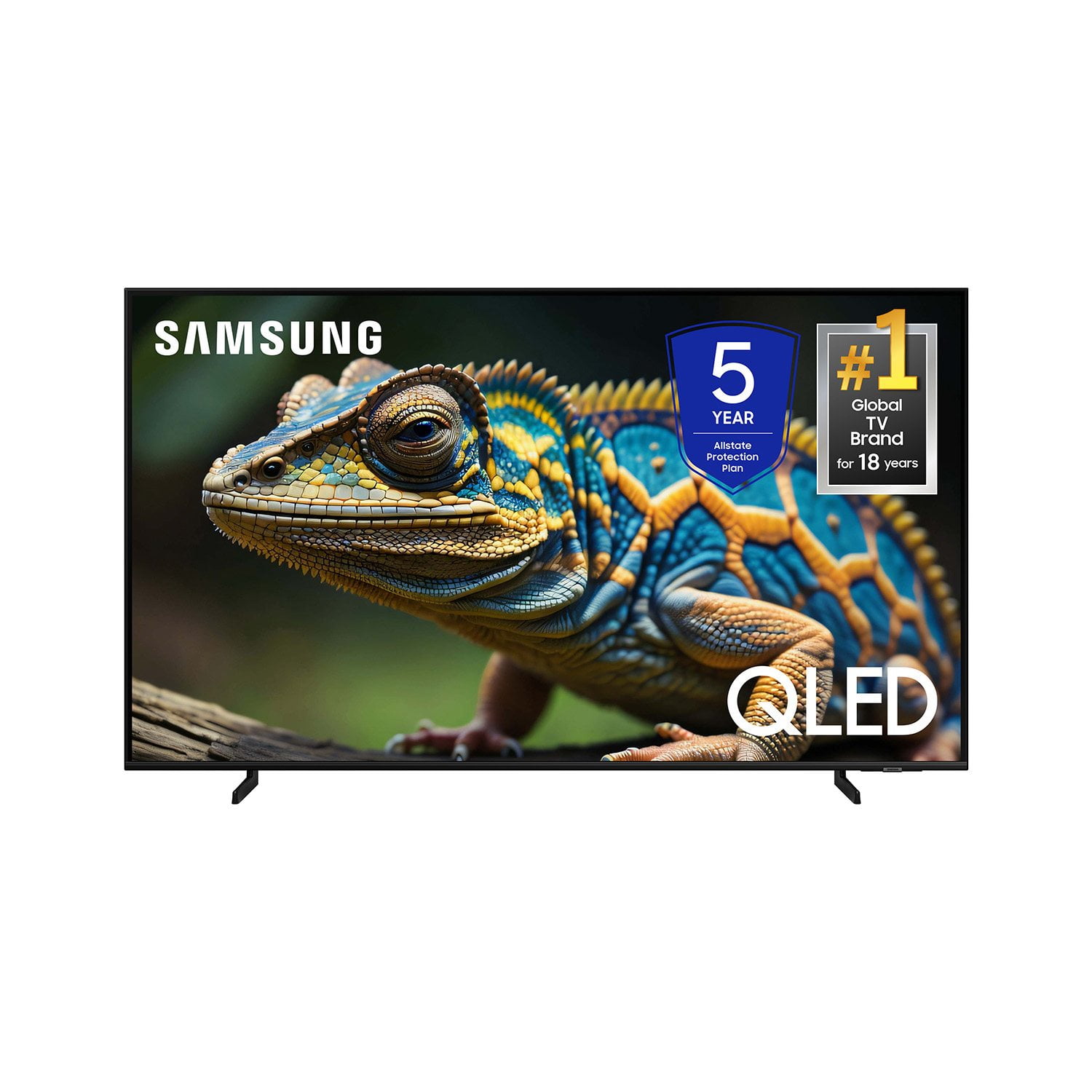
 Customer reviews for SAMSUNG 70” Class Q60D Series QLED Smart TV for
Member photos





 +120 images
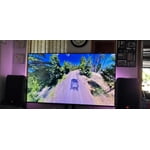
This TV shows an amazing picture
[This review was collected as part of a promotion.] We got this TV for the entertainment room and it is a success for different reasons, here they are. The QN32Q60DAFXZA is part of Samsung’s basic QLED 4K TV series and it features Quantum Dot Color technology, which provides a wide color gamut for rich and accurate colors on the screen. The TV has a 4K UHD resolution with 4K upscaling, ensuring excellent picture clarity even from non-4K content. It does come with Dual LED backlighting, which enhances natural color details. The TV’s native refresh rate is 60Hz, but it still delivers smooth motion for action movies and sports. Auto Low Latency Mode support enhance the gaming experience. The QN32Q60DAFXZA supports HDR10+, HDR10, and HLG formats, allowing us to enjoy enhanced details and expanded contrast from a wide range of HDR content sources. As for the TIZEN the integrated operating system, it offers access to a variety of premium entertainment and smart apps. The Wi-Fi 5 ensures easy connectivity to the home network. Control options include the included TM2360E smart remote, Google Assistant, Amazon Alexa, Apple AirPlay, and Bixby. The speaker system is basic (2CH 20W), but it still delivers decent sound quality with Q-Symphony and Object Tracking Sound Lite (OTS Lite). Overall, the Samsung QLED 4K TV is a good choice. It offers Wide Color Gamut and good contrast on its VA panel, keep in mind that it does not come with advanced gaming and motion features, yet it is perfect for us.


Room for improvement
The visual & audio are fine. Navigation for us older, non/low tech elders is difficult. I would suggest a folder where we could add a link to all the programs we are watching & when we finish a series, we could remove the link. You include a "watch list" now. The new folder could be called "watching list".
Product has great picture quality.
[This review was collected as part of a promotion.] The samsung tv has the best picture quality for just watching your favorite TV show or when your getting your game on. When switching between TV and gaming it is seamless. The high refresh rate gives you the best advantages when gaming.
False Advertising
It took mere hours to regret my purchase. One of the primary reasons I chose this TV was for the promise it would adapt to the content and my viewing habits. It says, "Get a natural, realistic picture and accurate contrast with innovative technology that adapts automatically to match your content." During setup I couldn't find any mention of it. I looked in the User Guide and found "Intelligent Mode" that matches the feature description for this TV. It reads, "In Intelligent Mode, the TV recognizes the surroundings, noise, the content, and your usage patterns to provide the best viewing experience. Optimizes brightness and provides the best picture quality in real time, based on the lighting condition and the content you're viewing..." But when you try to follow the prompts to engage the setting, what you get is "This function may not be supported depending on the region, model, or device settings." Additionally, unless you're sitting dead-center in front of the screen, the image looks awful. I multi-task on my computer same distance back and 10 feet to the right and the TV looks like garbage. I dim down my lights as the evening goes on, and my old 2008 Vizio that just died would adapt and you could see the true picture from practically any angle. If this is a "smart" TV, I'll take the dumb ones any day.
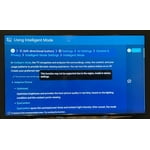
SavvyCat, Thank you for sharing your thoughts on the picture quality of your Q60D TV. To ensure you’ve got the latest image quality updates, please confirm that your TV is up to date with the latest firmware version. You can check by going to: Home > Menu > Settings > Support > Software Update. If the picture you’re seeing is still not to your liking after updating firmware, there are several picture settings you may want to try adjusting. Go to Home > left direction button > Settings > All Settings > Picture > Picture Mode ...and select the mode that best fits your usage: 1. Standard: Is the default mode suitable for general viewing environments 2. Dynamic: Makes the picture brighter and clearer in bright viewing environments 3. Eco: Provided to save energy 4. Movie: Suitable for watching TV or movies in a dark room 5. Filmmaker Mode: Provides source content just as the creators intended. If the image is defined as Filmmaker Mode, it’ll automatically switch to Filmmaker Mode while watching. You can also fine-tune your picture with expert settings such as brightness, contrast, sharpness and more (All Settings > Picture > Expert Settings). Intelligent Mode enables the TV to recognize and analyze the surroundings, noise, content, and your usage patterns to provide the best viewing experience. You can enable Intelligent Mode by going to Menu > Settings > All Settings > General & Privacy > Intelligent Mode Settings > Intelligent Mode. If adjusting image settings does not improve your picture, please contact Samsung Customer Support at 1-800-SAMSUNG, 8AM - 12AM EST, 7 days a week. Or visit us on the Samsung website and click on the ‘Support’ link for: • LiveChat • Manuals, Software, & Warranty Info ~ Samsung Specialist
Satisfactory= look above
I’m happy with the tv. What I don’t like about it is there’s ONLY ONE button on the bottom. I lost the remote and had looked everywhere online to do a remote on my cell. Didn’t work bc I couldn’t hit the ‘allow’ button. I got so very very irritated! Then online it had info for multiple buttons on the tv for directions not for just ONE BUTTON Like really?! WOW 😳 really lame. 😒 How about making the remote a little bigger or wider or longer it’s completely black no light up buttons nothing. Honestly bc of this I don’t think I would recommend this. Or get one like this again.
Amy D, We appreciate you sharing your user experience. To assist in learning the various functions, please know you can download the Q60DD TV's User Manual, e-Manual, Remote Control Leaflet, and Quick Setup Guide on Samsung's website under Support > Manuals & Software > TVs & Home Theater. You can search for and select the Q60DD TV to download the guides you would like. The e-Manual and Remote Guide are both also embedded into your TV itself under Menu > Settings > Support > Open e-Manual. If you need more help, Samsung is here for you. Please call us at 1-800-SAMSUNG, 8AM - 12AM EST, 7 days a week. Our LiveChat agents are also available by clicking on the ‘Support’ link on our website. ~ Samsung Specialist
Exquisite Video Performance
Excellent TV and computer monitor performance while multitasking this quality, enhanced performance audio video device - the SAMSUNG 43 inch QLED 4K Q60D - I couple my Q60D with a curved monitor I utilize primarily to navigate my computer and perform routine tasks. When I'm lucky I'm able to catch a little TV and compute simultaneously, and when I'm rushed or otherwise stressed, I can focus on specific tasks while availing myself of desired information up close as needed/desired. The TV sound is very good but I often use ear buds controlled by my computer for specific effects when listening to exquisite music.
Perfect Fit
[This review was collected as part of a promotion.] I mainly use my TV to stream my favorite shows. I wanted a larger size than the 32" I had. This tv fit perfectly in the small space on my bedroom chest of drawers. Besides the beautiful, crisp picture, I loved how easy it was to set up. I am not electronically inclined and Samsung has taken the guesswork out of TV setup allowing the use of a QR code with easy to follow instructions. This smart TV has soooo many apps/ options that I haven't even begun to explore. Another great feature is that the remote will control all your other devices such as my firestick and cable TV box. I am so pleased with my purchase!
Would buy again
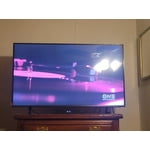
Love the picture on this TV but disappointed in the sound. In my last TV i could always hear the shows clearly without having the volume up, not true with this set. Based on the reviews I read before buying this TV, I knew that the picture would be great, and the sound was only okay. Since I wanted the quality in the picture, I was okay with this, since I have a sound bar, so I knew it wouldn't affect my viewing pleasure.
Don’t understand this
I am very happy with my new Samsung, getting used to mirroring from my IPad to my tv is a challenge. I have most problems solved but still have a few to go. I am not very happy with the remote control. Why did you make it so small. Can easily get lost, I bought another one just in case. All of the symbols are very small and hard to get your fingers on
Upgrade to Samsung and see the Difference!
The Samsung 75” QLED creates a movie theater experience, especially when it is hooked up to a surround sound. The colors are amazing, the clarity is clear. I hung the tv on the wall and it is the focal point of the great room. The quality is unmatched, even the curved Samsung tv that was moved to the other room is just like new, and it is fairly old. If anyone is ready for excitement and an exhilarating experience, you cannot go wrong with the Samsung brand, just go and upgrade and see the difference!