Skip to Main Content
Sam's Club
Sam's Club
Customer reviews for SAMSUNG 70” Class Q60D Series QLED Smart TV for
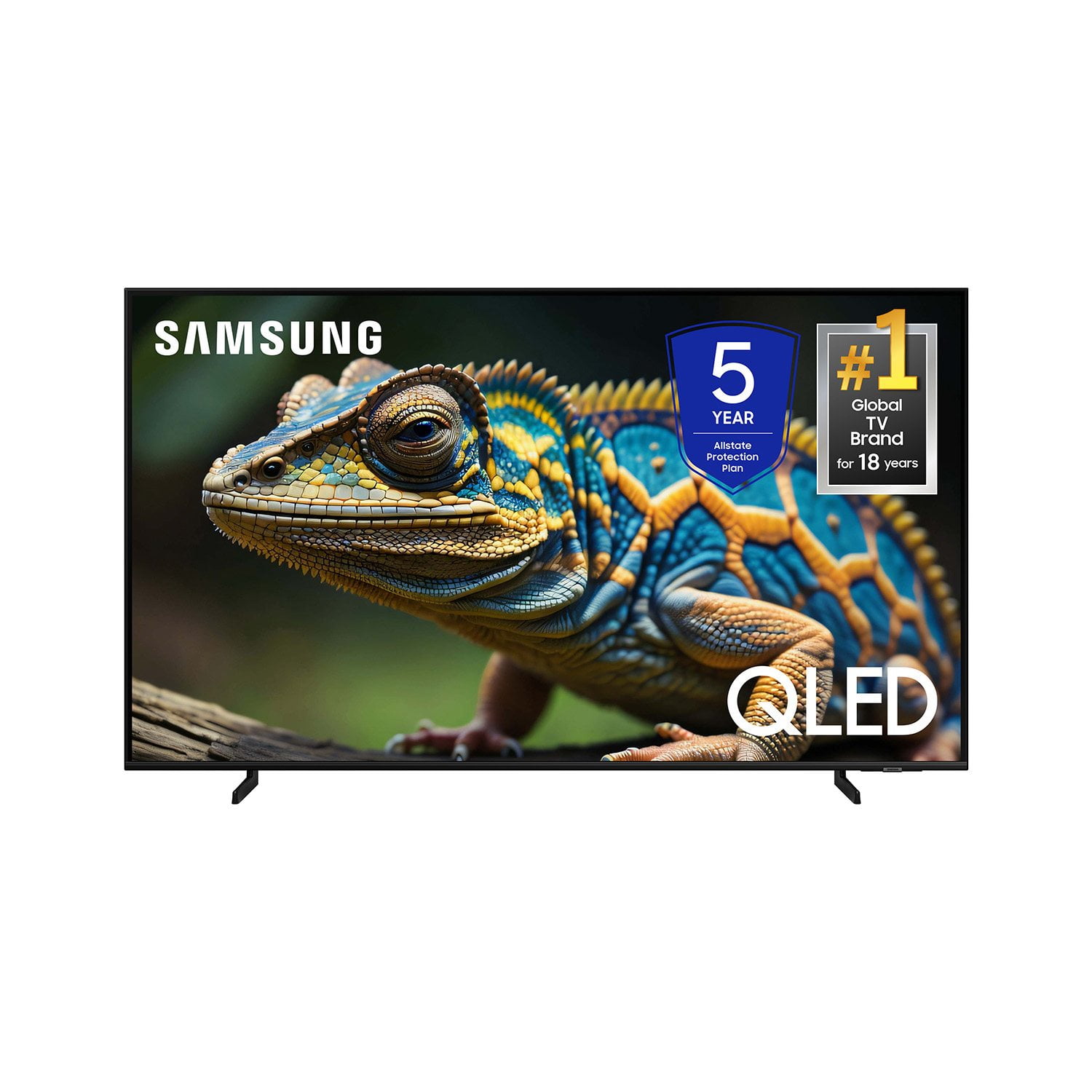
SAMSUNG 70” Class Q60D Series QLED Smart TV
4.4 out of 5 stars
stars701 ratings694 reviews
  1. 5 stars70% (492)
  2. 4 stars15% (108)
  3. 3 stars5% (36)
  4. 2 stars4% (28)
  5. 1 star5% (37)

Member photos

  • +120 images
Sort by |
Showing 121-130 of 694 reviews
May 5, 2025
Downeaster
4 out of 5 stars review

Room for improvement

The visual & audio are fine. Navigation for us older, non/low tech elders is difficult. I would suggest a folder where we could add a link to all the programs we are watching & when we finish a series, we could remove the link. You include a "watch list" now. The new folder could be called "watching list".

Review from Samsung US
Helpful?1EEO1IUOE2NN13900012337
Dec 24, 2024
Valkyrie529
5 out of 5 stars review

Love this TV

[This review was collected as part of a promotion.] Great picture, easily connects to all my devices, Alexa compatable, and can be controlled with smart things app on my phone. Easy to connect to all my streaming services and easy to navigate the hime screen.

Review from Samsung US
Helpful?1EEO1IUOE2NN13900012337
Dec 7, 2024
Lizardbrain
5 out of 5 stars review

Best tv I have ever owned

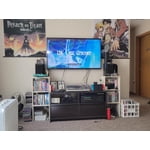
[This review was collected as part of a promotion.] I originally bought this for the guest room but after gaming on it myself it now lives in my bedroom. It works perfectly for streaming as well. The picture is great across all platforms I have tried. The sound is also exceptional for a flat screen. I would highly recommend this tv to anyone looking for a tv that works perfectly for all your viewing needs.

Review from Samsung US
Helpful?1EEO1IUOE2NN13900012337
Feb 6, 2025
rsjgb1
5 out of 5 stars review

Great TV Purchase

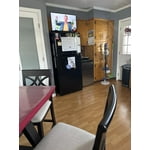
My wife and I purchased our new Samsung 32” television and installed it in our kitchen/dining area. We spend quite a bit of time there and we don’t miss our sports, movies, or just keeping an eye on regular tv shows while cooking or snacking. The smart tv gives us a super picture and we are extremely pleased with our purchase. Thank You, Steve & Jan

Review from Samsung US
Helpful?1EEO1IUOE2NN13900012337
Jun 5, 2025
BryGuy
1 out of 5 stars review

Light leaking into the picture..

There is light leaking in to the picture around the edges making the blacks milky. For what I've paid for the set I would expect a better experience. I've been meaning to contact support but haven't had time as it will need a repair or replacement.

Review from Samsung US
Helpful?1EEO1IUOE2NN13900012337
reply from Samsung Specialist

BryGuy, We appreciate your thoughts on the picture quality of Samsung’s Q60D TV. If the image you’re seeing isn’t to your liking, there are several picture settings you may want to adjust. Go to Home > left direction button > Settings > All Settings > Picture > Picture Mode ...and select the mode that best fits your usage: 1. Standard: Is the default mode suitable for general viewing environments 2. Dynamic: Makes the picture brighter and clearer in bright viewing environments 3. Eco: Provided to save energy 4. Movie: Suitable for watching TV or movies in a dark room 5. Filmmaker Mode: Provides source content just as the creators intended. If the image is defined as Filmmaker Mode, it’ll automatically switch to Filmmaker Mode while watching. You can also fine-tune your picture with expert settings such as brightness, contrast, sharpness and more (All Settings > Picture > Expert Settings). For further assistance with settings adjustments, please contact Samsung Customer Support at 1-800-SAMSUNG, 8AM - 12AM EST, 7 days a week. Or visit us on the Samsung website and click on the ‘Support’ link for: • LiveChat • Manuals, Software, & Warranty Info ~ Samsung Specialist

Oct 31, 2024
Touchmeimsick
5 out of 5 stars review

Great for gaming

[This review was collected as part of a promotion.] The Samsung 55-inch 4K QLED TV is a popular choice for those looking to upgrade their home entertainment system. It boasts Quantum Dot technology, which provides a billion shades of brilliant color, maintaining vibrant visuals even as the scene brightens. The QLED TV also features an Art Mode, transforming the television into a piece of art when not in use, and an Anti-Reflection Matte Display for better viewing from any angle. With smart capabilities like built-in Alexa, this TV is designed to be not just a screen, but a centerpiece of modern living spaces.

Review from Samsung US
Helpful?1EEO1IUOE2NN13900012337
Mar 3, 2025
Frankie
1 out of 5 stars review

Could things be darker?

I bought this TV about a month ago without any discount. It is the worst TV we’ve owned in fifty years. We bought it mainly to have access to several streaming services, like Apple TV. The streamed films are either dark gray or black! There are no settings adjustments to correct it. I’ve spent hours talking to Samsung, Apple, and Verizon, our internet provider. None could improve the dark situation. In addition, while just watching TV, the picture size is often distorted and cannot be altered through settings. The TV also generate an unsettling amount of heat. Need I say more?

Review from Samsung US
Helpful?1EEO1IUOE2NN13900012337
reply from Samsung Specialist

Frankie, Thank you for sharing your thoughts on the picture quality of your Q60D TV. To ensure you’ve got the latest image quality updates, please confirm that your TV is up to date with the latest firmware version. You can check by going to: Home > Menu > Settings > Support > Software Update. If the picture you’re seeing is still not to your liking after updating firmware, there are several picture settings you may want to try adjusting. Go to Home > left direction button > Settings > All Settings > Picture > Picture Mode ...and select the mode that best fits your usage: 1. Standard: Is the default mode suitable for general viewing environments 2. Dynamic: Makes the picture brighter and clearer in bright viewing environments 3. Eco: Provided to save energy 4. Movie: Suitable for watching TV or movies in a dark room 5. Filmmaker Mode: Provides source content just as the creators intended. If the image is defined as Filmmaker Mode, it’ll automatically switch to Filmmaker Mode while watching. You can also fine-tune your picture with expert settings such as brightness, contrast, sharpness and more (All Settings > Picture > Expert Settings). For further assistance with settings adjustments, please contact Samsung Customer Support at 1-800-SAMSUNG, 8AM - 12AM EST, 7 days a week. Or visit us on the Samsung website and click on the ‘Support’ link for: • LiveChat • Manuals, Software, & Warranty Info ~ Samsung Specialist

Feb 6, 2025
KevInMarGa
5 out of 5 stars review

Super Sharp and Speedy TV

I bought this around the holidays to replace an older Samsung and it's been a great purchase. The difference in picture quality, sharpness, and speed has been amazing. This TV also offers a lot of cool bells & whistles for gamers. I'm not a big gamer, but the offerings are awesome and I'm thinking of trying the XBox feature.

Review from Samsung US
Helpful?1EEO1IUOE2NN13900012337
Apr 23, 2025
Eddy
5 out of 5 stars review

Beautiful picture!

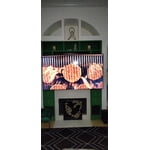
We bought this tv last year when we moved into our new home. I was concerned that it might be too big, but it is spectacular. The picture is very detailed and it fits perfectly. The different modes to make it look like its a painting or the same color as the wall is really cool!

Review from Samsung US
Helpful?1EEO1IUOE2NN13900012337
Jun 5, 2025
ParshikaP
5 out of 5 stars review

Love love it!!

I'm a fan of Samsung so yes I definitely went to their TV like always no questions asked! In our household almost all of the appliances are Samsung, we used to have 55'' TV for our living room but we now upgraded it to 70'' and let me tell you it's the best thing ever!! I could watch my football game on it and the sound quality as well as picture quality is so amazing I just love it! That price tag is worth it honestly!!

Review from Samsung US
Helpful?1EEO1IUOE2NN13900012337