Skip to Main Content
Sam's Club
Sam's Club
Customer reviews for SAMSUNG 77" Class S90D Series 4K OLED Smart TV for
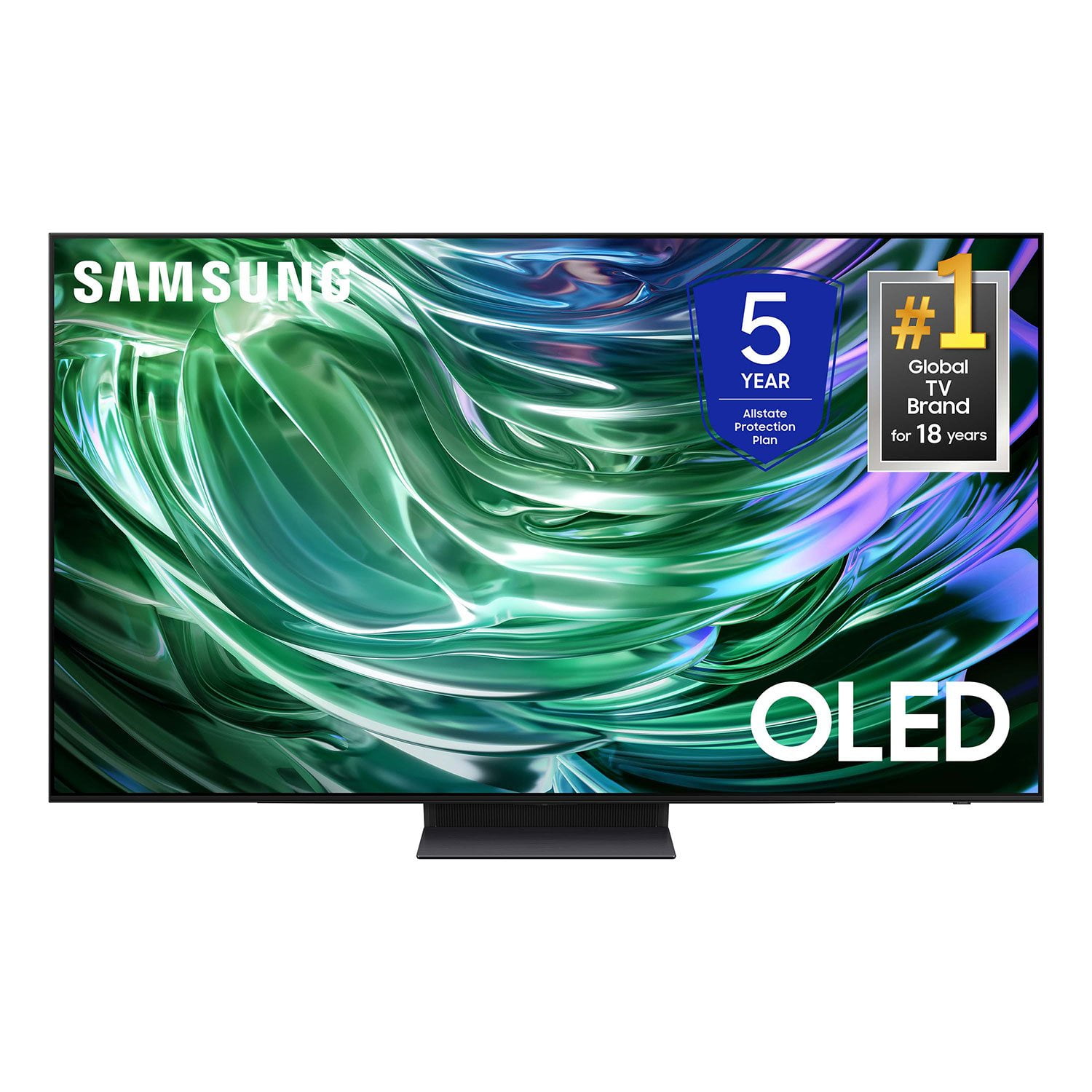
SAMSUNG 77" Class S90D Series 4K OLED Smart TV
4.4 out of 5 stars
stars567 ratings554 reviews
  1. 5 stars70% (398)
  2. 4 stars15% (86)
  3. 3 stars6% (35)
  4. 2 stars2% (13)
  5. 1 star6% (35)

Member photos

  • +107 images
Sort by |
Showing 61-70 of 554 reviews
Aug 22, 2025
Brandon
5 out of 5 stars review

Great colors and response rate.

[This review was collected as part of a promotion.] the S95D is a technically impressive display that pushes the boundaries of OLED brightness and daytime usability. Its QD-OLED panel is superb, and its gaming features are class-leading. The decision to embrace its matte screen will depend entirely on the user's viewing environment, weighing the benefit of near-eliminated glare against a potential minor compromise in perceived contrast in bright rooms

Review from Samsung US
Helpful?78GVUYZ0ICJQ13894456435
Jul 5, 2025
JijoMathew
5 out of 5 stars review

Excellent TV choice

[This review was collected as part of a promotion.] Colour accuracy, contrast, brightness, refresh rate everything is beyond what I was expecting. Crisp and clear image with perfect color reproduction. Adjusting brightness automatically with ambient lighting really helps. Combining speakers with Samsung soundbar using Q symphony gives more immersive audio experience.

Review from Samsung US
Helpful?78GVUYZ0ICJQ13894456435
Sep 5, 2025
Fan4Life
5 out of 5 stars review

I’m a fan of Samsung!

[This review was collected as part of a promotion.] I am a fan of this product. I have purchased it over and over again. The picture is fabulous. Unfortunately with this TV I have now, the sound sometimes gets muted in a way that is garbled. To fix it I have to unplug the TV and plug it back in. What I did is put a soundboard connect to the TV and that has taken care of the problem. Would I buy a Samsung again? Yes! You better believe it!

Review from Samsung US
Helpful?78GVUYZ0ICJQ13894456435
Jul 30, 2025
Disappointed
3 out of 5 stars review

Great picture quality, but frustrating to use

[This review was collected as part of a promotion.] I'm using it to simply watch TV from several sources. No games, screen mirroring, etc. The picture quality is amazing, but overall I am not impressed with this TV. The smart features (like automatic brightness settings based on ambient light) are soooo frustrating. I turned off ALL the smart features for it the TV to be somewhat consistent. And the menu structure design for the TV is unusable. Tizen doesn't support many apps either, so I still need to have a Roku/Fire/Google thing on the side. Switching between sources is frustrating as well; some of it is automatic and happens unpredictably. When I turn off my DVD player, it automatically powers on another device that I then need to power off again. And I have not discovered how to simply switch to a new HDMI source other than through the voice command romote control. Can there be just a "select input" button on the remote control please?! Great picture quality, but frustrating to use.

Review from Samsung US
Helpful?78GVUYZ0ICJQ13894456435
reply from Samsung Specialist

Disappointed, We appreciate you sharing your user experience. To assist in learning the various functions, please know you can download your TV's User Manual, e-Manual, Remote Control Leaflet, and Quick Setup Guide on Samsung's website under Support > Manuals & Software > TVs & Home Theater. You can search for and select the S90DD TV to download the guides you would like. The e-Manual and Remote Guide are both also embedded into your TV itself under Menu > Settings > Support. If you need more help, Samsung is here for you. Please call us at 1-800-SAMSUNG, 8AM - 12AM EST, 7 days a week. Our LiveChat agents are also available by clicking on the ‘Support’ link on our website. ~ Samsung Specialist

Jul 5, 2025
Jeanniesguy
4 out of 5 stars review

Mostly great

[This review was collected as part of a promotion.] Samsung TV is attached to cable system and Onkyo stereo thru HDMI-ARC cabling. Both picture and sound are excellent. Sports motion well rendered. About half the time tv fails to see cable signal thru ARC and I have to restart tv or do other tricks.

Review from Samsung US
Helpful?78GVUYZ0ICJQ13894456435
Jul 20, 2025
Lovesamsungtv
5 out of 5 stars review

This tv is perfect in my opinion.

[This review was collected as part of a promotion.] This tv is a over perfect tv in every aspect, sure it has its up and downs but this tv is great video quality. I game perfect on it and the graphics are crazy good. Especially the movies the movies and a buety. Love it 10/10

Review from Samsung US
Helpful?78GVUYZ0ICJQ13894456435
Aug 1, 2025
AndrewE
5 out of 5 stars review

Great living room upgrade

[This review was collected as part of a promotion.] Using mostly for YouTube. Great image quality, especially comparing with previous 2022 led tv. Viewing angles are great, and brightness is sufficient even in a sunlit living room. Liked the Alexa integration and software overall.

Review from Samsung US
Helpful?78GVUYZ0ICJQ13894456435
Jul 30, 2025
Rick001
3 out of 5 stars review

Great picture- buggy interface

[This review was collected as part of a promotion.] Love the OLED display but the Samsung interface often hangs when starting Paramount+, Peacock, and some other apps. Restarting the app doesn't fix the issue and I finally found that unplugging/re-plugging the only way to get the interface to work correctly again. I've never have this problem with any of my other smart TV's (mostly Roku interface).

Review from Samsung US
Helpful?78GVUYZ0ICJQ13894456435
reply from Samsung Specialist

Rick001, We appreciate your feedback on the response time, and for optimal performance, we ask that you please ensure you've got the latest firmware version installed on your TV. You can check this by going to: Home > Menu > Settings > Support > Software Update. You may also want to further optimize performance with the self-diagnostic tool, which checks memory, frees up unused cached memory, and closes background apps. Go to: Home > Menu > Settings > Support > Device Care > Start Device Care I hope these tips help. You can always contact us for further help at 1-800-SAMSUNG, 8AM - 12AM EST, 7 days a week. Our LiveChat agents are also available by clicking on the ‘Support’ link on our website. ~ Samsung Specialist

Jul 30, 2025
BoggsNewEngland
5 out of 5 stars review

Best TV ever owned- Fantastic picture quality.

[This review was collected as part of a promotion.] I bought this Samsung 48 inch to replace an older Samsung 43 inch. The tv is in the den so finding a correct comfortable viewing size was important. The picture quality of this tv is totally unbelievable. Watching a sporting event or a movie is brings a very realistic experience. Like you are at the ball game or in the movie scene. This tv is very user friendly switching between streaming or live tv, or any viewing mode. I love Samsung products. In fact the other 2 TV’s in this house are Samsung, but not as nice as this QN 48 S 90 D.

Review from Samsung US
Helpful?78GVUYZ0ICJQ13894456435
Jul 30, 2025
Pumpjockey2023
5 out of 5 stars review

Probably the best tv I've ever had

[This review was collected as part of a promotion.] The picture quality is great. The features are pretty cool too. It turns the volume up if the ambient noise gets loud. It brightens of the area gets bright. Its pretty intuitive in how it operates. I will say the universal remote is kind of funky and forgets things if you're switching whats in the inputs often. When you switch devices at the plug it takes a while for it to figure it out.

Review from Samsung US
Helpful?78GVUYZ0ICJQ13894456435