reply from Samsung Specialist
Kent,
It’s unfortunate to hear your TV is turning on by itself. Please try a few troubleshooting steps that may help solve the issue:
1. Unplug the TV from the wall outlet or surge protector and leave it unplugged for 30 seconds.
2. Check the power cord to see if there is any visible damage.
3. Plug the TV power cord back into the wall outlet. If you were using a surge protector, bypass it for now and use a wall outlet.
4. Try to update the software. In some cases, a software update can correct the problem. There is a risk, however. If the TV turns off during the software update, it could damage the TV. Updates can take up to 30 minutes depending on network speed, so if the TV is not turning off too frequently, try updating the software.
5. Disable the Power On with Mobile option. TVs that can connect to SmartThings can be turned on using compatible devices, sometimes automatically. However, if abnormal "power on" signals are sent through the wireless network, they will trigger this function and make the TV turn on. If you do not want this function, navigate to Menu > Settings > All Settings > Connection > Network > Expert Settings > Power On with Mobile, and turn the setting off.
If the TV continues to turn on by itself, please call us at 1-800-SAMSUNG, 8AM - 12AM EST, 7 days a week. Or visit us on the Samsung website and click on the ‘Support’ link for:
• LiveChat
• Manuals, Software, & Warranty Info
~ Samsung Specialist

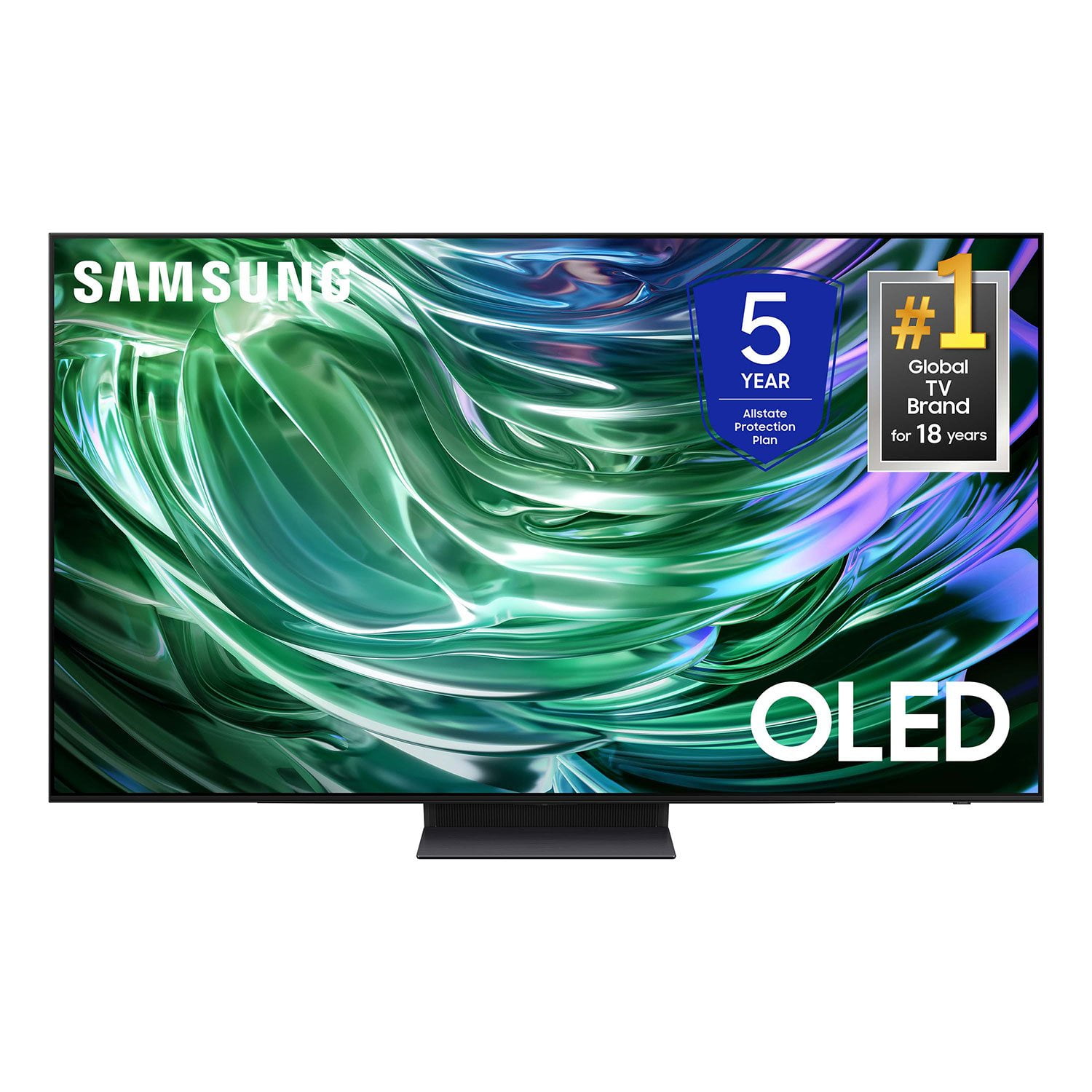 Customer reviews for SAMSUNG 77" Class S90D Series 4K OLED Smart TV for