Skip to Main Content
Sam's Club
Sam's Club
Customer reviews for SAMSUNG 77" Class S90D Series 4K OLED Smart TV for
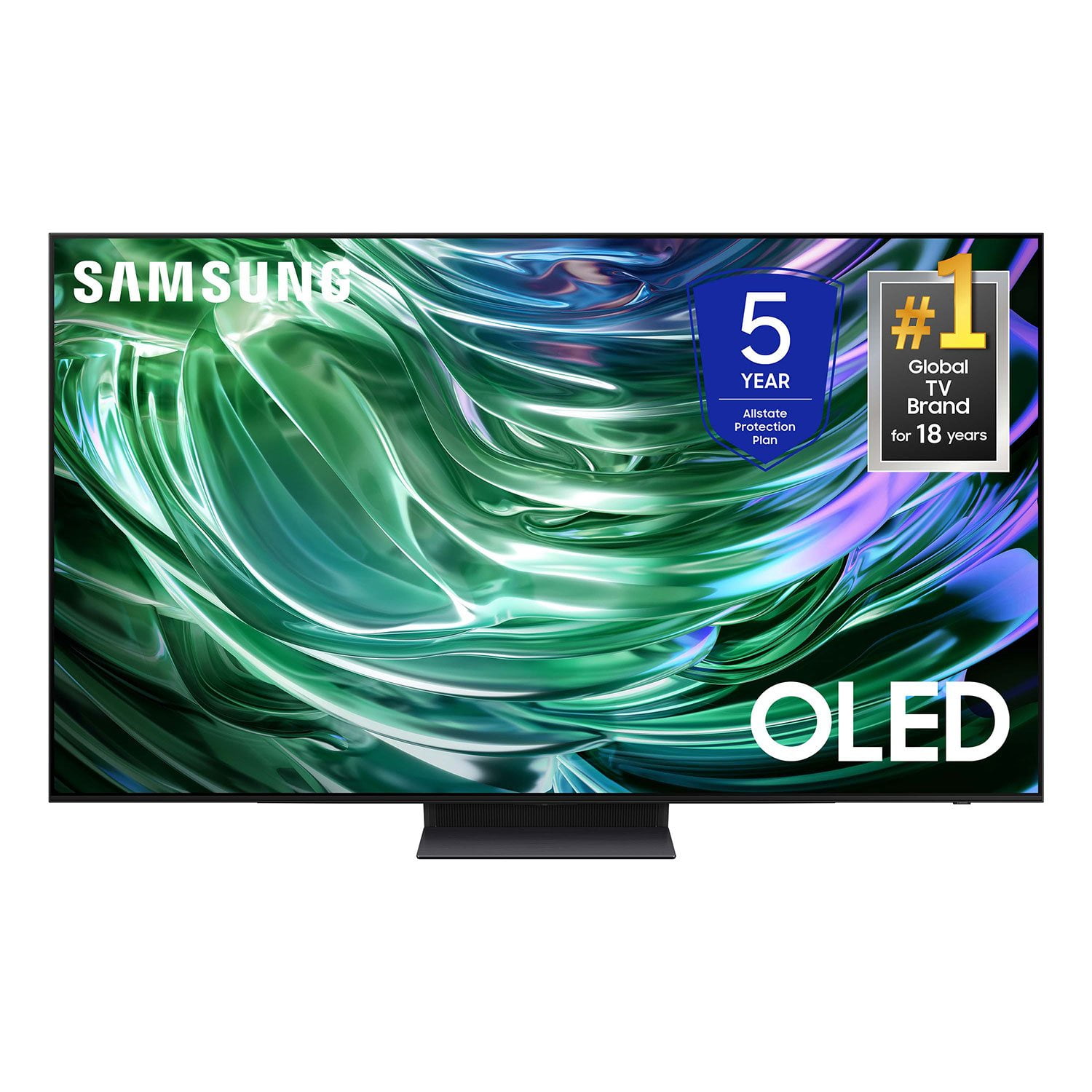
SAMSUNG 77" Class S90D Series 4K OLED Smart TV
4.4 out of 5 stars
stars567 ratings554 reviews
  1. 5 stars70% (398)
  2. 4 stars15% (86)
  3. 3 stars6% (35)
  4. 2 stars2% (13)
  5. 1 star6% (35)

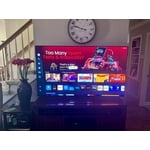
Member photos

  • +107 images
Sort by |
Showing 531-540 of 554 reviews
Dec 29, 2024
Neal
5 out of 5 stars review

Great picture and features

Beautiful tv very happy with it. Nothing else to submit

Review from Samsung US
Helpful?78GVUYZ0ICJQ13894456435
Feb 6, 2025
N S R
5 out of 5 stars review

Great picture

Excellent picture and simple installation and setup.

Review from Samsung US
Helpful?78GVUYZ0ICJQ13894456435
Feb 21, 2025
Chip
5 out of 5 stars review

Great tv

Still learning how to use the internet and apps and settings. The tv performance is great.

Review from Samsung US
Helpful?78GVUYZ0ICJQ13894456435
Feb 5, 2025
KCK75
5 out of 5 stars review

Controller

Picture clarity is great. I really like the control. I was able to eliminate my fire stick.

Review from Samsung US
Helpful?78GVUYZ0ICJQ13894456435
Feb 23, 2025
Shannon
5 out of 5 stars review

Samsung Tv

Great picture and sounds so much better then models 8 years ago

Review from Samsung US
Helpful?78GVUYZ0ICJQ13894456435
Feb 5, 2025
Leejen
1 out of 5 stars review

No good on motion blur

Way too much motion blur for a tv this price Do not buy

Review from Samsung US
Helpful?78GVUYZ0ICJQ13894456435
reply from Samsung Specialist

Leejen, We appreciate your feedback on your TV’s picture when watching fast motion. For optimal motion image performance, you may want to adjust the picture clarity setting by going to: Menu > Settings > All Settings > Picture > Expert Settings > Picture Clarity Settings - Off: Picture Clarity Settings will always be off - Auto: Picture Clarity Settings will automatically activate and deactivate based on the type of program being watched - Custom: Allows custom adjustments and settings to be used. By selecting the Custom option, you can access these advanced settings for Judder Reduction, LED Clear Motion, and Noise Reduction. Should you need further assistance with features or other product usage, please reach out to Samsung Support at 1-800-SAMSUNG, 8AM - 12AM EST, 7 days a week. Or visit us on the Samsung website and click on the ‘Support’ link for: • LiveChat • Manuals, Software, & Warranty Info ~ Samsung Specialist

Feb 5, 2025
xanadu
4 out of 5 stars review

Very clear picture

Very happy with the TV. Only negative I have to say is the remote not user friendly

Review from Samsung US
Helpful?78GVUYZ0ICJQ13894456435
Feb 5, 2025
Bubbah
5 out of 5 stars review

Great Video pictures

Awesome video & features - streams fast & efficient

Review from Samsung US
Helpful?78GVUYZ0ICJQ13894456435
Feb 5, 2025
Discogold
5 out of 5 stars review

Great picture and features

Just got last week. Great picture and great size. Samsung is the greatest.

Review from Samsung US
Helpful?78GVUYZ0ICJQ13894456435
Feb 21, 2025
Researcher2123
5 out of 5 stars review

Picture quality & Smart

I did my homework and research and felt that I got a good quality TV

Review from Samsung US
Helpful?78GVUYZ0ICJQ13894456435