Skip to Main Content
Sams Club
Sams Club
Customer reviews for SAMSUNG 85” Class DU7200 Series 4K Smart TV for
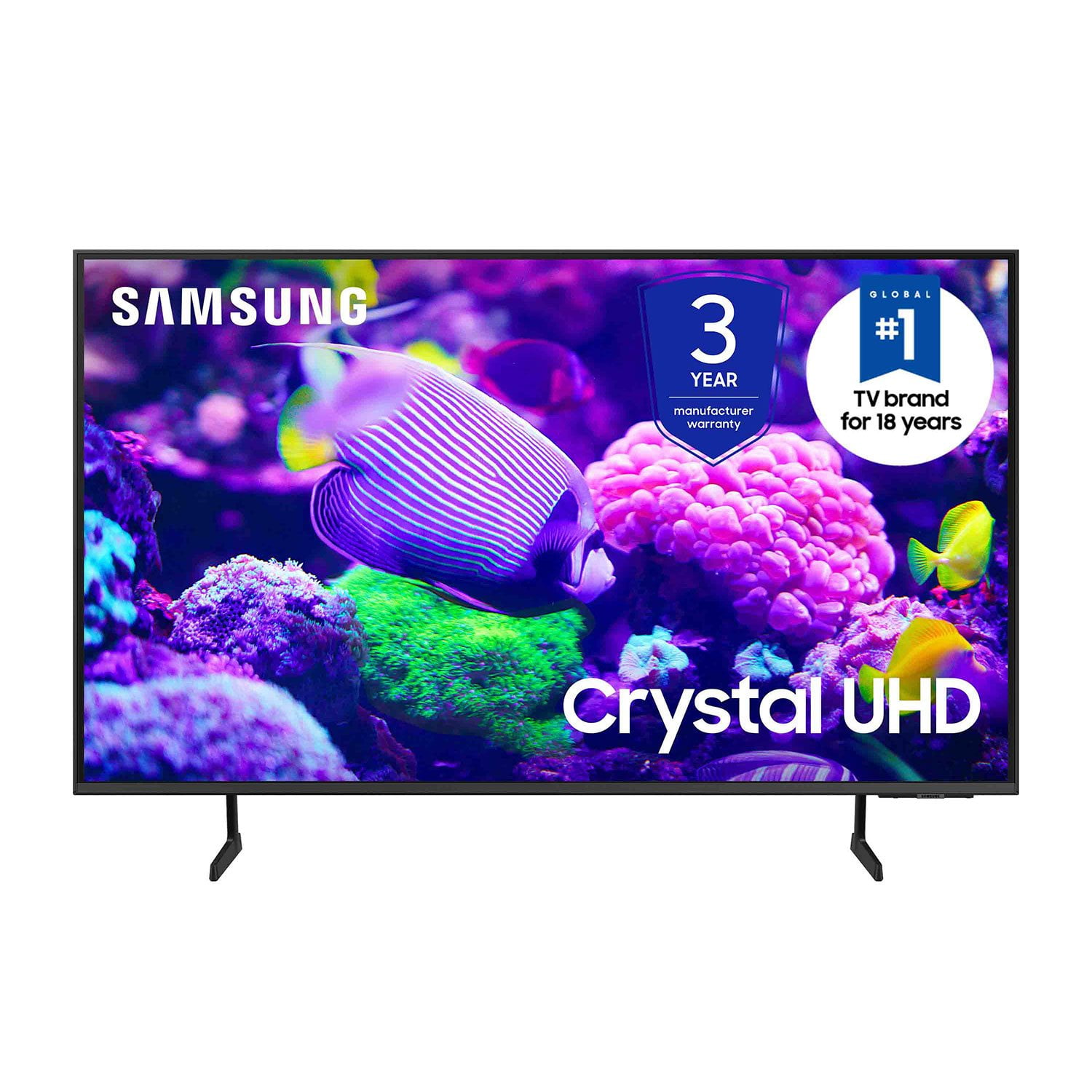
SAMSUNG 85” Class DU7200 Series 4K Smart TV
4.3 out of 5 stars
stars1,177 ratings1,030 reviews
  1. 5 stars63% (744)
  2. 4 stars18% (208)
  3. 3 stars8% (98)
  4. 2 stars5% (58)
  5. 1 star6% (69)
Write a review

Customer photos

  • +174 images
Sort by |
Showing 371-380 of 1,030 reviews
May 20, 2025
I C You
4 out of 5 stars review

Sophisticated Electronics

Almost too sophisticated piece of electronics for me to use. Great p[icture quality.

Review from Samsung US
Helpful?1RMTE3JL1NV513893753801
May 20, 2025
Pop pop
5 out of 5 stars review

Would recommend to friends

Picture is great Easy setup and installation Getting over the air channels is an extra

Review from Samsung US
Helpful?1RMTE3JL1NV513893753801
May 23, 2025
Aussie Guy
5 out of 5 stars review

Always The Very Best!

We have 4 Samsung TV's in 2 Residences & love the Picture and Incredible Reliability!!

Review from Samsung US
Helpful?1RMTE3JL1NV513893753801
Jan 1, 2025
Magpie
3 out of 5 stars review

Verified Purchase

Great TV, except….

WiFi not working

Helpful?1RMTE3JL1NV513893753801
reply from Samsung

Hi Magpie,<br /><br />We appreciate your feedback on the Samsung DU7200 TV. I&#39;m sorry to hear you are experiencing issues with your Wi-Fi. If you’re experiencing issues with the Wi-Fi connection, we suggest you try the following:<br /><br />1. Use 5Ghz Wi-Fi if possible<br />2. Try wired LAN if available<br />3. Try repositioning the router so there are no obstacles between your TV and the router<br />4. Try running a cold boot on your TV. To do so, hold down the Power button on the Samsung TV remote until the TV turns off and then on again. This should take about 5 seconds.<br /><br />Please also be sure you are running the latest firmware. You can check to see what software version your TV is using and if there is an available update through the settings on your TV. Go to: Settings &gt; Support &gt; Software Update. <br /><br />You can enable automatic updates for convenience. <br />Go to Settings &gt; Support &gt; Software Update, then select Auto Update.<br /><br />I hope these tips help resolve your concerns. If you need more help, Samsung is here for you! Please call us at 1-800-SAMSUNG, 8 AM - 12 AM EST, seven days a week. Our LiveChat agents are also available by clicking on the ‘Support’ link on our website.<br /><br />~ Samsung Advisor

Aug 5, 2024
Samsunglover
5 out of 5 stars review

Best overall 4k TV available at this price level

[This review was collected as part of a promotion.] I spent weeks looking at TV's in stores, online, reading reviews, blogs, etc. At this price range, it really is the best overall when comparing features, brand name, and actual picture.

Review from Samsung US
Helpful?1RMTE3JL1NV513893753801
Apr 22, 2025
Tammers
5 out of 5 stars review

Great product!

The Samsung TV is the best. We've owned Samsung TV's for the last 25 years and haven't had any issues. We just bought our son a new Samsung this past Christmas and he's very happy with it. We currently have 4 Samsung TV's in our home.

Review from Samsung US
Helpful?1RMTE3JL1NV513893753801
Apr 20, 2025
Pliars316
5 out of 5 stars review

Fast loading of the apps

I got it for Christmas and it has been the best television I have ever owned. Incredible picture super fast loading times when accessing the apps. I love it.

Review from Samsung US
Helpful?1RMTE3JL1NV513893753801
Feb 5, 2025
Kdub
3 out of 5 stars review

It is ok

It is ok changed from LG in main room. Thought apps you would be able to add more apps. Also thought it would be easier to cast to tv from devices. Not that easy Mx.

Review from Samsung US
Helpful?1RMTE3JL1NV513893753801
reply from Samsung Advisor

Hi, Thank you for your review. Please know your TV has a built-in app store with hundreds of apps available to choose from. If you need more help, we have step by step guides available to assist you: https://www.samsung.com/us/support/answer/ANS00062199/ You can also call us with any questions. You can contact us for further help at 1-800-SAMSUNG, 8 AM - 12 AM EST, seven days a week. Our LiveChat agents are also available by clicking on the ‘Support’ link on our website. ~Samsung Advisor

Apr 21, 2025
Tv11
3 out of 5 stars review

Bad remote

TV is pretty good everything on it is really clear and it has a very good picture but the remote doesn't work very good at all you have to hold it at just the right spot so it will work

Review from Samsung US
Helpful?1RMTE3JL1NV513893753801
reply from Samsung Advisor

Hi Tv11, We appreciate your review of the DU7200 TV. To learn how to use your Samsung remote and understand the settings on your TV, please use your remote to access the remote guide. Go to Home> (left directional button) Settings> Support> Remote Control Guide. If you need more help, Samsung is here for you. Please call us at 1-800-SAMSUNG, 8 AM - 12 AM EST, seven days a week. Our LiveChat agents are also available by clicking on the ‘Support’ link on our website. ~Samsung Advisor

Jul 10, 2024
Aq1341
5 out of 5 stars review

Transitions

[This review was collected as part of a promotion.] It has very good transitions when movie is playing or show . Also it does not look pixilated like other tvs

Review from Samsung US
Helpful?1RMTE3JL1NV513893753801