Join Now
Skip to Main Content
Sam's Club
Sam's Club
All Departments
All Services
Customer reviews for SAMSUNG 60" Class DU7200 Series 4K Smart TV for
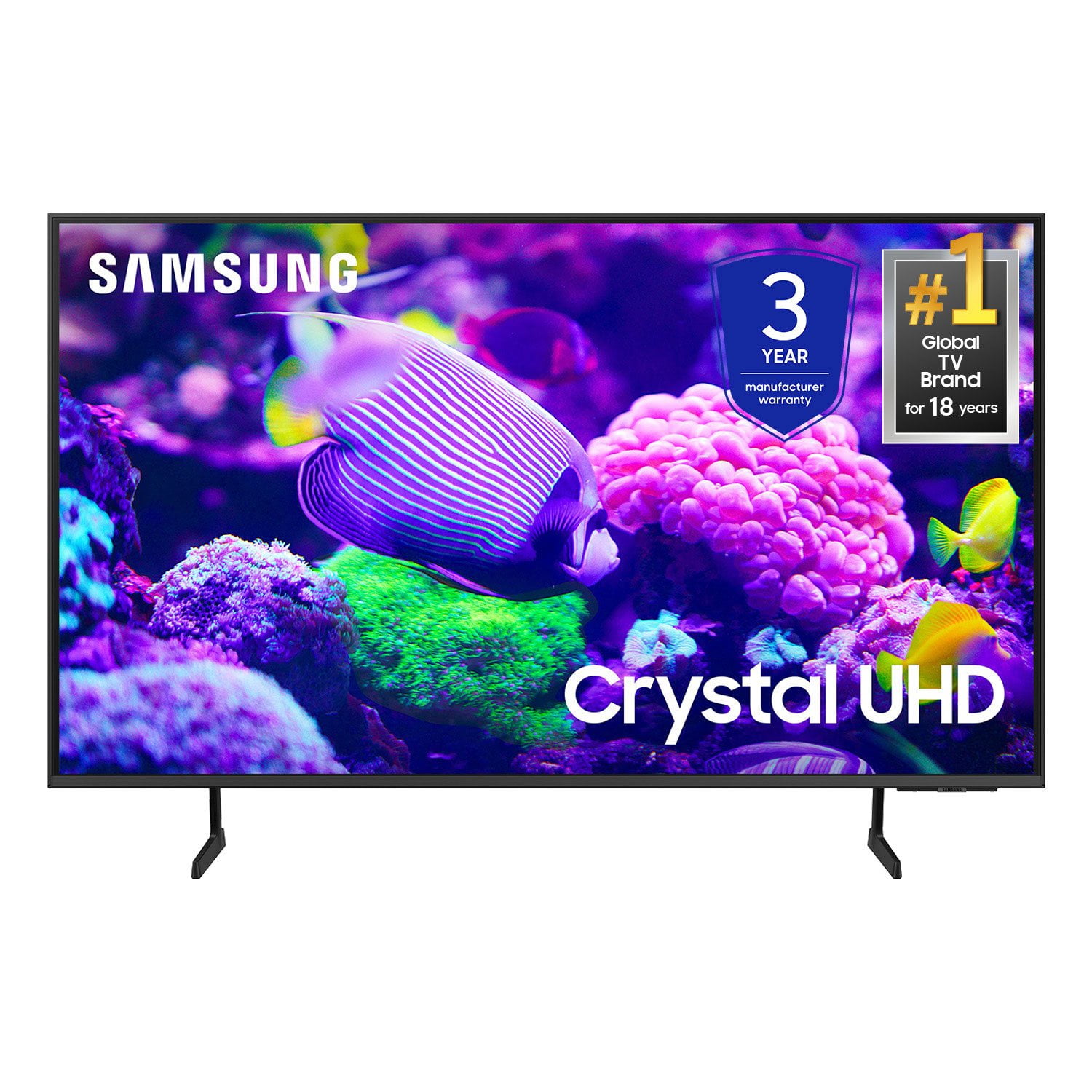
SAMSUNG 60" Class DU7200 Series 4K Smart TV
4.2 out of 5 stars
stars
1,028 ratings965 reviews
  1. 5 stars61% (626)
  2. 4 stars20% (201)
  3. 3 stars9% (92)
  4. 2 stars5% (49)
  5. 1 star6% (60)

Member photos

  • +150 images
Sort by |
Showing 911-920 of 965 reviews
Apr 19, 2025
Reviewer name: Mike
5 out of 5 stars
5 out of 5 stars review

My new samsung

Its very nice and helpful fantastic one should have one!

Review from Samsung US
Helpful?39HMRPI2C1I113892053645
Feb 20, 2025
Reviewer name: Billyboy
5 out of 5 stars
5 out of 5 stars review

Great

It's very good, The screen is very bright,overall everything is good,

Review from Samsung US
Helpful?39HMRPI2C1I113892053645
Feb 20, 2025
Reviewer name: Robbie
5 out of 5 stars
5 out of 5 stars review

Great TV

Bought it less than a week ago, and very pleased with the picture. Samsung is, the only way to go.

Review from Samsung US
Helpful?39HMRPI2C1I113892053645
Apr 7, 2025
Reviewer name: None
3 out of 5 stars
3 out of 5 stars review

Very dark

The screen is very, very dark for viewing. My husband is very unhappy with our purchase.

Review from Samsung US
Helpful?39HMRPI2C1I113892053645
reply from Samsung Advisor

Hi None, It’s unfortunate to hear you’re not fully satisfied with the brightness of your DU7200 TV’s picture. Please know that we are here to help you. First, let’s ensure you are running the latest Firmware Update. Go to Settings> Support> Software Update. Next, If the colors on your TV are correct but just a little too dark or bright, you can try adjusting Picture Modes, Contrast, Brightness, or Sharpness settings. For darker scenes, I recommend Dynamic Picture Mode, which makes pictures brighter and clearer in bright viewing environments. Go to Settings > All Settings> Picture > Picture Mode > Dynamic. Or you can manually adjust the Brightness by pressing the HOME button on your remote, then navigating to Settings > All Settings> Picture > Expert Settings. You may also want to disable Power Saving Mode, which automatically adjusts the brightness to reduce the TV’s power consumption. Go to Settings > All Settings> General > Eco Solution> Power Saving Mode. I hope this helps to improve your picture. Should you need further assistance, please contact us at 1-800-SAMSUNG, 8 AM - 12 AM EST, seven days a week. Our LiveChat agents are also available by clicking on the ‘Support’ link on our website. ~ Samsung Advisor

Apr 19, 2025
Reviewer name: Wnt2001
4 out of 5 stars
4 out of 5 stars review

Easy tv

Great tv great picture easy to set up took about 15 minutes

Review from Samsung US
Helpful?39HMRPI2C1I113892053645
Mar 6, 2025
Reviewer name: Dissapointed
2 out of 5 stars
2 out of 5 stars review

N/A

Difficult to navigate slow to procrss enteries......................................

Review from Samsung US
Helpful?39HMRPI2C1I113892053645
reply from Samsung Advisor

Hi Dissapointed, Thank you for your feedback on the DU7200 TV. Please know your opinion is important to us and will be shared with our internal teams. If there’s anything we can ever help with, please call us at 1-800-SAMSUNG, 8 AM - 12 AM EST, seven days a week. Or visit us on the Samsung website and click on the ‘Support’ link for: 1) LiveChat 2) Manuals, Software, & Warranty Info ~ Samsung Advisor

Apr 19, 2025
Reviewer name: Milly
5 out of 5 stars
5 out of 5 stars review

Love it.

Love that I have all my apps in one place. My cable company also is on this tv.

Review from Samsung US
Helpful?39HMRPI2C1I113892053645
Mar 5, 2025
Reviewer name: CajunGirl
5 out of 5 stars
5 out of 5 stars review

It has great features!

I bought my tv about 3 weeks ago,and happy to have gotten it.

Review from Samsung US
Helpful?39HMRPI2C1I113892053645
Apr 5, 2025
Reviewer name: Jern
4 out of 5 stars
4 out of 5 stars review

Good not perfect

Like tv. Having trouble connecting to external speakers. Limited inputs and confusing.

Review from Samsung US
Helpful?39HMRPI2C1I113892053645
Mar 5, 2025
Reviewer name: Big Red
5 out of 5 stars
5 out of 5 stars review

Great TV - Great value too

Great TV! Easy setup; great features and awesome picture!

Review from Samsung US
Helpful?39HMRPI2C1I113892053645