Skip to Main Content
Sam's Club
Sam's Club
All Departments
All Services
Customer reviews for SAMSUNG 60" Class DU7200 Series 4K Smart TV for
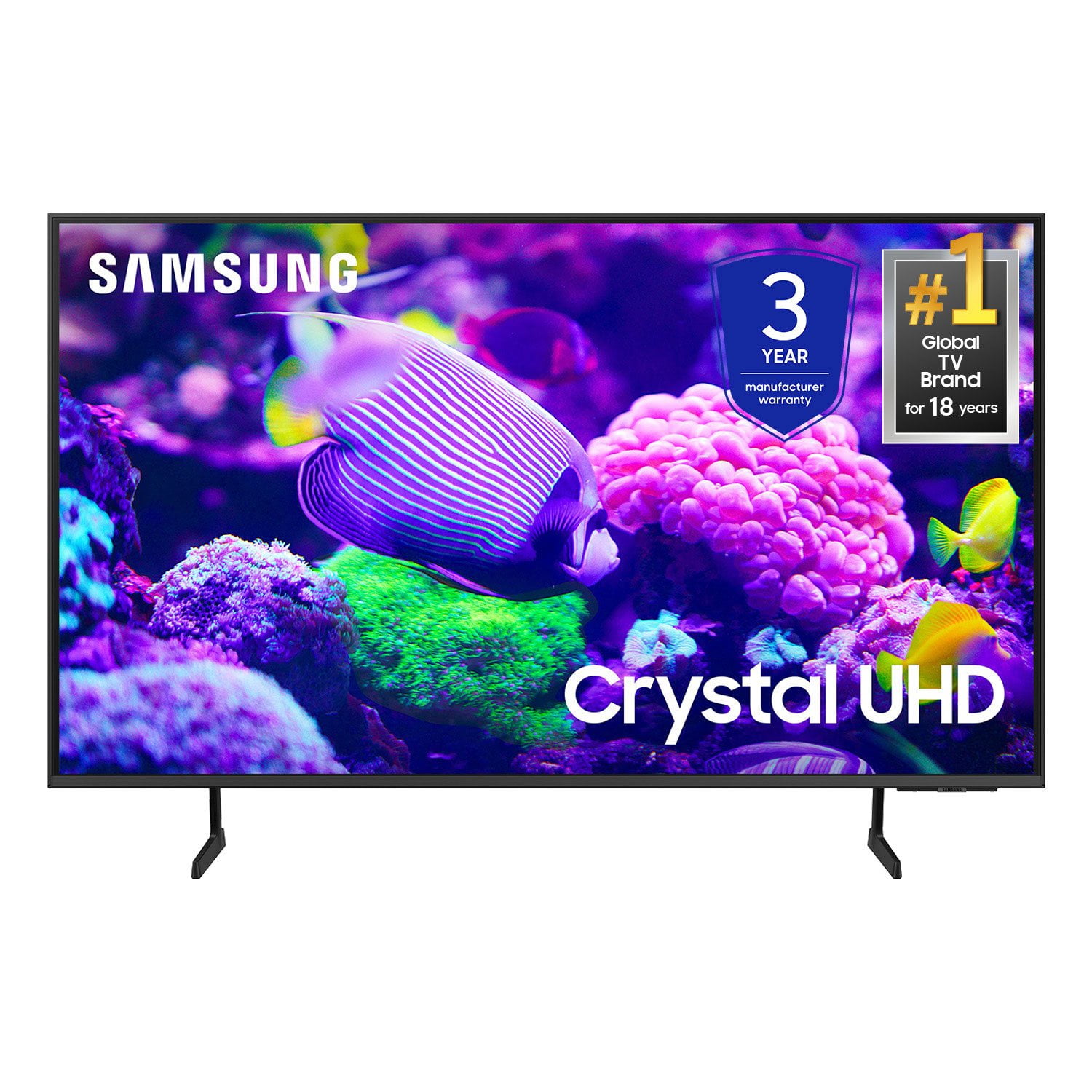
SAMSUNG 60" Class DU7200 Series 4K Smart TV
4.2 out of 5 stars
stars
1,028 ratings965 reviews
  1. 5 stars61% (626)
  2. 4 stars20% (201)
  3. 3 stars9% (92)
  4. 2 stars5% (49)
  5. 1 star6% (60)

Member photos

  • +150 images
Sort by |
Showing 851-860 of 965 reviews
Apr 19, 2025
Reviewer name: Meman
5 out of 5 stars
5 out of 5 stars review

Samsung tv plus is a plus

Great tv love the microphone on the remote and it's chargeable

Review from Samsung US
Helpful?39HMRPI2C1I113892053645
Mar 5, 2025
Reviewer name: Olga
5 out of 5 stars
5 out of 5 stars review

Great features

A little complicated for this 66 year old lady 👵😂😂😂Great TV. I love ❤️ it 😁

Review from Samsung US
Helpful?39HMRPI2C1I113892053645
Apr 19, 2025
Reviewer name: Jvbk
2 out of 5 stars
2 out of 5 stars review

No recommend

I bought this but I really don’t see the difference between Mathias band my old tv

Review from Samsung US
Helpful?39HMRPI2C1I113892053645
reply from Samsung Advisor

Hi Jvbk, Thanks for sharing your thoughts. If there's anything we can do to improve your experience, please reach Samsung Support at 1-800-SAMSUNG, 8AM - 12AM EST, 7 days a week. Or visit us on the Samsung website and click on the ‘Support’ link for: • LiveChat • Manuals, Software, & Warranty Info ~ Samsung Advisor

Apr 20, 2025
Reviewer name: Dady
5 out of 5 stars
5 out of 5 stars review

Excellent TV

Great picture enjoy it every day easy to operate the remote control.

Review from Samsung US
Helpful?39HMRPI2C1I113892053645
Apr 19, 2025
Reviewer name: alley
2 out of 5 stars
2 out of 5 stars review

TV

Not too happy with the Sound very low . Have to turn all the way up .

Review from Samsung US
Helpful?39HMRPI2C1I113892053645
reply from Samsung Advisor

Hi, Thank you for sharing your experience with low volume. There are several volume features you can adjust, which may improve your audio experience. 1) Auto Volume automatically adjusts the sound to a certain level when changing channels or switching to another external input. Go to Settings > All Settings> Sound > Expert Settings > Auto Volume. 2) Adaptive Sound automatically adjusts to a specific volume level while watching TV. The TV analyzes your volume usage history by time period to automatically adjust the volume when you use an app or switch to an external input source. Go to Settings> All Settings> Sound> Sound Mode> Adaptive Sound. 3) Several Sound Modes are likewise available to meet your personal preferences: Home > Settings > All Settings> Sound > Sound Mode. Also, some sources have their own volume control, which might need to be set higher. Please check the volume control of the external device (cable box or satellite box, DVD, Blu-ray, etc.) connected to your TV. Also, check the cable connection between an external device and the TV and then try the cable connection again. If you need more help, Samsung is here for you! Please call us at 1-800-SAMSUNG, 8 AM - 12 AM EST, seven days a week. Our LiveChat agents are also available by clicking on the ‘Support’ link on our website. ~ Samsung Advisor

Feb 20, 2025
Reviewer name: Mississippi
5 out of 5 stars
5 out of 5 stars review

Great tv

I am very happy with this tv. It has the best picture I have ever had.

Review from Samsung US
Helpful?39HMRPI2C1I113892053645
Apr 21, 2025
Reviewer name: Tutu
5 out of 5 stars
5 out of 5 stars review

Nice tv

I love my big tv I'm so happy I got it I have no problem with it❤️❤️❤️

Review from Samsung US
Helpful?39HMRPI2C1I113892053645
Feb 20, 2025
Reviewer name: tv man
3 out of 5 stars
3 out of 5 stars review

have to reset once or twice a week

I love the tv except for the fact i need to unplug once or twice a week to reset it.

Review from Samsung US
Helpful?39HMRPI2C1I113892053645
reply from Samsung Advisor

Hi tv man, I'm sorry your TV is experiencing issues that require a reset. Please try the below troubleshooting steps to resolve any performance issues. First, let's ensure you are running the latest Firmware. Go to Settings> Support> Software Update. I recommend enabling auto-updates to ensure you do not miss any Firmware Updates. Go to Settings> Support> Software Update> then select Auto Update. Next, let's try running a cold boot on your TV. To do so, hold down the Power button on the Samsung TV remote until the TV turns off and then on again. This should take about 5 seconds. I hope these tips help resolve your concerns. If you need more help, Samsung is here for you! Please call us at 1-800-SAMSUNG, 8 AM - 12 AM EST, seven days a week. Our LiveChat agents are also available by clicking on the ‘Support’ link on our website. ~ Samsung Advisor

Apr 19, 2025
Reviewer name: Ria Love
5 out of 5 stars
5 out of 5 stars review

Very Satisfied Customer

Great picture quality, easy set up, very satisfied with your product.

Review from Samsung US
Helpful?39HMRPI2C1I113892053645
Feb 20, 2025
Reviewer name: tomm
5 out of 5 stars
5 out of 5 stars review

new office tv

I purchased this recently and am delighted with the clarity and functionality of this product

Review from Samsung US
Helpful?39HMRPI2C1I113892053645