Skip to Main Content
Sam's Club
Sam's Club
Customer reviews for SAMSUNG 55" Class Q60B-Series QLED 4K Smart TV - QN55Q60BDFXZA for
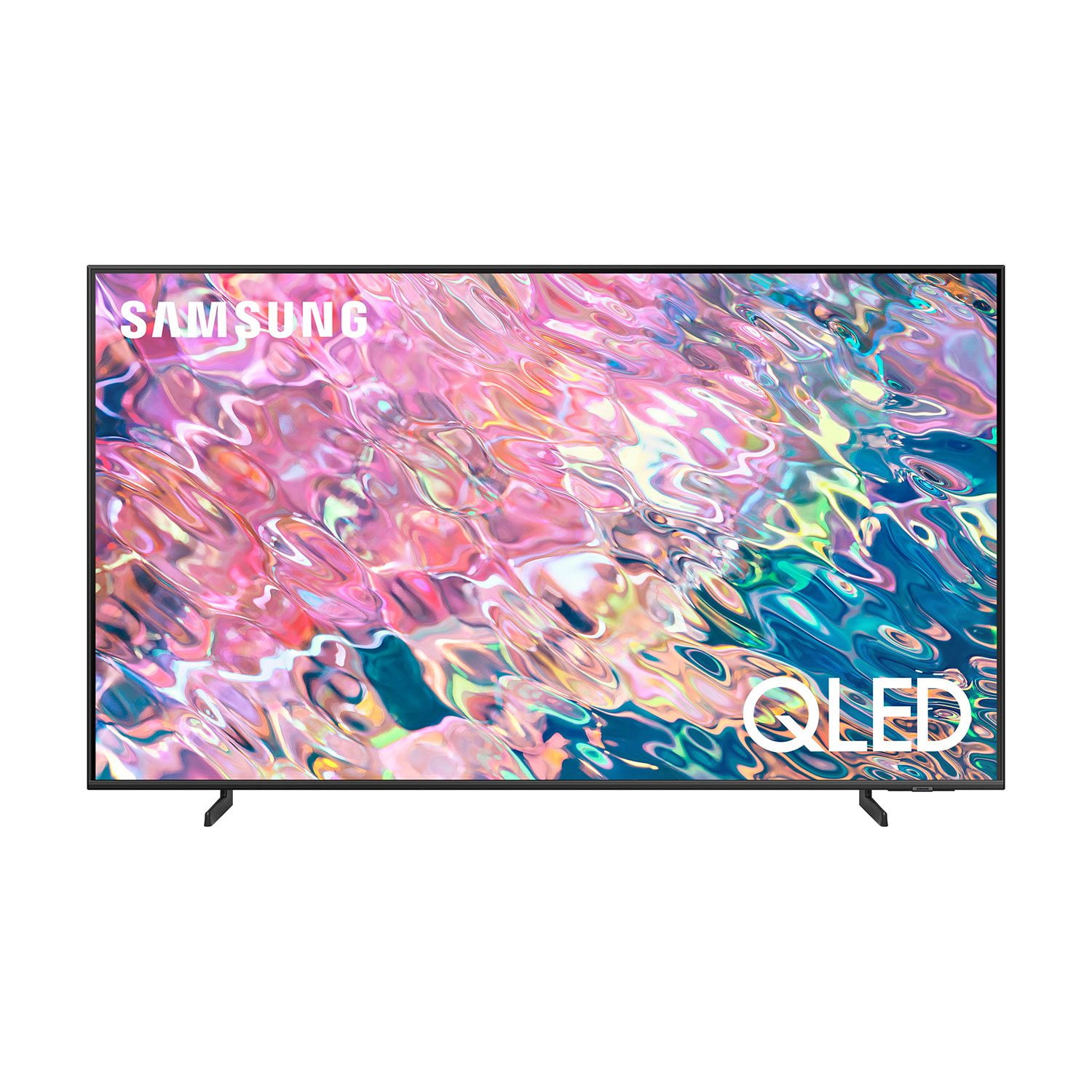
SAMSUNG 55" Class Q60B-Series QLED 4K Smart TV - QN55Q60BDFXZA
4.6 out of 5 stars
stars514 ratings498 reviews
  1. 5 stars77% (396)
  2. 4 stars16% (81)
  3. 3 stars3% (15)
  4. 2 stars1% (5)
  5. 1 star3% (17)
Sort by |
Showing 21-30 of 498 reviews
Jul 27, 2022
Lazy Bones
3 out of 5 stars review

Mixed - good and a little less than good

1. this replaced a 12-year-old samsung smart tv that was smart: it had a camera, voice recognition, motion recognition, a full-function remote, and a simple interface. this tv (qled55”) is not that smart, and opens in various source modes, the pattern of which i cannot determine. excellent picture, good sound. the remote -what can i say -it's not user friendly. there are four dedicated buttons on the lower part that move the source to special inputs, such as disney+, netfilix, and so on. almost every time that i pick up the remote, it switches to one of those inputs, losing what i was watching. i finally cut three of those buttons off the remote, and covered the holes with tape -problem solved. i miss my 12-year-old samsung.

Review from Samsung US
Helpful?12GRF2340KB613891106699
reply from Samsung Brand Ambassador

Lazy Bones, We appreciate you sharing your experience with the remote, as well as source selection. To ensure your Q60B TV's performance is fully optimized, please be sure your TV's firmware is updated with version 1303. You can check this by going to: Home > Menu > Settings > Support > Software Update. Additionally, please know you can choose what your TV does when you turn it on by going to Menu > Settings > All Settings > General & Privacy > Start Screen Option > Autorun Smart Hub 1) Enabling Autorun Smart Hub automatically launches the Smart Hub when the TV is turned on. Navigate to this option to enable or disable the feature. 2) If Autorun Last App is set to on, the last used app is automatically run when you turn on the TV. You can turn this function on or off by pressing the Select button in the current menu. To assist you in the learning the various features, functions, and settings of the remote, you can download the Solar Cell Remote Guide directly from Samsung’s website under ‘Support’ (top right corner) > Manuals & Software > TVs & Home Theater. From there, you can select the Q60B under QLED 4K TVs > B Model Lineup. You can also find other guides and manuals to further assist you with your TV’s features. If we can help with anything else, please call us at 1-800-SAMSUNG, 8AM - 12AM EST, 7 days a week. LiveChat with an agent as well as manuals, software, and warranty info can be found at the ‘Support’ link on our Samsung website. ~ Samsung Specialist

Dec 13, 2024
Jeen
5 out of 5 stars review

GREAT screen

I am using this awesome screen for 2 years. There is no comparison.. never had any issues and outstanding picture quality. I stopped going to move theaters after buying this ..

Review from Samsung Canada
Helpful?12GRF2340KB613891106699
Oct 5, 2022
Briansong
5 out of 5 stars review

Nice TV to own

[This review was collected as part of a promotion.] This Samsung 70inch 4K TV is nice to have. So far so good. Next time, I'm thinking about getting a 90" TV.

Review from Samsung US
Helpful?12GRF2340KB613891106699
May 24, 2022
LoveSamsung
5 out of 5 stars review

This product has great features

[This review was collected as part of a promotion.] It's a subtle picture. Shading is nicely handled, even in the awkward areas of contours and clothing, and skin tones look entirely natural

Review from Samsung US
Helpful?12GRF2340KB613891106699
Jul 27, 2022
Kumar V
1 out of 5 stars review

Worst TV Samsung ever made

i had 2019 qled 70r model and was told q60b (2022) is advance and same 4k quality. apparently it is not. i compared side by side and picture quality and refresh frequency is too low therefore streaming was too bad.

Review from Samsung US
Helpful?12GRF2340KB613891106699
reply from Samsung Brand Ambassador

Kumar V, I'm sorry to hear of the confusion you've encountered with the Q60B TV. Please know this model features Motion Rate 120, which is a metric that combines the panel’s native refresh rate, image processing, and backlighting technology. This produces a rating that better conveys the TV’s overall motion performance. Motion Rate 240 is available in our Q70A Series and higher. Should you have questions, please contact Samsung Customer Support at 1-800-SAMSUNG, 8AM - 12AM EST, 7 days a week. Our LiveChat agents are also available by clicking on the ‘Support’ link on our website. ~ Samsung Specialist

Feb 8, 2023
Big Bruce
5 out of 5 stars review

Verified Purchase

Great price

Great picture

Helpful?12GRF2340KB613891106699
Sep 30, 2022
Love2spendamoney69
5 out of 5 stars review

Love the picture quality of this product

[This review was collected as part of a promotion.] Compared to the 50" Crystal UHD I had previously, it's thinner, lighter, and there's no comparison for color & picture quality. Hands down THE 43" Q60B QLED is superior. I have a 55" Amazon Fire TV by Insignia and the picture and wifi quality are at the low end of tolerable. I'll be purchasing a Neo 4k QLED in the near future.

Review from Samsung US
Helpful?12GRF2340KB613891106699
Oct 21, 2022
honeychile
5 out of 5 stars review

My First Smart TV

[This review was collected as part of a promotion.] After a visit to a big box store and talking with a sales rep that just confused me, I happened to see a television-shopping show that previewed this model---which helped me decide to buy this model (along with the research I did.) The 30-minute, television-shopping segment (which may still be on their website as of October, 2022) demonstrated the "ambient mode", a feature that Samsung invented and perfected. This feature is a screen-saver, but so much better: it displays actual art, (and it is customizable), which is important to me because my Samsung TV is in my living room, and I'd rather display art than a big black rectangle. (The frame models of Samsung TV's, at a higher price-point, steps up the ambient mode further.....you have to see this at the big box store to believe it.) Another great feature is the solar-powered remote. The picture is clear and crisp. The home screen is a bit cluttered; but perhaps that's with all smart TV's. I "cut the cord" and have an antenna for "air TV"; and there is a channel-guide that I use frequently (although using this feature on the remote is a bit clumsy). The technician installed the TV on a certain wall mount. Two of the ports, a port for one of the HDMI ports and the port for Digital Optical Audio Cable, were hidden under the right bracket of mount, so we had to shift the TV to the right about 2 inches. All in all, I love this new television.

Review from Samsung US
Helpful?12GRF2340KB613891106699
Aug 23, 2022
Mom3boys
5 out of 5 stars review

Sharp Crystal clear Picture

[This review was collected as part of a promotion.] I have had a samsung TV since the massive big boxy ones. But I never thought they would evolve into this amazingly clear picture they are now. I love my TV. It has been great for watching House of Dragon and darker shows and movies with dark scenes. I can see them clearly even in the day. 10/10 recommended this Tv.

Review from Samsung US
Helpful?12GRF2340KB613891106699
Sep 27, 2022
LuvSamsungProducts
5 out of 5 stars review

LuvSamsung

[This review was collected as part of a promotion.] I stream everything. I watch a lot of Channels that Samsung Offers on the Samsung Station. I stream Netflix, Disney, Amazon Prime. I love that I can watch on my Samsung TV whats on my Samsung Galaxy Cell Phone. I have a Florida room I primarily watch TV in. Yes it's off the wall because the Hurricane is coming.

Review from Samsung US
Helpful?12GRF2340KB613891106699