Skip to Main Content
Sam's Club
Sam's Club
All Departments
All Services
Customer reviews for SAMSUNG 40" Class 5-Series Full HD Smart TV for
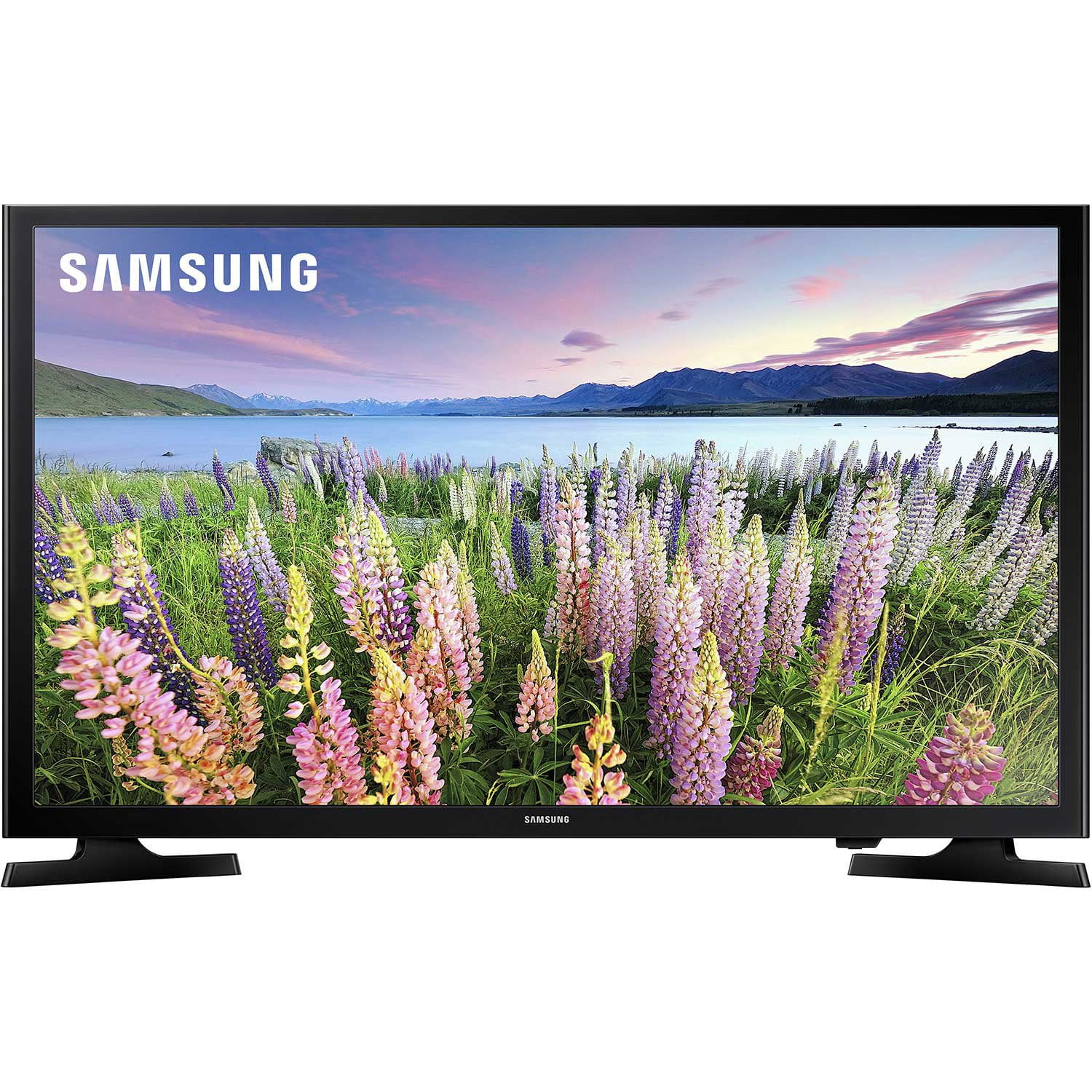
SAMSUNG 40" Class 5-Series Full HD Smart TV
4.4 out of 5 stars
stars
2,300 ratings1,474 reviews
  1. 5 stars72% (1,652)
  2. 4 stars13% (298)
  3. 3 stars6% (142)
  4. 2 stars3% (80)
  5. 1 star6% (128)

Member photos

  • +24 images
Sort by |
Showing 1,121-1,130 of 1,474 reviews
Aug 11, 2025
Reviewer name: Araghya
1 out of 5 stars
1 out of 5 stars review

defective

vertical lines started coming on TV soon

Review from Walmart.ca
Helpful?66IMXADRGEEH13885868553
Aug 27, 2025
Reviewer name: WalmartCustomer
5 out of 5 stars
5 out of 5 stars review

Verified Purchase

[This review was collected as part of a promotion.] Samsung has always been good!

Review from walmart.com
Helpful?66IMXADRGEEH13885868553
Sep 4, 2023
Reviewer name: Elaine
5 out of 5 stars
5 out of 5 stars review

Verified Purchase

Samsung TV 40"

[Employee of walmartcanada] Good product

Review from Walmart.ca
Helpful?66IMXADRGEEH13885868553
Aug 8, 2020
Reviewer name: Anonymous
3 out of 5 stars
3 out of 5 stars review

Verified Purchase

Smart???

Hate the new smart tv

Helpful?66IMXADRGEEH13885868553
Sep 11, 2024
Reviewer name: Mac 23
1 out of 5 stars
1 out of 5 stars review

Smart tv that isn’t

Stopped connecting to internet after 4 months. Neither Verizon or Samsung could fix the issue.

Helpful?66IMXADRGEEH13885868553
reply from Samsung

Hi Mac 23, Thank you for sharing your experience with Internet connectivity. If you’re experiencing issues with the Wi-Fi connection, we suggest you try the following:1. Use 5Ghz Wi-Fi if possible2. Try wired LAN if available3. Try repositioning the router so there are no obstacles between your TV and the router4. Try running a cold boot on your TV. To do so, hold down the Power button on the Samsung TV remote until the TV turns off and then on again. This should take about 5 seconds.Please also be sure you are running the latest firmware. You can check to see what software version your TV is using and if there is an available update through the settings on your TV. Go to: Settings > Support > Software Update. You can enable automatic updates for convenience. Go to Settings > Support > Software Update, then select Auto Update.I hope these tips help resolve your concerns. If you continue to have issues, please reach out to us to schedule a warranty service appointment. You can call us at 1-800-SAMSUNG, 8 AM - 12 AM EST, seven days a week. Our LiveChat agents are also available by clicking on the ‘Support’ link on our website.~Samsung Advisor

Oct 7, 2019
Reviewer name: Andy26
5 out of 5 stars
5 out of 5 stars review

andy

crystal clear bright picture with fine detail. Setup is so easy and listing channels as tv guide that you can scroll through and select a program. Also has description of the program.

Review from walmart.com
Helpful?66IMXADRGEEH13885868553
Nov 17, 2019
Reviewer name: Retired45601
5 out of 5 stars
5 out of 5 stars review

Samsung 40" Smart Tv

Very sharp and beautiful picture ! Works great with the Spectrum app ! Great tv at a great price ! Love it ! We upgraded the tv in our bedroom and we we loved it so much that we purchased another one for our patio room !

Review from walmart.com
Helpful?66IMXADRGEEH13885868553
Dec 16, 2022
Reviewer name: JFK Jr
4 out of 5 stars
4 out of 5 stars review

Unable to connect audio to output

I didn’t like the fact that I can’t connect my stereo to it. There is no output connections for external audio use. You have to buy Samsung products to Bluetooth the audio.

Review from Samsung US
Helpful?66IMXADRGEEH13885868553
Feb 12, 2024
Reviewer name: davideo7
3 out of 5 stars
3 out of 5 stars review

Airplay….Not happening!

Very disappointed! Picture is fine but making an airplay connection isn’t happening. If you need or want that capability you should likely stay away from Samsung. I have the same issue on my 65” Series 8!

Review from Samsung US
Helpful?66IMXADRGEEH13885868553
Sep 10, 2021
Reviewer name: ML from Cincy
3 out of 5 stars
3 out of 5 stars review

Not thrilled.

Nice clear picture. Apps take forever to load. Icons are too small. There is no way to set a default app. The function to return to previously viewed app doesn't work. Remote is not backlit.

Review from Samsung US
Helpful?66IMXADRGEEH13885868553