Skip to Main Content
Sams Club
Sams Club
Customer reviews for DYMO LabelWriter - 450 Twin Turbo High Speed Postage & Label Printer for
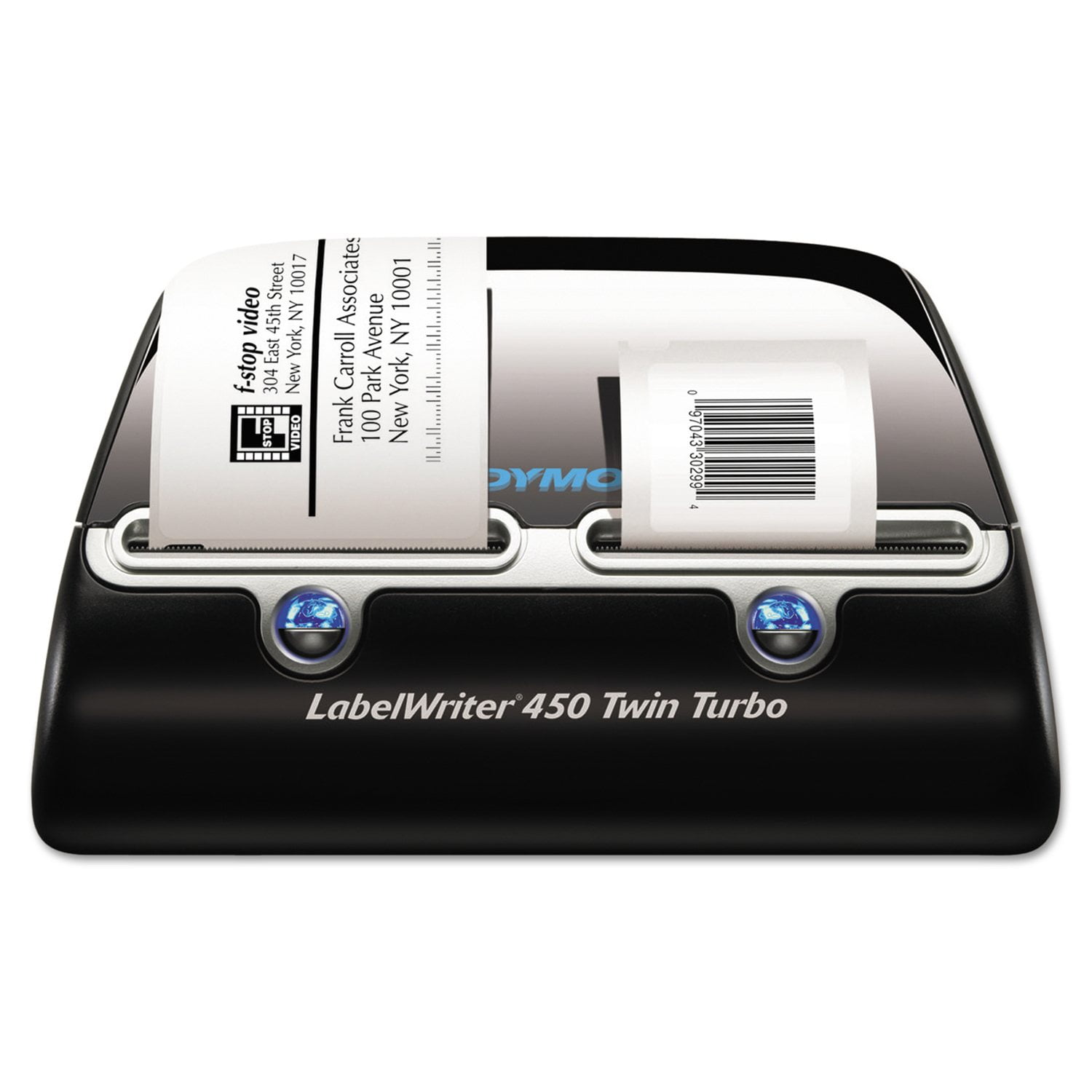
DYMO LabelWriter - 450 Twin Turbo High Speed Postage & Label Printer
2.8 out of 5 stars
stars165 ratings165 reviews
  1. 5 stars34% (56)
  2. 4 stars7% (11)
  3. 3 stars8% (14)
  4. 2 stars10% (16)
  5. 1 star41% (68)
Sort by |
Showing 51-60 of 165 reviews
May 12, 2020
macluan
1 out of 5 stars review

New operating software is useless!

I have been using the Dymo LabelWriter 450 Twin Turbo for years with very little issue. Then a new computer for me and the installation of Dymo Connect. Who did you write this for? Someone slowly organizing their home? I run a small business. I had hundreds of addresses saved in my address books that don't work in this new system. Dymo Connect has yet to even see both of my spools on the Twin Turbo. It takes me so long to do labels that I'm thinking of going back to printer them on my laser printer. Please fix this. I miss the old system and my address books.

Review from Dymo.com
Helpful?57FII27QW6D313879664629
Dec 13, 2011
Anonymous
3 out of 5 stars review

Good and Bad

Works well enough... but not overly impressed. Does not print both sides simultaneously which would have been helpful to me. We use it to print barcode labels, and shipping labels. It skips labels a lot, or has blank spots on some labels. Sometimes prints extremely slow at times and extremely fast at others. Very unpredictable. But works well enough...

Review from Dymo.com
Helpful?57FII27QW6D313879664629
Apr 7, 2020
pauliep308
2 out of 5 stars review

Upgraded software = upgraded issues

I have been using this printer and its software for years. With each iteration a new problem appears. I am used to the disappearing printer and having to reboot my computer or plug/unplug the Dymolabel. Now, however, with the most recent Mac upgrade I lost all of my prior templates, and none of the new ones seem to allow printing mailing barcodes. I can't stand the changes and wish I could downgrade to a previous release.

Review from Dymo.com
Helpful?57FII27QW6D313879664629
Jan 26, 2023
Skullyt
5 out of 5 stars review

Hit and Miss

Our Company purchased two of the DYMO LabelWriter 450 Twin Turbos. We had to have our IT department authorize and install the software and after they installed it, I had issues with the user interface, it was not very user-friendly when adjusting or resizing text to fit within the label. I installed the software on an old personal computer and the software worked great! I also installed it on a Macbook and the interface is slightly different but, they both work flawlessly. I enjoy using the LabelWriter, only wish it had Wifi or Bluetooth connectivity so I could use it across the room but, I ended up purchasing a 20-foot cable and now, I can print labels from across the room. Would I recommend the product? Yes, but not for a large corporation setting due to Administrative limitations.

Review from Dymo.com
Helpful?57FII27QW6D313879664629
Jul 13, 2022
OFFICE WORKER 1
1 out of 5 stars review

THE WORST SOFTWARE EVER!!!!

I WANT THE OLD SAFTWARE v.8 BACK.......WHO THE HECK DESIGNED THIS NEW SOFTWARE. IT IS HORRIBLE. I WANT MY v8 WHERE CAN I FIND IT ON THE WEBSTIE. THIS MAKES ME WANT TO PURCHASE A NEW MACHINE JUST TO AVOID THIS SOFTWARE. THE DESIGNERS MUST HAVE NEVER WORKED IN AN OFFICE WHERE TIME IS OF THE ESSENCE OR THEY ARE JUST STUPID......

Review from Dymo.com
Helpful?57FII27QW6D313879664629
Jan 3, 2013
Anonymous
5 out of 5 stars review

Fantastic label printer!!!

I bought this printer because I hate manually writing addresses on envelopes. I also grew tired of having to remove paper from my ink jet in order to insert envelopes for printing. The Dymo LabelWriter 450 Twin Turbo allows me to print address labels on one side and postage stamps on the other. I use a LabelWriter 400 Turbo for 3-part internet postage shipping labels. I could not be happier with these products!!! I highly recommend them!!!

Review from Dymo.com
Helpful?57FII27QW6D313879664629
Nov 3, 2021
DymoHaterDan
1 out of 5 stars review

Frustrating with broken software

Since this only comes with USB, I have it set up on a generic print server. I can add the printer just fine in Windows, I can print from Microsoft Word but none of the Dymo Connect software works. It sees the printer (twice!), it claims to print but nothing works. Additionally, in every version of Dymo connect, the "change label size" button does nothing, so you are stuck with the generic tiny address label.

Review from Dymo.com
Helpful?57FII27QW6D313879664629
Jun 12, 2022
jjones
1 out of 5 stars review

Good printer. Horrible software

I've used DYMO Label Software for years. Then, I made the mistake of cutting over to the new Connect Software. Yes - a BIG mistake. Where the heck did all my labels go?! Over a 100 labels, and this software doesn't even have the decency to import from the old package!!! The old stuff was intuitive and easy to use. This new stuff is so bad that I have no choice but to scrape it off the bottom of my shoe and go back to the old software. The printer itself is great, but the software kills it. It may be time to go with a different brand of label maker. DYMO should be ashamed of this crap.

Review from Dymo.com
Helpful?57FII27QW6D313879664629
Mar 19, 2023
CBadmood
1 out of 5 stars review

Lousey application software

The LabelWriter 450 Twin Turbo printer works great when used with a decent software package. The current DYMO Connect application sucks by not opening with Win 11. It appears to boot but upon the application opening the user interface immediately terminates. My older DYMO label application software worked just great with my current Win 11 OS and then all the address lists disappeared with no trace. This occurred once before. I have been put out of business by a lousy DYMO printer application. Why can't DYMO make the older software available for those who have learned to use same. Roll your dice if you download DYMO Connect.

Review from Dymo.com
Helpful?57FII27QW6D313879664629
Sep 12, 2024
Long Time User
1 out of 5 stars review

Horrible

I have used the Label Writer 450 Twin Turbo for over decade now. It was a great product until the past few years and even worse now since they went with the Dymo Connect instead of the desktop version software. I am very saddened to see this product go down hill so badly. I have 4 printers and have issues with all of them now. I used to recommend this printer but will not do it any longer

Review from Dymo.com
Helpful?57FII27QW6D313879664629