Skip to Main Content
Sams Club
Sams Club
Customer reviews for DYMO LabelWriter - 450 Twin Turbo High Speed Postage & Label Printer for
DYMO LabelWriter - 450 Twin Turbo High Speed Postage & Label Printer
2.8 out of 5 stars
stars165 ratings165 reviews
  1. 5 stars34% (56)
  2. 4 stars7% (11)
  3. 3 stars8% (14)
  4. 2 stars10% (16)
  5. 1 star41% (68)
Sort by |
Showing 41-50 of 165 reviews
Sep 22, 2021
pdxhaole
1 out of 5 stars review

Buggy and Slow Support

Like the reviewer below, I also have problems with the printer 'sleeping' and never waking up... that is, until I turn the unit over, unplug BOTH the power AND the USB, wait for 60 seconds, then plug everything back in. Only then with the blue PRINT button appear in the application. On top of that, there are still no drivers available for Big Sur (macOS 11.x), and it's been out of beta for 6 months.

Review from Dymo.com
Helpful?57FII27QW6D313879664629
Oct 26, 2019
Very Experienced
1 out of 5 stars review

Really bad software

Product works well when it works. Software is terrible. Often the machine loses connection with the PC. You have discreet the USB cable, power off and reboot it. Almost unusable. Release packaged as 8.7.3 in fact is not. It is 8.7.0. It is not 32 bit.

Review from Dymo.com
Helpful?57FII27QW6D313879664629
Feb 12, 2025
HelloItsMe
4 out of 5 stars review

Hardware great - software meh

I have owned this unit for many years and love what it does. The physical device is very reliable. The software works once that you get it installed - but it can be a chore getting the software installed. Have used Dymo Label Printer software for years and now I cannot find that app - appear to be forced to use Dymo Connect which cannot find the Dymo printer that has always been attached to my Mac.

Review from Dymo.com
Helpful?57FII27QW6D313879664629
Sep 28, 2022
DYMOjunkie
5 out of 5 stars review

DO NOT USE THE CONNECT SOFTWARE--IT SUCKS

Since 2000, I have owned and used LABELWRITER 450 TWIN TURBO DYMOs. I have one at work and two at home in 2 different locations. Because I have ADHD, these are a tremendous support. I use them as my memory and, believe me, I label everything, as well as using them for the usual boring tasks like postal labels and return address labels. I keep all my passwords in a separate file, as well as credit card info, etc. All of those storage boxes in the basement are labeled on 3 sides with a shipping label. You can't believe how much time it saves me to see what is in boxes stored in the garage and basement, as well as my many sewing and hobby supplies. Having said that, I have to agree with JJones review that the new CONNECT software truly SUCKS and wastes time. It is not as flexible as the simple, original "Label Software" that I strongly prefer. Call Label Software legacy or call it whatever you want, but delete the CONNECT software if you downloaded it. PRO-TIP: If you need or want to be a power user (i.e., you hardly have time to go to the bathroom at work), then buy extra spindles and load them with any label you expect to use. At home and at work, I keep extra spindles at the ready in my desk drawer for 30352 White address labels; Shipping Labels; 30347 small labels that I use for personal return address labels; 2-up file folder labels, and name badge labels to name a few. No, I don't work for DYMO. DYMO has to work for me. CONNECT software is DYMO's equivalent of NEW COKE. (PS, my ratings are based on the old Label Software.)

Review from Dymo.com
Helpful?57FII27QW6D313879664629
Aug 2, 2018
em0826
2 out of 5 stars review

Works 50% of the time

When it works, it's great. However it will randomly stop printing after about a week of use and my computer will no longer recognize the USB. I can be printing several different labels right after each other, click "print" on the next one and poof the USB isn't recognized. Literally only about 3 seconds have passed since I printed the previous label but now it won't work. The only way to fix it is to unplug everything and wait 30 seconds then plug it all back in. Then suddenly it magically wants to work again. It's very annoying and has caused me to not want this brand anymore. I have changed cords and changed USB ports on my computer. Nothing changed, so it has to be the label maker itself. I would say if you are buying a label maker for consistent use look elsewhere.

Review from Dymo.com
Helpful?57FII27QW6D313879664629
Oct 22, 2023
ITMan
1 out of 5 stars review

So disappointed with the new Software

The new Dymo Connect software needs to be re-written from the ground up. The worst commercial software I have used in 25 years of IT (Systems Engineer). The previous software was so much faster more intuitive, and all-around better. Please include customer beta testers in any future software releases.

Review from Dymo.com
Helpful?57FII27QW6D313879664629
Jan 3, 2013
Anonymous
5 out of 5 stars review

Fantastic label printer!!!

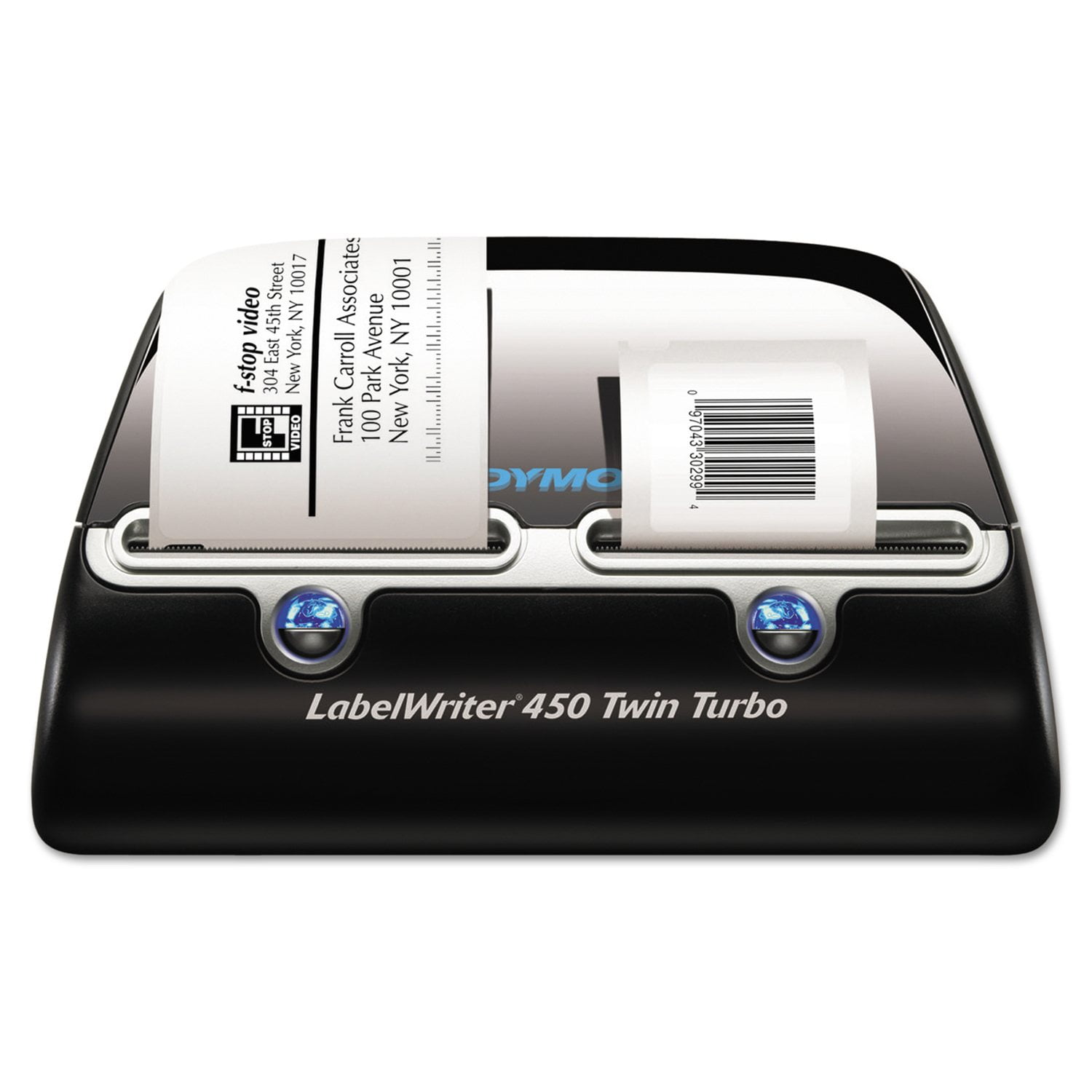
I bought this printer because I hate manually writing addresses on envelopes. I also grew tired of having to remove paper from my ink jet in order to insert envelopes for printing. The Dymo LabelWriter 450 Twin Turbo allows me to print address labels on one side and postage stamps on the other. I use a LabelWriter 400 Turbo for 3-part internet postage shipping labels. I could not be happier with these products!!! I highly recommend them!!!

Review from Dymo.com
Helpful?57FII27QW6D313879664629
Oct 10, 2024
Anonymous
4 out of 5 stars review

Excellent printer, worse software over time

I've been using labelwriter printers for just shy of 20 years now. I have owned multiple 450 twin turbos. I agree wholeheartedly that the latest dymo software is absolute garbage compared to what they had 15+ years ago. Bring back the old software.

Review from Dymo.com
Helpful?57FII27QW6D313879664629
Jul 5, 2022
PedroDomecq
1 out of 5 stars review

LabelWriter 450 Twin Turbo stops computer booting

Ever since we have connected a new LabelWiter 450 Twin Turbo onto a new HP Desktop, we are met with frequent hangs of the computer boot process. Disconnect the Dymo-printer, which is connected through USB, and the computer boots like a charm. We have tried everything: changing the boot order, so USB-boot has a lower priority, disabeling USB-boot completely - nothing helps - the Dymo needs to be disconnected to get the computer to boot. I have never seen this before .....

Review from Dymo.com
Helpful?57FII27QW6D313879664629
Sep 24, 2012
BridgitC
5 out of 5 stars review

So easy to look great!

I love this little label printer. In fact I'm surprised it was as easy as it was to install and start printing. Very simple to understand and use. I bought yellow labels by accident but actually like how they stand out on our packages! We've only had the printer for about a month but we're extremely pleased with it!

Review from walmart.com
Helpful?57FII27QW6D313879664629