Skip to Main Content
Sam's Club
Sam's Club
All Departments
All Services
Customer reviews for SAMSUNG 55" Class Q6-Series 4K Ultra HD Smart QLED TV QN55Q6DAAFXZA for
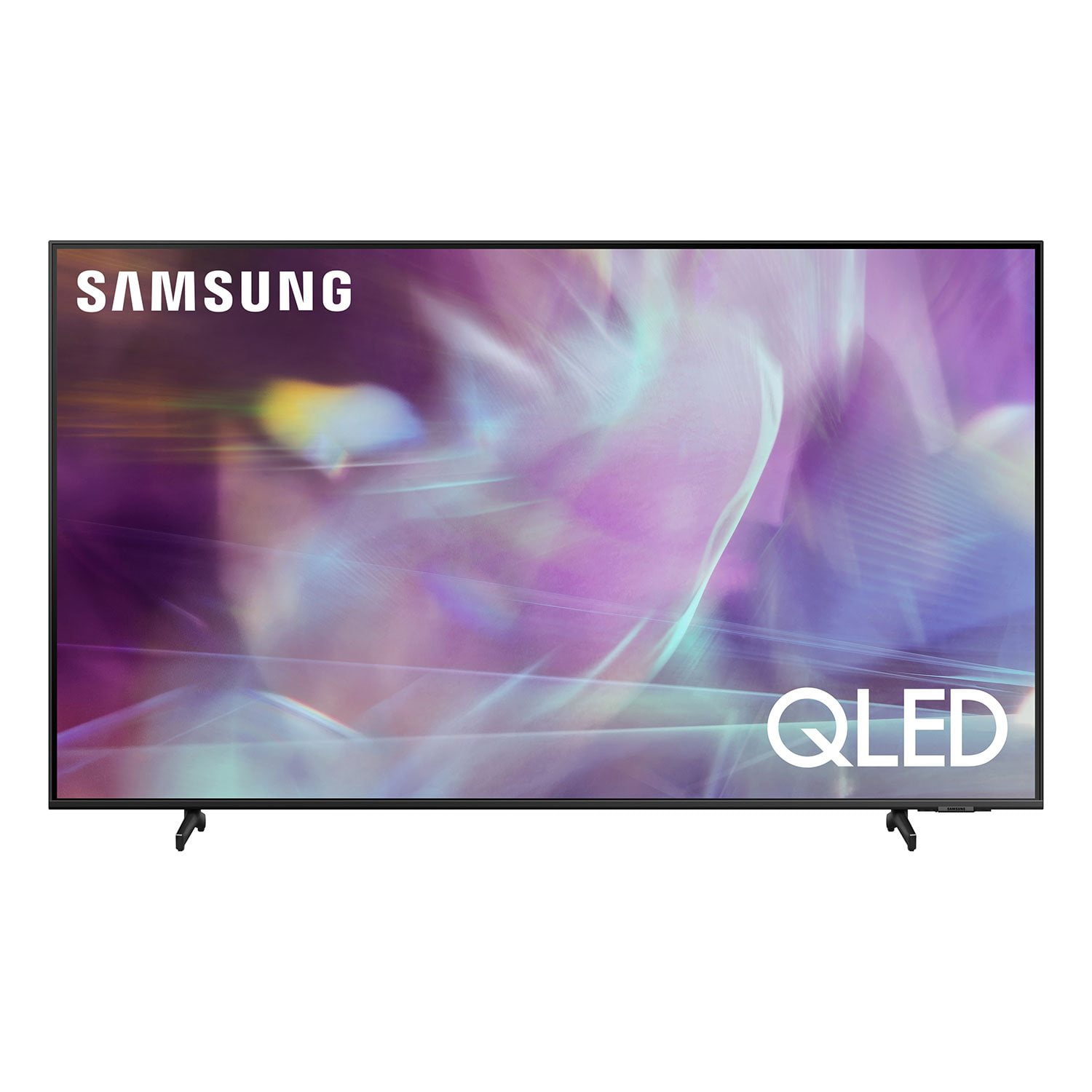
SAMSUNG 55" Class Q6-Series 4K Ultra HD Smart QLED TV QN55Q6DAAFXZA
4.6 out of 5 stars
stars
1,350 ratings1,286 reviews
  1. 5 stars74% (998)
  2. 4 stars18% (248)
  3. 3 stars4% (51)
  4. 2 stars1% (19)
  5. 1 star3% (34)

Member photos

  • +20 images
Sort by |
Showing 1,201-1,210 of 1,286 reviews
Apr 7, 2021
Reviewer name: ThePimpNasty102786
5 out of 5 stars
5 out of 5 stars review

The Tops.

[This review was collected as part of a promotion.] Easy setup, great picture, totally satisfied would recommend

Review from Samsung US
Helpful?6YW7ERS0HTVS13877667901
Nov 24, 2023
Reviewer name: Brad
1 out of 5 stars
1 out of 5 stars review

NA

TV died in less then two years. Turned it on one day and just a black screen with the set turning on and off constantly. No picture.

Review from Samsung US
Helpful?6YW7ERS0HTVS13877667901
Apr 2, 2021
Reviewer name: rdlawson
5 out of 5 stars
5 out of 5 stars review

great all around

[This review was collected as part of a promotion.] Great streaming and picture love the features great price

Review from Samsung US
Helpful?6YW7ERS0HTVS13877667901
Dec 23, 2021
Reviewer name: Blondie!!
5 out of 5 stars
5 out of 5 stars review

Great Features

(This review was collected as part of a promotion.) Have had one Samsung for a few years TV just bought a new one love them

Review from Samsung Canada
Helpful?6YW7ERS0HTVS13877667901
reply from Operations

Thank you, ??bella! We love to hear positive feedback and we’re delighted you’re enjoying your new Samsung TV.

Sep 27, 2023
Reviewer name: Jian
5 out of 5 stars
5 out of 5 stars review

Great color quality, I love it

I bought this to match my PS5 and has a good quality and very vivid colors. No need to buy a separate monitor for my PS5.

Review from Samsung Canada
Helpful?6YW7ERS0HTVS13877667901
Sep 27, 2023
Reviewer name: Nikkiberry
5 out of 5 stars
5 out of 5 stars review

Great picture and features

I love all the features and ease of use. Also like that I can add apps and arrange in a way that works for me. Am definitely happy with the purchase.

Review from Samsung Canada
Helpful?6YW7ERS0HTVS13877667901
Jun 23, 2022
Reviewer name: Oldhound
5 out of 5 stars
5 out of 5 stars review

Great TV

Very happy with this purchase easy to set up great picture combined with Samsung sound bar no issues

Review from Samsung Canada
Helpful?6YW7ERS0HTVS13877667901
reply from Operations

Thank you, Oldhound! We love to hear positive feedback and we’re delighted you’re enjoying your new Samsung TV.

Apr 4, 2022
Reviewer name: Stells
5 out of 5 stars
5 out of 5 stars review

Fantastic Picture Quality

(This review was collected as part of a promotion.) I bought this TV a few months ago and I'm thrilled with the picture quality and sound!

Review from Samsung Canada
Helpful?6YW7ERS0HTVS13877667901
reply from Operations

Thank you, Stells200! We love to hear positive feedback and we’re delighted you’re enjoying your new Samsung TV.

Oct 17, 2021
Reviewer name: Borislav98
2 out of 5 stars
2 out of 5 stars review

Impossible to navigate

a person is unable to find anything of quality on this. upon turning on you are immediately inundated with garbage movies and the like. nothing to see here. just ruin your day with the worst that society has to offer.

Review from Samsung US
Helpful?6YW7ERS0HTVS13877667901
reply from Samsung Brand Ambassador

nasko98, Thank you for choosing Samsung's Q60A TV and for your review. I am sorry to hear you are experiencing difficulties navigating your new TV's interface. To assist you in learning the various features, functions, and settings of your TV and remote, you can download the Q60A TV's User Manual, e-Manual, Remote Control Leaflet, and Quick Setup Guide on Samsung's website under ‘Support’ (top right corner) > Manuals & Software > TVs & Home Theater. From there, you can select the Q60A TV under QLED 4K TVs > A Model Lineup to download the guides you would like. The e-Manual is also embedded into the TV itself under Settings > Support > Open e-Manual. I hope these tips help! Should you ever have questions or need help, please call us at 1-800-SAMSUNG (ask for TVs), available 8AM - 12AM EST, 7 days a week. For additional support resources, visit us on the Samsung website and click on the ‘Support’ link in the upper right corner of the homepage for: 1) Contact Us: For additional Chat & Text options, choose ‘TVs & Home Theater’ and select your model & topic. 2) Manuals, Software, & Warranty Info ~ Samsung Specialist

Jun 30, 2021
Reviewer name: pri14
4 out of 5 stars
4 out of 5 stars review

Overall good. Picture quality can be refined a bit

[This review was collected as part of a promotion.] Streaming current events. Sports and entertainment. Overall don't really watch television but, Samsung products are satisfactory.

Review from Samsung US
Helpful?6YW7ERS0HTVS13877667901