
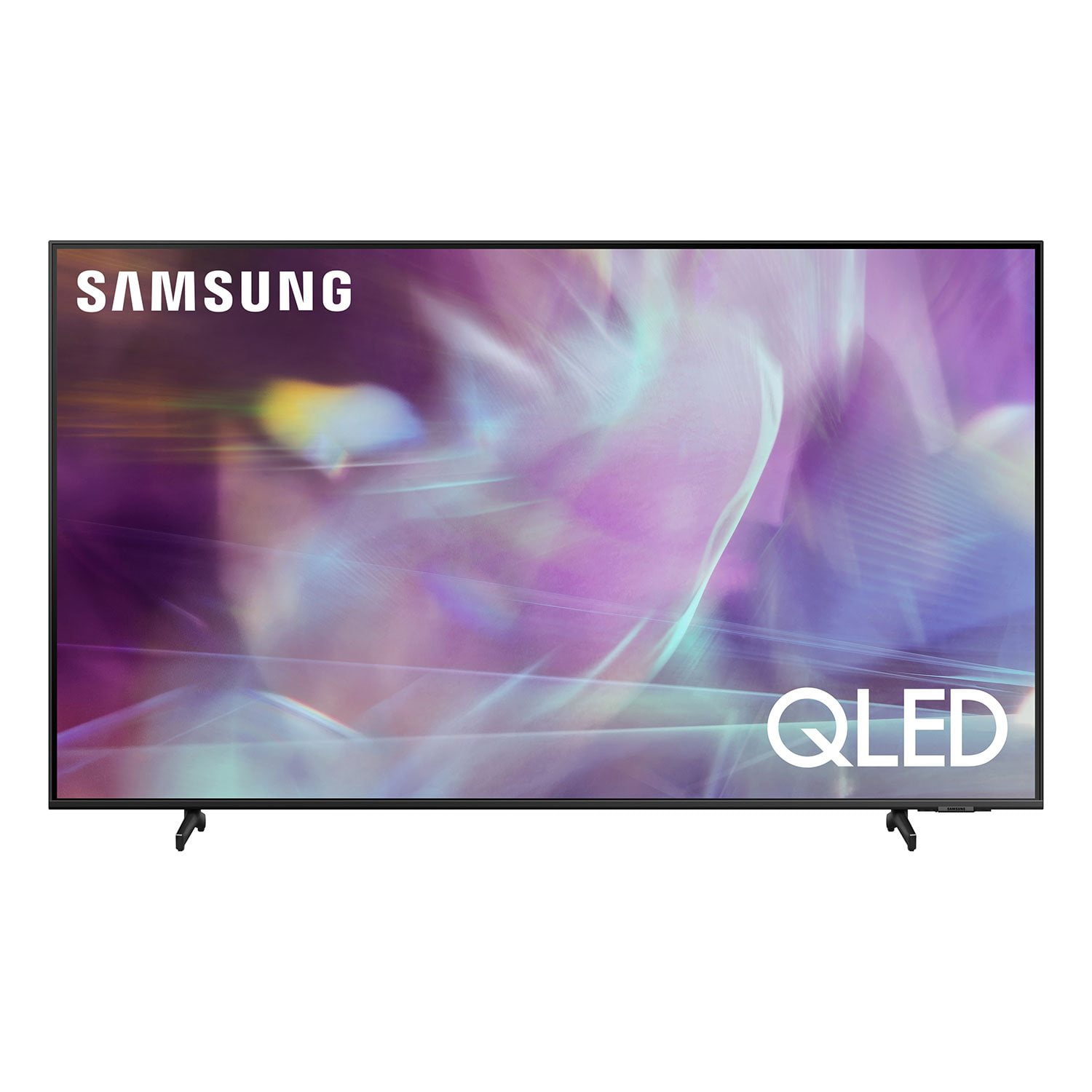
 Customer reviews for SAMSUNG 85" Class Q6-Series 4K Ultra HD Smart QLED TV - QN85Q6DAAFXZA for
Verified Purchase
Q60A 55” Television
A great viewing TV that is easy to setup in minutes. Many nice features including Samsung television giving a variety of cable cutting channels to watch only with the need of internet.
Hello, thank you for your 5 star review and feedback. We will pass your comments along to our store staff and hope you visit us again someday soon.
Verified Purchase
My 50" LS03A Frame
Great quality screen that looks great on the new fireplace wall in our Master bedroom. Its got a very nice picture . Fairly easy to install as long as you have prepped the wall for it .
Thank you, John Kennedy! We love to hear positive feedback and we’re delighted you’re enjoying your new Samsung Frame TV.
Verified Purchase
85” TV
We've only had the TV about 10 days and it's great. Very user friendly and great picture. It would have been 5 start but I had to make several calls regarding shipping issues. So that is on Sam's not Samsung.
Verified Purchase
Great TV at a great price
Great picture, very impressed in the tv's ability to upgrade video to 4K. Very smooth motion, no jumpy or blurry picture. Getting a 4 year warranty with the purchase a huge bonus.
What is happening?
We got the Frame as a Christmas gift. It will turn itself of in gallery mode from time to time, but what is most frustrating is, when we are watching a program, it will say that ‘we are unable to contact the service right now. Try again later". Our internet is fine. I will sign out and in and out, turn off the tv, turn it on, but nothing. I don't get it.
i Debra L, thank you for sharing your feedback. At Samsung.ca, we always aim to satisfy our valued customers and would love to help. Please feel free to contact us at 1-800-SAMSUNG or via live chat on our website (http://www.samsung.com/ca/support/) for assistance. Thanks!
Buy far the best Samsung TV yet.
[This review was collected as part of a promotion.] I always buy Samsung because I have connectivity with all my devices from my phones to tablets, TV's, everything but the kitchen sink.....even my washer and dryer. I love the brand because they are the ultimate in electronics and my brand loyalty is because of it. Keep on rocking Samsung.......and maybe start making KITCHEN SINKS so I can upgrade that too....lol.....
Probably better than 3 stars.
i opened the box today, got it mounted and hooked up and turned on and updated. so far picture is very good and for me it will be a learning curve which i expected. my problem which i will try to post a pic is that on the front left of the screen there is a small bar code label that looks to be difficult to remove and has some residue that i do not know how to get off without damaging the screen. i tried a chat but will apparently need to call someone during business hours. i really can't believe a sticker like this was placed on the front.
Walt13: Thank you for purchasing the Samsung Q80A QLED 4K TV and for sharing your experience with removing a label from your screen. Your details have been shared with our internal teams. Please give us the opportunity to assist you. You can reach us at 1-800-SAMSUNG (ask for TVs), available 8AM -12AM EST, 7 days a week. Or text HELP to 62913. For additional support resources, visit us on the Samsung website and click on the ‘Support’ link in the upper right corner of the homepage for: 1) More ‘Contact Us’ options – LiveChat, Facebook, Twitter, Samsung Community, Samsung Members app 2) Manuals & Software 3) Warranty Info 4) Product Registration: For access to easy warranty support, convenient opt-in to special promos and offers, faster troubleshooting and service, and quick notification of system updates. ~ Samsung Solutions
Failure
Out of the box, it has a significant audio lag. This exists on the TV speakers, not a sound bar. And across all channels. The sound is also not really “dynamic.” As for sound motion tracking, it doesn't seem apparent. The picture is honestly not that much better than my older Samsung that I replaced. There is no charging cable included for the solar remote. The remote would also benefit from being backlit. The only good qualities are the cable management and the design itself. Otherwise, it's an absolute failure at this price.
Hi Calamityjane, Thank you for purchasing the Samsung Q80A TV and for sharing your thoughts on the remote design and sound quality. The Solar Cell remote can be charged by using the solar cell or the USB-C port on the bottom of the remote. We recommend using an original Samsung charger, which is not included. We also appreciate your feedback regarding sound delays. Please be sure your firmware is up to date with version 1560.5 which includes updates to address the lip sync or audio delays that you are experiencing. You can check this by going to: Settings > Support > Software Update. In addition to Object Tracking Sound, the Q80A features SpaceFit Sound to optimize sound tailored to your environment and Active Voice Amplifier (AVA) which further detects disturbances and enhances the on-screen voices for clear dialogue. Go to Home > Settings > General > Intelligent Mode Settings. Turn the options on or off to meet your needs: - Active Voice Amplifier is available only when the sound sensor of the TV is active and the sound output is set to TV Speaker, or a Samsung Soundbar interlinked with Adaptive Picture is connected. - Adaptive Sound+ provides optimized sound quality by analyzing the viewing space and the acoustic components of the content - Adaptive Volume Automatically adjusts to a specific volume level while you are watching TV. Several Sound Modes are likewise available to meet your personal preferences: Home > Settings > Sound > Sound Mode You can also customize sound with Expert Settings. Go to: Settings > Sound > Expert Settings If the picture you are seeing out-of-the-box are not to your liking, there are several picture settings you may want to try adjusting. You can select the Picture Mode that provides the best viewing experience. Go to Home > Settings > Picture > Picture Mode 1) Standard: Is the default mode suitable for general viewing environments. 2) Natural: Reduces eye strain for a comfortable viewing experience. 3) Movie: Is suitable for watching TV or movies in a dark room. 4) Dynamic: Makes the picture brighter and clearer in bright viewing environments. 5) Filmmaker Mode: You can watch the source content (e.g., movie) as it is. If the image is defined as Filmmaker Mode, it will automatically switch to Filmmaker Mode while watching. You can also go to: Settings > Picture > Expert Settings > to manually fine tune your image. To assist you with possible image and sound settings adjustments for a better experience, or choosing a Samsung Soundbar to complement your viewing enjoyment, please reach out to us at 1-800-SAMSUNG (ask for TVs), available 8AM -12AM EST M-F (9AM – 6PM EST Sat). Or text HELP to 62913. For additional support resources, visit us on the Samsung website and click on the ‘Support’ link in the upper right corner of the homepage for: 1) More ‘Contact Us’ options – LiveChat, Facebook, Twitter, Samsung Community, Samsung Members app 2) Manuals & Software 3) Warranty Info 4) Product Registration: For access to easy warranty support, convenient opt-in to special promos and offers, faster troubleshooting and service, and quick notification of system updates. ~ Samsung Specialist
Did not live up to its reputation
[This review was collected as part of a promotion.] Very disappointed. Heard lots of good things about Samsung TVs and I figured the huge price tag would be worth it. Unfortunately the tv did not meet the expectations. The tv is extremely glitchy. The software/ operating system is slow and not the most user friendly. I've had several apps crash, start over, be u responsive. Multiple times per week. Picture quality is good but of no use if it's difficult to use the tv. And for the price I expected so much more.
Navin, Thank you for purchasing the Samsung Q80A QLED 4K Smart TV and for sharing your experience. To ensure that your TV’s picture and software is optimized, be sure that you are always running the latest firmware update. You can check this by going to Settings > Support > Software Update or you can enable Auto Update for convenience. You may also want to further optimize the smart TV performance and address your issue with response time with the self-diagnostic tool. This service checks memory and frees up unused cached memory and closes background apps. Go to Settings > Support> Device Care > Start Device Care. If your apps are still freezing, not loading, or crashing, please also try cold booting your TV by holding down the power button on your remote for 5+ sec until the TV turns off and on again, deleting and downloading the apps again, and completing full reset of Smart Hub to correct the issue. I hope these tips help. If you need further assistance or have any questions, please contact Samsung Customer Support at 1-800-SAMSUNG (ask for TVs), available 8AM -12AM EST M-F (9AM – 6PM EST Sat). Or text HELP to 62913. For additional support resources, visit us on the Samsung website and click on the ‘Support’ link in the upper right corner of the homepage for: 1) More ‘Contact Us’ options – LiveChat, Facebook, Twitter, Samsung Community, Samsung Members app 2) Manuals & Software 3) Warranty Info We hope to hear from you. ~ Samsung Specialist
Rechargeable Remote
[This review was collected as part of a promotion.] Our family has been a Samsung family for years. We upgraded from a 4 year old Samsung LED. To compare apples to apples the colors the colors are much more vibrant than they were four ago. It seemed that I went through batteries a lot with the old remote, but now I just turn it over and lay it in the sun ( it also has a USB charging port). If you don't habe cable it's ok with this TV, Samsung has a free chanel line up without doing anything more than connecting to the internet. When they say smart TV, this one is a genius... Hulu, Amazon Prime, Netflix, even my local cable provider has an app for it. We love sitting down to watch an action movie or a great comedy. This TV is the bomb.
RedFox1: Thank you for choosing Samsung’s 2021 Q60A QLED TV. I am glad you are enjoying the picture quality brought to you by Quantum HDR engineered to deliver the full effect of every image with dynamic tone mapping that draws from a wider range of color and brightness than standard HD. Deep blacks, vibrant imagery and detail always shine through. Our new Solar Cell Remote is part of Samsung’s commitment to pursuing sustainability that puts the environment first and prevents the wastage of AA batteries. Additionally, 28% of the remote comes from recycled polyethylene terephthalate. Should you ever have questions or need help, you can reach us at 1-800-SAMSUNG (ask for TVs), available 8AM -12AM EST, 7 days a week. Or text HELP to 62913. For additional support resources, visit us on the Samsung website and click on the ‘Support’ link in the upper right corner of the homepage for: 1) More ‘Contact Us’ options – LiveChat, Facebook, Twitter, Samsung Community, Samsung Members app 2) Manuals & Software 3) Warranty Info 4) Product Registration: For access to easy warranty support, convenient opt-in to special promos and offers, faster troubleshooting and service, and quick notification of system updates. ~ Samsung Solutions