Skip to Main Content
Sam's Club
Sam's Club
All Departments
All Services
Customer reviews for SAMSUNG 85" Class - Q80 Series - QLED 4K Smart TV for
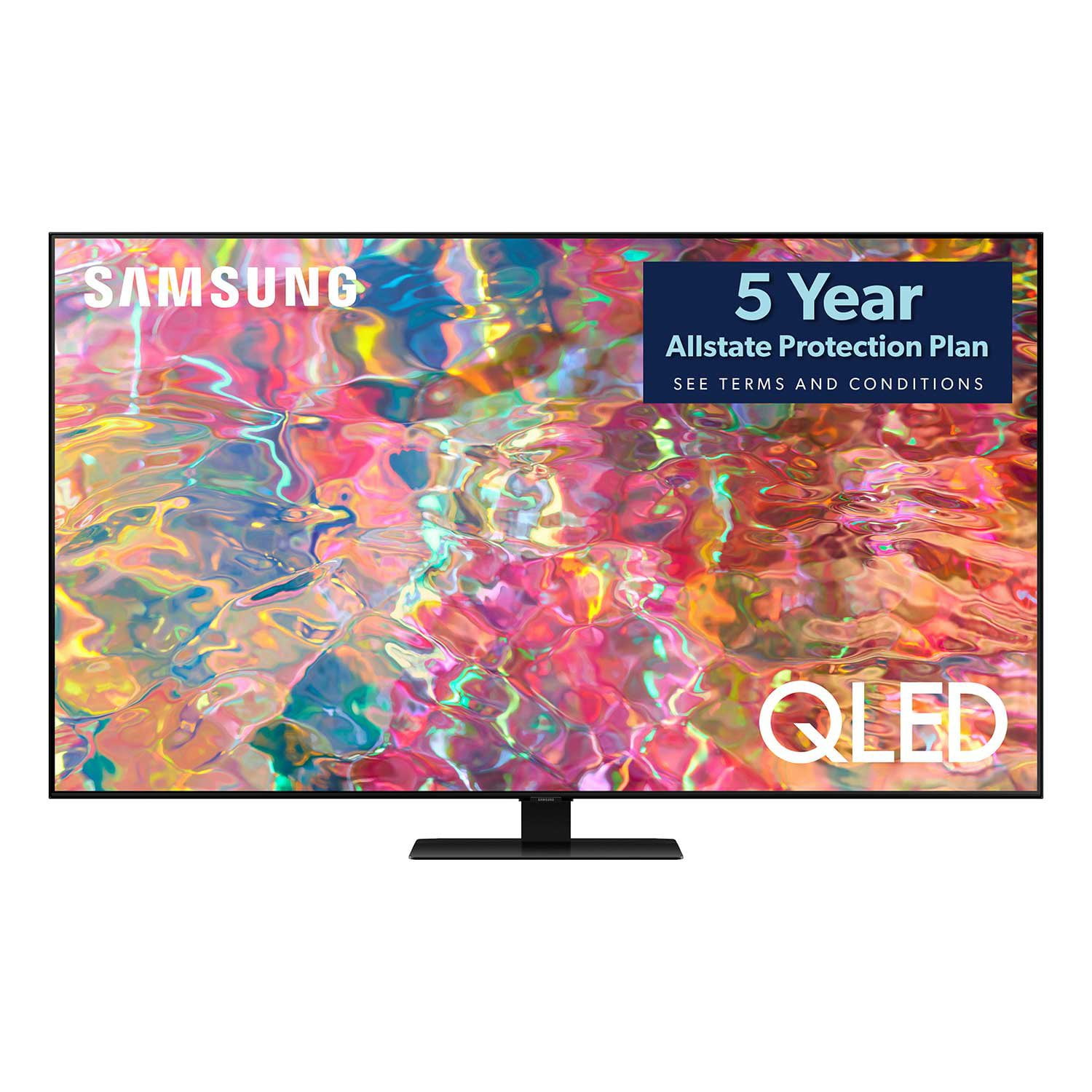
SAMSUNG 85" Class - Q80 Series - QLED 4K Smart TV
4.6 out of 5 stars
stars
795 ratings672 reviews
  1. 5 stars77% (614)
  2. 4 stars13% (107)
  3. 3 stars4% (28)
  4. 2 stars1% (9)
  5. 1 star5% (37)

Member photos

  • +181 images
Sort by |
Showing 181-190 of 672 reviews
Oct 5, 2022
Reviewer name: flavio
5 out of 5 stars
5 out of 5 stars review

Excellent color rendering and clarity

[This review was collected as part of a promotion.] Good connectivity with phone as second screen/cloned screen and PC as monitor. Daily usage does not fatigue the eyes in view of 50" size. Color and resolution are outstanding for a medium level TV representing excellent value. Excellent audio performance and sound fidelity. Would definitely recommend.

Review from Samsung US
Helpful?7925Z4IDQQZS13871700529
Aug 15, 2022
Reviewer name: KojoB070
5 out of 5 stars
5 out of 5 stars review

I love my new wall
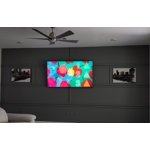
[This review was collected as part of a promotion.] I find myself glued to my 75" screen every night enjoying family time. The rich color, pronounced audio quality and the seemless titan operating system makes everything looks easy fun and beautiful. I wanted 85" but settled for thr 75 as it's was all they had at the time od purchase. Now I want my 85...

Review from Samsung US
Helpful?7925Z4IDQQZS13871700529
Jun 14, 2022
Reviewer name: Deepdoors16
5 out of 5 stars
5 out of 5 stars review

Totally new experience
[This review was collected as part of a promotion.] This is my first time with a Smart TV. And I decided to go with an 8k TV. I am in awe of the beautiful colors and textures in the shows. The capability to stream so many apps just adds to the joy of my viewing experience. I don't play games on my TV. It's strictly for viewing experience.

Review from Samsung US
Helpful?7925Z4IDQQZS13871700529
Oct 25, 2022
Reviewer name: Freedomorjail
5 out of 5 stars
5 out of 5 stars review

Great sound and color
[This review was collected as part of a promotion.] I use the tv for watching shows and playing ps5. It is an extremely crisp image and works amazingly well with the playstation. My only downside to the tv is there is a slight delay when swapping apps, but its nothing that would make or break my purchase. I do plan on getting another one. The tv audio is very nice and I find myself not using my surround sound for that reason.

Review from Samsung US
Helpful?7925Z4IDQQZS13871700529
Oct 5, 2022
Reviewer name: LunaLoki2022
4 out of 5 stars
4 out of 5 stars review

Top notch tv but with a flaw

[This review was collected as part of a promotion.] I love this product. My only problem is that there are 4 dim purple lights on bottom center of screen. When picture is dark then you can see it and sometimes it distracts you. I would love to get a replacement but I don't like dealing with the hassle of phone calls and such. The TV is amazing though. Smart sound is very appreciative, especially when people get noisy or if wife is using vaccuum cleaner then the sound automatically adjusts so that i may hear it better. The Smart screen even adjusts lighting according to whether your room is well lit or very dark. Having all of my apps readily available with a simple push of a button is simply awesome. Great refresh rate, colors are supreme and crisp, no bleeding or blurring. While playing games it truly shines as well. Best TV i've had so far.

Review from Samsung US
Helpful?7925Z4IDQQZS13871700529
reply from Samsung Brand Ambassador

LunaLoki2022, While we appreciate your feedback regarding the screen abnormalities you’re seeing on your Q80B TV, this is not what we’d like to hear! Please do try this troubleshooting step, as this may improve your image: Running a Picture Test This will display a high-definition picture that you can examine for flaws or faults. Go to Settings > Support > Device Care > Self Diagnosis > Picture Test If the issue continues to appear on all sources and the picture test, this will require service. For assistance in setting up a service appointment, please contact Samsung Support at 1-800-SAMSUNG, 8AM - 12AM EST, 7 days a week. Our LiveChat agents are also available by clicking on the ‘Support’ link on our website. ~ Samsung Specialist

Sep 9, 2022
Reviewer name: hongsc
4 out of 5 stars
4 out of 5 stars review

Impressive Features at Great Value.

[This review was collected as part of a promotion.] The TV set up was a bit too long and cumbersome. You have to go through a process to set up the TV before you can actually use it including Alexa, accepting some privacy issues to use the smart functionality of the TV including the apps, updates. Once you go through the process. It's up and running. You have access to the Samsung TV Plus. A good option; if you don't have digital cable. I have digital cable TV. You're either going to love or hate the remote or maybe be indifferent with it. It's not a full-fledged TV remote with number keys. It's or a shortcut to a number selection option. It keeps the remote smaller, more compact due to the lack of the number keys. I would prefer having a full-fledged number keys since it's easier to use. But I've gotten use to the smaller Samsung TV remotes. I've used a few over the years. I've used the TV through a variety of sources for digital cable, streaming apps, gaming consoles, streaming through my Apple TV 4K. Image quality is great. Impressive 4K performance. It was smooth, crisp, sharp, and vibrant. I streamed quite a few HD shows and movies since it was Labor Day weekend. Console gaming was amazing. I was able to take advantage of the 4K, 120hz, gaming mode, and some games have performance mode, which takes full advantage of the 120hz. I was impressed, when gaming. Everything I threw at it left me with a smile on my face. Sound quality is actually quite good for integrated audio. Sound was clear and crisp and had some bass, which was interesting. It was better than expected since I didn't expect much from it. Still not as good as a separate soundbar or home theater system. But noticeably better than the typical integrated that TVs come with. The extras like blue light reduction sounds interesting. The video calling is intriguing especially with such a large screen. I haven't used the BT functionality yet. All 4 HDMI ports support 4K and 120hz. And 2 USB ports to use with your external HDDs, cameras, camcorders, and USB drives. Overall, I'm left impressed and very happy with my brief time with the TV. Impressive 4K performance with all the shows and movies I watched, excellent gaming experience with 4K gaming and performance mode with the 120hz, and sound quality was better than expected with surprising bass.

Review from The Insiders
Helpful?7925Z4IDQQZS13871700529
Oct 5, 2022
Reviewer name: TheSamsungguy
5 out of 5 stars
5 out of 5 stars review

Samsung TV delivers as always

[This review was collected as part of a promotion.] Excellent for watching movies and TV shows. It does well even when the movie/tv show is lit in low light. The audio quality has been outstanding. I've held off on buying the soundbar for some time now. The adaptive display could've been slightly better. I'm sure as time progresses, it'll get better.

Review from Samsung US
Helpful?7925Z4IDQQZS13871700529
Jul 23, 2022
Reviewer name: Ajezajez
4 out of 5 stars
4 out of 5 stars review

Great TV for gaming!

[This review was collected as part of a promotion.] The picture on this television is amazing. Lots of hookups in back and easy to set up. Television syncs easily with other Samsung devices, including soundbar and cell phones. One of the fun features is that your Samsung remote can be used with your Playstation 5! When we shop for our next television Samsung will absolutely be considered as a top option.

Review from Samsung US
Helpful?7925Z4IDQQZS13871700529
Feb 24, 2023
Reviewer name: Blip
2 out of 5 stars
2 out of 5 stars review

Decent TV --- HORRIBLE REMOTE

The TV is amazing when you can get the remote to work. The remote tends to A) Not respond B) continuously scrolls without a button input. The PIP only works with a steam from another device can't stream 2 native TV apps. Picture is good sounds is good for TV speakers but honestly I have a sound bar connected, which has fair superior sound which is to be expected. Samsungs Customer Service to try to fix the remote issues is a joke.

Review from Samsung US
Helpful?7925Z4IDQQZS13871700529
reply from Samsung Brand Ambassador

Blip, We appreciate your thoughts on Multi View, and I'm sorry to hear that your remote is not working as expected. For optimal performance, we ask that you please ensure you've got the latest firmware version installed on your TV. You can check this by going to: Home > Menu > Settings > Support > Software Update. If updating didn't help, you may also want to reset your remote by pressing and holding Return and Enter (the center of the navigation pad) for more than 10 seconds. After performing this reset, you will need to pair the remote to the TV again. To pair, stand within 1 foot of your TV, and press the Return and Play/Pause buttons simultaneously for at least 5 seconds or until a message appears on your TV indicating that the remote is now connected. Please also check to see if your remote is charged. You can check remaining battery by going to: Settings > All Settings > General & Privacy > Power and Energy Saving > Available Remote Battery. If the issue persists, please do try reaching out to us again to further assist. You can call Samsung Support at 1-800-SAMSUNG, 8AM - 12AM EST, 7 days a week. Our LiveChat agents are also available by clicking on the ‘Support’ link on our website. ~ Samsung Specialist

Oct 25, 2022
Reviewer name: KJASSAMSUNG
4 out of 5 stars
4 out of 5 stars review

Good picture. A few annoying flaws

[This review was collected as part of a promotion.] Nice picture, and my first smart tv so I like that in general. However a few functional problems keep me from giving it 5 stars. — the Netflix app simply doesn't load, I'd say at least 25% of the time. I have to reboot the entire tv just to get it to show up. This is a common and ongoing problem according to my online searches. — it takes way too many steps to switch audio output.

Review from Samsung US
Helpful?7925Z4IDQQZS13871700529
reply from Samsung Brand Ambassador

KJASSAMSUNG, We appreciate your feedback on the Netflix app not loading, and for optimal app performance, we ask that you please ensure you've got the latest firmware version installed on your Q60B TV. You can check this by going to: Home > Menu > Settings > Support > Software Update. You may also want to further optimize performance with the self-diagnostic tool, which checks memory, frees up unused cached memory, and closes background apps. Go to: Home > Menu > Settings > Support > Device Care > Start Device Care I hope these tips help you enjoy your new product. You can always contact us for further help at 1-800-SAMSUNG, 8AM - 12AM EST, 7 days a week. Our LiveChat agents are also available by clicking on the ‘Support’ link on our website. ~ Samsung Specialist