Skip to Main Content
Sam's Club
Sam's Club
All Departments
All Services
Customer reviews for SAMSUNG 85" Class - Q80 Series - QLED 4K Smart TV for
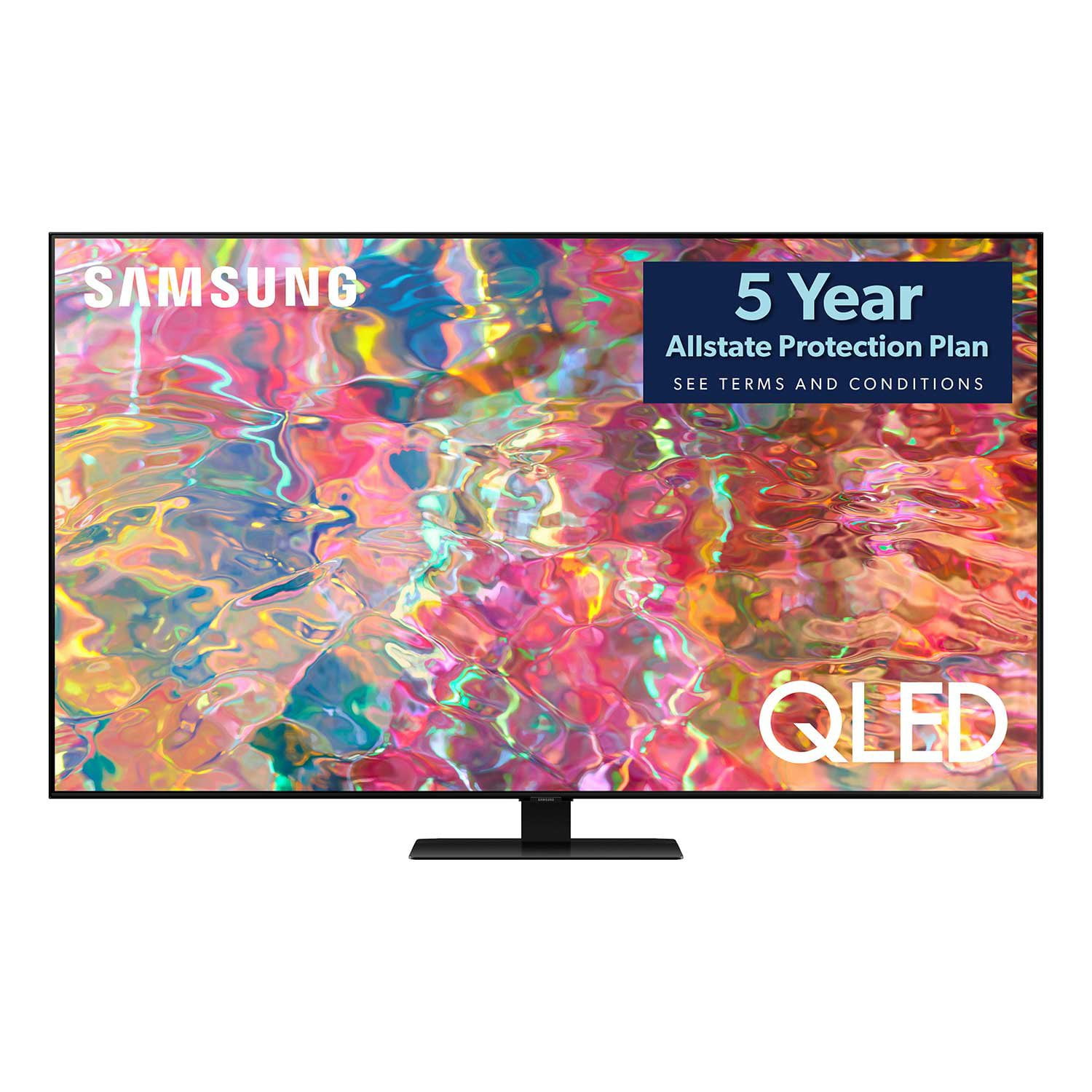
SAMSUNG 85" Class - Q80 Series - QLED 4K Smart TV
4.6 out of 5 stars
stars
794 ratings671 reviews
  1. 5 stars77% (613)
  2. 4 stars13% (107)
  3. 3 stars4% (28)
  4. 2 stars1% (9)
  5. 1 star5% (37)

Member photos

  • +181 images
Sort by |
Showing 101-110 of 671 reviews
Oct 5, 2022
Reviewer name: hensonm8
5 out of 5 stars
5 out of 5 stars review

Very good tv

[This review was collected as part of a promotion.] We have had this TV for some time now. Great picture, good sound. We did buy it when it was a fairly new model and sometimes I wished I didn't spend that much money, but I am sure the price has come down tremendously. Worth the purchase, I'm sure.

Review from Samsung US
Helpful?7925Z4IDQQZS13871700529
Nov 27, 2022
Reviewer name: Nancy g
5 out of 5 stars
5 out of 5 stars review

Perfect, recommended. Only have a question?

Today I've received the 55” Q80B, i am happy with quality and sound, we had NQLED 92D , honestly no difference however the price is at least 600 cheaper! Only thing i am not sure is when we purchased the NQLED when we opened the package tv had screen protector which we peeled out, this TV didn't have, got worry it could be refurbished! please tell me if it is normal for this model not coming with screen protector!??

Review from Samsung Canada
Helpful?7925Z4IDQQZS13871700529
reply from Operations

Hi Nancy, thanks so much for your kind words! We sincerely appreciate your feedback and will share this with our team. We hope you enjoy many years of great entertainment with your Samsung TV! 

Oct 6, 2022
Reviewer name: beachtv
2 out of 5 stars
2 out of 5 stars review

not impressed so far

[This review was collected as part of a promotion.] I expected a much more crisp picture with a Ultra High Def 4k newly updated model. I even upgraded my remote cable box and modem for a 4k model. My old Vizio plasma seems to have had stronger color saturation & clarity. I am just not impressed & a bit disappointed in this Samsung model. The on/off button on the Comcast remote also does not react well on the TV when pressing for a cold start & the picture is not instantly on. Not impressed with this model and the expectations it promises.

Review from Samsung US
Helpful?7925Z4IDQQZS13871700529
reply from Samsung Brand Ambassador

beachtv, Thank you for sharing your thoughts on the picture quality of your Q60B TV. To ensure you’ve got the latest image quality updates, please confirm that your TV is up to date with the latest firmware version. You can check by going to: Home > Menu > Settings > Support > Software Update. If the picture you’re seeing is still not to your liking after updating firmware, there are several picture settings you may want to try adjusting. Go to Home > Menu > Settings > All Settings > Picture > Picture Mode ...and select the mode that best fits your usage: 1) Standard: Is the default mode suitable for general viewing environments. 2) Movie: Is suitable for watching TV or movies in a dark room. 3) Dynamic: Makes the picture brighter and clearer in bright viewing environments. 4) Filmmaker Mode: You can watch the source content (e.g., movie) as it is. If the image is defined as Filmmaker Mode, it will automatically switch to Filmmaker Mode while watching. For further assistance in pairing your cable remote, we recommend directly contacting your service provider, as your remote may require additional programming steps. Should you need further help with image adjustments, please call us at 1-800-SAMSUNG, 8AM - 12AM EST, 7 days a week. LiveChat with an agent as well as manuals, software, and warranty info can be found at the ‘Support’ link on our Samsung website. ~ Samsung Specialist

Aug 23, 2022
Reviewer name: HuskerDan
5 out of 5 stars
5 out of 5 stars review

Cinematic Quality ay Home

[This review was collected as part of a promotion.] This is the TV in our main entertainment room, Movies, Sports, and I'm an avid PC Gamer and play games on it as well, it shines for everything. What is especially impressive is how well it does the dark colors all the way to deep blacks. I thought I would have to buy a OLED to get that result. There is nothing you want your TV to do that this set doesn't.

Review from Samsung US
Helpful?7925Z4IDQQZS13871700529
Jun 18, 2022
Reviewer name: Gonzushi
5 out of 5 stars
5 out of 5 stars review

Best TV I have ever had

[This review was collected as part of a promotion.] Coming from a 120 inch projector, this thing feels absolutely tiny. I do wish I had gotten a larger one, but if I had I may not have been able to get it into my home and definitely wouldnt have been able to get it on my TV stand by myself as the 85 is quite heavy. Anyways.. Picture quality is pretty good in general, as long as you do not put local dimming to "high" and leave the automatic brightness crap disabled. Otherwise, brightness is pretty good, colors (once calibrated) are excellent, contrast is pretty good, even the speakers are pretty nice (but I don't use them). I wish I could rate it a 4.5/5 though, honestly. The OS is terrible. It doesn't run all that smoothly, and sometimes freezes for 5 or so seconds while simply moving from option to option on the OSD. I have been having issues with the WIFI not working randomly too. WIFI doesnt drop, it stays connected, it just starts reporting it can't reach the internet. All other wifi devices keep working fine, just not this TV, till I reboot the TV. Then its like there was never a problem.

Review from Samsung US
Helpful?7925Z4IDQQZS13871700529
Jun 5, 2022
Reviewer name: Mizel20
5 out of 5 stars
5 out of 5 stars review

Enjoying how connected everything is
[This review was collected as part of a promotion.] I use my Samsung TV with all my streaming services, along with casting from videos and other media via phone. I also really love the smart things app feature where you can watch whatever you are watching on the TV from your phone. So need a quick bathroom break or something to drink during a game or show without missing anything? No problem just open the app and choose view TV from phone. Any apps TV or whatever. I also have IP TV and there are many apps to choose from.

Review from Samsung US
Helpful?7925Z4IDQQZS13871700529
Jul 24, 2022
Reviewer name: BLKninja
5 out of 5 stars
5 out of 5 stars review

Great for Gaming

[This review was collected as part of a promotion.] I have upgraded from a 1080i plasma TV to this amazing machine. I am constantly playing games with the occasional movie or TV shows. It has great color and a fast response time for video games. I feel no lag whatsoever. Even the sound on the TV gives off great audio for anything. I am extremely satisfied with this TV.

Review from Samsung US
Helpful?7925Z4IDQQZS13871700529
Jun 17, 2022
Reviewer name: CappuccinoJ
4 out of 5 stars
4 out of 5 stars review

Amazing Features.

[This review was collected as part of a promotion.] Love the smooth and fast transitions on the apps, TV, and sources. All of the features are lean, and not bulky. The fact that it has a build in antenna is amazing. The transition between Vizio to Samsung is quite grand. LOVE IT! Hopefully it last for years, like my Vizio.

Review from Samsung US
Helpful?7925Z4IDQQZS13871700529
Jan 14, 2023
Reviewer name: limelight55
1 out of 5 stars
1 out of 5 stars review

Mehh

This TV does not play well when connecting to a computer/steam deck. Pretty much everytime a PC style device is connected its a battle of input changes, restarts and unplugging the cables until you get something to stick - only made harder by no hardware input change (must be done through a series of menus). The video connection works fine with my Nvidia Shield, but this device has audio issue when running my Samsung soundbar through e-ARC. The new Samsung remote build quality is garbage compared to previous generations.

Review from Samsung US
Helpful?7925Z4IDQQZS13871700529
reply from Samsung Brand Ambassador

limelight55, We appreciate your feedback on connectivity, and for optimal performance, we ask that you please ensure you've got the latest firmware version installed on your Q80B TV. You can check this by going to: Home > Menu > Settings > Support > Software Update. You may also want to further optimize performance with the self-diagnostic tool, which checks memory, frees up unused cached memory, and closes background apps. Go to: Home > Menu > Settings > Support > Device Care > Start Device Care I hope these tips help you enjoy your new product. You can always contact us for further help at 1-800-SAMSUNG, 8AM - 12AM EST, 7 days a week. Our LiveChat agents are also available by clicking on the ‘Support’ link on our website. ~ Samsung Specialist

Jun 1, 2022
Reviewer name: Floppyhatmike
5 out of 5 stars
5 out of 5 stars review

Outstanding TV excellent picture and sound

[This review was collected as part of a promotion.] I use my new TV features as many as possible love the fact that I can control everything with the remote from streaming to even my cable box, haven't gotten PS5 yet but my PS4 picture is Phenomenal can't wait to see it with PS5. An excellent addition to my family of samsung products

Review from Samsung US
Helpful?7925Z4IDQQZS13871700529