Skip to Main Content
Sam's Club
Sam's Club
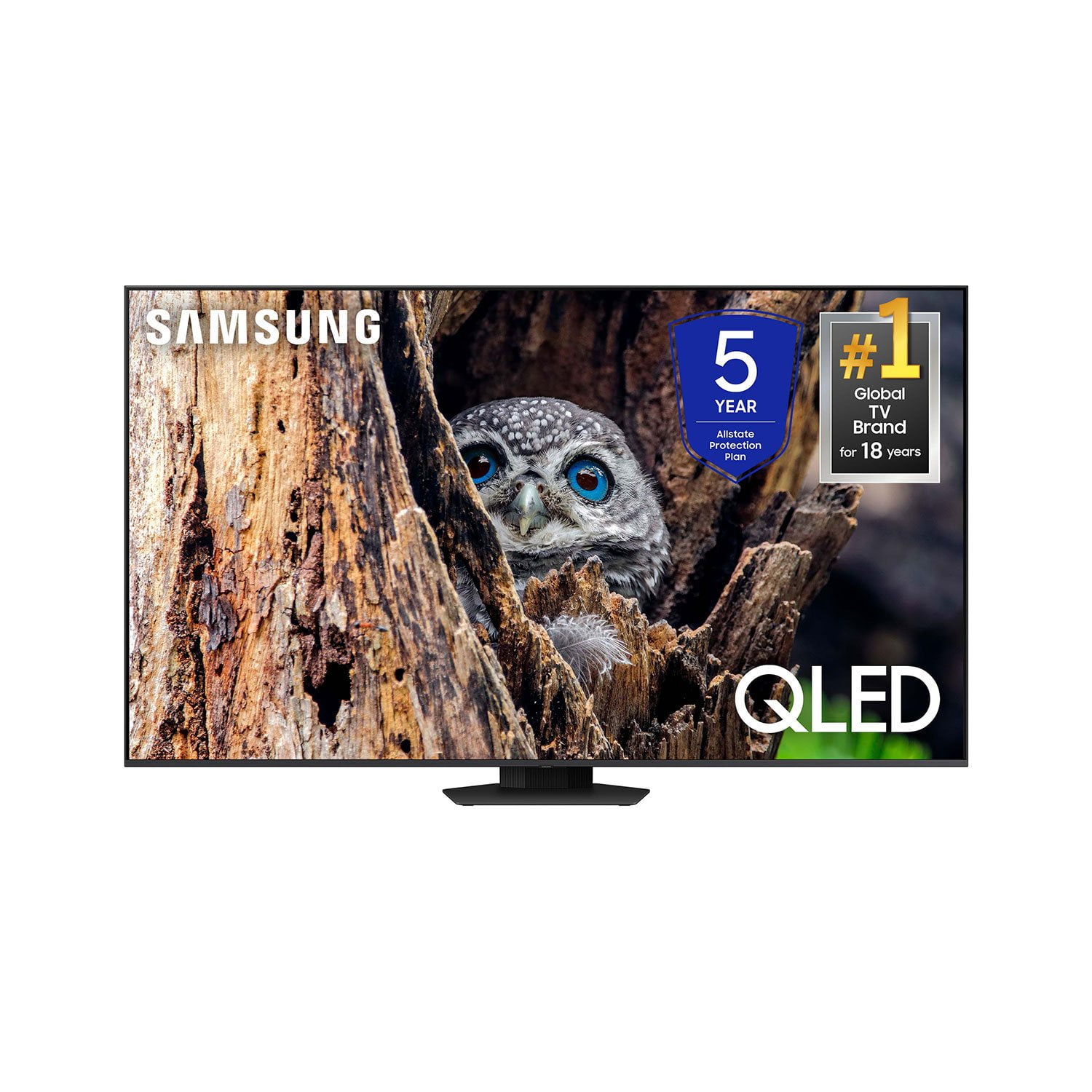
Customer reviews for SAMSUNG 65” Class Q80D Series QLED Smart TV for
SAMSUNG 65” Class Q80D Series QLED Smart TV
4.6 out of 5 stars
stars479 ratings428 reviews
  1. 5 stars75% (359)
  2. 4 stars14% (68)
  3. 3 stars5% (24)
  4. 2 stars3% (13)
  5. 1 star3% (15)

Member photos

  • +105 images
Sort by |
Showing 351-360 of 428 reviews
Mar 20, 2025
Lovemysamsungtv
5 out of 5 stars review

This product has great features.

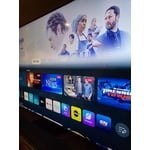
[This review was collected as part of a promotion.] Love the home page everything one click away awesome clear view, good tv for good price. 👍

Review from Samsung US
Helpful?1ZLF1H7ZTY7Y13870609163
Apr 22, 2024
samsung
5 out of 5 stars review

Great Screen and Features

[This review was collected as part of a promotion.] Gaming, sports and movies. This smart TV is great for the living room!

Review from Samsung US
Helpful?1ZLF1H7ZTY7Y13870609163
Apr 5, 2025
Xanxan
5 out of 5 stars review

This TV has amazing graphics and runs great

[This review was collected as part of a promotion.] It integrated perfectly with my other smart devices

Review from Samsung US
Helpful?1ZLF1H7ZTY7Y13870609163
Dec 28, 2024
Greatpicture
5 out of 5 stars review

Great picture

[This review was collected as part of a promotion.] Great picture Great picture Great picture Great picture Great picture Great picture

Review from Samsung US
Helpful?1ZLF1H7ZTY7Y13870609163
Apr 4, 2025
EddieG
5 out of 5 stars review

Best TV

I bought this about 2 months ago to replace an older Samsung model. This one is the same model but a new and current version.

Review from Samsung US
Helpful?1ZLF1H7ZTY7Y13870609163
Feb 20, 2025
Dave
4 out of 5 stars review

Volume automatically gets loud.

Only problem is the volume goes up considerably for 10-20 seconds randomly, Not often, but it happens about 3-4 times a month.

Review from Samsung US
Helpful?1ZLF1H7ZTY7Y13870609163
Mar 5, 2025
Patr
4 out of 5 stars review

Great TV

I like the TV, but don't like Samsung Plus taking over my TV, when i am trying to stream Paramount plus....aggravating for sure

Review from Samsung US
Helpful?1ZLF1H7ZTY7Y13870609163
May 10, 2025
NikkiWill
5 out of 5 stars review

Great Features

[This review was collected as part of a promotion.] I use my TV to watch my favorite show....Swamp People and the sound is wonderful

Review from Samsung US
Helpful?1ZLF1H7ZTY7Y13870609163
Dec 13, 2024
Teejay P
5 out of 5 stars review

Happy wife Happy life

The TV is great, I would recommend it. Full Array, colors are beautiful, sound is solid, 120hz is better on a bigger tv.

Review from Samsung Canada
Helpful?1ZLF1H7ZTY7Y13870609163
Dec 28, 2024
Robert
2 out of 5 stars review

DISAPPOINTED ON COLOR AND SOUND

[This review was collected as part of a promotion.] DAILY GENERAL TV WATCHING SOUND IS TERRIBLE COLOR IS NOT VIVID

Review from Samsung US
Helpful?1ZLF1H7ZTY7Y13870609163
reply from Samsung Specialist

ROBERT, Thank you for sharing your thoughts on the picture quality of your Q80D TV. To ensure you’ve got the latest image quality updates, please confirm that your TV is up to date with the latest firmware version. You can check by going to: Home > Menu > Settings > Support > Software Update. If the picture you’re seeing is still not to your liking after updating firmware, there are several picture settings you may want to try adjusting. Go to Home > left direction button > Settings > All Settings > Picture > Picture Mode ...and select the mode that best fits your usage: 1. Standard: Is the default mode suitable for general viewing environments 2. Dynamic: Makes the picture brighter and clearer in bright viewing environments 3. Eco: Provided to save energy 4. Movie: Suitable for watching TV or movies in a dark room 5. Filmmaker Mode: Provides source content just as the creators intended. If the image is defined as Filmmaker Mode, it’ll automatically switch to Filmmaker Mode while watching. You can also fine-tune your picture with expert settings such as brightness, contrast, sharpness and more (All Settings > Picture > Expert Settings). For further assistance with settings adjustments, please contact Samsung Customer Support at 1-800-SAMSUNG, 8AM - 12AM EST, 7 days a week. Or visit us on the Samsung website and click on the ‘Support’ link for: • LiveChat • Manuals, Software, & Warranty Info ~ Samsung Specialist