Skip to Main Content
Sam's Club
Sam's Club
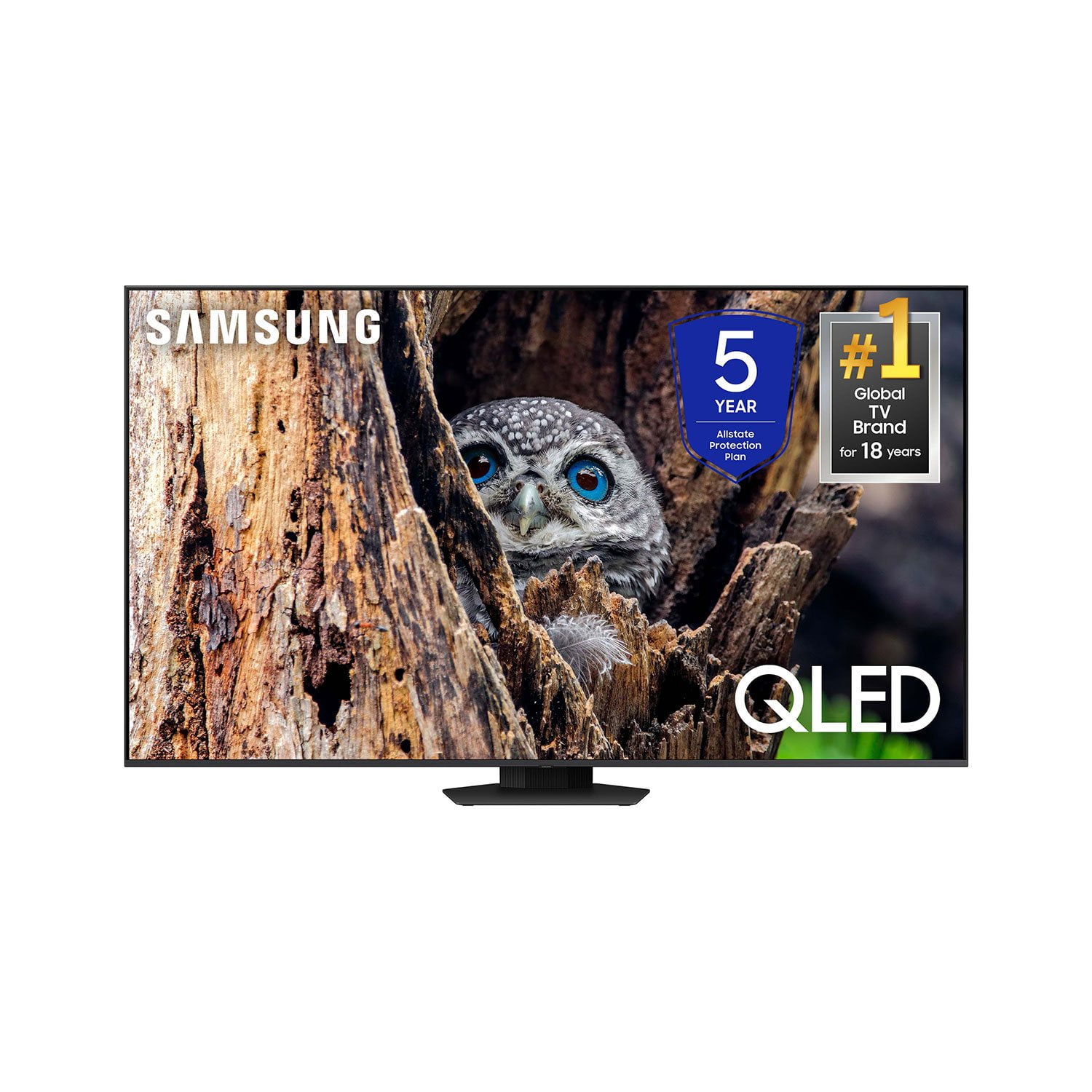
Customer reviews for SAMSUNG 65” Class Q80D Series QLED Smart TV for
SAMSUNG 65” Class Q80D Series QLED Smart TV
4.6 out of 5 stars
stars479 ratings428 reviews
  1. 5 stars75% (359)
  2. 4 stars14% (68)
  3. 3 stars5% (24)
  4. 2 stars3% (13)
  5. 1 star3% (15)

Member photos

  • +105 images
Sort by |
Showing 421-428 of 428 reviews
Feb 5, 2025
Bobby
5 out of 5 stars review

Great remote control. Have problems with remote sp

Enjoy this tv over the Visio one I had beforehand .

Review from Samsung US
Helpful?1ZLF1H7ZTY7Y13870609163
Nov 13, 2024
Haroldo
4 out of 5 stars review

Good stuff

Big tv good. Big tv bright. Me like big tv. Big tv

Review from Samsung Canada
Helpful?1ZLF1H7ZTY7Y13870609163
Mar 8, 2025
BigScreenBaller
5 out of 5 stars review

The largest TV I've owned.

I'm very excited about the great resolution of sound and clear picture quality.

Review from Samsung US
Helpful?1ZLF1H7ZTY7Y13870609163
Feb 20, 2025
Jerbear
5 out of 5 stars review

Great features

Bought last fall am really satisfied with picture quality

Review from Samsung US
Helpful?1ZLF1H7ZTY7Y13870609163
Mar 7, 2025
Tech challenged
4 out of 5 stars review

Where is the app button

Love the picture, only issue is I can't find the app button to add apts.

Review from Samsung US
Helpful?1ZLF1H7ZTY7Y13870609163
Apr 4, 2025
Crazysifu
1 out of 5 stars review

Just ok

Not worth the money the remote is horrible sound quality is so so

Review from Samsung US
Helpful?1ZLF1H7ZTY7Y13870609163
reply from Samsung Specialist

Hi, Thank you for purchasing Samsung's Q80D TV and for your feedback on the sound. To ensure you’ve got the latest sound quality updates, please confirm that your TV is up to date with the latest firmware version. You can check by going to: Home > Menu > Settings > Support > Software Update. If the sound is still not to your liking after updating firmware, there are several sound settings you can adjust to suit your personal preferences. • Sound Modes may better meet your personal preferences. Go to: Menu > Settings > All Settings > Sound > Sound Mode, or Expert Settings to fine-tune and customize your sound. • Adaptive Sound will also further optimize sound quality by analyzing the viewing space and the acoustic components of the content. Go to: Menu > Settings > All Settings > General & Privacy > Intelligent Mode Settings. Should you choose to add a Samsung Soundbar to your TV, please know that our Q-Series Soundbars (such as the HW-Q600C) feature Q-Symphony which will synchronize with the speakers of your TV for an immersive 3D sound experience. To assist you with possible sound settings adjustments for a better audio experience or choosing a Samsung Soundbar to complement your viewing enjoyment, please reach out to us at 1-800-SAMSUNG, 8 AM - 12 AM EST, seven days a week. ~ Samsung Specialist

Mar 5, 2025
TheRevMike
5 out of 5 stars review

Great features

The picture is bright and clear, the interface is easy to manage.

Review from Samsung US
Helpful?1ZLF1H7ZTY7Y13870609163
Feb 20, 2025
Mike
5 out of 5 stars review

65" Class QLED 4K Q80DD

GREAT TV bought a mounth ago great picture and sound

Review from Samsung US
Helpful?1ZLF1H7ZTY7Y13870609163