Skip to Main Content
Sam's Club
Sam's Club
Customer reviews for SAMSUNG 65” Class Q80D Series QLED Smart TV for
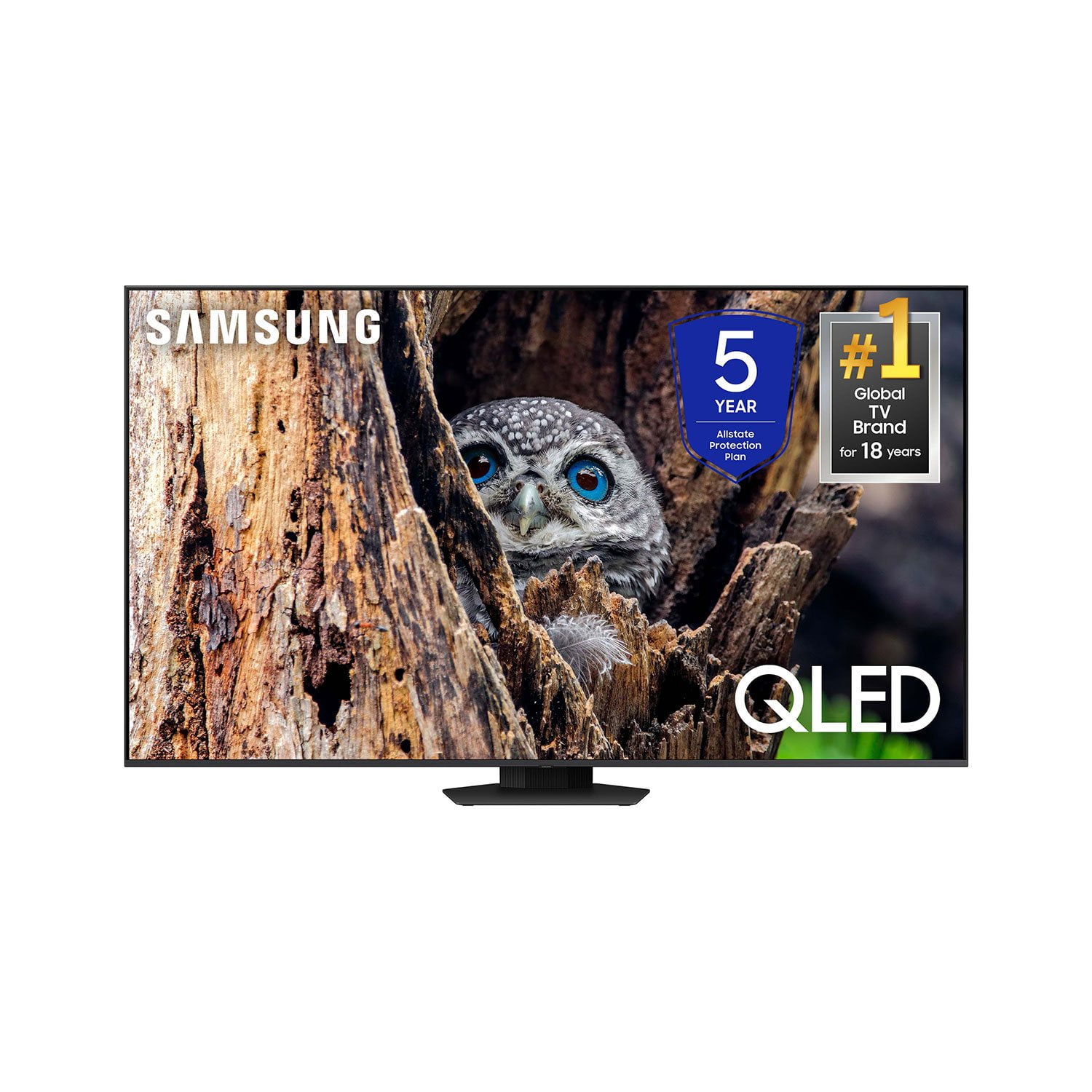
SAMSUNG 65” Class Q80D Series QLED Smart TV
4.6 out of 5 stars
stars479 ratings428 reviews
  1. 5 stars75% (359)
  2. 4 stars14% (68)
  3. 3 stars5% (24)
  4. 2 stars3% (13)
  5. 1 star3% (15)

Member photos

  • +105 images
Sort by |
Showing 391-400 of 428 reviews
Feb 21, 2025
mpmr
4 out of 5 stars review

good tv LOUSY remote and poor customer service

ok tv fir price but lousy remote and hard to navigate

Review from Samsung US
Helpful?1ZLF1H7ZTY7Y13870609163
Jun 6, 2025
Anonymous
3 out of 5 stars review

Volume control

TV is very good except the volume increases on its own during a program This is very annoying.

Review from Samsung US
Helpful?1ZLF1H7ZTY7Y13870609163
reply from Samsung Specialist

Johnnybuck, Thank you for sharing your experience with volume fluctuations. Please try the following which may help resolve this: 1. Turn off the Sound Sensor switch by using the button at the bottom of the TV, beneath the Samsung logo. With the TV on, you can push the button to the left to turn the sound sensor on or to the right to turn it off. 2. Try disabling some of the TV's intelligent functions, as these will automatically analyze and adjust your sound which may cause your volume to fluctuate. Go to Settings > All Settings > General & Privacy > Intelligent Mode Settings and select Intelligent Mode to turn off all the functions or select each option to turn it off. 3. Please also make sure your TV’s firmware is updated. You can check this by going to: Menu > Settings > Support > Software Update. I hope these tips help. If you need further assistance, please reach out to Samsung Support at 1-800-SAMSUNG, 8AM - 12AM EST, 7 days a week. Or visit us on the Samsung website and click on the ‘Support’ link for: • LiveChat • Manuals, Software, & Warranty Info ~ Samsung Specialist

Feb 5, 2025
JM HERNANDO MS
1 out of 5 stars review

Poorly designed and developed

Too difficult to navigate around ! Just like I said above, just to difficult to find channels

Review from Samsung US
Helpful?1ZLF1H7ZTY7Y13870609163
reply from Samsung Advisor

Hi JM HERNANDO MS, To assist you in learning the various features, functions, and settings of your Q80D TV and remote, you can download the Q80D TV's User Manual, e-Manual, Remote Control Leaflet, and Quick Setup Guide on Samsung's website under ‘Support’ (top right corner) > Manuals & Software > TVs & Home Theater. From there, you can select the Q8D TV under QLED 4K TVs > D Model Lineup to download the guides you would like. The e-Manual and Remote Guide are both also embedded into the TV itself under Menu > Settings > Support. If you need more help, Samsung is here for you. Please call us at 1-800-SAMSUNG, 8AM - 12AM EST, 7 days a week. Our LiveChat agents are also available by clicking on the ‘Support’ link on our website. ~Samsung Advisor

Feb 5, 2025
Bobby
5 out of 5 stars review

Great remote control. Have problems with remote sp

Enjoy this tv over the Visio one I had beforehand .

Review from Samsung US
Helpful?1ZLF1H7ZTY7Y13870609163
Apr 4, 2025
Crazysifu
1 out of 5 stars review

Just ok

Not worth the money the remote is horrible sound quality is so so

Review from Samsung US
Helpful?1ZLF1H7ZTY7Y13870609163
reply from Samsung Specialist

Hi, Thank you for purchasing Samsung's Q80D TV and for your feedback on the sound. To ensure you’ve got the latest sound quality updates, please confirm that your TV is up to date with the latest firmware version. You can check by going to: Home > Menu > Settings > Support > Software Update. If the sound is still not to your liking after updating firmware, there are several sound settings you can adjust to suit your personal preferences. • Sound Modes may better meet your personal preferences. Go to: Menu > Settings > All Settings > Sound > Sound Mode, or Expert Settings to fine-tune and customize your sound. • Adaptive Sound will also further optimize sound quality by analyzing the viewing space and the acoustic components of the content. Go to: Menu > Settings > All Settings > General & Privacy > Intelligent Mode Settings. Should you choose to add a Samsung Soundbar to your TV, please know that our Q-Series Soundbars (such as the HW-Q600C) feature Q-Symphony which will synchronize with the speakers of your TV for an immersive 3D sound experience. To assist you with possible sound settings adjustments for a better audio experience or choosing a Samsung Soundbar to complement your viewing enjoyment, please reach out to us at 1-800-SAMSUNG, 8 AM - 12 AM EST, seven days a week. ~ Samsung Specialist

Apr 19, 2025
none
5 out of 5 stars review

I really love that it has four USB ports

It is the best looking TV I have ever had! The picture is excellent!

Review from Samsung US
Helpful?1ZLF1H7ZTY7Y13870609163
Feb 5, 2025
Nick
5 out of 5 stars review

Great features

I bought this a month ago and I’m rather pleased with it.

Review from Samsung US
Helpful?1ZLF1H7ZTY7Y13870609163
Jun 6, 2025
LuvGolf
5 out of 5 stars review

Cut to the Chase

Let’s cut to the chase - I wouldn’t buy another competitors TV - period.

Review from Samsung US
Helpful?1ZLF1H7ZTY7Y13870609163
Mar 5, 2025
TheRevMike
5 out of 5 stars review

Great features

The picture is bright and clear, the interface is easy to manage.

Review from Samsung US
Helpful?1ZLF1H7ZTY7Y13870609163
Apr 20, 2025
oh diver
5 out of 5 stars review

Very nice TV

I've had this TV for a few months and I love it. Very nice picture. No complaints.

Review from Samsung US
Helpful?1ZLF1H7ZTY7Y13870609163