Skip to Main Content
Sam's Club
Sam's Club
All Departments
All Services
Customer reviews for SAMSUNG 65” Class Q80D Series QLED Smart TV for
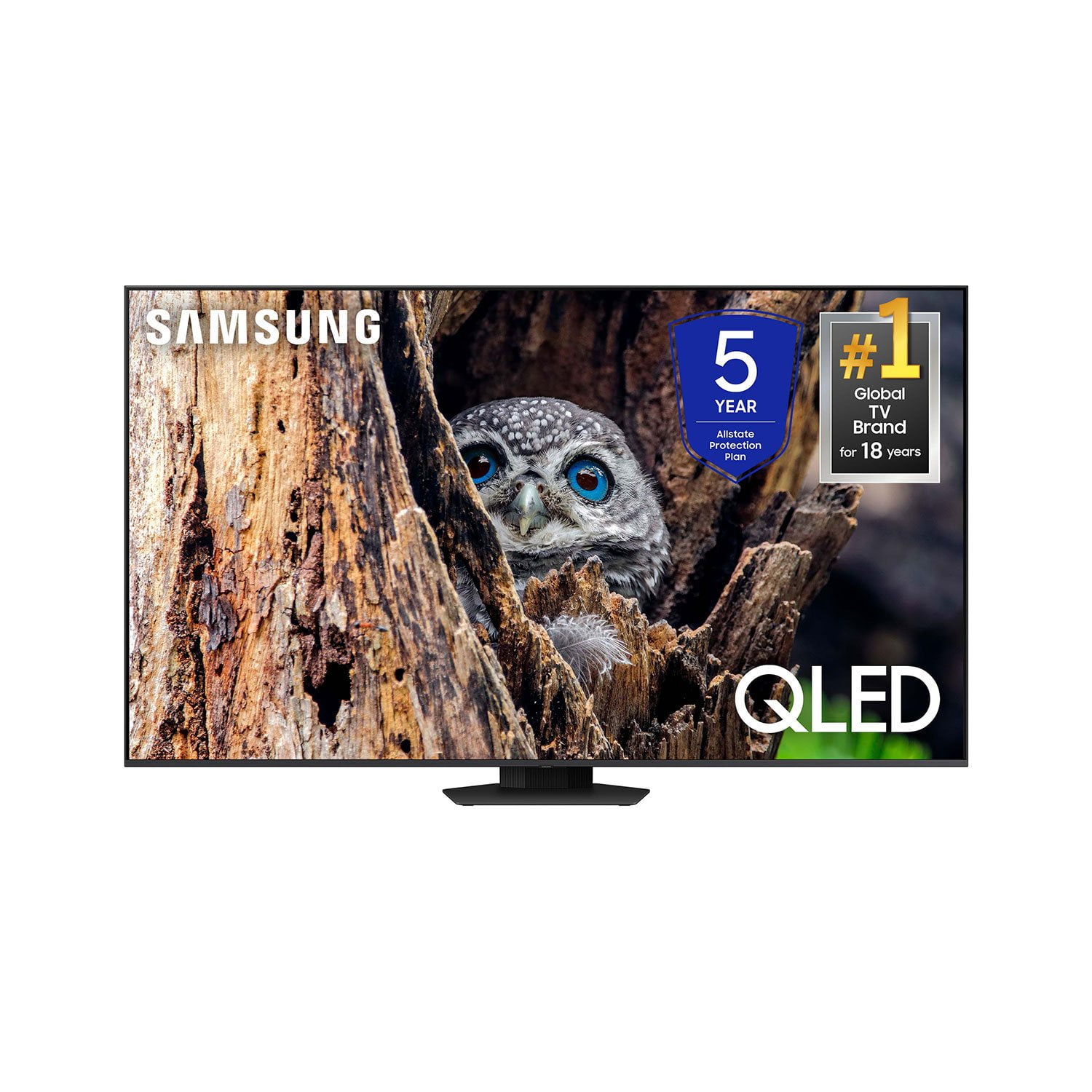
SAMSUNG 65” Class Q80D Series QLED Smart TV
4.6 out of 5 stars
stars
481 ratings430 reviews
  1. 5 stars75% (361)
  2. 4 stars14% (68)
  3. 3 stars5% (24)
  4. 2 stars3% (13)
  5. 1 star3% (15)

Member photos

  • +106 images
Sort by |
Showing 171-180 of 430 reviews
Dec 7, 2024
347582941
2 out of 5 stars review

Ads, Bad UI/UX, and Telemetry
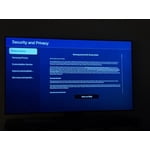
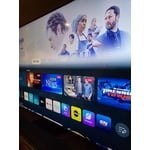
This TV is OK, for display purposes. It has acceptable color. The sound emanating from the speakers is also nice. For the price point comparative to other Smart TVs, it is a horrible SmartTV. The UI is absolutely horrible. It comes loaded with bloatware and the internal storage is non-expandable and even with ALL the junk and preinstalled apps offloaded, it only has ~2GB of free space for your apps. Further, the UI for TizenOS is just one giant big ad screen. The amount of remote presses it takes to get anywhere USEFUL like a settings menu, your apps, is in the middle of a bunch of big advertisements. The TV wants you to be connected to Wi-Fi at all times. If you disconnect Wi-Fi, it will sometimes automatically re-connect on reboot. A LOT of features are disabled when you do not have it connected to Wi-Fi. Also, the screen dims intermittently even with intelligent features disabled. This is an example of a mid-range TV that is absolutely ruined by it's operating system and telemetry. All the applications built for Tizen are slow and unresponsive. The TV has significant input lag, and it not fast or streamlined at all. There is no dedicated input button on the samsung remote. Look at all the reviews for this TV, they are almost all sponsored or rewarded reviews. That's how badly Samsung needs to manipulate the data to sell this TV. Stay away at all costs. This is not worth the price whatsoever. I will be returning this TV, and will never buy another Samsung product or appliance ever again.

Review from Samsung US
Helpful?1ZLF1H7ZTY7Y13870609163
reply from Samsung Specialist

Hi, We appreciate your feedback on the response time, and for optimal performance, we ask that you please ensure you've got the latest firmware version installed on your Q80D TV. You can check this by going to: Home > Menu > Settings > Support > Software Update. You may also want to further optimize performance with the self-diagnostic tool, which checks memory, frees up unused cached memory, and closes background apps. Go to: Home > Menu > Settings > Support > Device Care > Start Device Care I hope these tips help you enjoy your new product. You can always contact us for further help at 1-800-SAMSUNG, 8AM - 12AM EST, 7 days a week. Our LiveChat agents are also available by clicking on the ‘Support’ link on our website. ~ Samsung Specialist

Apr 19, 2025
Saki
3 out of 5 stars review

Questionable purchase

The picture is great when seeing head on, but once you view from off center the image fades. I did not know this when I made the purchase. But biggest problem is periodically the sound will be muffled when I turn the tv on. This lasts until I unplug, wait a while and then plug back in. I thought it was the cable box, but it has been connected to three different boxes and same problem exists.

Review from Samsung US
Helpful?1ZLF1H7ZTY7Y13870609163
reply from Samsung Specialist

Thank you for sharing your thoughts on the picture quality of your TV. To ensure you’ve got the latest image quality updates, please confirm that your TV is up to date with the latest firmware version. You can check by going to: Home > Menu > Settings > Support > Software Update. If the picture you’re seeing is still not to your liking after updating firmware, there are several picture settings you may want to try adjusting. Go to Home > left direction button > Settings > All Settings > Picture > Picture Mode ...and select the mode that best fits your usage: 1. Standard: Is the default mode suitable for general viewing environments 2. Dynamic: Makes the picture brighter and clearer in bright viewing environments 3. Eco: Provided to save energy 4. Movie: Suitable for watching TV or movies in a dark room 5. Filmmaker Mode: Provides source content just as the creators intended. If the image is defined as Filmmaker Mode, it’ll automatically switch to Filmmaker Mode while watching. You can also fine-tune your picture with expert settings such as brightness, contrast, sharpness and more (All Settings > Picture > Expert Settings). There are also several sound settings you can adjust to suit your personal preferences. • Sound Modes may better meet your personal preferences. Go to: Menu > Settings > All Settings > Sound > Sound Mode, or Expert Settings to fine-tune and customize your sound. • Adaptive Sound will also further optimize sound quality by analyzing the viewing space and the acoustic components of the content. Go to: Menu > Settings > All Settings > General & Privacy > Intelligent Mode Settings. Should you choose to add a Samsung Soundbar to your TV, please know that our Q-Series Soundbars (such as the HW-QS730D) feature Q-Symphony which will synchronize with the speakers of your TV for an immersive 3D sound experience. To assist you with possible sound settings adjustments for a better audio experience or choosing a Samsung Soundbar to complement your viewing enjoyment, please reach out to us at 1-800-SAMSUNG, 8 AM - 12 AM EST, seven days a week. ~ Samsung Specialist

Sep 15, 2025
SN13
5 out of 5 stars review

Worth the money

I've had this tv for 9 months now and it's been amazing. 0 issues and quality is top tier.

Review from Samsung Canada
Helpful?1ZLF1H7ZTY7Y13870609163
Sep 13, 2025
Plats150
5 out of 5 stars review

Very happy with this TV

This is a great TV with excellent picture quality.

Review from Samsung Canada
Helpful?1ZLF1H7ZTY7Y13870609163
Oct 29, 2025
rubio0330
5 out of 5 stars review

Great

Really like the tv. I got it like 2 month ago and still very nice.

Review from Samsung Canada
Helpful?1ZLF1H7ZTY7Y13870609163
Sep 13, 2025
petetheheat
5 out of 5 stars review

great buy , don't regret , feels i am the movies , movie , sport , its super clear

Review from Samsung Canada
Helpful?1ZLF1H7ZTY7Y13870609163
Oct 29, 2025
Sports
5 out of 5 stars review

Great Picture Quality.

Received tv about a month ago and very happy with picture quality.

Review from Samsung Canada
Helpful?1ZLF1H7ZTY7Y13870609163
Mar 5, 2025
Gonzo619
5 out of 5 stars review

Awesome Sauce!!!

Excellent purchase and screen size!! Almost a theatre look in my living room!! Great picture and sound!! Well worth its sale price!! Samsung's picture is outstanding!!

Review from Samsung US
Helpful?1ZLF1H7ZTY7Y13870609163
Jul 5, 2024
Funyygal
5 out of 5 stars review

Great tv to watch

[This review was collected as part of a promotion.] Love this television. Picture is the best quality. We love watching movies with it. The sound is crisp and clear.

Review from Samsung US
Helpful?1ZLF1H7ZTY7Y13870609163
Feb 5, 2025
Dogwalker
5 out of 5 stars review

Excellent purchase

I bought my Samsung 65” TV last summer. I have been surprised by what it can do and access to Samsung tv+. Picture is flawless and once you learn the remote and available apps it’s easy to get to where you want to be.

Review from Samsung US
Helpful?1ZLF1H7ZTY7Y13870609163