
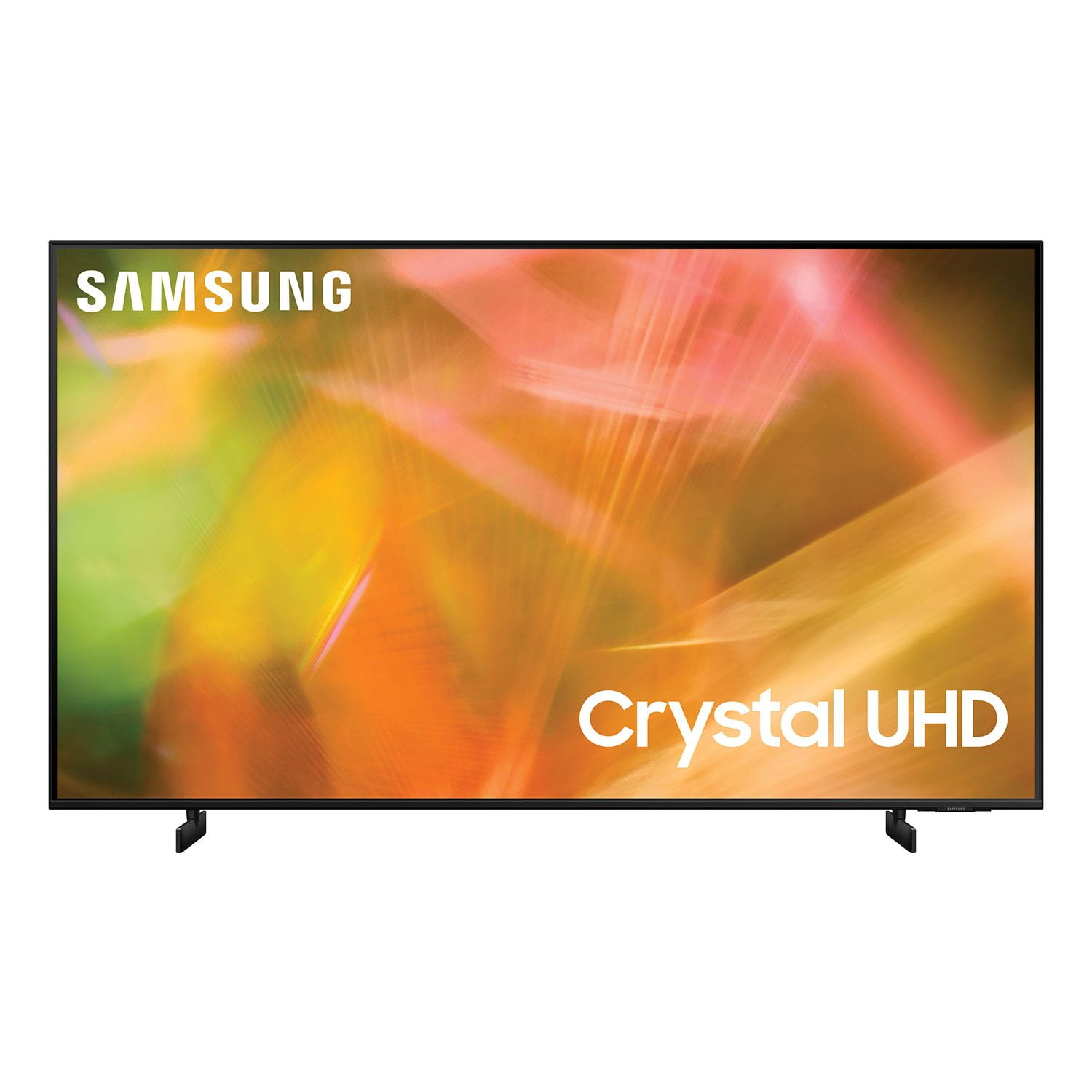
 Customer reviews for SAMSUNG 85" Class AU800D-Series Crystal Ultra HD 4K Smart TV - UN85AU800DFXZA for
Beautiful display and easy setup
[This review was collected as part of a promotion.] This is the first TV I've ever bought, and I'm glad I went with the AU8000! The display is beautiful. I was worried that a smart TV would require tedious setup, which I have no patience for - but it was smooth and quick, and could be done by an app on my phone (no painful typing of info letter by letter on the remote). Very happy with my purchase.
Great picture
[This review was collected as part of a promotion.] I do a lot of streaming and the picture quality is outstanding. I love 4k movies and they are phenomenal on this TV. It is also very easy to access my streaming options thru the smart TV settings.
There is a tick tick noise when TV is in off state
[This review was collected as part of a promotion.] I don't know If anyone has noticed it carefully but the when TV is in Off state via remote , you could hear a tick tick noise constantly and it goes away only when you completely unplug the TV. Apart from that the TV is great. Sound and picture quality is so amazing and you don't need any subwoofer.
Hi Joeljohn, Thank you for your purchase and review of the Samsung AU8000 TV. We are happy to hear that you are enjoying the ultra-fast Crystal Processor 4K and HDR, giving you stunning definition and a naturally crisp and vivid picture. Regarding the ticking noise you’re hearing from your TV: Samsung TVs use a combination of metal and plastic materials. These materials are subject to expansion and contraction due to temperature changes. Occasional creaking, popping, or cracking may be heard. Additionally, specific components within the TV may cause these temporary noises once powered off. Please know this does not indicate a product malfunction, and your TV is safe to use. With this in mind, here are a few quick tips on reducing the expansion that can cause these noises. 1) Ensure that there is adequate ventilation. Some enclosures may not allow for proper ventilation. This causes the internal temperature to increase and the plastic to expand more than usual. For recommended ventilation requirements, please see your user manual. 2) Make sure there aren't any heating or air conditioning vents pointing directly at the TV. 3) Verify that the TV is on a flat and level surface. Tilting or an uneven stand can increase these noises If you need more help, Samsung is here for you. Please call us at 1-800-SAMSUNG, 8 AM - 12 AM EST, seven days a week. Our LiveChat agents are also available by clicking on the ‘Support’ link on our website. ~ Samsung Advisor
Great Television
[This review was collected as part of a promotion.] I bought this TV six months ago and I love it. The screen is big enough to capture everything and the color contrast is amazing. To anyone who wants to buy a brand new television, I highly recommend this one.
Movies and Gaming
[This review was collected as part of a promotion.] The picture quality is really good with movies and games. I do however experience some screen tearing while gaming. If you stand still in game everything is clear. When you start running in game is when the picture blurs some and you see a small trail.
Hi! Thank you for choosing the Samsung AU8000 Crystal UHD TV and for sharing your feedback regarding your picture when gaming. When you use Auto Game Mode (ALLM), your screen will automatically optimize your screen giving you a smoother gaming experience without motion blur and judder. For optimal motion image performance, you may want to adjust the picture clarity setting by going to: Settings > Picture > Expert Settings > Picture Clarity Settings - Off: Picture Clarity Settings will always be off - Auto: Picture Clarity Settings will automatically activate and deactivate based on the type of program being watched - Custom: Allows custom adjustments and settings to be used. By selecting the Custom option, you can access these advanced settings for Judder Reduction, LED Clear Motion, and Noise Reduction. Should you need further assistance with features or other product usage, please reach out to Samsung Support via any of the below options: 1-800-SAMSUNG (ask for TVs), available 8AM -12AM EST M-F (9AM – 6PM EST Sat). Or text HELP to 62913. For additional support resources, visit us on the Samsung website and click on the ‘Support’ link in the upper right corner of the homepage for: 1) More ‘Contact Us’ options – LiveChat, Facebook, Twitter, Samsung Community, Samsung Members app 2) Manuals & Software 3) Warranty Info 4) Product Registration: For access to easy warranty support, convenient opt-in to special promos and offers, faster troubleshooting and service, and quick notification of system updates. ~ Samsung Solutions
Amazing tv!
[This review was collected as part of a promotion.] Very easy to set up and the picture is amazing! I really like the remote as well as the smart things app. Very easy to operate and very customizable as well. Nice sleek design and the legs for the stand were shorter than most other 55in tv's which allowed it to fit on my mantle perfectly! Overall, one of the best tvs I've ever owned!
Good product but slow when navigating through apps
[This review was collected as part of a promotion.] It's an ok product, the image is good. It Is good that it supports AppleTV+ and that you can do Airplay; however, the device is slow when trying to move through apps, or open an app and some apps just stop responding such as Plex. It seems that it also struggles with wifi. I have 1gb up and down and the TV is close to the wireless router; however, it struggles with streaming. If you're planning to use a set-top box such as an AppleTV then I'll recommend this product. If you won't use a set-top box and plan to use it for streaming and especially use it with plex, I would caution you to reconsider another TV version.
LoveForTech, Thank you for choosing the AU8000 Crystal UHD TV and taking the time to share your experience with the connection to your internet network. If you are experiencing issues with the WiFi connection, we suggest you try the following: 1. Use 5Ghz Wi-Fi if possible 2. Try wired LAN if available 3. Try repositioning the router so there are no obstacles between your TV and the router Please also be sure you are running the latest firmware. You can check to see what software version your TV is using and if there is an available update through the settings on your TV. Go to: Settings > Support > Software Update. You may want to enable automatic updates for conveniences. Go to Settings > Support > Software Update, then select Auto Update. You may also want to optimize the smart TV performance and address your issue with response time with the self-diagnostic tool. This service checks memory and frees up unused cached memory and closes background apps. Go to Settings > Support > Device Care > Start Device Care If we can help with anything else, please call us at 1-800-SAMSUNG, 8AM - 12AM EST, 7 days a week. LiveChat with an agent as well as manuals, software, and warranty info can be found at the ‘Support’ link on our Samsung website. ~ Samsung Specialist
Great Samsung Picture, interface needs work
i only buy tvs from two manufacturers and samsung is one of them. it's the best value for the money and the ones i've had have provided years of reliable service. this tv has a wonderful picture and that's really why you buy a tv -- for the picture. but the "smart" features interface is clunky -- it needs a one-button on the remote to get you to the settings, not a scroll left up down right press just to change the video setting or connect a bluetooth headset -- which brings me to my other complaint: although i am sitting less than 10 feet from the tv, bluetooth still disconnects during normal channel changing -- and i am using a top of the line headset. overall, this is a great set for the money if you don't mind ending up with remote control fatigie.
Vince, Thank you for choosing Samsung’s AU8000 TV and for sharing your feedback on the TV interface, as well as the issues you are experiencing with Bluetooth connectivity. Please be sure your firmware is up to date with version 1805.4 which includes performance updates. You can check this by going to: Settings > Support > Software Update. If your issue persists after updating firmware, please reach out to Samsung Customer Support so that we can provide further troubleshooting. You can reach us at 1-800-SAMSUNG (ask for TVs), available 8AM - 12AM EST, 7 days a week. For additional support resources, visit us on the Samsung website and click on the ‘Support’ link in the upper right corner of the homepage for: 1) Chat with Us/Product Help: To begin a chat or find solutions, choose ‘TVs & Home Theater’ and select your model & topic. 2) Register a Product: For access to easy warranty support, convenient opt-in to special promos and offers, faster troubleshooting and service, and quick notification of system updates. 3) Manuals & Software 4) Warranty Info 5) Contact Us ~ Samsung Specialist
This product has great features
[This review was collected as part of a promotion.] I previously returned a TV of another brand due to picture damage. I'm so so happy I exchanged it for this Samsung TV. The quality of the TV is top of the line. It came with detailed instructions for set up which made it very easy to do. Its very compatible with the Amazon Fire Stick and can use the Alexa or Fire Stick remote. It has a multitude of Apps already downloaded including Netflix and Apple TV. The picture is beautiful and sharp. Also it's very easy to navigate through the TV features and channels.
Amazing Picture!!
[This review was collected as part of a promotion.] The Samsung Crystal UHD TV is AMAZING!!!! I just have 1 word... WOW! The picture and view on this TV for me I love it. I have to wear glasses to watch TV all the time and it can get annoying. With the Samsung Crystal UHD TV, I DO NOT have to wear my glasses at all! That is how amazing the picture quality is to me. Also, I just love that it's a Smart TV. Everything is already there, no problem at all! The set up was so easy and signing into all my apps was simple.