
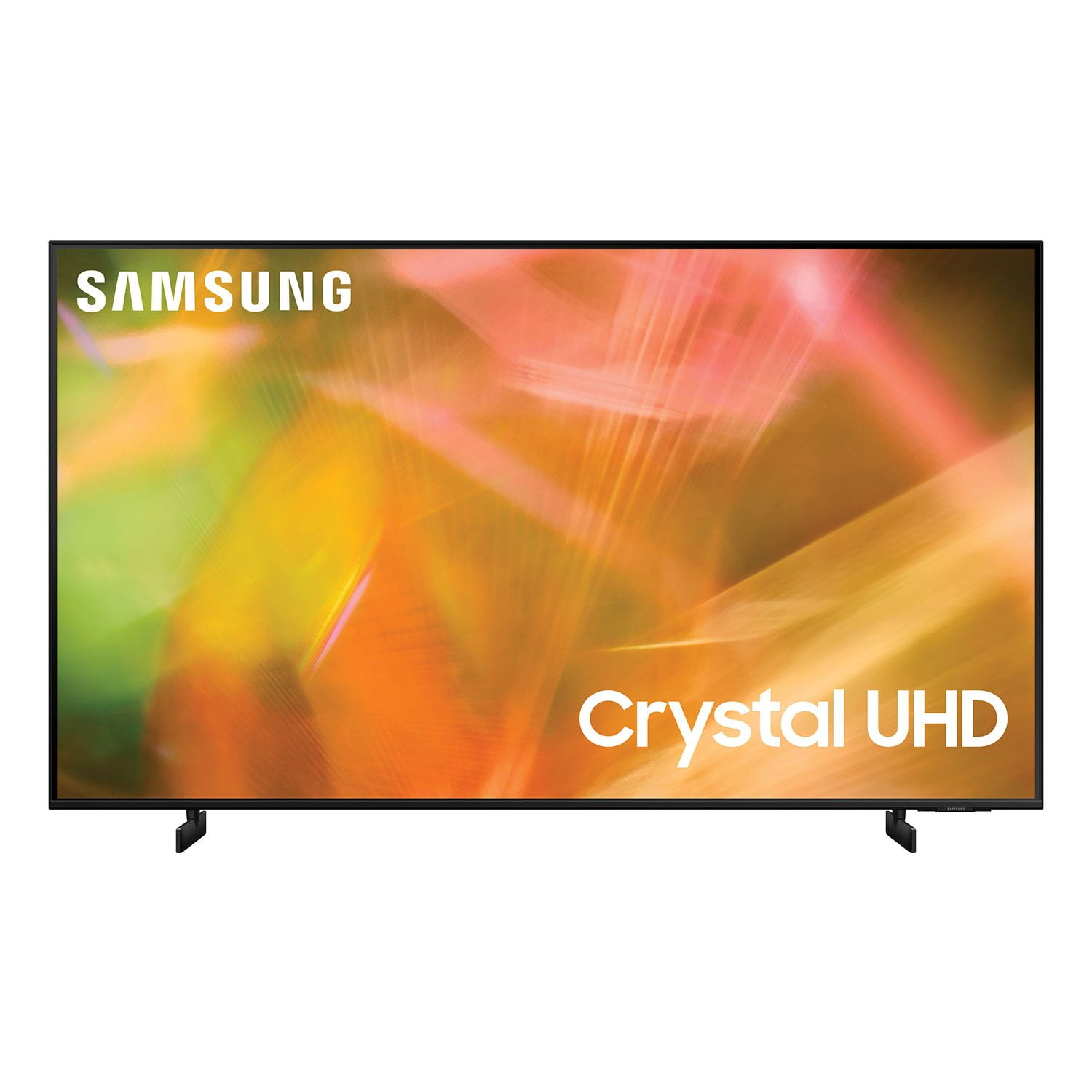
 Customer reviews for SAMSUNG 85" Class AU800D-Series Crystal Ultra HD 4K Smart TV - UN85AU800DFXZA for
Most AMAZING TV I've ever owned
I have had this tv for three years now and it is the absolute best tv I've ever owned. The picture is still crisp and clear and just as perfect now as the day I bought it. The only thing it does that's "bad" if yu can even call it that, is that occasionally the volume doesn't work and I have to restart the system. But after three years, that's literally the only thing I can find "bad" on it. I wish I could rate it twenty stars! And no I'm not a bot and I'm not paid to say this. I just really fricken LOVE my tv and if you're in the market for one, you can't go wrong with a samsung tv.
Great picture
Bought this 58" about a month ago. Everything about this is great except the sound will not sync with the video from any source. Every setting makes it less irritating,but cannot make it right. Had another samsung with the same problem. My LG Plasma does not have this problem running the same cable boxes, cables and firestick. This is a Samsung TV problem and it really sucks
Hi Cheech, thanks for reaching out. We regret that you had this issue but we're confident we can help! Please get in touch with us at 1-800-SAMSUNG or via live chat on our website (http://www.samsung.com/ca/support/)
Waste of Buy
[This review was collected as part of a promotion.] This tv came straight out the box and onto the table. It was never touched. Only could use a remote to operate and it didn't have no power button functions on it which was very odd. Right after the warranty expired it went out. The tv was only used for about a year and half never was on all the time or anything. Horrible buy.
Picture quality
the picture quality was underwhelming compared to the lower end samsung this unit replaced. it makes an annoying clicking noise wben you turn it off. this clicking probably wouldn't be all that bad if you weren't trying to go to sleep. like nails on a chalkboard it will upset you and you will get up and unplug it every night.
Hi Toolman791, We appreciate you sharing your experience with the AU8000 TV. Your details regarding the image quality of your TV and clicking noise when powered off are important to us and will be shared with our internal teams. You may want to try adjusting image settings to improve your picture. Your TV has several Picture Modes to choose from allowing you to enjoy content in optimal conditions. Go to Home > Settings > Picture > Picture Mode 1) Standard: Is the default mode suitable for general viewing environments. 2) Natural: Reduces eye strain for a comfortable viewing experience. 3) Movie: Is suitable for watching TV or movies in a dark room. 4) Dynamic: Makes the picture brighter and clearer in bright viewing environments. 5) Filmmaker Mode: You can watch the source content (e.g., movie) as it is. If the image is defined as Filmmaker Mode, it will automatically switch to Filmmaker Mode while watching. You can also go to: Settings > Picture > Expert Settings and configure the TV settings to your taste with additional functions. Please know, Samsung TVs use a combination of metal and plastic material. These materials are subject to expansion and contraction due to temperature changes. Occasional creaking, popping, or cracking may be heard. Additionally, certain components within the TV may cause these temporary noises once powered off. This does not indicate a product malfunction. The TV is safe to use. Should you ever have questions or need help, please call us at 1-800-SAMSUNG (ask for TVs), available 8AM - 12AM EST, 7 days a week. For additional support resources, visit us on the Samsung website and click on the ‘Support’ link in the upper right corner of the homepage for: 1) Chat with Us/Product Help: To begin a chat or find solutions, choose ‘TVs & Home Theater’ and select your model & topic. 2) Register a Product: For access to easy warranty support, convenient opt-in to special promos and offers, faster troubleshooting and service, and quick notification of system updates. 3) Manuals & Software 4) Warranty Info 5) Contact Us ~ Samsung Solutions
Poor quality and app interfacing
Don't rely on it for reliably accessing any streaming apps without failing within 5 minutes and causing endless frustrations. Finally bought a Roku to avoid throwing this tv away and investing in a more reliable brand. As well, Samsung basically requires an account sign up to use the tv. Unnecessary and beyond frustrating to have so many loopholes just to watch tv
Hi there, thank you for sharing your thoughts with us. We’re sorry to hear that you’re disappointed, and we will be sure to share your feedback with our teams so we can continually improve our products, services, and processes. Thanks again.
Picture
this tv is not backlit led it's side lit so the picture quality is poor from the side angles all my other tvs were backlit or plasma, even the cheaper version of this tv last year was a better tv ( back lit) plus there's no inputs for my equipment. it only accepts hdmi and usb
Hi Rick, We appreciate you sharing your experience with the new 2021 AU8000 Crystal UHD TV. Your details regarding the picture quality and inputs supported will be shared with our internal teams. You may want to try adjusting image settings to improve your picture. Please know, for optimal glare control to assist with off angle viewing, we recommend positioning the TV to minimize incident light falling on the screen or consulting a professional installer. Anti-reflection designed to minimize ambient light reflection is a feature in our QN85A series and higher. Your TV has several Picture Modes to choose from allowing you to enjoy content in optimal conditions. Go to Home > Settings > Picture > Picture Mode 1) Standard: Is the default mode suitable for general viewing environments. 2) Natural: Reduces eye strain for a comfortable viewing experience. 3) Movie: Is suitable for watching TV or movies in a dark room. 4) Dynamic: Makes the picture brighter and clearer in bright viewing environments. If adjusting image settings does not improve your picture, please contact Samsung Customer Support. 1-800-SAMSUNG (ask for TVs), available 8AM - 12AM EST, 7 days a week. For additional support resources, visit us on the Samsung website and click on the ‘Support’ link in the upper right corner of the homepage for: 1) Contact Us: For additional Chat & Text options, choose ‘TVs & Home Theater’ and select your model & topic. 2) Manuals & Software 3) Warranty Info 4) Register a Product: For access to easy warranty support, convenient opt-in to special promos and offers, faster troubleshooting and service, and quick notification of system updates. ~ Samsung Solutions
Apps
[This review was collected as part of a promotion.] I mostly use my television for movies and music, it pairs great with my Note 9 and the sound and picture quality are great. This is actually my first smart tv and I love the different features it has but there is another Samsung smart tv in my home that is an older model, I wish my tv had access to some of the same features and apps such as the AMC movie theatre app. I like being able to purchase on demand movies on the AMC website, pull up the app on the tv and watch purchased movies that are in my library. I'd also love the "view TV on phone" feature. It's nice to be able to watch on my phone, whatever is playing on the tv from another room. Overall, the tv is great and has no issues. There are plenty of other apps in the hub/store that I do use, it's nice having all the apps right there at my fingertips. Being able to pair different devices like my iPad and multiple phones is a definite plus, I love my Samsung tv.
Many great features
We bought this a few weeks ago and are very pleased with this tv
So glad to hear you're enjoying your Samsung TV, DaveW!
The software
[This review was collected as part of a promotion.] Difficult to operate Almost returned it of something else
Hi Noncomputer! Thank you for choosing Samsung’s AU8000 Crystal UHD TV and for your review. We appreciate your feedback regarding the user experience operating the TV. To assist you in the functions and settings of the TV, you can download the AU8000 TV's User Manual, e-Manual, and Quick Setup Guide on Samsung's website by clicking "Support" > "Manuals & Software" > "TVs & Home Theater" > "TVs". From there, you can select the AU8000 TV under "Crystal UHD TVs” > “A Model Lineup" and download the guides you would like. The e-Manual is also embedded into the TV itself under Settings > Support > Open e-Manual. Should you ever have questions or need help, please call us at: 1-800-SAMSUNG (ask for TVs), available 8AM -12AM EST M-F (9AM – 6PM EST Sat). Or text HELP to 62913. For additional support resources, visit us on the Samsung website and click on the ‘Support’ link in the upper right corner of the homepage for: 1) More ‘Contact Us’ options – LiveChat, Facebook, Twitter, Samsung Community, Samsung Members app 2) Manuals & Software 3) Warranty Info 4) Product Registration: For access to easy warranty support, convenient opt-in to special promos and offers, faster troubleshooting and service, and quick notification of system updates. ~ Samsung Solutions
Awesome
[This review was collected as part of a promotion.] I don't know how i lives so long without a smart tv. I love it!
Hello EyeHeartSamsung, Thank you for purchasing the Samsung AU8000 and for your review. I am glad to hear you are loving your first Smart TV. Your new TV features Samsung TV Plus, which lets you enjoy subscription-free TV, movies, sports with 150 channels and growing. You can find this app preinstalled in your TV's App Launcher. Should you ever have any questions or need help with settings or features, please call us at 1-800-SAMSUNG (ask for TVs), available 8AM -12AM EST, 7 days a week. Or text HELP to 62913. For additional support resources, visit us on the Samsung website and click on the ‘Support’ link in the upper right corner of the homepage for: 1) More ‘Contact Us’ options – LiveChat, Facebook, Twitter, Samsung Community, Samsung Members app 2) Manuals & Software 3) Warranty Info 4) Product Registration: For access to easy warranty support, convenient opt-in to special promos and offers, faster troubleshooting and service, and quick notification of system updates. ~ Samsung Specialist