Skip to Main Content
Sam's Club
Sam's Club
All Departments
All Services
Customer reviews for SAMSUNG 85" Class AU800D-Series Crystal Ultra HD 4K Smart TV - UN85AU800DFXZA for
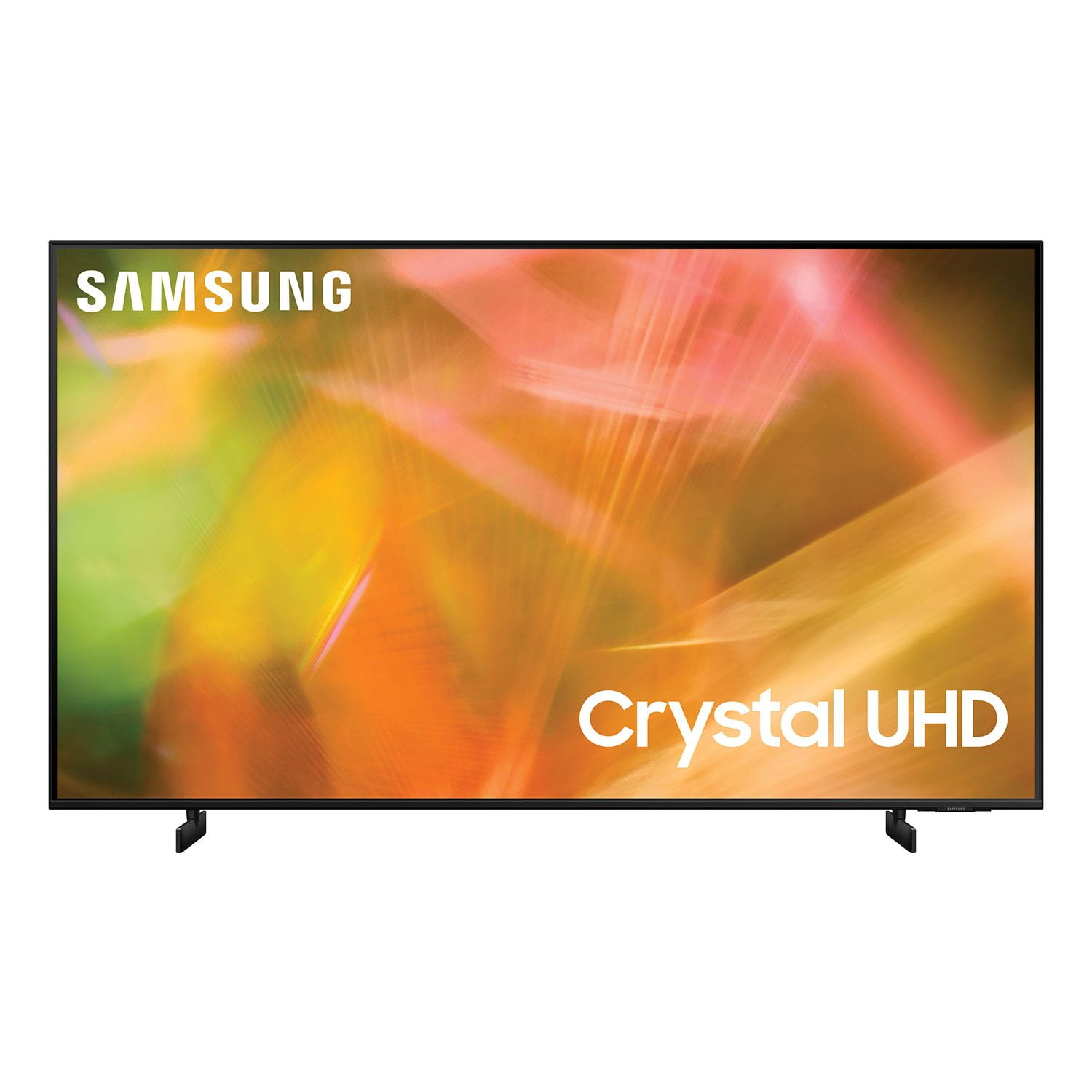
SAMSUNG 85" Class AU800D-Series Crystal Ultra HD 4K Smart TV - UN85AU800DFXZA
4.5 out of 5 stars
stars
3,839 ratings3,753 reviews
  1. 5 stars73% (2,818)
  2. 4 stars17% (650)
  3. 3 stars4% (162)
  4. 2 stars2% (71)
  5. 1 star4% (138)
Sort by |
Showing 3,201-3,210 of 3,753 reviews
Jul 18, 2022
Reviewer name: josem55
5 out of 5 stars
5 out of 5 stars review

Amazing TV

[This review was collected as part of a promotion.] I bought this near the 4th of July holiday and so far it's been amazing. The colors are great, the free Samsung TV is so convenient and the speakers are loud enough for my uses.

Review from Samsung US
Helpful?603WXSAQV1T013869809408
Sep 27, 2022
Reviewer name: Kingcronk1776
5 out of 5 stars
5 out of 5 stars review

Experience

[This review was collected as part of a promotion.] Works fantastic just like my other tv tho I would recommend a sound bar to go with it if you want a more bang for your buck

Review from Samsung US
Helpful?603WXSAQV1T013869809408
Oct 25, 2022
Reviewer name: MusicStreet7
5 out of 5 stars
5 out of 5 stars review

I love the HD its really clear

[This review was collected as part of a promotion.] I use the streaming for lots of time. The selection of apps is great. My grandson uses it for gaming great pictures quality

Review from Samsung US
Helpful?603WXSAQV1T013869809408
Apr 2, 2023
Reviewer name: DJ2911
1 out of 5 stars
1 out of 5 stars review

Terrible Product

I bought this 2 months ago. It worked okay for the first little while but now the sound cuts in and out. It also has very few apps that I use and you are not able to add apps. I will be taking it back.

Review from Samsung Canada
Helpful?603WXSAQV1T013869809408
reply from Operations

Thanks for bringing this to our attention, DJ2911. Could you give us a call at 1-800-SAMSUNG or use the live chat on our website (www.samsung.com/ca/support)? We’d love to help, but will need a little more detail about the issue. 

Oct 25, 2022
Reviewer name: Jaytelevision
5 out of 5 stars
5 out of 5 stars review

tvOS is title

[This review was collected as part of a promotion.] No comment-new and have not yet used it. Will have to look at and install before the review is helpful.

Review from Samsung US
Helpful?603WXSAQV1T013869809408
Oct 25, 2022
Reviewer name: SamsungTv
5 out of 5 stars
5 out of 5 stars review

Awesome TV

[This review was collected as part of a promotion.] Great quality at reasonable price, very pleased with purchase. Was also easy to get a wall mount that fit.

Review from Samsung US
Helpful?603WXSAQV1T013869809408
Jun 1, 2022
Reviewer name: Djprice1122
5 out of 5 stars
5 out of 5 stars review

Samsung 65 inch TV

[This review was collected as part of a promotion.] The TV is priced and good quality for the pay I never have any issues with Samsung I believe they are a great company and well worth the money

Review from Samsung US
Helpful?603WXSAQV1T013869809408
Jul 23, 2021
Reviewer name: Great
5 out of 5 stars
5 out of 5 stars review

Features

[This review was collected as part of a promotion.] I use the tv for gaming, watching tv etc. it is particularly good with the exception that it turns itself on at times.

Review from Samsung US
Helpful?603WXSAQV1T013869809408
reply from Samsung Brand Ambassador

Hi Great! Thank you for purchasing the 65" AU8000 Crystal UHD TV and for your review. I am glad to hear you are enjoying the picture quality of your new TV powered by the Crystal Processor 4K bringing you exceptional detail and clarity in every scene. There are a few troubleshooting steps to try if you are experiencing issues with your TV powering on unexpectedly: 1. Unplug the TV from the wall outlet or surge protector and leave it unplugged for 30 seconds. 2. Check the power cord to see if there is any visible damage. 3. Plug the TV power cord back into the wall outlet. If you were using a surge protector, bypass it for now and use a wall outlet. 4. Try to update the software. In some cases, a software update can correct the problem. 5. Disable the Power On with Mobile option. TVs that can connect to SmartThings can be turned on using compatible devices, sometimes automatically. However, if abnormal "power on" signals are sent through the wireless network, they will trigger this function and make the TV turn on. If you do not want this function, navigate to Settings > General > Network > Expert Settings > Power On with Mobile, and turn the setting off. Please know, if you are using the device through HDMI, it could cause the auto-on, as Anynet+ is enabled. Occasionally connected devices such as game consoles (PS5, Xbox) or cable set top box sending turn on signal, for example, if they have software updates. We recommend you try turning Anynet+ off as it may be causing auto power on. Go to Settings > General > External Device Manager > Anynet+, then disable. If the TV continues to turn on by itself continuously, please contact our Samsung Customer Support at: 1-800-SAMSUNG (ask for TVs), available 8AM -12AM EST M-F (9AM – 6PM EST Sat). Or text HELP to 62913. For additional support resources, visit us on the Samsung website and click on the ‘Support’ link in the upper right corner of the homepage for: 1) More ‘Contact Us’ options – LiveChat, Facebook, Twitter, Samsung Community, Samsung Members app 2) Manuals & Software 3) Warranty Info 4) Product Registration: For access to easy warranty support, convenient opt-in to special promos and offers, faster troubleshooting and service, and quick notification of system updates. ~ Samsung Solutions

Jul 10, 2021
Reviewer name: Sweett
5 out of 5 stars
5 out of 5 stars review

Samsung electronics

[This review was collected as part of a promotion.] It is great how easy it is to connect other Samsung devices. The picture quality is wonderful. The apps included and what you can download are helpful and fun. From workout to games.

Review from Samsung US
Helpful?603WXSAQV1T013869809408
Sep 13, 2021
Reviewer name: Jjiv
5 out of 5 stars
5 out of 5 stars review

Perfect 85in TV without spending crazy cash

[This review was collected as part of a promotion.] Great TV. Best way to get an 85in TV without spending a ton of money. I use mine heavily for gaming and the performance is always great.

Review from Samsung US
Helpful?603WXSAQV1T013869809408