Skip to Main Content
Sam's Club
Sam's Club
All Departments
All Services
Customer reviews for SAMSUNG 85" Class AU800D-Series Crystal Ultra HD 4K Smart TV - UN85AU800DFXZA for
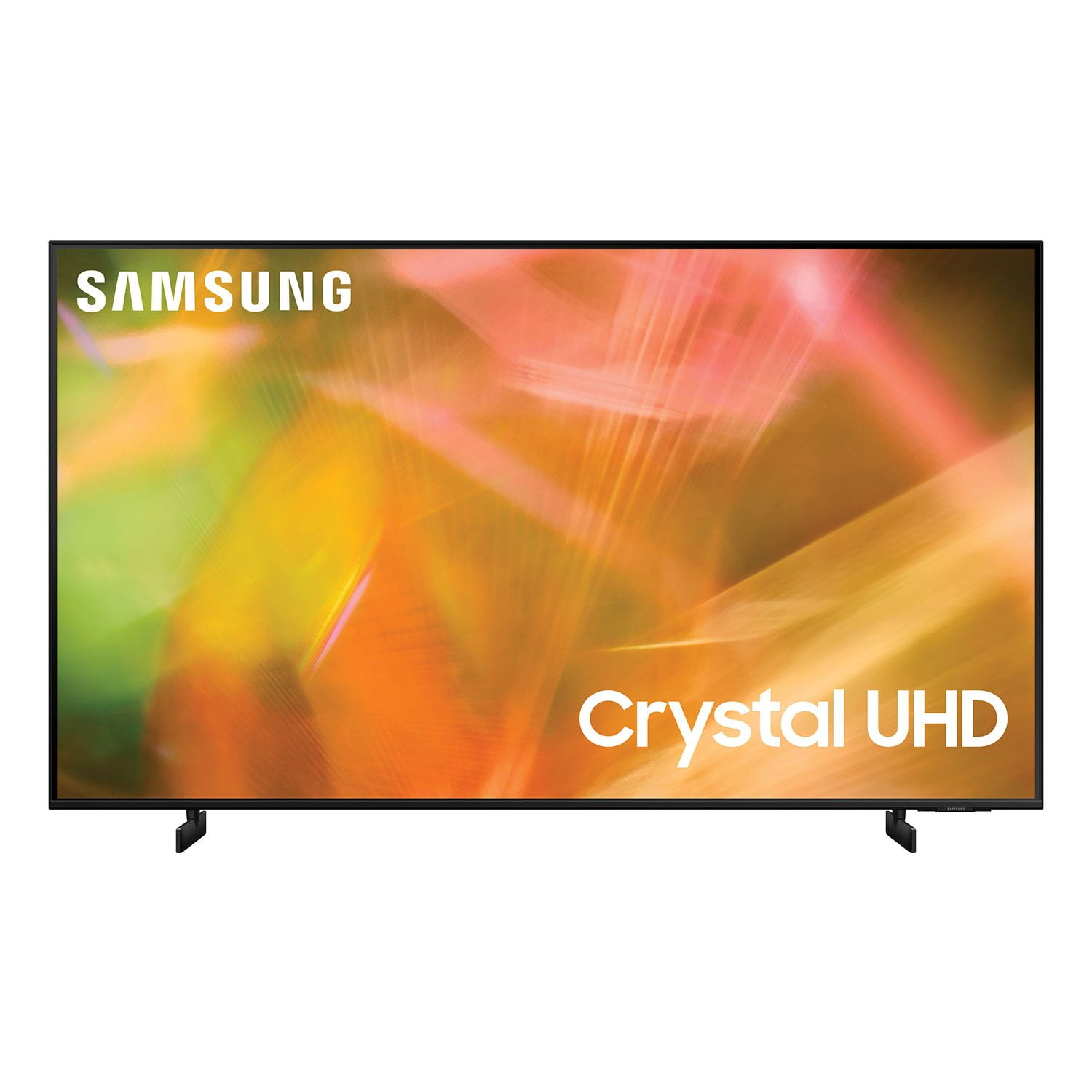
SAMSUNG 85" Class AU800D-Series Crystal Ultra HD 4K Smart TV - UN85AU800DFXZA
4.5 out of 5 stars
stars
3,839 ratings3,753 reviews
  1. 5 stars73% (2,818)
  2. 4 stars17% (650)
  3. 3 stars4% (162)
  4. 2 stars2% (71)
  5. 1 star4% (138)
Sort by |
Showing 1,301-1,310 of 3,753 reviews
Dec 20, 2022
Reviewer name: Robinl
3 out of 5 stars
3 out of 5 stars review

Not user friendly

We are sending ours back. Sound cuts off during shows and movies. When turned on it just goes to a blank screen and I don't know if it is on or not. Remote buttons have too many multi task (not user friendly), no numbers on it. Sound has to be adjusted too much.

Review from Samsung US
Helpful?603WXSAQV1T013869809408
reply from Samsung Brand Ambassador

Hi Robinl, Thank you for letting us know about the issues you are experiencing with the AU8000 TV. Please know we are here to help and have a few troubleshooting stops for you to try. First, regarding the issue of inconsistent volume: The Auto Volume function automatically adjusts the sound to a certain level when changing channels or switching to another external input. Go to: Settings > Sound > Expert Settings > Auto Volume = On. You may also want to perform a Sound Test under Support > Self Diagnosis > Start Sound Test. Next, so your TV does not have a blank screen when you first turn it on, I recommend turning on the Autorun Last App feature. The feature automatically starts the last app you used once the TV is turned on. To enable this feature, follow the steps below: 1) Navigate to Settings > General > Smart Features > Autorun Smart Hub 2) Enable the Autorun Smart Hub feature 3) Navigate to Settings > General > Smart Features > Autorun Last App 4) Enable the Autorun Last App feature Finally, please ensure you are running the latest Firmware. Go to Settings> Support> Software Update. If you need more help, Samsung is here for you. Please call us at 1-800-SAMSUNG, 8 AM - 12 AM EST, seven days a week. Our LiveChat agents are also available by clicking on the ‘Support’ link on our website. ~ Samsung Advisor

Sep 24, 2021
Reviewer name: Necx
5 out of 5 stars
5 out of 5 stars review

WoW! The colors are Amazing!

[This review was collected as part of a promotion.] I recently upgraded from the last year TU model. This new release is so much more colorful even if I tried to go and change the colors on the old unit and made them as bright as they can go. No chance to be as good as this. I have it paired with a Samsung Hw-ms650 sound bar and I'm very pleased with how much an upgrade it is over a year apart.

Review from Samsung US
Helpful?603WXSAQV1T013869809408
Jul 23, 2021
Reviewer name: DisappointedinAZ
3 out of 5 stars
3 out of 5 stars review

This model needs improvement

[This review was collected as part of a promotion.] I use this TV to watch movies and music videos using satellite tv and streaming services. This is my sixth Samsung television and I am not impressed with this 2021 model. It came with a small smart remote that is more difficult to use due lack of buttons that were on the older remote. The screen seems to be even darker than older models, even when using the brightest settings.

Review from Samsung US
Helpful?603WXSAQV1T013869809408
reply from Samsung Brand Ambassador

Hi DisappointedinAZ! Thank you for choosing the 2021 AU8000 Crystal UHD TV and for sharing your thoughts regarding the remote design and image brightness. There are a few steps you can should know that may improve your experience with your new TV. Please know that many of the buttons on your remote have multiple functions. For example, the Volume button is moved UP/DOWN to adjust volume, and to MUTE the sound, you need to PRESS it in. If that same button is pressed for > than 1 second, the Accessibility Shortcuts appears. Pressing the RETURN button (looks like a curved, backwards facing arrow) returns you to the previous menu, pressing it while watching a program will take you back to the previous channel. You can learn more about the remote and its functions on pages 24 - 28 in the full user manual available at the following link: https://downloadcenter.samsung.com/content/UM/202106/20210624133023578/OSNATSCA-6.0.0_EM_OSCAR_USA_ENG_210608.0.pdf If you are unsatisfied with the default brightness settings, you can customize the brightness level between 0 – 50 to your preference. Go to Home > Settings > Picture > Expert Settings > Brightness. You can also try different Picture Modes to see which best fits your needs. Go to Home > Settings > Picture > Picture Mode for the below choices: 1) Standard: Is the default mode suitable for general viewing environments. 2) Natural: Reduces eye strain for a comfortable viewing experience. 3) Movie: Is suitable for watching TV or movies in a dark room. 4) Dynamic: Makes the picture brighter and clearer in bright viewing environments. I hope you can use these adjustment recommendations to set the image to your liking. If you would like further assistance with settings, features, or functions, please reach out to Samsung Customer Support at: 1-800-SAMSUNG (ask for TVs), available 8AM -12AM EST M-F (9AM – 6PM EST Sat). Or text HELP to 62913. For additional support resources, visit us on the Samsung website and click on the ‘Support’ link in the upper right corner of the homepage for: 1) More ‘Contact Us’ options – LiveChat, Facebook, Twitter, Samsung Community, Samsung Members app 2) Manuals & Software 3) Warranty Info 4) Product Registration: For access to easy warranty support, convenient opt-in to special promos and offers, faster troubleshooting and service, and quick notification of system updates. ~ Samsung Solutions

Oct 31, 2022
Reviewer name: DERF1960
5 out of 5 stars
5 out of 5 stars review

Great overall TV

[This review was collected as part of a promotion.] We love our new TV. We use it for streaming TV and listening to music. We have someone that wears hearing aids and we are able to hook them directly to the TV so they can hear the TV anywhere in the house. Looks great hanging on the wall above the fireplace.

Review from Samsung US
Helpful?603WXSAQV1T013869809408
Jan 4, 2023
Reviewer name: House
3 out of 5 stars
3 out of 5 stars review

Nice picture

the picture is great. the smart functions took some time to figure out how to work the way i like but are great. volume is an issue though. i can have my 43” samsung on 16 but the 53” needs to be on 50 for the same quality. when it is cold outside only on the 53” do i have to wait about an hourusing samsung or an app feature before regular caable is available

Review from Samsung US
Helpful?603WXSAQV1T013869809408
reply from Samsung Brand Ambassador

Hello House, Thank you for sharing your review of the AU8000 Samsung TV. We appreciate your feedback and it will be shared among our product teams. You can select a Sound Mode that you prefer for a content type or your listening environment. Go to: Home > Settings > Sound > Sound Mode You can also customize balance and equalizer settings by going to Home > Settings > Sound > Expert Settings Hopefully, this will improve your overall experience with your new TV. I hope this tip helps improve your enjoyment. For more help, please call us at 1-800-SAMSUNG, 8 AM - 12 AM EST, seven days a week. LiveChat with an agent, as well as manuals, software, and warranty info, can be found at the ‘Support’ link on our Samsung website. ~ Samsung Advisor

Jul 24, 2021
Reviewer name: Buyer
5 out of 5 stars
5 out of 5 stars review

Only brand I will buy

[This review was collected as part of a promotion.] I tried another brand that did not compare to my Samsung . Ended up buying another Samsung . I depend on my TV since I live alone . I enjoy the picture and sound quality . I only use it for TV watching .

Review from Samsung US
Helpful?603WXSAQV1T013869809408
Jan 30, 2022
Reviewer name: Quinn
5 out of 5 stars
5 out of 5 stars review

So glad I went with Samsung

extremely high quality image. lightweight and extremely easy to assemble. fantastic sound quality and all i have been watching are the samsung tv channels! there is an entire channel that plays nothing but project runway episodes. i don't think i've changed the tunnel twice lol

Review from Samsung US
Helpful?603WXSAQV1T013869809408
Jan 15, 2023
Reviewer name: Matt
1 out of 5 stars
1 out of 5 stars review

Dont buy unless you have other speakers

i bought a different samsung tv about 18 months ago. i figured this one would be just as good. the speakers are beyond awful on this tv. i tried adjusting the setting but it was only marginally better. i really can't believe they could even make the speakers sound this bad. absolutely dont buy this tv without a sound bar… unfortunstely once you add the cost of a soundbar, this tv becomes a terrible value. do yourself a favor and find a different tv.

Review from Samsung US
Helpful?603WXSAQV1T013869809408
reply from Samsung Brand Ambassador

Hi Matt, Thank you for sharing your thoughts regarding the AU8000 TV’s sound quality. We recommend adjusting the Sound Settings to improve your experience. You can change the Sound Mode by going to Settings > Sound > Sound Mode. You can also customize the sound with Expert Settings by going to Settings > Sound > Expert Settings. To assist you with possible sound settings adjustments for a better audio experience or choosing a Samsung Soundbar to complement your viewing enjoyment, please reach out to us at 1-800-SAMSUNG, 8 AM - 12 AM EST, seven days a week. Our LiveChat agents are also available by clicking on the ‘Support’ link on our website. ~ Samsung Advisor

May 27, 2022
Reviewer name: Kieran
5 out of 5 stars
5 out of 5 stars review

Overall Great TV

[This review was collected as part of a promotion.] Stream and game on this tv almost on a daily basis. We have never had any issues and always have crystal clear picture and great sound quality. We recommend this tv to anyone looking to purchase one.

Review from Samsung US
Helpful?603WXSAQV1T013869809408
Jul 23, 2021
Reviewer name: Interestingdave
5 out of 5 stars
5 out of 5 stars review

Nice TV

[This review was collected as part of a promotion.] I bought this tv to use in the living room. I love the bright screen and the vivid colors. The user interface is pretty good too. I think the sound on it is like an old am radio so I would recommend getting a sound bar. Overall I really like this tv.

Review from Samsung US
Helpful?603WXSAQV1T013869809408