Skip to Main Content
Sam's Club
Sam's Club
All Departments
All Services
Customer reviews for Roku Streaming Stick 4K | Streaming Device 4K/HDR/Dolby Vision with Voice Remote with TV Controls and Long-Range Wi-Fi for
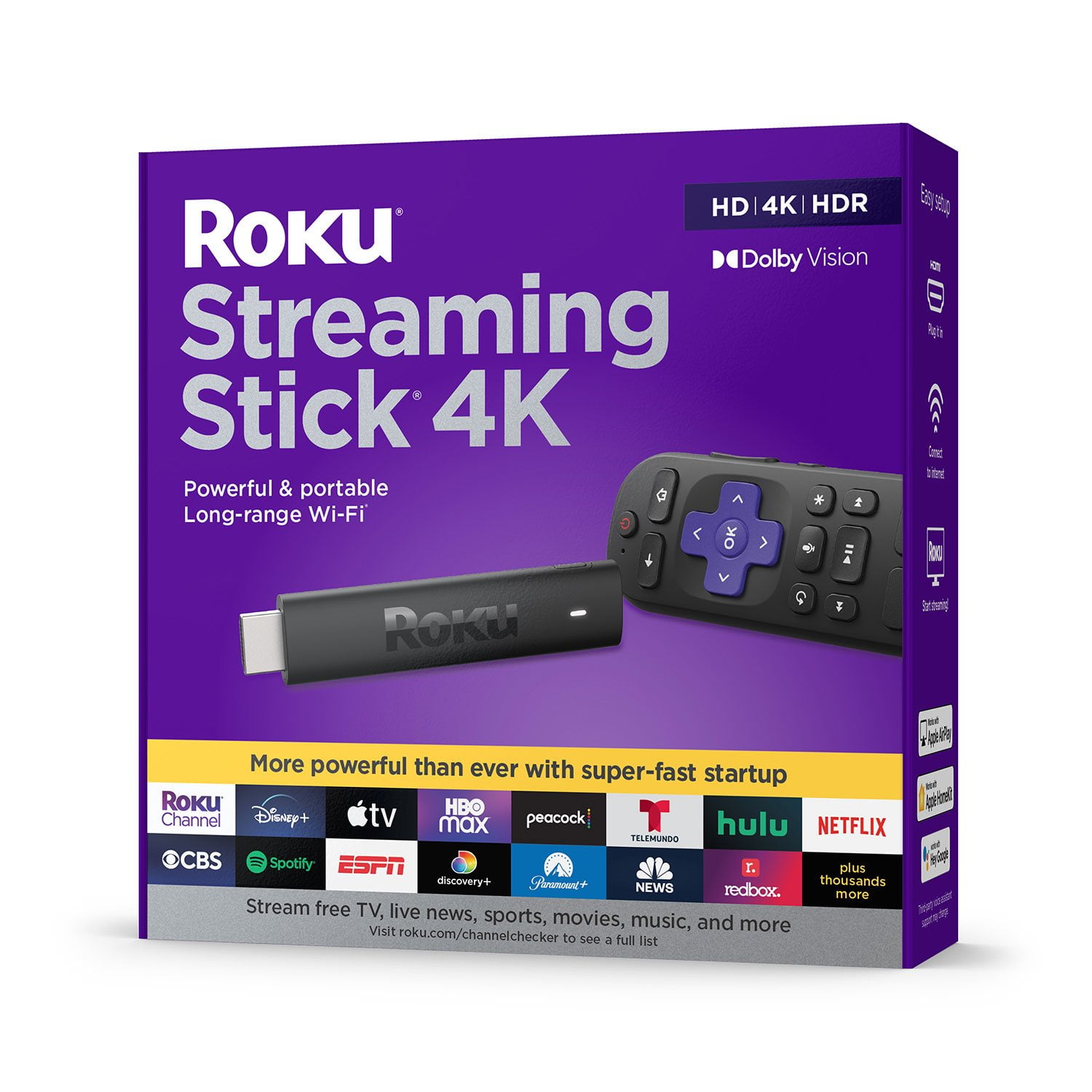
Roku Streaming Stick 4K | Streaming Device 4K/HDR/Dolby Vision with Voice Remote with TV Controls and Long-Range Wi-Fi
4.6 out of 5 stars
stars
3,675 ratings3,632 reviews
  1. 5 stars81% (2,966)
  2. 4 stars11% (391)
  3. 3 stars3% (113)
  4. 2 stars2% (90)
  5. 1 star3% (115)
Sort by |
Showing 1,041-1,050 of 3,632 reviews
Jun 3, 2022
Reviewer name: Ken G
1 out of 5 stars
1 out of 5 stars review

Absolutely useless

Every time I try to view HDCP protected content, it fails with an HDCP error and requires a power cycle to function. Yes, I’ve performed all the steps in the support documents with no improvement. An internet search will reveal an unending series of complaints about this issue with Roku products and still it persists. This is my 4th and last Roku. The first lasted 7 yrs. and simply became technologically outmoded. The second lasted 2 yrs. before failing outright. The third 16 months before the HDCP errors began and this last one only a few months before the same problem. See a trend here? Junk!

Review from roku.com
Helpful?12WCQ0OQV3ZW13869674101
Dec 31, 2023
Reviewer name: William
3 out of 5 stars
3 out of 5 stars review

Connectivity Issue

We’ve used Roku for a very long time, decided to upgrade to this as previous version’s remote physically broke (not Roku’s fault). We set this up and the remote had issues connecting to control tv as well. Eventually got it working, but then the regular buttons stopped working, had to completely reset the system. Was working for awhile, but randomly stopped working again. Spent a lot of time troubleshooting it to work without resetting it. Wish there was a better way to deal with reconnecting the remotes on the newer models (no connect button physically on remote/no reset option in menu). The whole point of getting a newer model was to not have remote issues…

Review from roku.com
Helpful?12WCQ0OQV3ZW13869674101
Dec 29, 2023
Reviewer name: jen roku
1 out of 5 stars
1 out of 5 stars review

Issues

I am having issues with the roku, everytime I go to use the roku a message comes up saying HDCP, I have checked the connection with the HDMI< i have unplugged the HDMI and the roku several times and the message is still coming up on the tv. Can you please fix this issue. Thank you for your time.

Review from roku.com
Helpful?12WCQ0OQV3ZW13869674101
Oct 26, 2021
Reviewer name: EricG
5 out of 5 stars
5 out of 5 stars review

Easy to use!

Just purchased the Roku streaming stick to replace our other streaming stick because of the Spectrum app but glad we did. It was easy to set up and most of the app selection is the same. If I am being nit picky, I think the remote could be a little smaller but overall, great purchase!

Review from roku.com
Helpful?12WCQ0OQV3ZW13869674101
Nov 18, 2021
Reviewer name: Cnicco53
5 out of 5 stars
5 out of 5 stars review

Being able to use one controller

Better picture quality I like the new platform..easy to navigate the roku channels and Apps..I only need the one controller..it would be better if the mute button was on the other side of the controller because when I use the volume control I accidentally press the mute button .. I would highly recommend Roku.. the best!

Review from roku.com
Helpful?12WCQ0OQV3ZW13869674101
Jan 3, 2024
Reviewer name: Zhayra Acuna
3 out of 5 stars
3 out of 5 stars review

Failures with control and the stick

I have 2 sticks, one in the office and one in the living room (which I just bought 1 month ago or so), and the 2 often do not respond to the control, the one in the office I first thought was the battery because I already have more time with that, but the same thing keeps happening to it. And the same thing happens in the living room and many times it freezes, and I have to disconnect it from the power so it can work again.

Review from roku.com
Helpful?12WCQ0OQV3ZW13869674101
Jun 21, 2024
Reviewer name: CallMeNell
4 out of 5 stars
4 out of 5 stars review

Great Alternative to Cable

I am dumping the high cost of cable, I tend to watch everything within my subscriptions. I don’t have a smart TV and Roku came to mind. Easy setup, linked my existing subscriptions..BOOM! I am watching all my favorites show and discovery more. BYE BYE CABLE!

Review from roku.com
Helpful?12WCQ0OQV3ZW13869674101
Jul 27, 2025
Reviewer name: rjb6020
1 out of 5 stars
1 out of 5 stars review

Stick works great, extra remote not so

Bought the Streaming Stick 4K and it seems to work good. Came with one remote that seems to work okay but sometimes won't respond. Bought an extra voice remote so my wide could have her own and the extra one sucks. Most of the time it doesn't except for the TV controls. Have removed the batteries as described in help and some times it starts working but not for long and other times not working at all. When I do get it to work it won't stay working for more than a few clicks. Have excellent WiFi connection and the stick along with the original remote continues to work. Nothing in troubleshooting has solved my problem. Now I have an extra remote that sits on mu end table and does nothing but collects dust. Very disappointed and over the 30 day period. Would give a 0 rating if I could. Been using Roku for many years and no problems other than this. May try Firestiick and see if that works better.

Review from roku.com
Helpful?12WCQ0OQV3ZW13869674101
Mar 2, 2025
Reviewer name: Gina L
5 out of 5 stars
5 out of 5 stars review

Works great!

I used to have a Roku tv, but upgraded my tv and it had a Google OS. It was ok, but in my opinion the Roku OS is much more intuitive and easier to find the things you want to watch. I prefer using the my Roku stick for streaming and I’ll use the normal tv interface for live and antenna tv..

Review from roku.com
Helpful?12WCQ0OQV3ZW13869674101
Jan 9, 2023
Reviewer name: Bob C
2 out of 5 stars
2 out of 5 stars review

Video (only) freeze and lack of tv support

Both first unit and replacement unit have occasional video freeze, while audio continues to play in multiple apps. only a few feet away from network router extender. so it's not that (as suggested in other posts about freezing). Wanted to move it to a small tv in another room where we have a non 4k streaming stick that has Voice remote support for the TV brand (Tyler), But the 4k stick does not list this brand in its list of supported tv's. Non 4k stick works fine on both TV's, so problem is only with 4k version, Very disappointed, Will likely get an Amazon firestick if they don't fix this soon (hopeful there's a software path forthcoming). VERY long thread on the forum about this issue, so I am not alone having this problem.

Review from roku.com
Helpful?12WCQ0OQV3ZW13869674101