Skip to Main Content
Sam's Club
Sam's Club
All Departments
All Services
Customer reviews for SAMSUNG 65" Class QN85BD-Series Neo QLED 4K Smart TV - QN65QN85BDFXZA for
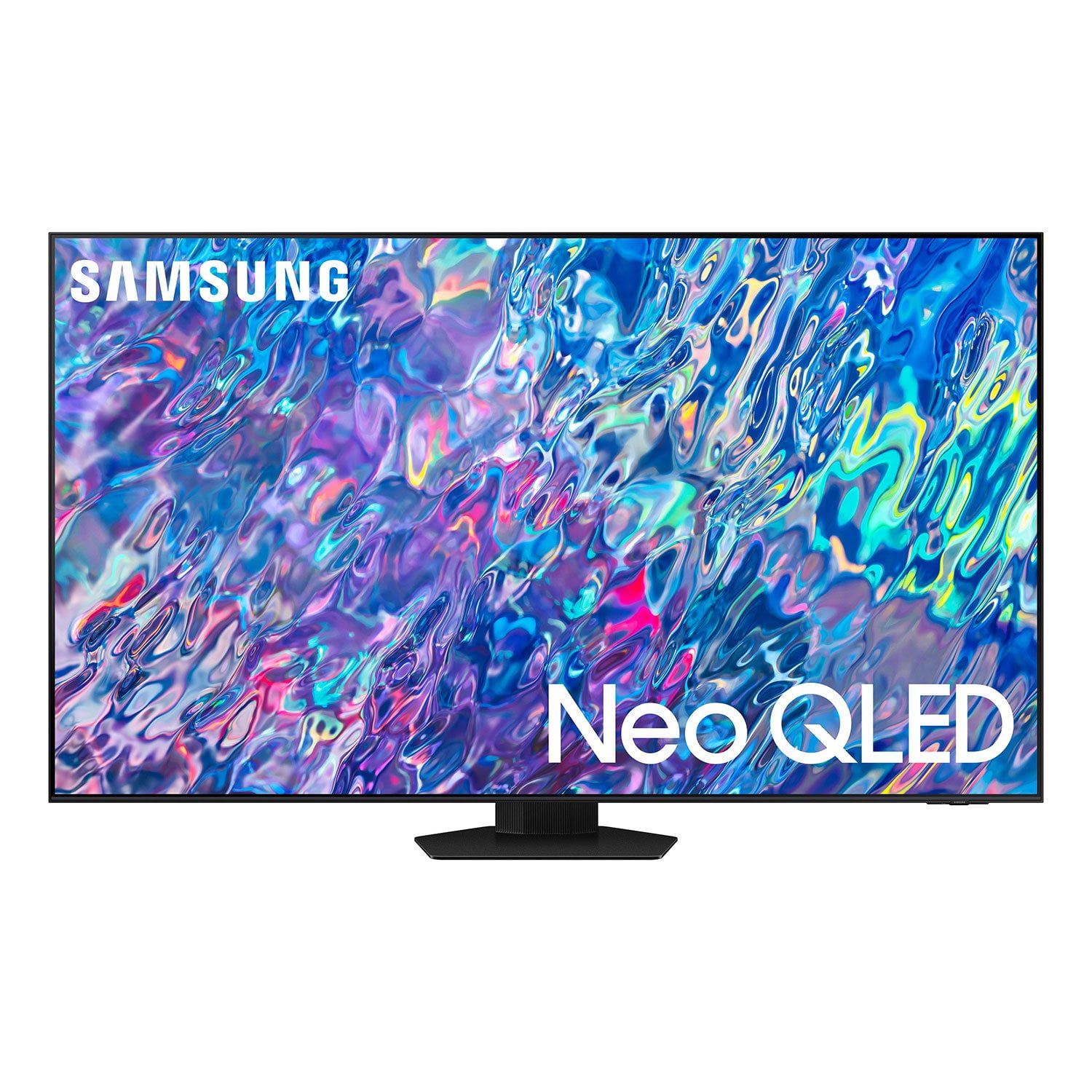
SAMSUNG 65" Class QN85BD-Series Neo QLED 4K Smart TV - QN65QN85BDFXZA
4.7 out of 5 stars
stars
736 ratings672 reviews
  1. 5 stars82% (604)
  2. 4 stars13% (93)
  3. 3 stars3% (19)
  4. 2 stars1% (6)
  5. 1 star2% (14)

Member photos

  • +187 images
Sort by |
Showing 611-620 of 672 reviews
Jun 16, 2022
Reviewer name: Jbsmith19
5 out of 5 stars
5 out of 5 stars review

Great TV great company

[This review was collected as part of a promotion.] A breeze to set up, love the preset brightness settings as we like different light levels whether we are watching sports or movies. No complaints, a great product and value. My second Samsung, first is still kicking.

Review from Samsung US
Helpful?6MSFCO3SMOG113868809341
Jun 13, 2022
Reviewer name: Alexandro
3 out of 5 stars
3 out of 5 stars review

One of th we top TV's

[This review was collected as part of a promotion.] Although all are good including pictures. But I think the dark shade and sound quality should be enhanced with better quality. I compared this TV tonother Brands Oled and noticed a better over all pictures on Oled tv. Features and other designs were fairly equal.

Review from Samsung US
Helpful?6MSFCO3SMOG113868809341
reply from Samsung Brand Ambassador

Alexandro, We appreciate your details regarding the sound quality of your new 2022 QN85B TV. Your TV features Object Tracking Sound which tracks the action with strategically placed dynamic speakers and Adaptive Sound which automatically adjusts audio to enhance everything from dialogue to music and sports. You can select a sound mode that you prefer for a content type or your listening environment. Go to: Home > Menu > Settings > All Settings > Sound > Sound Mode You can also customize balance and equalizer settings by going to: Home > Menu > Settings > All Settings > Sound > Expert Settings Additionally, there are image adjustments you can make to optimize your picture to suit your preferences. Your TV has several Picture Modes to choose from allowing you to enjoy content in optimal conditions. Go to Home > Menu > Settings > All Settings > Picture > Picture Mode You can also go to: Menu > Settings > Picture > Expert Settings > Contrast Enhancer to manually fine tune your image. If you need more help, Samsung is here for you. Please call us at 1-800-SAMSUNG, 8AM - 12AM EST, 7 days a week. Our LiveChat agents are also available by clicking on the ‘Support’ link on our website. ~ Samsung Specialist

Oct 25, 2022
Reviewer name: ConnectedFam
1 out of 5 stars
1 out of 5 stars review

The User Interface and Sound Outputs are Terrible

[This review was collected as part of a promotion.] The user interface on this TV is terrible. We are a mostly connected TV family and unlike our previous Roku TV, it's difficult to navigate channels and add/find the apps we want. Once you end up in an area of the UI it's very difficult to get back home. We also have a Sonos bar + portable speaker and its been very difficult to toggle the sound outputs to where we need them. I would not buy this product again. We mainly purchased because Samsung has a good brand name and the TV was affordable.

Review from Samsung US
Helpful?6MSFCO3SMOG113868809341
reply from Samsung Brand Ambassador

ConnectedFam, I'm sorry to hear of the difficulties you're experiencing when navigating the QN85B TV's interface. Redesigned in 2022, Next Home pulls opens a separate menu that is easier to see and navigate. The sidebar is broken down into multiple sections, categorizing different features and settings in a streamlined design. To open Next Home, just press the Home button on your remote. The following tabs will be available: 1. Privacy Choices: Review your TV’s Terms & Conditions, Privacy Policy, and Privacy Center 2. Search: Instead of browsing content aimlessly, you can search for specific movies or shows by typing out keywords in the search bar at the top or saying a command using your remote. Your recent Search History and Popular searches will appear on this page as well. 3. Ambient Mode: Access Ambient Mode settings to customize your TV’s screen when it isn’t being used. You can make your TV display a relaxing photo, a picturesque image, or a funky background to keep things interesting. And if you’re into NFT artwork, Ambient Mode now has an entire NFT section with content from the Nifty Gateway marketplace! 4. Gaming Hub: Run out of console games to play? Check out the new Gaming Hub, a discovery platform that includes games you can stream right on your TV! Browse new releases, indie gems, or simply go back to that one game you can't put down. There are also multiple playing options, so the possibilities are endless. 5. Media: Your hub for all things entertainment. Available streaming apps will display at the top of the screen, such as Netflix, Samsung TV Plus, and more. Next Home will learn your viewing patterns over time and suggest movies and shows based on what you like. 6. Menu: The Menu tab lets you access Settings and Connected Devices. From here, you can access or change most settings on your TV. And of course, you can manage any devices you’ve previously connected or would like to pair. If you need more help, Samsung is here for you. Please call us at 1-800-SAMSUNG, 8AM - 12AM EST, 7 days a week. Our LiveChat agents are also available by clicking on the ‘Support’ link on our website. ~ Samsung Specialist

Oct 25, 2022
Reviewer name: Samsungfan
4 out of 5 stars
4 out of 5 stars review

So Far, So Good

[This review was collected as part of a promotion.] I ‘ve had this tv for about 3 weeks. Setup was a breeze, I was up and running in no time. My use case is pretty straight forward cable tv , streaming (no gaming) and live sports (sports are awesome on this set). The only negative so far is the audio. A large tv is in a large room and the speakers aren't quite up to the task. I'd recommend a soundbar, which adds to the cost.

Review from Samsung US
Helpful?6MSFCO3SMOG113868809341
Oct 31, 2022
Reviewer name: LinuxGamer
5 out of 5 stars
5 out of 5 stars review

Stunning, Sharp, Crisp picture

[This review was collected as part of a promotion.] I primarily use this display for Watching movies and gaming. The quality of the picture is absolutely stunning. I've owned several TVs over the past years but nothing compares to the picture quality of the Samsung displays.

Review from Samsung US
Helpful?6MSFCO3SMOG113868809341
Feb 9, 2023
Reviewer name: LordPaul
1 out of 5 stars
1 out of 5 stars review

WORST TV I EVER OWNED!!!

The TV Plain SUCKS!! The Operating System SUCKS it does what it wants to when it wants to!! And The REMOTE IS THE WORST Designed REMOTE I EVER USED!!! I can hit pause and in a minute the home page come up then in another minute back to what I paused!! And yes it's up to date. Never EVER will I buy a Samsung TV!!

Review from Samsung US
Helpful?6MSFCO3SMOG113868809341
reply from Samsung Brand Ambassador

LordPaul, We appreciate your feedback on the remote responsiveness, and for optimal performance, we ask that you please ensure you've got the latest firmware version installed on your QN85B TV. You can check this by going to: Home > Menu > Settings > Support > Software Update. You may also want to further optimize performance with the self-diagnostic tool, which checks memory, frees up unused cached memory, and closes background apps. Go to: Home > Menu > Settings > Support > Device Care > Start Device Care I hope these tips help you enjoy your new product. You can always contact us for further help at 1-800-SAMSUNG, 8AM - 12AM EST, 7 days a week. Our LiveChat agents are also available by clicking on the ‘Support’ link on our website. ~ Samsung Specialist

Jun 2, 2023
Reviewer name: Bazcat.
5 out of 5 stars
5 out of 5 stars review

Fantastic TV.Its a Samsung,what more can one say...

Review from Samsung UK
Helpful?6MSFCO3SMOG113868809341
Apr 22, 2023
Reviewer name: msoll
5 out of 5 stars
5 out of 5 stars review

Great Pictures!

We bought it, Samsung is Quality! Good images, easy to manage. I love Samsung!

Review from Samsung US
Helpful?6MSFCO3SMOG113868809341
Aug 23, 2022
Reviewer name: Hi55555555
4 out of 5 stars
4 out of 5 stars review

Best TV ever

[This review was collected as part of a promotion.] I can use it for everything ...............................................

Review from Samsung US
Helpful?6MSFCO3SMOG113868809341
Jan 21, 2024
Reviewer name: KPitch
5 out of 5 stars
5 out of 5 stars review

Another Samsung TV :-)

I upgraded to this larger Samsung TV and it just as I've come to expect from Samsung; I will not purchase another brand and I highly recommend it

Review from Samsung US
Helpful?6MSFCO3SMOG113868809341