Skip to Main Content
Sam's Club
Sam's Club
All Departments
All Services
Customer reviews for SAMSUNG 65" Class QN85BD-Series Neo QLED 4K Smart TV - QN65QN85BDFXZA for
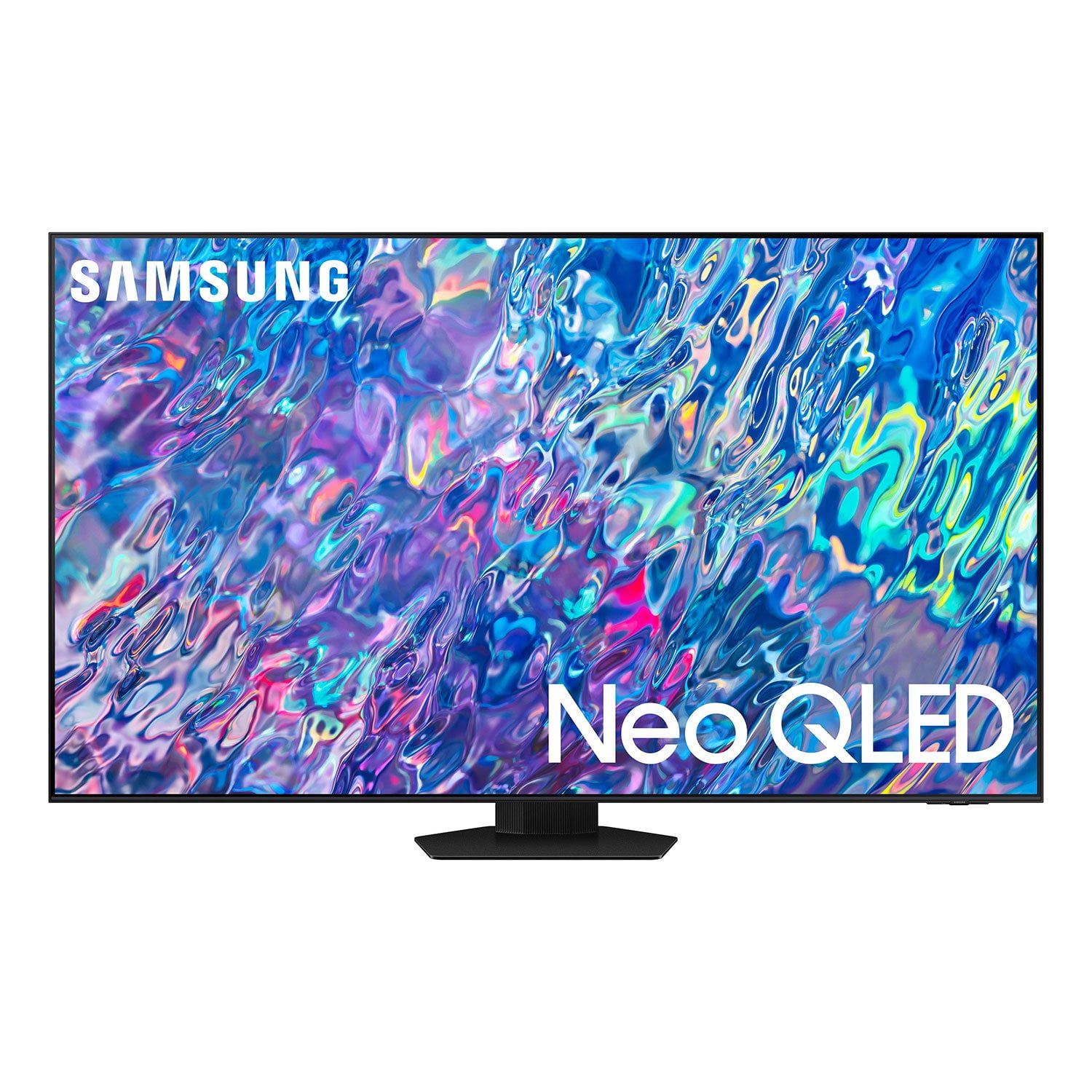
SAMSUNG 65" Class QN85BD-Series Neo QLED 4K Smart TV - QN65QN85BDFXZA
4.7 out of 5 stars
stars
736 ratings672 reviews
  1. 5 stars82% (604)
  2. 4 stars13% (93)
  3. 3 stars3% (19)
  4. 2 stars1% (6)
  5. 1 star2% (14)

Member photos

  • +187 images
Sort by |
Showing 431-440 of 672 reviews
Oct 3, 2022
Reviewer name: Anonymous
5 out of 5 stars
5 out of 5 stars review

This tv has a great picture

[This review was collected as part of a promotion.] Easy to use and set up love all the streaming channels from Samsung tv. My 85 year old mother finds it easy to use

Review from Samsung US
Helpful?6MSFCO3SMOG113868809341
Jun 13, 2022
Reviewer name: Ruslan
5 out of 5 stars
5 out of 5 stars review

Works great

[This review was collected as part of a promotion.] Works great so far. Good quality of picture. HDR a bit dark. Sometimes apps slow down. Need to restart

Review from Samsung US
Helpful?6MSFCO3SMOG113868809341
reply from Samsung Brand Ambassador

Ruslan, Please be sure your QN85B TV's firmware is up to date with version 1211.2, as this includes updates to improve lag. You can check this by going to: Home > Menu > Settings > Support > Software Update. If the image is too dim, try adjusting Picture Mode, Contrast, Brightness, or Sharpness settings. Go to Home > Menu > Settings > All Settings > Picture > Picture Mode ...and select the mode that best fits your usage: 1) Standard: Is the default mode suitable for general viewing environments. 2) Movie: Is suitable for watching TV or movies in a dark room. 3) Dynamic: Makes the picture brighter and clearer in bright viewing environments. 4) Filmmaker Mode: You can watch the source content (e.g., movie) as it is. If the image is defined as Filmmaker Mode, it will automatically switch to Filmmaker Mode while watching. You can also manually fine tune your image under Expert Settings. Go to: Home > Menu > Settings > All Settings > Picture > Expert Settings Intelligent Mode also enables the TV to recognize and analyze the surroundings, noise, content, and your usage patterns to provide the best viewing experience. You can enable Intelligent Mode by going to Menu > Settings > All Settings > General & Privacy > Intelligent Mode Settings > Intelligent Mode. Adaptive Picture, which is among the options, optimizes brightness and provides the best picture quality in real time, based on the lighting condition and the content you're viewing. If you need more help, Samsung is here for you. Please call us at 1-800-SAMSUNG, 8AM - 12AM EST, 7 days a week. Our LiveChat agents are also available by clicking on the ‘Support’ link on our website. ~ Samsung Specialist

Jul 28, 2022
Reviewer name: HoundDog
5 out of 5 stars
5 out of 5 stars review

Great picture. Vivid colors and contrast
[This review was collected as part of a promotion.] We view YouTube TV viewing local programs. Netflix for movies. Prime Video for lots of programing. You tube for Podcasts.

Review from Samsung US
Helpful?6MSFCO3SMOG113868809341
Oct 5, 2022
Reviewer name: Love2shop
5 out of 5 stars
5 out of 5 stars review

This tv has great and convenient features

[This review was collected as part of a promotion.] The picture quality and screen images are a great feature to the already sleek and modern look of the television. The picture adds great color and specifics to all shows and movies.

Review from Samsung US
Helpful?6MSFCO3SMOG113868809341
Oct 12, 2022
Reviewer name: Joestarter
5 out of 5 stars
5 out of 5 stars review

great color

[This review was collected as part of a promotion.] Replaced older tv and the smart tv features are great color is great and the rechargeable remote is super

Review from Samsung US
Helpful?6MSFCO3SMOG113868809341
Aug 23, 2022
Reviewer name: Diesel127
5 out of 5 stars
5 out of 5 stars review

Fabulous Picture

[This review was collected as part of a promotion.] 85 inch QLED Samsung is perfect for our room - the picture quality is superb! Just turn down the lights and you feel that you are sitting in a movie theater. Could not be happier!!!

Review from Samsung US
Helpful?6MSFCO3SMOG113868809341
Jul 27, 2022
Reviewer name: Techguy
5 out of 5 stars
5 out of 5 stars review

Best TV For Movie Watching

[This review was collected as part of a promotion.] I'm a movie fan and enjoy watching films on this TV. The black levels are great, the contrast is excellent and the details in shadow and highlight areas is terrific.

Review from Samsung US
Helpful?6MSFCO3SMOG113868809341
Oct 25, 2022
Reviewer name: Love2shop
5 out of 5 stars
5 out of 5 stars review

Great picture

[This review was collected as part of a promotion.] Overall I love the tv so much every detail is great! Easy access to your shows. Along with easy set up

Review from Samsung US
Helpful?6MSFCO3SMOG113868809341
Oct 6, 2022
Reviewer name: weeone
5 out of 5 stars
5 out of 5 stars review

This product is awesome!
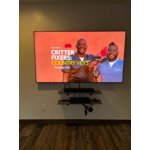
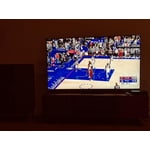
[This review was collected as part of a promotion.] We use our new television for streaming. The colors are great. We have 3 televisions in our house, and they are all made by Samsung. This one we put in our bar area. Football is great to watch.

Review from Samsung US
Helpful?6MSFCO3SMOG113868809341
Jul 27, 2022
Reviewer name: israhernan1901
5 out of 5 stars
5 out of 5 stars review

Great product. Sharp image great sound. Love it
[This review was collected as part of a promotion.] Love watching movies with my family. Great sound and incredible image. I've watched lot of games and looking forward to the World Cup to watch more games.

Review from Samsung US
Helpful?6MSFCO3SMOG113868809341