Skip to Main Content
Sam's Club
Sam's Club
All Departments
All Services
Customer reviews for SAMSUNG 65" Class QN85BD-Series Neo QLED 4K Smart TV - QN65QN85BDFXZA for
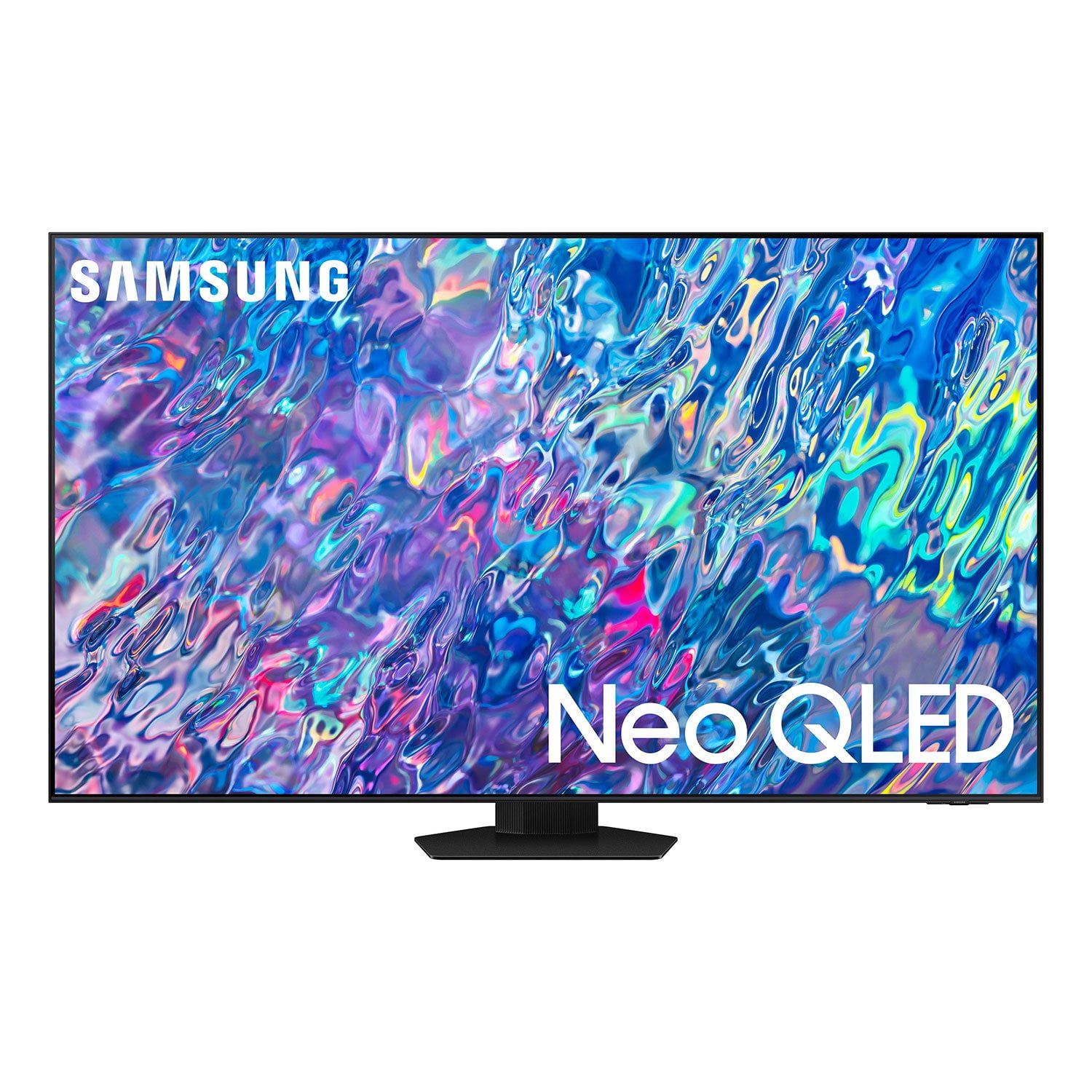
SAMSUNG 65" Class QN85BD-Series Neo QLED 4K Smart TV - QN65QN85BDFXZA
4.7 out of 5 stars
stars
736 ratings672 reviews
  1. 5 stars82% (604)
  2. 4 stars13% (93)
  3. 3 stars3% (19)
  4. 2 stars1% (6)
  5. 1 star2% (14)

Member photos

  • +187 images
Sort by |
Showing 311-320 of 672 reviews
Jun 21, 2022
Reviewer name: PBoice
5 out of 5 stars
5 out of 5 stars review

Samsung TV is great

[This review was collected as part of a promotion.] I love this TV. This one replaced a Panasonic and there is a marked difference in picture quality. I am sold on Samsung TVs now.

Review from Samsung US
Helpful?6MSFCO3SMOG113868809341
Aug 22, 2022
Reviewer name: Hopeandegg
5 out of 5 stars
5 out of 5 stars review

Gret picture quality
[This review was collected as part of a promotion.] We use it to watch and stream tv shows and movies. We absolutely love it!! It does not disappoint!

Review from Samsung US
Helpful?6MSFCO3SMOG113868809341
Jun 16, 2022
Reviewer name: Rrodjrx
4 out of 5 stars
4 out of 5 stars review

Overall product is pretty good

[This review was collected as part of a promotion.] I use the TV mostly because the kids have their apps to watch Netflix & YouTube. I primarily use it for the search engine it has and some apps as well. So far so good

Review from Samsung US
Helpful?6MSFCO3SMOG113868809341
Oct 25, 2022
Reviewer name: Moviebuff28
5 out of 5 stars
5 out of 5 stars review

Movie buff

[This review was collected as part of a promotion.] Steaming and added TV line up. Use it with 4K player for best movie viewing nights. Added channels open up viewing options. Picture quality is amazing.

Review from Samsung US
Helpful?6MSFCO3SMOG113868809341
Aug 13, 2022
Reviewer name: Pierrepoin
5 out of 5 stars
5 out of 5 stars review

Living Room showroom

[This review was collected as part of a promotion.] Awesome display for the family . Definition and Clairity cam be seen from any angle of the living room.

Review from Samsung US
Helpful?6MSFCO3SMOG113868809341
Oct 5, 2022
Reviewer name: Jim4ever
5 out of 5 stars
5 out of 5 stars review

Awesome TV

[This review was collected as part of a promotion.] This TV is great on any streaming service simply is the best of the best. I will not change anything of this big and awesome TV

Review from Samsung US
Helpful?6MSFCO3SMOG113868809341
Jun 16, 2022
Reviewer name: DaveMc
5 out of 5 stars
5 out of 5 stars review

Everything Samsung

[This review was collected as part of a promotion.] We love being able to sinc all our TV's and phones. This is our fifth large screen Samsung and we love them all.

Review from Samsung US
Helpful?6MSFCO3SMOG113868809341
Jul 27, 2022
Reviewer name: Luisva1030
5 out of 5 stars
5 out of 5 stars review

The best TV in my life
[This review was collected as part of a promotion.] I love this tv because its the best tv for watching my soccer game and my video games. I recommend for all my family.

Review from Samsung US
Helpful?6MSFCO3SMOG113868809341
Oct 13, 2022
Reviewer name: DeadRemote
4 out of 5 stars
4 out of 5 stars review

Great product but

[This review was collected as part of a promotion.] This is a great smart TV. Got it to go with my PS5 and looks great. My only complaint is the remote died and wont charge or anything. I also cant find away to fix it.

Review from Samsung US
Helpful?6MSFCO3SMOG113868809341
reply from Samsung Brand Ambassador

Hi, I’m sorry to hear your QN85B TV’s remote is not working as expected. You may first want to reset your remote by pressing and holding Return and Enter (the center of the navigation pad) for more than 10 seconds. After performing the reset, you'll need to pair the remote to the TV again. To pair, stand within 1 foot of your TV, and press the Return and Play/Pause buttons simultaneously for at least 5 seconds or until a message appears on your TV indicating that the remote is now connected. If the remote is still not working: 1. Unplug the TV for 30 seconds, and plug it back in. 2. Try moving closer to the TV and re-pairing. 3. Check to see if your remote is charged. You can check remaining battery by going to: Settings > All Settings > General & Privacy > Power and Energy Saving > Available Remote Battery. 4. Check for available updates on your TV. Go to: Home > Menu > Settings > Support > Software Update > Update Now *If you still can't use the remote, please use the TV Controller button (below the Samsung logo on the TV) or SmartThings app remote feature to navigate to settings. If you need more help, Samsung is here for you. Please call us at 1-800-SAMSUNG, 8AM - 12AM EST, 7 days a week. Our LiveChat agents are also available by clicking on the ‘Support’ link on our website. ~ Samsung Specialist

Oct 5, 2022
Reviewer name: richpenning
5 out of 5 stars
5 out of 5 stars review

wonderful tv

[This review was collected as part of a promotion.] We use our tv to watch local news, sports and nationally syndicated tv shows. We stream a lot of things and over all it's just a great tv

Review from Samsung US
Helpful?6MSFCO3SMOG113868809341