Skip to Main Content
Sam's Club
Sam's Club
All Departments
All Services
Customer reviews for Skylight 15" Touchscreen Calendar & Organizer + 3 Year Photo & Videos for
Skylight 15" Touchscreen Calendar & Organizer + 3 Year Photo & Videos
4.1 out of 5 stars
stars
1,920 ratings1,815 reviews
  1. 5 stars59% (1,138)
  2. 4 stars13% (245)
  3. 3 stars16% (305)
  4. 2 stars7% (128)
  5. 1 star5% (104)

Member photos

  • +1 image
Sort by |
Showing 631-640 of 1,815 reviews
Aug 6, 2024
Reviewer name: Lynn A.
1 out of 5 stars
1 out of 5 stars review

It was not clear that

It was not clear that meals is an added charge. Also, I was experimenting with Chores and there is no way to delete without creating something in its place. I cannot see all the ones I created so I wanted to delete. I tried to reset completely. I unplugged this thing weeks ago it was so frustrstrating. Now I cannot remember what password I created and there is no option to create a new one. This is useless and total waste of money!

Review from skylightframe.com
Helpful?2H0DCOCQ499L13867269032
Apr 24, 2024
Reviewer name: Destiny S.
4 out of 5 stars
4 out of 5 stars review

Life - Organized

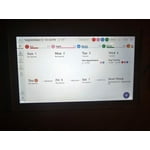
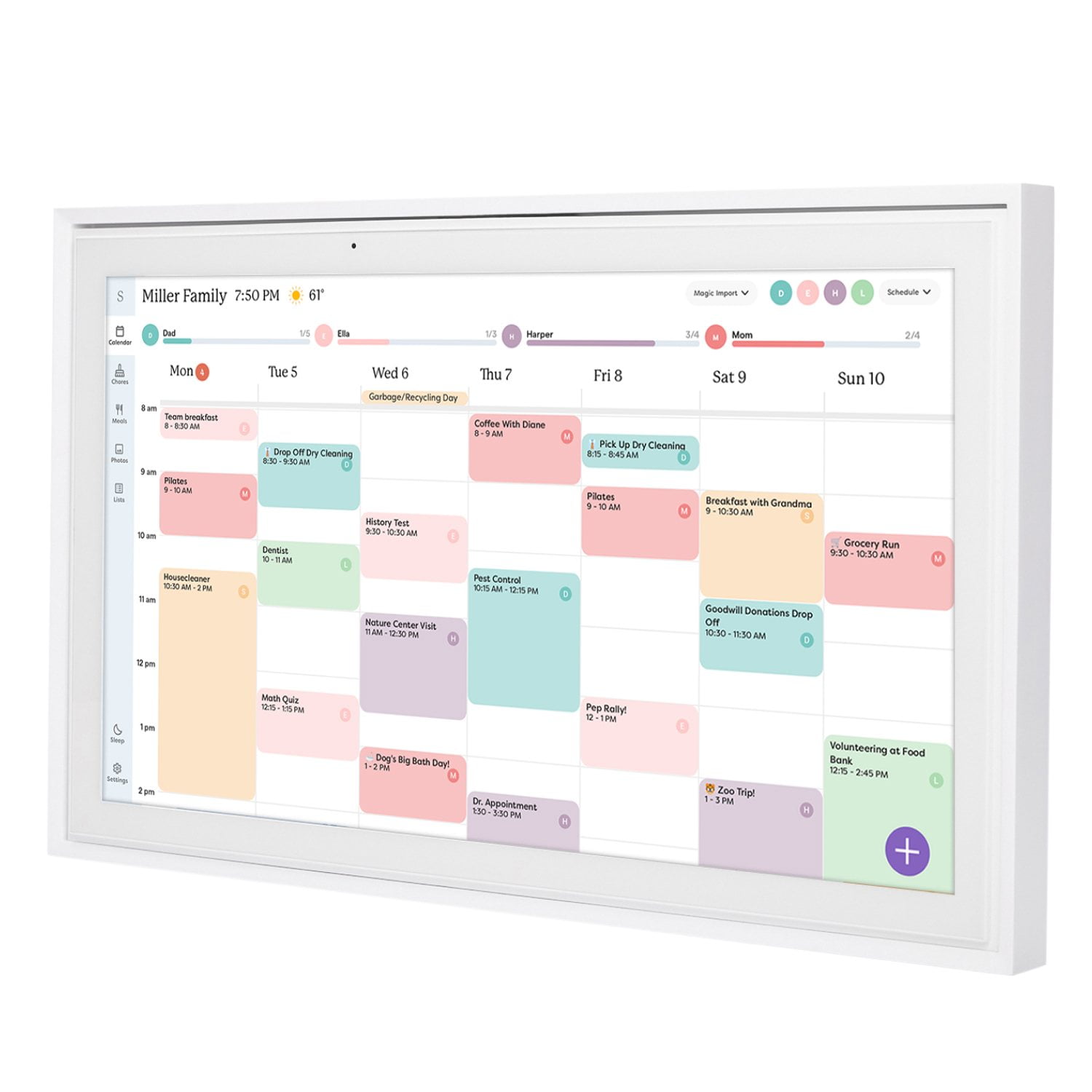
I'm about 2 weeks in with using the Skylight Calendar. Family (especially my kiddos) seem to really enjoy it, so far. Everyone is on the same page with schedules, especially with all our sports. My son likes that I can add meal plans to it. This gives him a jump start on whether he should start complaining over tonight's dinner plan, or just be happy about it. Some things I wish this calendar had - 1) show all the calendars at the top of the screen, not just 4 of them. We have about 7 in our family and it's a pain to try and see just one calendar. 2) The option to lock down the chore list so a pin code or password needs to be entered by an adult to check it off the list. My kids are checking off items they didn't even accomplish to see the confetti. 3) I'd like to be able to rotate the 15" to portrait view, not just be locked into the landscape view. I know this is available on the 27". 4) Add a TODAY button for the calendar, or revert back to today's schedule after a 3 minute idle. Adding a button would make it easier. Took me a bit to realize I have to hit the date button to return to today's schedule. 4) It would be nice to add a screensaver picture. I don't really want family photos and to have to pay the monthly fee. But a screensaver that could be one picture (or even built-in picture options by the company) would be nice when the unit is idle.

Review from skylightframe.com
Helpful?2H0DCOCQ499L13867269032
Jan 4, 2024
Reviewer name: Shanyn T.
5 out of 5 stars
5 out of 5 stars review

My Family Actually Looks at the Calendar Now

I love this calendar. I was sick of hand-writing sports schedules in a color-coded array only to have everyone ask me when practice/games were. Now, I can set recurring events easily and erase them just as easily when they are cancelled. Everyone has their own color and literally everyone looks at the calendar daily. Even my husband. This has been a game changer for our menu, our schedule, and the constant barrage of questions involving what chores need to be done to earn screen time. This nifty screen answers all of life’s questions and leaves this mama free to do other things like paint her nails.

Review from skylightframe.com
Helpful?2H0DCOCQ499L13867269032
Sep 18, 2023
Reviewer name: Ashley M.
5 out of 5 stars
5 out of 5 stars review

Love it!

We've had our Skylight calendar for about a month now and we couldn't be happier. It has replaced our monthly calendar on the wall and even the previous calendar I use edon my phone. I love having everything in one spot, there's no need to check multiple calendars now! Wish I would have bought it sooner!!

Review from skylightframe.com
Helpful?2H0DCOCQ499L13867269032
Jan 5, 2024
Reviewer name: Nathaniel B.
4 out of 5 stars
4 out of 5 stars review

We love the calendar. There

We love the calendar. There are a few quirks that we wish were adjustable. When you have it in calendar mode, it doesn't show the entire month and you have to scroll down to see the last week. Also, we cant figure out how to have it show the to-do list alongside the calendar at the same time.

Review from skylightframe.com
Helpful?2H0DCOCQ499L13867269032
Sep 19, 2024
Reviewer name: Miguel M.
3 out of 5 stars
3 out of 5 stars review

Mostly is good, but a few annoyances make you wish for more

Overall, I like our Skylight. It is a clean and efficient way for the family to see what’s going on, keep track of chores and grocery lists, etc. And it does those things well. Where it fails is in the control you have over lists and chores once they are entered. There is NO WAY to sort your lists! That’s right, if you want to use the grocery list for shopping, you cannot then organize it so you can use it as a pick list in the store. Fail. Also, the chore lists cannot be sorted. So if you want to have an ordered list of chores or tasks for the kids, you have to put them in order as you type them. Annoying. Also, the “email yourself calendar stuff” only works sometimes. Not enough to trust it. Apparently you should get a confirmation email that it worked or didn’t work. I have never received one. Finally, I wish you could subscribe to the Skylight calendar. I use iCal on my iPhone, so if someone adds something to the Skylight, I have no way of seeing it. You can apparently do 2-way sync if you use a Google calendar, but for those of us who prefer iOS, we are out of luck. Again, these might be minor gripes, but they are things that should work or be tweaked in my opinion. All in all, I am happy with the Skylight. If the above won’t annoy you, it will be a great addition to your home.

Review from skylightframe.com
Helpful?2H0DCOCQ499L13867269032
Aug 24, 2023
Reviewer name: Kristen R.
5 out of 5 stars
5 out of 5 stars review

I love it! So easy!

I love my new life organizer! I bought it for the calendar but I'm loving it even more for the chores and lists. Everyone in the family is enjoying seeing their emoji when they finish their chores. Everyone is taking their medicine on time, the dog is fed, the plants are watered and towels hung up.

Review from skylightframe.com
Helpful?2H0DCOCQ499L13867269032
Jan 4, 2024
Reviewer name: Marybeth W.
3 out of 5 stars
3 out of 5 stars review

Touchscreen and User Interface are ok

I bought this touchscreen to get rid of our paper calendar. navigating the actual user interface should be easier and the touchscreen is just OK. I would not recommend this to friends sadly… Because I had expected to. I also don’t understand what I’m paying for. What is the subscription even cover? Online calendars are on everyone’s phones.

Review from skylightframe.com
Helpful?2H0DCOCQ499L13867269032
Oct 1, 2023
Reviewer name: Rachael B.
4 out of 5 stars
4 out of 5 stars review

I am very pleased with

I am very pleased with this purchase. Works well for our family. Kids love checking off their chores when finished. And no more questions about the daily schedule. Wishing for 2 upgrades: *2-Way-Sync with Apple and *Integration with the Nutrislice School Lunch platform.

Review from skylightframe.com
Helpful?2H0DCOCQ499L13867269032
Oct 17, 2022
Reviewer name: Anonymous
3 out of 5 stars
3 out of 5 stars review

Great, but needs some work

The idea is great, and it's a beautiful screen. However, I think the software could use some improving. It's a bit clunky. I will say, though, I appreciate that they seem to be perfecting the various features before releasing them to the public. I'd much rather that than have a bunch of buggy features.

Review from skylightframe.com
Helpful?2H0DCOCQ499L13867269032