Skip to Main Content
Sam's Club
Sam's Club
All Departments
All Services
Customer reviews for Skylight 15" Touchscreen Calendar & Organizer + 3 Year Photo & Videos for
Skylight 15" Touchscreen Calendar & Organizer + 3 Year Photo & Videos
4.1 out of 5 stars
stars
1,920 ratings1,815 reviews
  1. 5 stars59% (1,138)
  2. 4 stars13% (245)
  3. 3 stars16% (305)
  4. 2 stars7% (128)
  5. 1 star5% (104)

Member photos

  • +1 image
Sort by |
Showing 571-580 of 1,815 reviews
Aug 21, 2024
Reviewer name: regina m.
3 out of 5 stars
3 out of 5 stars review

Good concept but troubles with synching updates

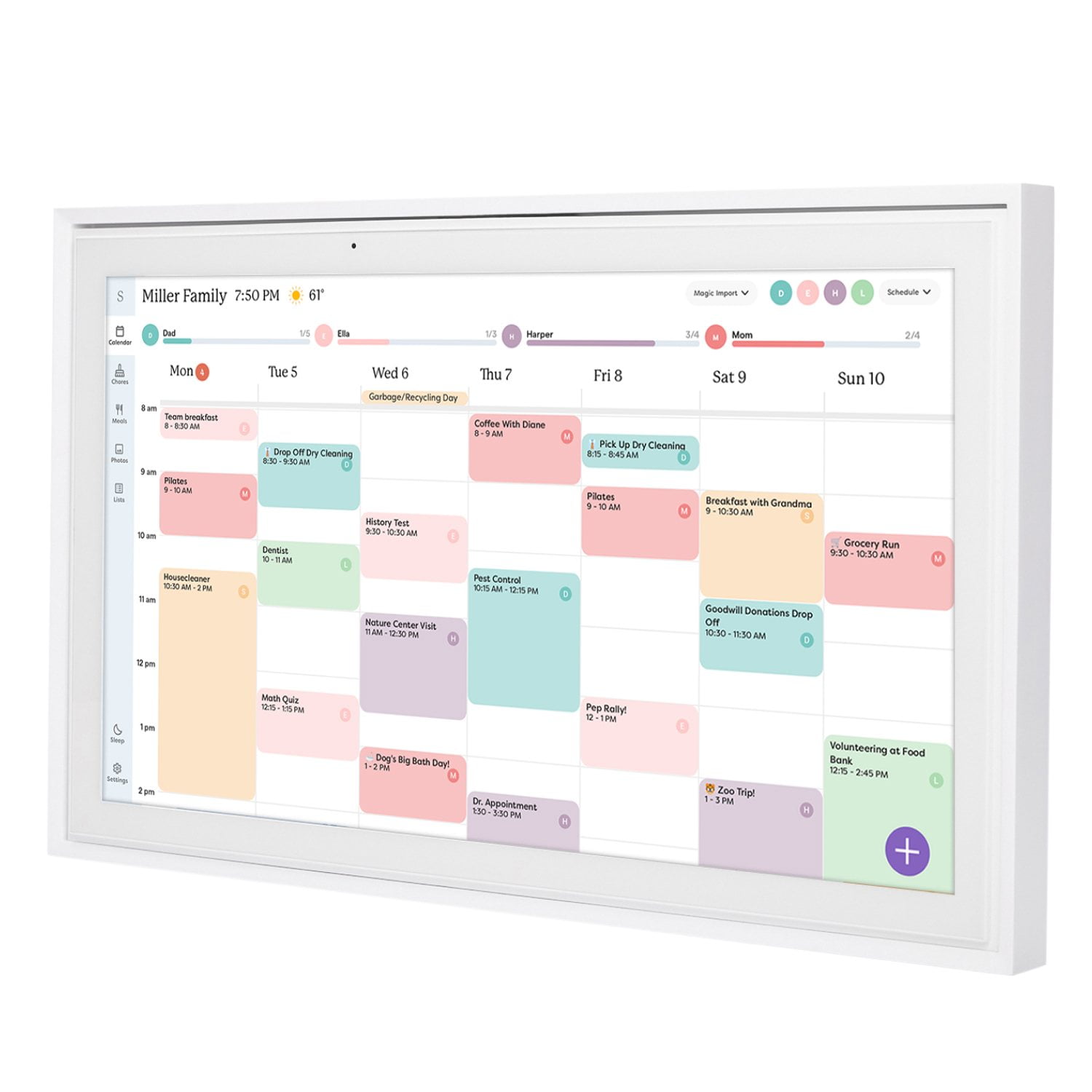
Generally helpful to have multiple calendars synched on one central device, especially if external caregivers are involved. My dad sometimes helps us out with kids and it’s easy for him to take a look and know what’s happening that day. The issue I have been having is though whenever I make a change on one of the kids calendars, it disappears from skylight. The work around I found so far is to restart the calendar. But it’s inconvenient if you making a change remotely and don’t feel confident that it will show up properly at home or show up at all.

Review from skylightframe.com
Helpful?2H0DCOCQ499L13867269032
Nov 17, 2023
Reviewer name: Ashley G.
5 out of 5 stars
5 out of 5 stars review

Has been a Godsend

I purchased the Skylight due to envy of another friend having one. It has been a great tool for the rest of the family to see the family schedule at the touch of a screen, along with staying on top of chores and creating grocery lists. So glad I made this purchase!!

Review from skylightframe.com
Helpful?2H0DCOCQ499L13867269032
Sep 29, 2024
Reviewer name: Kristina R.
5 out of 5 stars
5 out of 5 stars review

Just buy it!

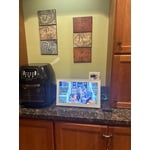
Was on the fence to buy this for a while. I finally did when my birthday came around. I am super happy I did. I have the 15” on our kitchen counter. I love that the app is very similar to it. My husband and I both have the app on our phone (I am iPhone he is android) and we can look at it digitally. I was always a paper pencil person and switching gym calendar to digital was very hard for me to do but I’m glad I did it. You can color code events for certain people. I also love that when they have an update to add a new feature or an update to fix a bug, it automatically updates and you don’t have to do a thing. It keeps the calendar up to date and you don’t have to purchase new updates.

Review from skylightframe.com
Helpful?2H0DCOCQ499L13867269032
Apr 4, 2024
Reviewer name: Ingrid G.
2 out of 5 stars
2 out of 5 stars review

Good idea, poor execution

I really wanted this to be great, but I think this has a couple years before user interface is where it needs to be. We returned it and bought an iPad that stays plugged in and it does what we need to do. Plus it actually works vertically which this does not (despite the mounting hardware that would tell you otherwise).

Review from skylightframe.com
Helpful?2H0DCOCQ499L13867269032
Feb 20, 2023
Reviewer name: steve b.
4 out of 5 stars
4 out of 5 stars review

Photos a problem

The calendar is great. Has to get my IT guy to help as it gave me some Trouble but is now is wonderful. The pictures I was hoping to sync the photo frame to it and apparently you cannot do this. So all new Pictures would have to be loaded onto this calendar. Not what I was hoping.

Review from skylightframe.com
Helpful?2H0DCOCQ499L13867269032
Sep 26, 2023
Reviewer name: Anna D.
4 out of 5 stars
4 out of 5 stars review

Good idea, could use refinement

I love the digital picture frame part of the product, and the design of the feet and packaging are thoughtful. Customer support was excellent. I wish the display had more options, like choosing which view it would always open to, (week, month, day), and I wish it had more “smarts” to categorize events with family members name by color rather than just every event on one calendar being one color. Reminders might be a nice option as well.

Review from skylightframe.com
Helpful?2H0DCOCQ499L13867269032
Jun 7, 2024
Reviewer name: Jocelyn R.
3 out of 5 stars
3 out of 5 stars review

The ability to upload pictures

The ability to upload pictures is wonderful. The List function needs improvement - specifically the ability to either sort the items (alphabetize or even categorize) within a single list. A workaround with multiple lists as subcategories for a single list (such as "grocery produce", "grocery deli", "grocery dry goods" is too challenging to navigate to be functional. We have since returned to our free grocery list app with ads for this need. The Chores function has been quite helpful with keeping the kids on track. Still trying to marry the 'category' functionality with are pre-existing paradigm of different google calendars, but I think we are making it work.

Review from skylightframe.com
Helpful?2H0DCOCQ499L13867269032
Sep 6, 2024
Reviewer name: Taylor M.
3 out of 5 stars
3 out of 5 stars review

Nice idea, I don't love the bells and whistles

The calendar part is great, but the meal plan is clunky because you have to preload everything you want to be able to use rather than being able to type anything in on the fly. It makes it even harder bc this can't be done from a computer. My photos also don't look great on the frame, they all look pretty pixelated. I got one for my mom, which she will keep so she can see it schedule, but I'm planning to return mine and go back to Penn and pair meal planning and calendar on my phone.

Review from skylightframe.com
Helpful?2H0DCOCQ499L13867269032
Aug 21, 2023
Reviewer name: Anonymous
2 out of 5 stars
2 out of 5 stars review

Disappointed in my Skylight Calendar purchase

I hate typing on my phone and it seems the only way to add events/items to the Skylight Calendar is either through typing the event/item in the Skylight Calendar app on my phone or typing directly on the Skylight Calendar. I really want to be able to type on my computer/laptop (via the Skylight Calendar app) but it seems I can't do that... or I just haven't figured out how. I did read about the Calendar before I made the purchase, but this part wasn't obvious to me. Therefore, I am disappointed in my purchase of the Skylight Calendar. (I also have a Skylight Frame and I love it.)

Review from skylightframe.com
Helpful?2H0DCOCQ499L13867269032
Oct 3, 2023
Reviewer name: Travis O.
3 out of 5 stars
3 out of 5 stars review

Good potential but falls short

The potential is definitely there and I'll probably hang on to it just to see where it goes but there are definitely design/system flaws and features that should be there but aren't. All I get back as far as feedback is we'll forward it to the design team but looking through the years of people mentioning issues, I don't think they are in a hurry to push out new feature updates. Also having to pay a premium monthly fee just to use the screensaver/slideshow function is a bit of a kick in the pants for how much you are spending for a glorified calendar.

Review from skylightframe.com
Helpful?2H0DCOCQ499L13867269032