Skip to Main Content
Sam's Club
Sam's Club
All Departments
All Services
Customer reviews for Samsung 65" Class 4K (2160p) Ultra HD Smart LED TV - UN65NU6950FXZA for
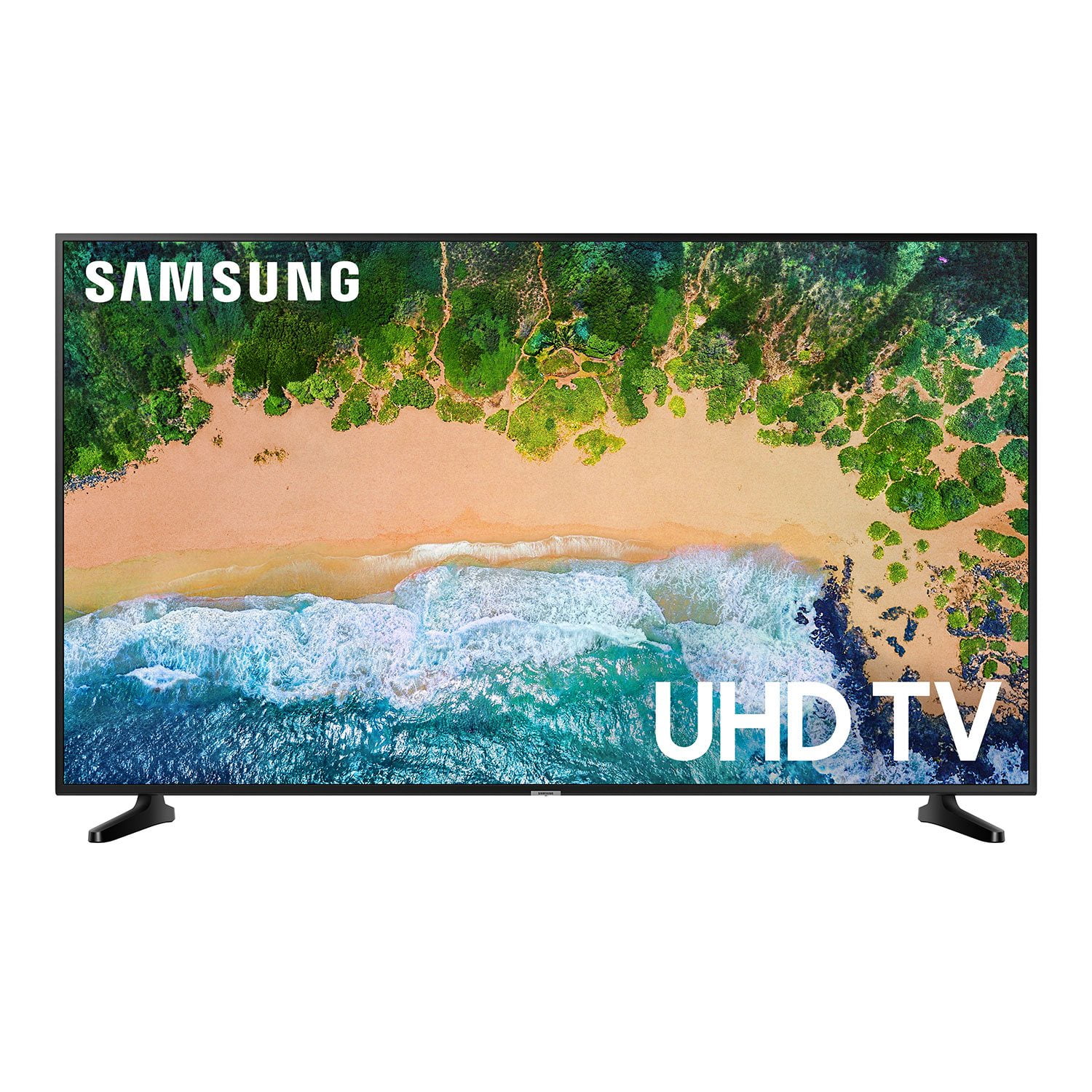
Samsung 65" Class 4K (2160p) Ultra HD Smart LED TV - UN65NU6950FXZA
4.1 out of 5 stars
stars
637 ratings324 reviews
  1. 5 stars64% (406)
  2. 4 stars12% (79)
  3. 3 stars5% (34)
  4. 2 stars4% (28)
  5. 1 star14% (90)
Sort by |
Showing 281-290 of 324 reviews
Jan 7, 2023
jOSH
1 out of 5 stars review

Backlight Failure after 3 years.

product worked as advertised for 3 years. backlight began failing on screen and is getting worse. many accounts of this issue have been complied by various consumer groups, however, samsung has yet to make right with their customers. this review is a mere last resort before legal actions is considered. i would avoid this company for the time being. i will remove this review if compensated accordingly.

Review from Samsung US
Helpful?3YSITSBD1E3C13865923561
Apr 23, 2020
Reyes
5 out of 5 stars review

Terrific device

We upgraded from a Vizio 49" to this Samsung 55" to use as an external monitor for our Mac Book Pro 15" to watch instructional / school videos and downloaded movies. Fantastic quality compared to Vizio, sound is quite good but better when used with a Sound Bar, and overall very happy to have purchased this for our home, our only TV. We do not have it connected to Cable TV nor Satellite as we do not care for TV watching.

Review from Samsung US
Helpful?3YSITSBD1E3C13865923561
Oct 1, 2019
pphh
1 out of 5 stars review

Worst tv i bought

never again samsung tv this tv is a joke from samsung

Review from Samsung US
Helpful?3YSITSBD1E3C13865923561
Aug 26, 2019
Driftz
4 out of 5 stars review

Okay TV just a problem

Hi. I have this as my main television and I have been getting some weird vertical lines and the screen keeps going black for a milisecond and white.

Review from Samsung US
Helpful?3YSITSBD1E3C13865923561
Jan 21, 2020
Tvwatcher
2 out of 5 stars review

White spots on screen

The tv is over two years old and started having white spots on screen. It is too costly to get it fixed. We had to buy a new tv.

Review from Samsung US
Helpful?3YSITSBD1E3C13865923561
Mar 3, 2020
100 acre
3 out of 5 stars review

Great for video games.

Hi def + games look great! Edge lit screen has very good brightness. Has to be rebooted occasionally. Good value.

Review from Samsung US
Helpful?3YSITSBD1E3C13865923561
Feb 4, 2020
Review Guy
3 out of 5 stars review

So far so good

Bought this tv 2 months ago and no problems yet... I leave mine on 24/7 only bad thing the stand didn't come with the screws

Review from Samsung US
Helpful?3YSITSBD1E3C13865923561
Feb 15, 2019
BogieMike
4 out of 5 stars review

Quality at great price

I had a Vizio so you know I enjoy this Samsung! Picture is fantastic in 4K. A bit slow in fast scenes. For the price it is well worth it.

Review from Samsung US
Helpful?3YSITSBD1E3C13865923561
Jul 15, 2020
lakepaul
3 out of 5 stars review

Good Price.

software/firmware sluggish. picture quality good. not up to samsung's usual standards. on screen menus not very responsive. tv plus is nice feature.

Review from Samsung US
Helpful?3YSITSBD1E3C13865923561
Nov 19, 2018
ramartins
2 out of 5 stars review

You can remove pre-installed apps

Samsung installs many apps and you are not able to remove them. I can install the appropriate Hulu app to watch live TV

Review from Samsung US
Helpful?3YSITSBD1E3C13865923561
reply from OBA

ramartins: Thank you for purchasing the Samsung 50" Class NU6900 TV, and for bringing your concerns to our attention. Please know that you can customize the Smart Hub home screen by adding other apps or changing the sequencing. Select an object then press the down arrow to access the popup menu from which you can move/remove objects. The Sling app is not installed by default. You can remove it easily by pressing the up arrow and selecting “Remove.” The Universal Guide is not an app, but rather a setting as a guide across all sources. It is designed to offer an easy way for our users to find streaming content and live TV shows, and only opens if a user selects and clicks on it. If there is anything we can do to further assist and improve your user experience, please do let us know by contacting Samsung Customer Support via the following options: 1) Phone: 1-800-SAMSUNG 2) LiveChat or Email: https://www.samsung.com/us/support/#contact_us_for_support 3) Facebook Messenger: http://m.me/samsungsupport 4) Twitter: https://twitter.com/messages/compose?recipient_id=18768513 Again, thank you for your feedback and for being a Samsung customer. - Samsung Solutions