Skip to Main Content
Sam's Club
Sam's Club
All Departments
All Services
Customer reviews for LG 86" Class UR8000 series LED 4K UHD Smart webOS 23 w/ ThinQ AI TV - 86UR8000AUA for
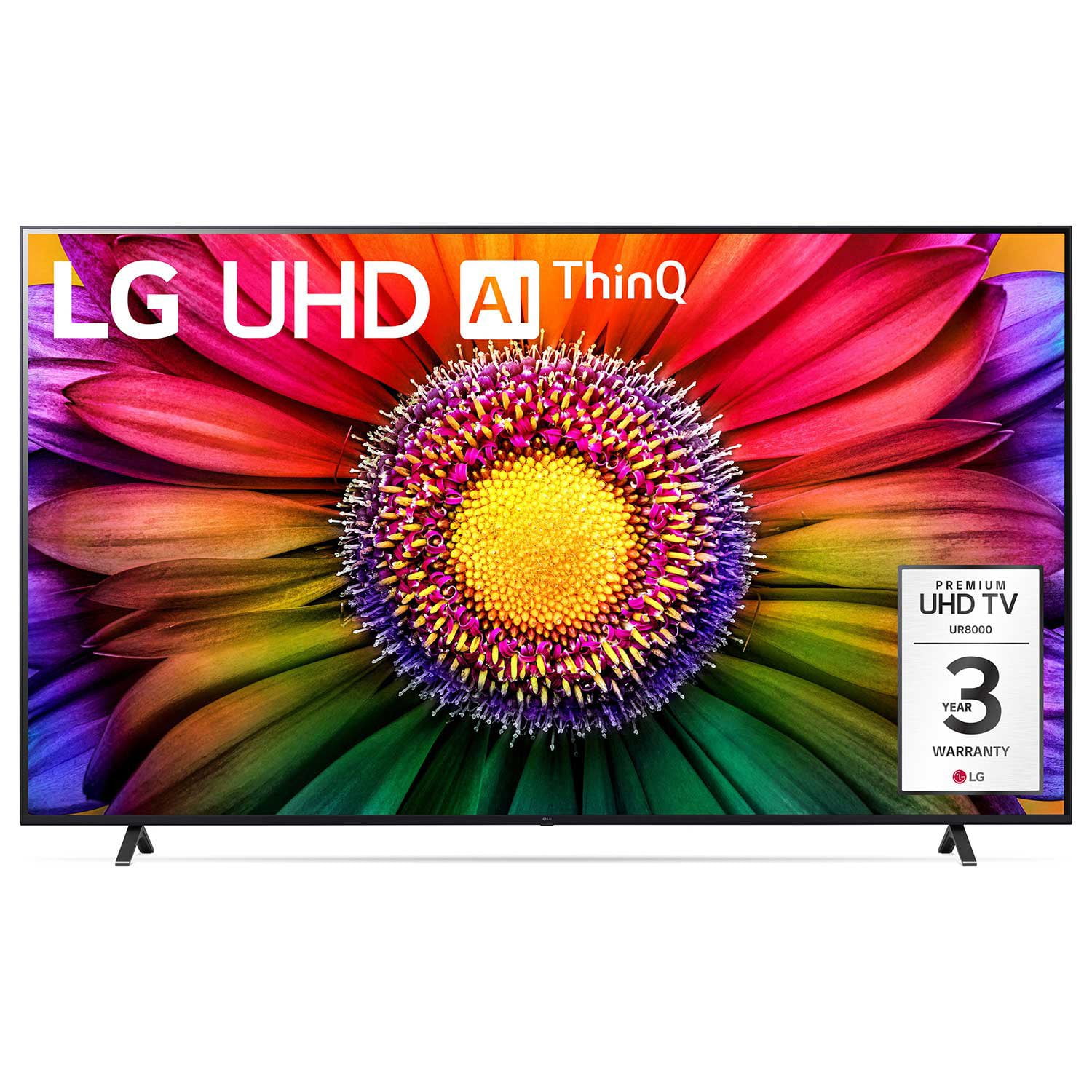
LG 86" Class UR8000 series LED 4K UHD Smart webOS 23 w/ ThinQ AI TV - 86UR8000AUA
4.4 out of 5 stars
stars
1,038 ratings905 reviews
  1. 5 stars68% (704)
  2. 4 stars19% (200)
  3. 3 stars6% (65)
  4. 2 stars3% (27)
  5. 1 star4% (42)

Member photos

  • +138 images
Sort by |
Showing 861-870 of 905 reviews
Aug 21, 2024
Reviewer name: Otigolf
5 out of 5 stars
5 out of 5 stars review

Love the picture very high-quality

Bought this in in December 20 23 for my Christmas present to myself love the picture

Review from lg.com
Helpful?1SKXLQKM4A7X13826921185
Jul 7, 2024
Reviewer name: TrentonD
1 out of 5 stars
1 out of 5 stars review

Screen went out

I bought this TV a bit over 90 days and the screen went black with no sound.

Review from lg.com
Helpful?1SKXLQKM4A7X13826921185
reply from LG

Hi, there. Thank you for reaching out to us and sharing your feedback on your LG TV (70UR8000AUA) model. We understand how important it is to have a television that functions flawlessly. We strive to provide high-quality products that meet your needs and expectations. To fix this, check the power. Ensure the TV is properly plugged in and the outlet is working. Check the cables, check the source, try a different input, check the menu, check the remote, reboot the LG TV, and check for software updates. If you need further assistance, please reach out to us on social media @LGUSSupport. ^Juvy

Sep 8, 2024
Reviewer name: Hector Garrido
1 out of 5 stars
1 out of 5 stars review

[This review was collected as part of a promotion.] Worst tv I've ever had the TV broke down only 5 months of buying it

Review from lg.com
Helpful?1SKXLQKM4A7X13826921185
reply from LG Social

Hey Hector, your TV is the heart of your home entertainment! We're here to assist you in getting your TV back up and running. Just shoot us a private message on social media with your details and the serial number of your TV. We'll assign a dedicated team member to your case who will help you explore your options. You'll be back to binge-watching your favorite shows in no time! ~Ivy

Jun 20, 2024
Reviewer name: Anonymous
2 out of 5 stars
2 out of 5 stars review

75 in TV

It seems a pixel blew out can not get any resolution on either getting it fixed or replaced and not even 6 months old

Review from lg.com
Helpful?1SKXLQKM4A7X13826921185
reply from LG

Hello there. Thank you for sharing your experience with us regarding the LG TV 75UR8000AUA. We understand your concern about the blown pixel issue, especially since the TV is less than 6 months old. Your feedback is important to us, and we'd like to assist you further. Please send us a private message on our social media platform via @LGUSSupport, and our team will be more than happy to look into this matter and provide you with the necessary support. We appreciate your patience as we work to resolve this for you. ^Sam

Oct 22, 2023
Reviewer name: Elibi55
5 out of 5 stars
5 out of 5 stars review

[This review was collected as part of a promotion.] Excellente TV for movies, videos and night entertainment!

Review from lg.com
Helpful?1SKXLQKM4A7X13826921185
Sep 25, 2024
Reviewer name: Edna777
1 out of 5 stars
1 out of 5 stars review

Fuzzy

[This review was collected as part of a promotion.] Poor picture and so very 🐌 slow to change channels

Review from lg.com
Helpful?1SKXLQKM4A7X13826921185
reply from LG Digital Care Team

Hey there Edna. Your TV is the heart of your entertainment system, and we definitely want you to be able to enjoy it to the fullest. To improve your picture quality, we suggest going to your picture settings and making adjustments to your liking. Just go to: Settings > All Settings > Picture. Ensure that the picture mode is set to your preference (e.g., Standard, Cinema, Vivid) and adjust the brightness, contrast, and sharpness settings. We also recommend that your software is up to date, as that can affect the performance as well as the picture quality. Just go to: Settings > All Settings > General > About This TV > Check for Updates. If you have any other questions or concerns, please don't hesitate to reach out via social media at @LGUSSupport. ~Ivy

Dec 10, 2024
Reviewer name: gjb24
4 out of 5 stars
4 out of 5 stars review

Good features

[This review was collected as part of a promotion.] I bought this item one month ago. It is in our spare bedroom so doesn't get used much. Still trying to get use to the options on the controller.

Review from lg.com
Helpful?1SKXLQKM4A7X13826921185
Mar 13, 2024
Reviewer name: Flavio Guido Ferrer
5 out of 5 stars
5 out of 5 stars review

Justo el que quiero!

[This review was collected as part of a promotion.] Muy buen TV Smart LG ojalá tuviera una igua aquí en la Habana Cuba para ver excelentes películas y conectar a internet l!!!

Review from lg.com
Helpful?1SKXLQKM4A7X13826921185
Jun 30, 2024
Reviewer name: Tiger21
5 out of 5 stars
5 out of 5 stars review

Great LG TV

[This review was collected as part of a promotion.] I bought this 3 months ago and it's been a great experience enjoying all of my favorites on this awesome screen!!

Review from lg.com
Helpful?1SKXLQKM4A7X13826921185
Aug 15, 2023
Reviewer name: Dparlor
4 out of 5 stars
4 out of 5 stars review

Just shy of perfect

I would've given this tv a 5 the picture is amazing, gaming movies and sports will never be the same. But the lack of agreements with diffrent apps I pay for and can not use on this amazing screen.

Review from lg.com
Helpful?1SKXLQKM4A7X13826921185