Skip to Main Content
Sams Club
Sams Club
Customer reviews for SAMSUNG 65" Class Q7-Series 4K Ultra HD Smart QLED TV QN65Q7DAAFXZA for
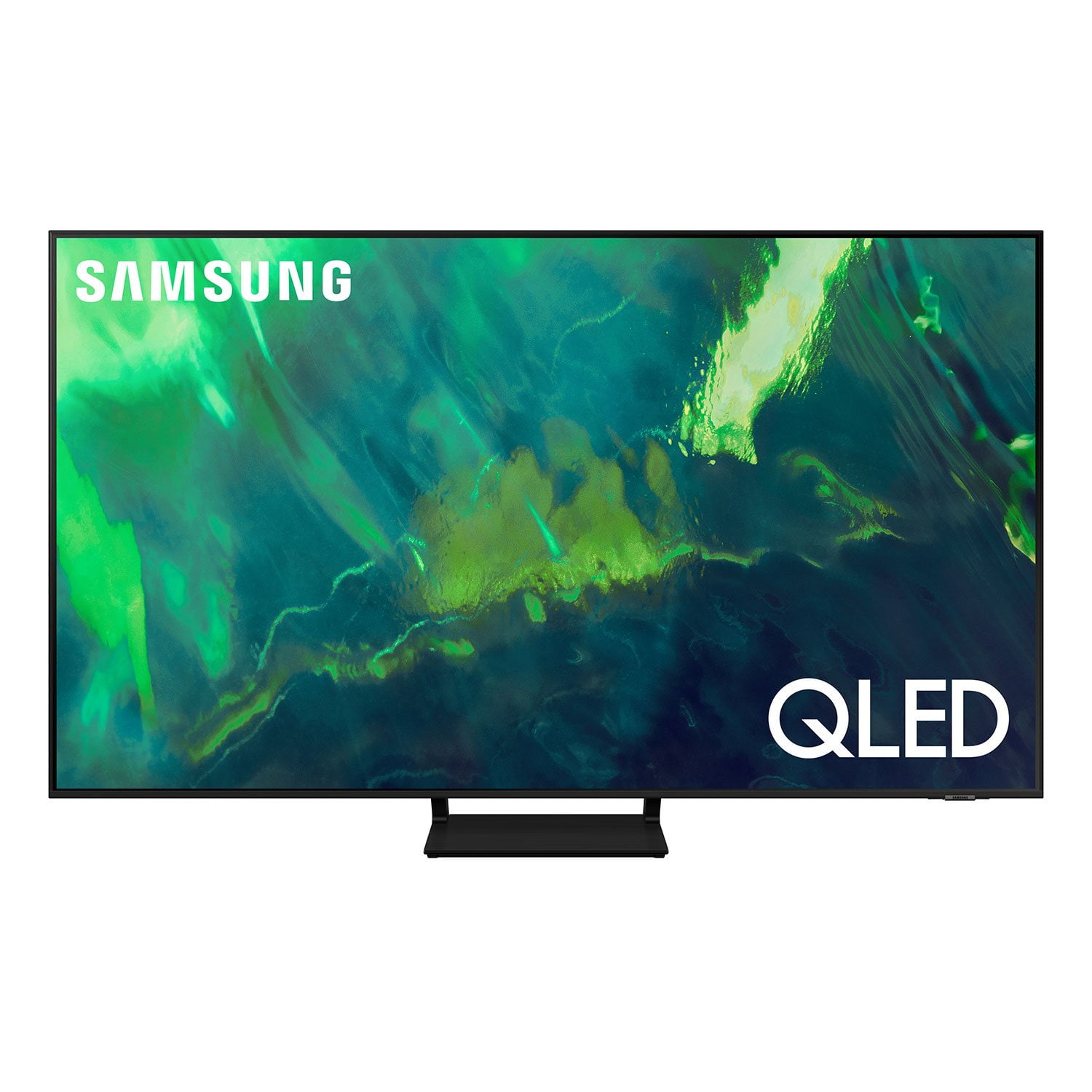
SAMSUNG 65" Class Q7-Series 4K Ultra HD Smart QLED TV QN65Q7DAAFXZA
4.7 out of 5 stars
stars2,039 ratings1,959 reviews
  1. 5 stars80% (1,630)
  2. 4 stars15% (303)
  3. 3 stars3% (52)
  4. 2 stars1% (30)
  5. 1 star1% (24)
Write a review
Sort by |
Showing 731-740 of 1,959 reviews
Oct 6, 2022
Love2game
5 out of 5 stars review

Love Gaming on this Television & Watching Movies.

[This review was collected as part of a promotion.] When I first received this this TV I was so happy 1st the price & 2nd its gaming features. It has been over a year or so with this Q70 65inch & I have had no problems with the television. I enjoy gaming on this television especially with the more modern gaming consoles You'll love the Intelligent mode it removes the stress of having to calibrate picture setting for different content you watch on different video sources. Samsung really delivers when it comes to Television Technology.

Review from Samsung US
Helpful?7ENH4H8TEGBK13740406124
Oct 25, 2022
Samsunglover79
5 out of 5 stars review

Jawdropping clarity and picture details

[This review was collected as part of a promotion.] This TV has been a true game changer in our drawing area - the slim design, beautiful aesthetics and vibrant color as well as clarity has not only uplifted the interior decor to a new level but also enhanced our television viewing experience. Love the smart integration capability so much !!

Review from Samsung US
Helpful?7ENH4H8TEGBK13740406124
Feb 1, 2022
natrlyst
4 out of 5 stars review

Great quality, great picture, poor sound

I am about a month in with this TV so far. Samsung is really starting to get it right. The connectivity options are fantastic, the picture is great and the streaming services work very well. I would like to see the Tizen software updated to have a more friendly user interface. Have a look at what others are doing with their user interface (Google TV, chromecast, AppleTV, Roku etc.) to have a more integrated experience. It is also quite evident that the Smart TV apps are slower to update/upgrade than other platforms. I use a Google TV dongle to run my television instead of the Tizen features about 85% of the time as the result of the apps being more pleasing to use and the AI features about what I am watching across platforms is much more appealing within the Google TV platform. I should note I don not have a cable subscription service so it is likely more noticeable for me than most. Sound is an issue and cords are an issue. I do not want cords hanging from my wall and do not want to mount a soundbar on my fireplace to ruin the pleasingly smooth aesthetic I currently have. It would be nice if Samsung wither made more powerful sounding speakers in the TV or a nice suite of wireless speakers that can enhance the sound. Picture on the TV is beautiful and crisp. I also wish there were more 60 inch options for televisions.

Review from Samsung Canada
Helpful?7ENH4H8TEGBK13740406124
reply from Operations

Hi natrlyst, thanks so much for your kind words! We sincerely appreciate your feedback and will share this with our team. We hope you enjoy many years of great entertainment with your Samsung TV! 

Oct 2, 2022
Kk553827
5 out of 5 stars review

One of the best TV

[This review was collected as part of a promotion.] I mainly use TV for streaming. Everything looks good and sound is amazing too. It makes huge difference to have big screen TV streaming shows and movies. TV also has very thin screen making it look good anywhere in the living room. Love this TV

Review from Samsung US
Helpful?7ENH4H8TEGBK13740406124
May 23, 2022
Ilovemytv
5 out of 5 stars review

The perfect television!

[This review was collected as part of a promotion.] I love my new Samsung television. It has access to all of the apps that I used to need a firestick for. It gives you everything you need without any other devices needed to be connected. The picture is super clear and loads quickly. I will definitely only be buying Samsung TVs in the future. Along with this one I also bought a 55' 4K tv.

Review from Samsung US
Helpful?7ENH4H8TEGBK13740406124
Apr 26, 2021
TVshoutout
5 out of 5 stars review

Exceed expectations

[This review was collected as part of a promotion.] My living room was in dire need for a television upgraded. I've had a Philip's 65" HD 1080P for 10yrs +; I knew I was missing out on picture quality for movies and gaming. After I purchased my Samsung television for mainly gaming and movies, the picture quality is out of this world.

Review from Samsung US
Helpful?7ENH4H8TEGBK13740406124
Oct 15, 2021
OmgitsRic
5 out of 5 stars review

This TV is amazing for gaming!

[This review was collected as part of a promotion.] I mostly use my TV for gaming. It is great for gaming is gives you that 4k experience and since it's qled the problems with burn in aren't there which is great for gaming. I also use it for media consumption because of its 4k the screen looks amazingly detailed and the brightness could get so high.

Review from Samsung US
Helpful?7ENH4H8TEGBK13740406124
Jun 28, 2021
TV713
5 out of 5 stars review

Love this TV

[This review was collected as part of a promotion.] The picture quality is high definition, clear,, bright and clear. Great for watching movies and playing game systems. There are so many features from sleep mode, ambient setting, several apps and easy to use. All features and apps in 1 place. I simply love this TV and the price point was very reasonable for the value and brand.

Review from Samsung US
Helpful?7ENH4H8TEGBK13740406124
Jul 24, 2021
JforL
4 out of 5 stars review

Below average internal speaker

[This review was collected as part of a promotion.] Installation and set up relatively easy. Internal speaker quality below average. Access to owner's manual difficult. Picture quality is what would be expected for the price. Had to call customer service within a couple of hours of getting unit out of Box All issues were resolved regarding picture quality. During setup feature there was an automatic registration of serial number yesterday however process registered the wrong serial number

Review from Samsung US
Helpful?7ENH4H8TEGBK13740406124
reply from Samsung Brand Ambassador

JforL, Thank you for choosing Samsung's Q70A TV and for your review. We appreciate you sharing your experience with us. If the picture you are seeing out-of-the-box are still not to your liking, there are several picture settings you may want to try adjusting. You can select the Picture Mode that provides the best viewing experience. Go to Home > Settings > Picture > Picture Mode 1) Standard: Is the default mode suitable for general viewing environments. 2) Natural: Reduces eye strain for a comfortable viewing experience. 3) Movie: Is suitable for watching TV or movies in a dark room. 4) Dynamic: Makes the picture brighter and clearer in bright viewing environments. 5) Filmmaker Mode: You can watch the source content (e.g., movie) as it is. If the image is defined as Filmmaker Mode, it will automatically switch to Filmmaker Mode while watching. You can also go to: Settings > Picture > Expert Settings > to manually fine tune your image. There are also several sound settings you can adjust to suit your personal sound preferences. Change the Sound Mode by going to: Settings > Sound > Sound Mode You can also customize the sound with Expert Settings by going to: Settings > Sound > Expert Settings One of the features of your TV is OTS Lite (Object Tracking Sound Lite) which means that there are strategically placed dynamic speakers that track the action and move the sound around you. If you have, or plan on adding a Samsung Q-Series Soundbar, please take advantage of Q-Symphony which synchronizes both your TV speakers and soundbar to give you an excellent surround experience. You can download the Q70A TV's User Manual, e-Manual, Remote Control Leaflet, and Quick Setup Guide on Samsung's website by clicking "Support" > "Manuals & Software" > "TVs & Home Theater" > "TVs". From there, you can select the Q70A TV under "4K QLED TVs” > “A Model Lineup" and download the guides you would like. The e-Manual is also embedded into the TV itself under Settings > Support > Open e-Manual. I hope this helps. Should you ever have questions or need help, please call us at 1-800-SAMSUNG (ask for TVs), available 8AM -12AM EST M-F (9AM – 6PM EST Sat). Or text HELP to 62913. For additional support resources, visit us on the Samsung website and click on the ‘Support’ link in the upper right corner of the homepage for: 1) More ‘Contact Us’ options – LiveChat, Facebook, Twitter, Samsung Community, Samsung Members app 2) Manuals & Software 3) Warranty Info 4) Product Registration: For access to easy warranty support, convenient opt-in to special promos and offers, faster troubleshooting and service, and quick notification of system updates. ~ Samsung Specialist

Sep 26, 2023
PunkRawkPoppy
3 out of 5 stars review

No Power, no standby light, replaced Power board.

Love the brand and trying to slowly integrate the house. New fridge is great! Bought this TV brand new when they came out. About a year in noticed a perfect 4 inch wide strip that ran top to bottom that was a tint of yellow. still great screen. the strip would still stay powered on when the TV was off(black no pic). It recently just went our randomly while watching K-9 Cop. Did some Troubleshooting, and eventually replaced the Power board despite no signs of blown caps. Will look at replacing motherboard now. But if that doesn't work will have to buy a new TV.

Review from Samsung US
Helpful?7ENH4H8TEGBK13740406124