Join Now
Skip to Main Content
Sam's Club
Sam's Club
All Departments
All Services
Customer reviews for SAMSUNG 65" Class Q7-Series 4K Ultra HD Smart QLED TV QN65Q7DAAFXZA for
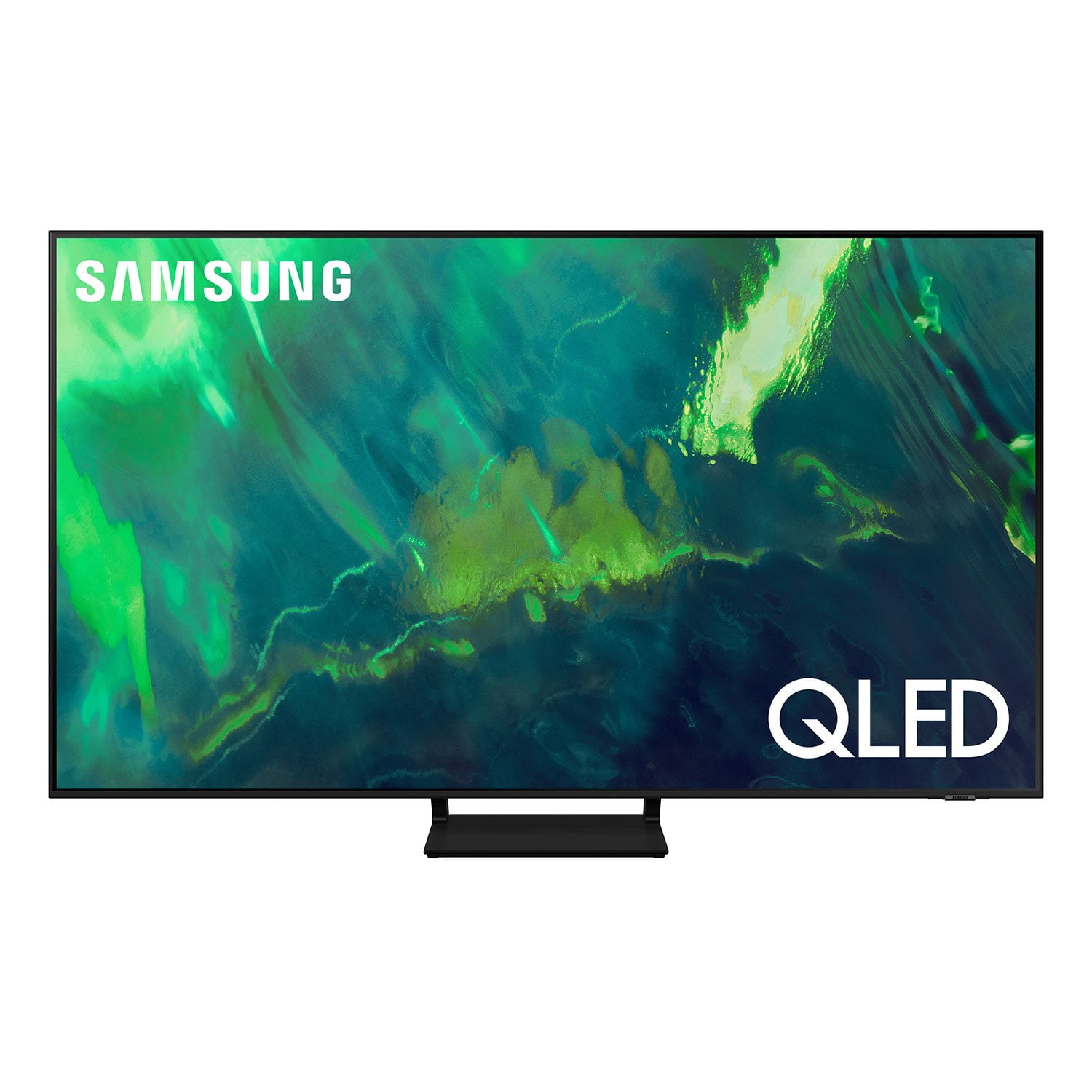
SAMSUNG 65" Class Q7-Series 4K Ultra HD Smart QLED TV QN65Q7DAAFXZA
4.7 out of 5 stars
stars
2,039 ratings1,959 reviews
  1. 5 stars80% (1,630)
  2. 4 stars15% (303)
  3. 3 stars3% (52)
  4. 2 stars1% (30)
  5. 1 star1% (24)
Sort by |
Showing 711-720 of 1,959 reviews
Oct 5, 2022
Reviewer name: Kcslickrick
5 out of 5 stars
5 out of 5 stars review

Picture quality is remarkable

[This review was collected as part of a promotion.] This replaced a previous TV, that was a bit smaller. It is used as the main TV in my house. The picture quality is far superior, and it fit perfectly into the cubby hole area. I have a sound bar and subwoofer hooked to it, for a perfect sound for all forms of entertainment, movies, streaming, and DVD's.

Review from Samsung US
Helpful?7ENH4H8TEGBK13740406124
Jun 24, 2021
Reviewer name: alexis13
5 out of 5 stars
5 out of 5 stars review

Is an amazing product overall highly recommend

[This review was collected as part of a promotion.] I use my samsung tv to play video games and to watch tv, mostly sports and its amazing quality to play video games on, my fps and view of the games its always on point. It has amazing features so I can watch youtube and netflix on there. I always am watching youtube and listening to music so it is very nice to have around. When I'm playing any videogames it has top tier sound and I can hear so clearly where people are coming from or just to hear them talk. I highly recommend getting this tv and others of this brand as well.

Review from Samsung US
Helpful?7ENH4H8TEGBK13740406124
Jul 24, 2021
Reviewer name: JforL
4 out of 5 stars
4 out of 5 stars review

Below average internal speaker

[This review was collected as part of a promotion.] Installation and set up relatively easy. Internal speaker quality below average. Access to owner's manual difficult. Picture quality is what would be expected for the price. Had to call customer service within a couple of hours of getting unit out of Box All issues were resolved regarding picture quality. During setup feature there was an automatic registration of serial number yesterday however process registered the wrong serial number

Review from Samsung US
Helpful?7ENH4H8TEGBK13740406124
reply from Samsung Brand Ambassador

JforL, Thank you for choosing Samsung's Q70A TV and for your review. We appreciate you sharing your experience with us. If the picture you are seeing out-of-the-box are still not to your liking, there are several picture settings you may want to try adjusting. You can select the Picture Mode that provides the best viewing experience. Go to Home > Settings > Picture > Picture Mode 1) Standard: Is the default mode suitable for general viewing environments. 2) Natural: Reduces eye strain for a comfortable viewing experience. 3) Movie: Is suitable for watching TV or movies in a dark room. 4) Dynamic: Makes the picture brighter and clearer in bright viewing environments. 5) Filmmaker Mode: You can watch the source content (e.g., movie) as it is. If the image is defined as Filmmaker Mode, it will automatically switch to Filmmaker Mode while watching. You can also go to: Settings > Picture > Expert Settings > to manually fine tune your image. There are also several sound settings you can adjust to suit your personal sound preferences. Change the Sound Mode by going to: Settings > Sound > Sound Mode You can also customize the sound with Expert Settings by going to: Settings > Sound > Expert Settings One of the features of your TV is OTS Lite (Object Tracking Sound Lite) which means that there are strategically placed dynamic speakers that track the action and move the sound around you. If you have, or plan on adding a Samsung Q-Series Soundbar, please take advantage of Q-Symphony which synchronizes both your TV speakers and soundbar to give you an excellent surround experience. You can download the Q70A TV's User Manual, e-Manual, Remote Control Leaflet, and Quick Setup Guide on Samsung's website by clicking "Support" > "Manuals & Software" > "TVs & Home Theater" > "TVs". From there, you can select the Q70A TV under "4K QLED TVs” > “A Model Lineup" and download the guides you would like. The e-Manual is also embedded into the TV itself under Settings > Support > Open e-Manual. I hope this helps. Should you ever have questions or need help, please call us at 1-800-SAMSUNG (ask for TVs), available 8AM -12AM EST M-F (9AM – 6PM EST Sat). Or text HELP to 62913. For additional support resources, visit us on the Samsung website and click on the ‘Support’ link in the upper right corner of the homepage for: 1) More ‘Contact Us’ options – LiveChat, Facebook, Twitter, Samsung Community, Samsung Members app 2) Manuals & Software 3) Warranty Info 4) Product Registration: For access to easy warranty support, convenient opt-in to special promos and offers, faster troubleshooting and service, and quick notification of system updates. ~ Samsung Specialist

Oct 25, 2022
Reviewer name: Samsunglover79
5 out of 5 stars
5 out of 5 stars review

Jawdropping clarity and picture details

[This review was collected as part of a promotion.] This TV has been a true game changer in our drawing area - the slim design, beautiful aesthetics and vibrant color as well as clarity has not only uplifted the interior decor to a new level but also enhanced our television viewing experience. Love the smart integration capability so much !!

Review from Samsung US
Helpful?7ENH4H8TEGBK13740406124
Feb 25, 2022
Reviewer name: Ros5
4 out of 5 stars
4 out of 5 stars review

Pretty good.

We're pleased overall with the TV. The only complaint we have is the remote control. Compared to our Sony's remote, it is abysmal. Whoever designed the remote for this TV really needs to find another job. It is the most useless, hard to decipher remote on the market today, I swear. Luckily, we have our Apple TV hooked up to the TV, so we mainly use the Apple remote.

Review from Samsung Canada
Helpful?7ENH4H8TEGBK13740406124
reply from Operations

Hi Ros5, thanks so much for your kind words! We sincerely appreciate your feedback and will share this with our team. We hope you enjoy many years of great entertainment with your Samsung Smart TV!

Oct 5, 2022
Reviewer name: Loveall4Samsungs
5 out of 5 stars
5 out of 5 stars review

This is really a smart TV

[This review was collected as part of a promotion.] We use this TV in the main family room where my wife and I hang out. The children have their own Samsung TV. This TV really has a great picture and sound quality is tops. I have some hearing and my hearing aids connect directly to the TV using an adapter that was purchased separately. We do a little streaming and it is super simple to switch from TV to and from a streaming source. Did I mention that you can control the TV using voice commands on the remote.

Review from Samsung US
Helpful?7ENH4H8TEGBK13740406124
Jun 29, 2021
Reviewer name: Mdaves44
5 out of 5 stars
5 out of 5 stars review

Very sleek design and amazing features.

[This review was collected as part of a promotion.] I use the tv for mainly streaming and gaming, but it also very nice to be able to fall back on the ambient mode when I have company over. It helps to enhance the setting. I love that my tv will automatically switch inputs when I turn on my gaming system. Also, the setup was very easy and everything is mostly programmed for you ready to go unless you prefer extremely specific settings. I plan to buy a sound bar but for now the built in speakers do a fantastic job of really sending out the sound in such a way that it feels more like a hybrid surround sound system instead of your basic set of tv speakers. Very very pleased with this product and will definitely stick with samsung on future tv purchases.

Review from Samsung US
Helpful?7ENH4H8TEGBK13740406124
Jun 23, 2021
Reviewer name: Alfoso
5 out of 5 stars
5 out of 5 stars review

Fixed the Q70t issues

[This review was collected as part of a promotion.] I previously owned the Q70t version and it had issues with the hdmi 2.1 port not to mention terrible 700 nits brightness for hdr content. This TV fixes those two issues. One thing I'd like to see are more local dimming zones since other brands have that feature and more in this price range.

Review from Samsung US
Helpful?7ENH4H8TEGBK13740406124
Oct 24, 2022
Reviewer name: Bpicker1
5 out of 5 stars
5 out of 5 stars review

The Greatest

[This review was collected as part of a promotion.] Our Samsung TV is second to none. This particular one (Q7) has the best picture we've ever had in a TV. This is why we only buy Samsung products. We know they are not only dependable but the picture is so crisp you can actually see blades of grass! It's incredible! Thanks Samsung for another great product.

Review from Samsung US
Helpful?7ENH4H8TEGBK13740406124
Jun 13, 2022
Reviewer name: Anthony
4 out of 5 stars
4 out of 5 stars review

Screen Clouding in Dark scenes

[This review was collected as part of a promotion.] I was excited to get this TV, it's the Largest size I've ever bought and was new to 4k. Our old TV was a just standard HD and had a limited amount of HDMI ports. This one had enough for my uses. The voice comand is nice but a bit slow. The home screen is nice but it DOSEN'T let you customize the whole window, ONLY the APPs installed, which was annoying because I had to scroll for a while to get to settings. And finally there's the CLOUDING in Dark scenes, I noticed it and thought it might of been because we weren't streaming 4k content, but it latter showed up in our ps5 and blue ray movies that are 4k, it was disappointing and made the TV and Samsung feel like not as FLAGSHIP as I once thought it was amd ruined the quality and experience I was expecting from this TV.

Review from Samsung US
Helpful?7ENH4H8TEGBK13740406124
reply from Samsung Brand Ambassador

Anthony, We appreciate you sharing your experience. To ensure your Q70A TV's image quality and performance are fully optimized, please make sure your firmware is up to date with version 2001.3. You can check this by going to: Home > Settings > Support > Software Update. If the image you’re seeing is still not to your liking after performing any necessary updates, there are several picture settings you may want to try adjusting. Go to Home > Settings > Picture > Picture Mode ...and select the mode that best fits your usage: 1) Standard: Is the default mode suitable for general viewing environments. 2) Natural: Reduces eye strain for a comfortable viewing experience. 3) Movie: Is suitable for watching TV or movies in a dark room. 4) Dynamic: Makes the picture brighter and clearer in bright viewing environments. 5) Filmmaker Mode: You can watch the source content (e.g., movie) as it is. If the image is defined as Filmmaker Mode, it will automatically switch to Filmmaker Mode while watching. You can also go to: Settings > Picture > Expert Settings > to manually fine tune your image. For further assistance with settings adjustments, please contact Samsung Customer Support at 1-800-SAMSUNG, 8AM - 12AM EST, 7 days a week. Or visit us on the Samsung website and click on the ‘Support’ link for: 1) LiveChat 2) Manuals, Software, & Warranty Info ~ Samsung Specialist