Skip to Main Content
Sam's Club
Sam's Club
All Departments
All Services
Customer reviews for Epson EcoTank ET-2400 Special Edition All-in-One Inkjet Printer, 1 Bonus Black Ink Bottle for
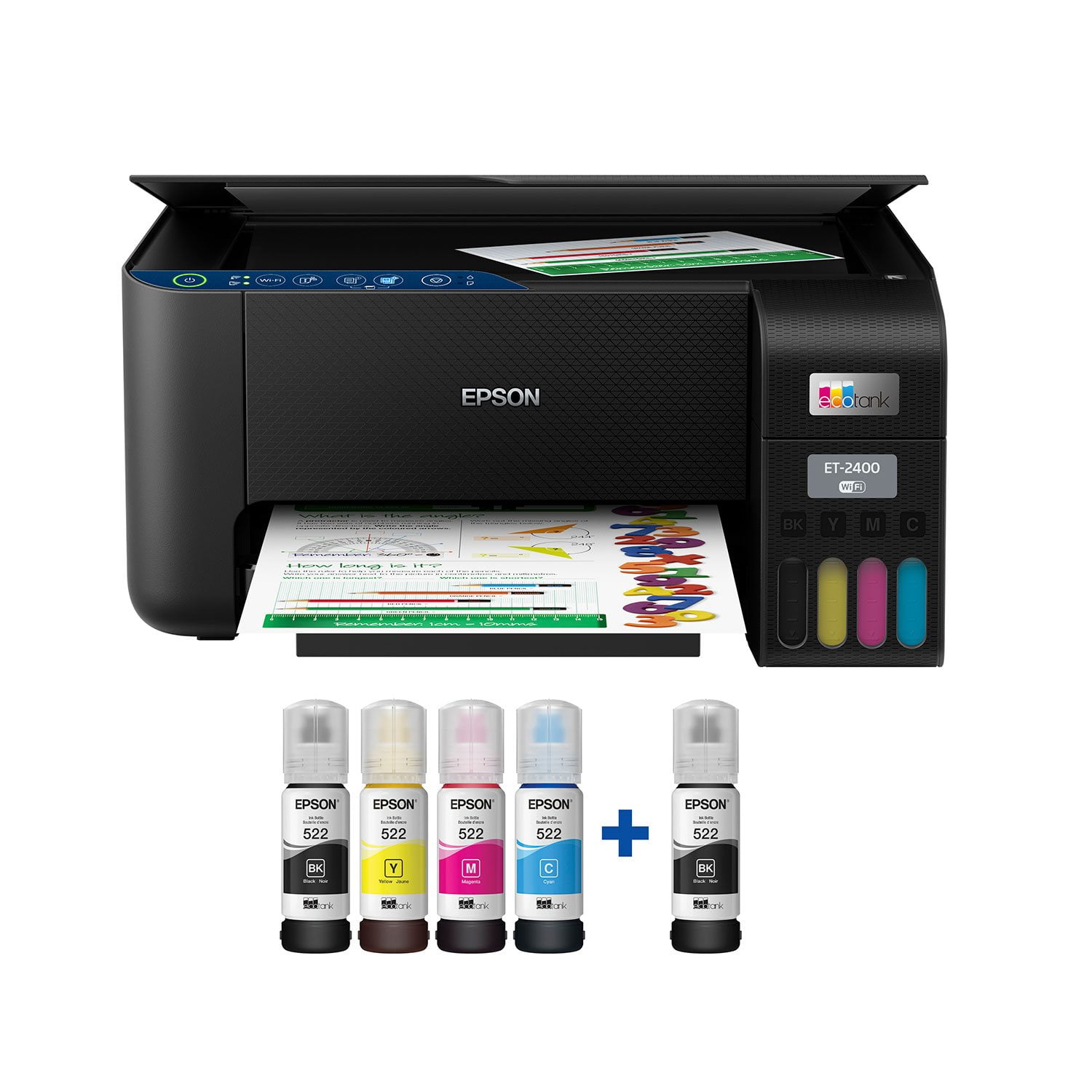
Epson EcoTank ET-2400 Special Edition All-in-One Inkjet Printer, 1 Bonus Black Ink Bottle
3.5 out of 5 stars
stars
1,032 ratings875 reviews
  1. 5 stars49% (509)
  2. 4 stars10% (105)
  3. 3 stars9% (88)
  4. 2 stars8% (81)
  5. 1 star24% (249)

Member photos

Sort by |
Showing 741-750 of 875 reviews
May 13, 2024
Fuzz
5 out of 5 stars review

Best printer I ever had

Had a old Hp printer don’t use it regularly so the ink cartridge would dry up quick if it wasn’t used regularly This printer sits for 3-4 weeks or more I turn it on and prints with o issues wish had this printer before the Hp I would’ve saved a fortune on cartridges This liquid ink last forever 10x more than a cartridge printer

Review from walmart.com
Helpful?6TBS3KBVF6I113724301252
Aug 8, 2023
Lessmes
1 out of 5 stars review

Disappointed

This printer is very basic, lacking feeder scanning or multipage. scanning has to be page by page and it really gets bad if you are scanning double face pages. the sheet feeder is at the back occupying more space to accommodate paper. finally, if you are running IOS and Windows simultaneously, the printer would not function unless you have IOS 11 or higher, but even though, cloud printing would give you issues.

Review from epson.com
Helpful?6TBS3KBVF6I113724301252
Jan 14, 2024
Anonymous
1 out of 5 stars review

Be very careful this does not print on two side, so your cost of paper goes up and your time goes way up! I never though any one would make such a obsolete product so I had it order, my bad. Keep your stapler handy!!! This printer will cost you a lot!!!!

Review from epson.com
Helpful?6TBS3KBVF6I113724301252
Jun 19, 2025
JoniL
3 out of 5 stars review

Lousy set up

This was not an easy setup. We have superfast WIFI, and it would not connect with WPS button. So we had to hard-wire, then I could not print from my phone. Also, it stinks that the printer doesn't have a display. I just hope it lasts more than a year. Also, the registration would not expect a password.

Review from epson.com
Helpful?6TBS3KBVF6I113724301252
Oct 3, 2022
Gus080395
5 out of 5 stars review

Great Printer!

 “This is a review for the Epson EcoTank ET-2400 Wireless Color Printer that I received free of charge to do a beta test and review.” Epson is a great printer, I have been very impressed with the ease of setting up new printer compared to all other printers I have used previously. The speed of the printer is in par with that of commercial type. Being able to add ink in big volumes is so useful I used to have to buy printer cartridges. Which I could barely find, and if I did I would have to travel a distance. Epson solved that with the ecotank.

Review from epson.com
Helpful?6TBS3KBVF6I113724301252
Jan 21, 2024
Cruisellama
3 out of 5 stars review

Printing is fine - but very basic functions/capabilities

As a mac user, I was disappointed with the hoops required to download the correct driver packages for my OS. It's a very lightweight printer and surprised how much it moves during a print session. Very basic - no document feeder or 2-sided printing, so I'm downgraded in that aspect from previous Epson cartridge printer. If it works well, I'll consider upgrading. Definitely a low end printer. I believe its priced too high for the lack of features.

Review from epson.com
Helpful?6TBS3KBVF6I113724301252
Sep 29, 2022
KikiO
5 out of 5 stars review

Great small sized printer!

This is a review for the Epson EcoTank ET-2400 Wireless Color Printer that I received free of charge to do a beta test and review My first impression when I received this printer was that it's super lightweight so I can easily move it if I change work spaces. It's a nice small size. I have it sitting on an antique writing desk and it fits perfectly with my laptop and a lamp. Set up couldn't be any simpler. I downloaded the Epson Smart Panel app on my cell phone and followed the prompts. The app is very easy to understand. Filling the ink tanks was as simple as it can be. All I needed to do was shake the ink, pop the top, turn the bottle upside down lining up the tabs and wait for it to fill. The ink stops once it's full so there's no worry about overflow. I printed out a photo of a deer on the side of the road I took recently and the colors are beautiful. Very vibrant and true to the natural colors of the deer and her surroundings. I've been printing paperwork for my business and photos for 2 weeks and I've hardly used any ink. Bottom line is I absolutely love this printer!

Review from epson.com
Helpful?6TBS3KBVF6I113724301252
May 28, 2025
Leenda
2 out of 5 stars review

T 2400 wireless Epson printer

I have spent hours trying to get it connected with my MacBook, including long conversations with Epson support people. I am now at a point where sometimes it will print a document after several tries. It has been very time consuming, frustrating and disappointing. I would probably give it more stars if I could get it to print wirelessly.

Review from epson.com
Helpful?6TBS3KBVF6I113724301252
Dec 2, 2024
kayland
1 out of 5 stars review

Terrible color quality!! Not recommended for stickers!!

I bought this a month ago and I've been trying to print stickers. Even after messing with countless settings, the printer can't handle colors well. Red was coming out brown, now red is coming out too light and faded. The medium green color that I had on another sticker is coming out too dark. I know it's not a clog problem as my stickers were trash on day 1 and even after running clean cycles, they're still trash. I've wasted almost 25 pages of sticker paper and tons of regular paper. As soon as I ran a quick test print on someone else's Canon Pixma, even with LOW INK, my test print came out perfectly. I would like to get rid of this and run to Canon instead. It's incredibly frustrating how much time and money I've wasted.

Review from epson.com
Helpful?6TBS3KBVF6I113724301252
Nov 9, 2023
Fustrated in MKE
1 out of 5 stars review

How to ruin a good afternoon

The setup instructions are so difficult to use the are absolutely useless. It took two of us four hours of online searching for help before we were able to get it to work. The printed instructions only cover setting the printer up using a cell phone...not everyone wants to use a cell phone. The information is available, but you need a PHD in computer science to find it on line.

Review from epson.com
Helpful?6TBS3KBVF6I113724301252