Skip to Main Content
Sams Club
Sams Club
Customer reviews for HP OfficeJet Pro 8028e All-in-One Wireless Color Inkjet Printer, 1K7K7A#1H3 for
HP OfficeJet Pro 8028e All-in-One Wireless Color Inkjet Printer, 1K7K7A#1H3
4.3 out of 5 stars
stars509 ratings217 reviews
  1. 5 stars68% (345)
  2. 4 stars15% (75)
  3. 3 stars5% (24)
  4. 2 stars3% (16)
  5. 1 star10% (49)

Member photos

Sort by |
Showing 31-40 of 217 reviews
Jan 5, 2022
Richard T
5 out of 5 stars review

Verified Purchase

Quality Printer…Fantastic Price!

This printer is fantastic! Setup was relatively easy. It came with full ink cartridges, not start up cartridges. The print quality is superb, which is what you expect from HP. It also prints photos, which I have yet to try.

Helpful?1PJNB7Z0INOW13722216408
Dec 21, 2022
Rev E
5 out of 5 stars review

Verified Purchase

Awesome printer

This was purchased as an upgrade for our small business. After a couple weeks of use we are glad we went with this model. It has everything we would need for our business.

Helpful?1PJNB7Z0INOW13722216408
Sep 22, 2023
Richard
5 out of 5 stars review

Verified Purchase

Happy with our purchase!

I like having this printer for printing home projects. It works well for printing my photos on HP photo. paper. It works great to print on 65 lb. cover stock to make postcards. It comes in handy with scanning and to make quick copies. We like the auto fit to page enlarging feature. We are trying out the Instant Ink program and so far it looks like a nice thing to do. We received our ink and paper about a week after signing up for the program. Now we don't need to worry about having a backup supply of consumables. We were able to purchase the printer using Sam's Cash and so far, this has been a good purchase for us.

Helpful?1PJNB7Z0INOW13722216408
Jan 20, 2023
Arthureis
3 out of 5 stars review

Verified Purchase

Bad news, Good news

Not happy that there is not a USB port to plug a memory stick into. Notwithstanding how automated the setup was, I am still having trouble accessing the printer/scanner from my laptop. The print and scan quality are good, when I can get them to work.

Helpful?1PJNB7Z0INOW13722216408
Feb 19, 2024
dave
4 out of 5 stars review

Verified Purchase

Decent printer but boffo ink offer

These printers give good results and are generally easy to use. Wifi setup is occasionally difficult (I have Windows 7 computers) and one computer has trouble staying connected, so I'm trying an Ethernet connection now. The best thing, though, is the six-month free Instant Ink subscription with 700 pages per month -- normally $28/month -- so if you can use this volume, it practically pays for the printer.

Helpful?1PJNB7Z0INOW13722216408
Apr 10, 2024
Mary
5 out of 5 stars review

Verified Purchase

Best model I've owned

This is my second one. The first one lasted me a very long time and then I bought a cheaper model which broke down kind of soon so went back to my faithful one even though I did not need all the options on it. It is a great machine. Copies fast and does double sided.

Helpful?1PJNB7Z0INOW13722216408
Oct 4, 2023
Juanita Johnson
2 out of 5 stars review

Verified Purchase

HP OfficeJet Pro 8028e

This printer is not up to the HP standards, it does the job, but you have to go through to many steps to get it to print. On most of the files you want to print you have to save it to a new file and then print it from the new file. On maybe 10 percent it will go straight to the printer and print. I like my 20 year old printer a lot better, I just can't find the ink for it and the instant ink don't support older printers.The extra features are to hard to set up, I still haven't figured them out.

Helpful?1PJNB7Z0INOW13722216408
Feb 24, 2024
Tricia
5 out of 5 stars review

Verified Purchase

HP OfficeJet Pro 8028e All-in-One Wireless Color I

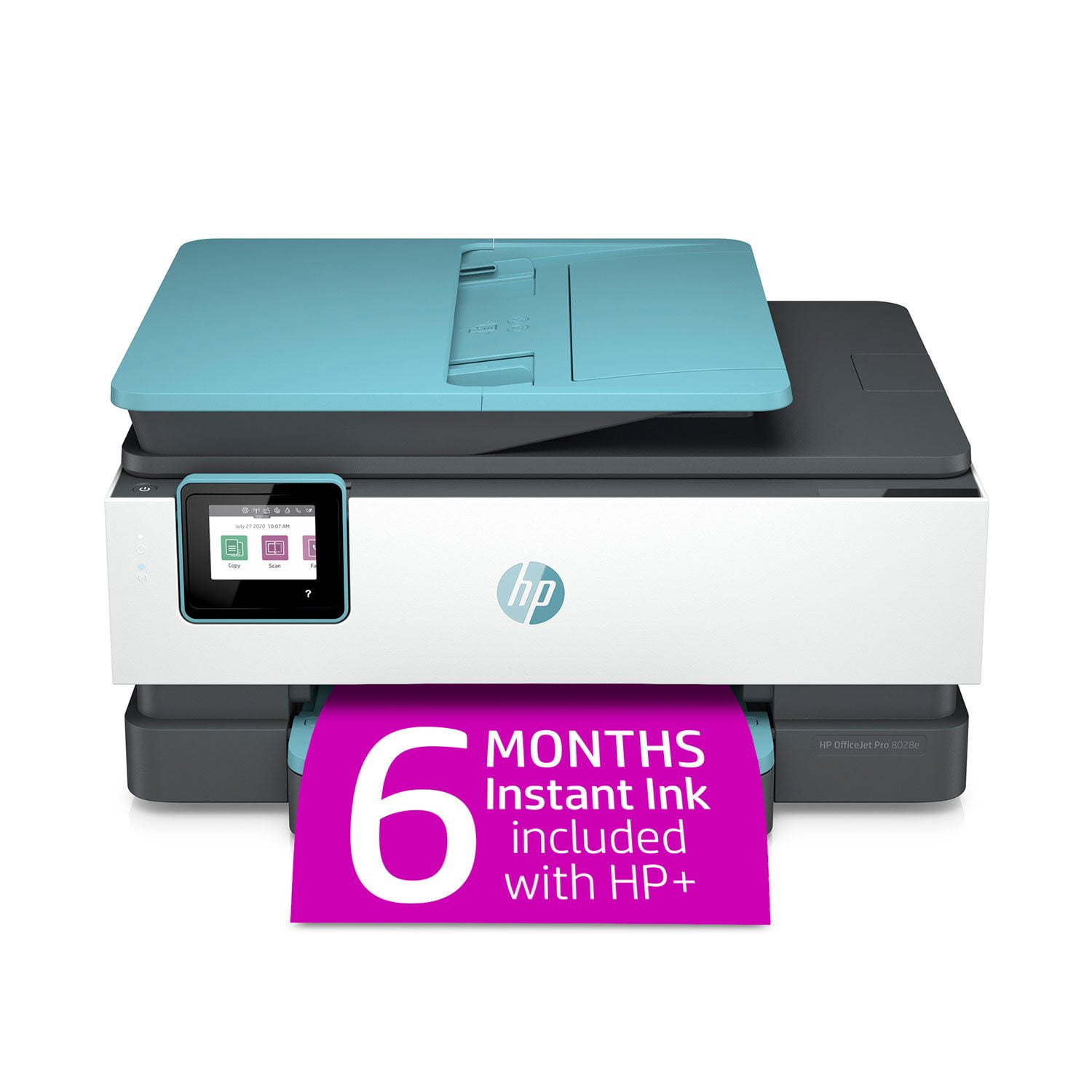
HP OfficeJet Pro 8028e All-in-One Wireless Color Inkjet Printer**: The **HP OfficeJet Pro 8028e** is a color inkjet all-in-one printer that offers scan and copy functions, an automatic document feeder, built-in faxing, Ethernet and WiFi networking, and wireless printing with Apple AirPrint. It works with both Windows and macOS operating systems. In terms of performance, this model is expected to perform similarly to the tested **HP OfficeJet Pro 8025e**, although there may be differences in price and features. Let's dive into some key aspects: 1. **Text Quality**: The printer produces black text crisply and clearly across various faces, sizes, and styles. Models with higher scores offer more uniform type with sharper edges and smoother curves. 2. **Text Speed**: The HP OfficeJet Pro 8028e can print text on five pages of plain, letter-sized paper. Less than 14 seconds is considered excellent; 14 to 19 seconds is very good; 19 to 28 seconds is good; 28 to 39 seconds is fair; and longer than 39 seconds is poor. 3. **Graphics Quality**: The assessment of color graphics produced by the printer is generally positive. 4. **Features & Specs**: - Auto-duplex printing: Yes - Automatic document feeder: Yes - Auto-duplex scanning: No - Built-in fax: Yes - Individual color cartridges: Yes - Refillable ink tank system: No - Flatbed design for scanning and copying: Yes - Can print if color empty: Yes - Borderless photos: Yes - Product type: Letter-size small-office color multi-function printer - Printing method: Inkjet - Standard sheet capacity: 225 sheets - Height: 9.3 inches - Width: 19 inches - Depth: 21.5 inches 5. **Costs**: - Text cost per page: $9.1 - Graphics cost per page: $32.2 - Cost for an 8x10 photo: $1.3 Overall, the HP OfficeJet Pro 8028e offers a good balance of features, quality, and performance for small-office use. If you're looking for an all-in-one printer that combines functionality with wireless capabilities, this model could be a suitable choice.

Helpful?1PJNB7Z0INOW13722216408
Apr 27, 2024
Cubes
4 out of 5 stars review

Verified Purchase

Working fine after a frustrating start-up.

After a frustrating start-up, the printer is working now working well and I have received the first shipment of replenishment ink. The integration with Wi-Fi went smoothly. When I tried to sign-up for the automatic ink supply, my Sam's credit card was rejected repeatedly, even though it was the same one I used to buy the printer with. The instructions do not say anything about pushing down on a button on the left side in order to open the top to install the ink cartridges. By trial and error, I figured that out. Then I got messages that I needed to add more paper to the paper supply drawer, but the drawer would not come out. I eventually determined that it was caught on the output tray. After re-positioning the output tray, this was resolved. Then, when I tried to use scan, the display indicated that the drivers were not installed. There was nothing in the HP instructions about drivers. I was eventually given instructions to contact an HP help number and was connected with someone in the Philippines. They took control of my notebook and installed the necessary drivers and also got me enrolled in the ink-supply program. I continue to get pop-up messages that my drivers are not current. (Possibly a scam) When I run the HP update program, it says the drivers are all current.

Helpful?1PJNB7Z0INOW13722216408
Dec 2, 2021
Joanne
4 out of 5 stars review

Verified Purchase

Easy to set up and use; many features

At first I was sceptical about getting a new printer. But in reading the description and reviews about this printer, I was sold. It was easy to set up and use on my laptop and cell phone. It also came with 6 months of free Instant Ink and a lot of features that I am learning about (i.e. Scheduled on and off feature to save energy).

Helpful?1PJNB7Z0INOW13722216408