Skip to Main Content
Sam's Club
Sam's Club
Customer reviews for LG 65" Class UR8000 AUB series LED 4K UHD webOS 23 Smart w/ThinQ AI TV - 65UR8000AUA for
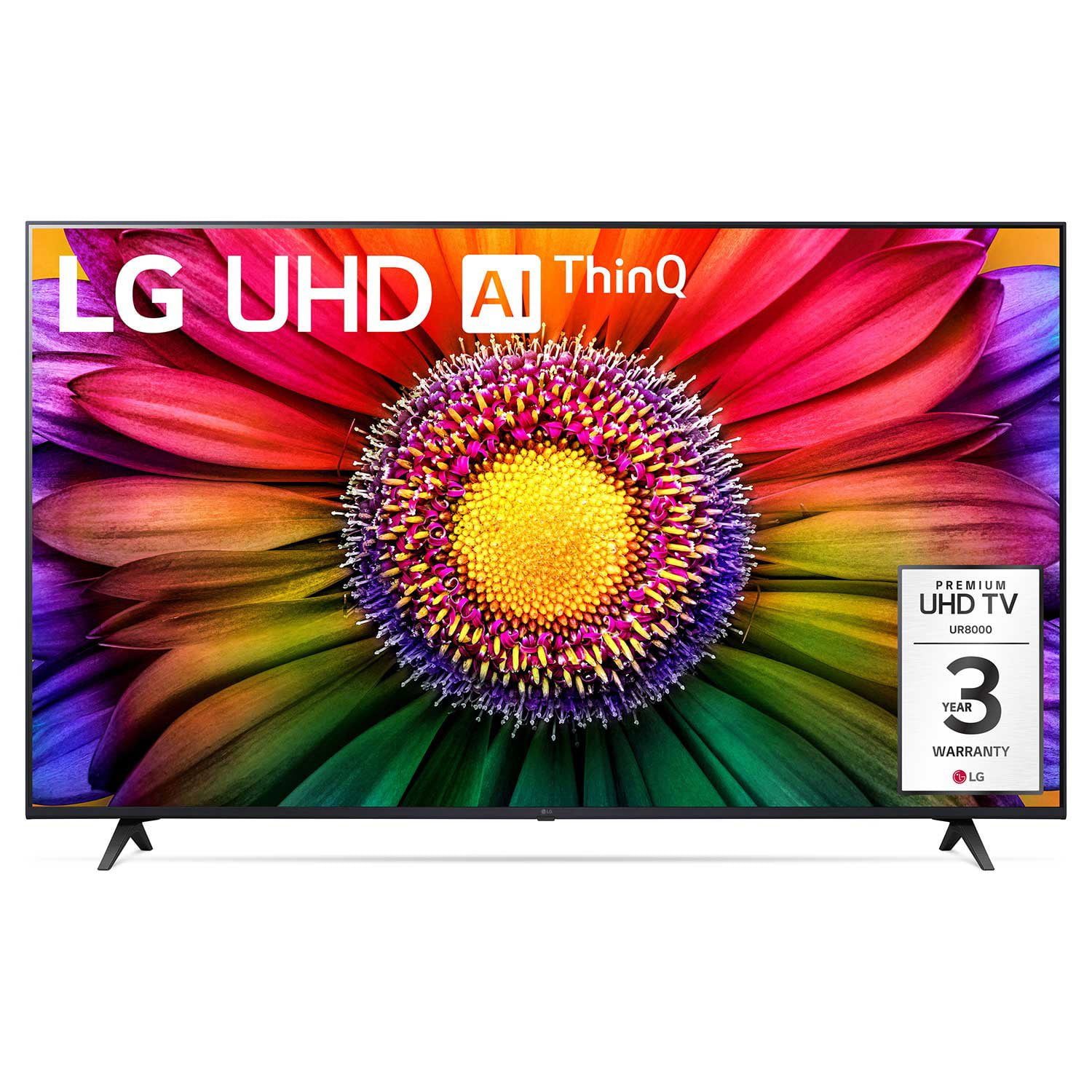
LG 65" Class UR8000 AUB series LED 4K UHD webOS 23 Smart w/ThinQ AI TV - 65UR8000AUA
4.4 out of 5 stars
stars1,064 ratings929 reviews
  1. 5 stars68% (719)
  2. 4 stars19% (206)
  3. 3 stars6% (63)
  4. 2 stars3% (28)
  5. 1 star5% (48)

Member photos

  • +124 images
Sort by |
Showing 871-880 of 929 reviews
Jun 15, 2024
DonPat72
4 out of 5 stars review

We Like

We bought this because are 50" UHD tv didn't have near as good a picture as this 55" LG did at Sams. We got home and set it up. Picture is Great when I turn it on the first. Then as I get it connected to Xfinity, I notice picture is not as good, it seems the broadcast picture is not as sharp. Prime TV very much better. I think I will have the cable guy come out and see if we are getting the best signal. It is not the TV.

Review from lg.com
Helpful?4W6NK93UMF2O13715474926
Dec 29, 2024
KDthekid
4 out of 5 stars review

Good picture

Picture is good but it is slow to retrieve apps and remote is awkward

Review from lg.com
Helpful?4W6NK93UMF2O13715474926
Sep 2, 2024
Tveyes
5 out of 5 stars review

Amazing for price.
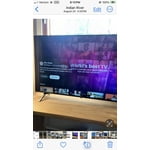
Picture very good. Sound amazing. All the smart features you could use.

Review from lg.com
Helpful?4W6NK93UMF2O13715474926
Dec 14, 2024
BigBry077
5 out of 5 stars review

Remarkable picture

Had this tv for 3 weeks now and I love it. Picture is clear and sound is great.

Review from lg.com
Helpful?4W6NK93UMF2O13715474926
Nov 30, 2024
wids1970
4 out of 5 stars review

Great features

Great picture and perfect size and excellant price

Review from lg.com
Helpful?4W6NK93UMF2O13715474926
reply from LG Digital Care Team

Hey there. Thank you for your feedback on your LG TV! It’s fantastic to hear that the great price, streaming apps, and LG Channels enhance your viewing experience. And having helpful customer support is just the cherry on top! ​For more feedback or questions, private message us on social media @LGUSSupport​. Thanks for making LG a part of your home!​​ ^David

Dec 7, 2024
Ruben U
5 out of 5 stars review

Easy to use

I wanted to feel like I was at a mini movie theater at home and with this TV I got just that.

Review from lg.com
Helpful?4W6NK93UMF2O13715474926
Aug 21, 2024
Otigolf
5 out of 5 stars review

Love the picture very high-quality

Bought this in in December 20 23 for my Christmas present to myself love the picture

Review from lg.com
Helpful?4W6NK93UMF2O13715474926
Jul 7, 2024
TrentonD
1 out of 5 stars review

Screen went out

I bought this TV a bit over 90 days and the screen went black with no sound.

Review from lg.com
Helpful?4W6NK93UMF2O13715474926
reply from LG

Hi, there. Thank you for reaching out to us and sharing your feedback on your LG TV (70UR8000AUA) model. We understand how important it is to have a television that functions flawlessly. We strive to provide high-quality products that meet your needs and expectations. To fix this, check the power. Ensure the TV is properly plugged in and the outlet is working. Check the cables, check the source, try a different input, check the menu, check the remote, reboot the LG TV, and check for software updates. If you need further assistance, please reach out to us on social media @LGUSSupport. ^Juvy

Sep 8, 2024
Hector Garrido
1 out of 5 stars review

[This review was collected as part of a promotion.] Worst tv I've ever had the TV broke down only 5 months of buying it

Review from lg.com
Helpful?4W6NK93UMF2O13715474926
reply from LG Social

Hey Hector, your TV is the heart of your home entertainment! We're here to assist you in getting your TV back up and running. Just shoot us a private message on social media with your details and the serial number of your TV. We'll assign a dedicated team member to your case who will help you explore your options. You'll be back to binge-watching your favorite shows in no time! ~Ivy

Sep 25, 2024
Edna777
1 out of 5 stars review

Fuzzy

[This review was collected as part of a promotion.] Poor picture and so very 🐌 slow to change channels

Review from lg.com
Helpful?4W6NK93UMF2O13715474926
reply from LG Digital Care Team

Hey there Edna. Your TV is the heart of your entertainment system, and we definitely want you to be able to enjoy it to the fullest. To improve your picture quality, we suggest going to your picture settings and making adjustments to your liking. Just go to: Settings > All Settings > Picture. Ensure that the picture mode is set to your preference (e.g., Standard, Cinema, Vivid) and adjust the brightness, contrast, and sharpness settings. We also recommend that your software is up to date, as that can affect the performance as well as the picture quality. Just go to: Settings > All Settings > General > About This TV > Check for Updates. If you have any other questions or concerns, please don't hesitate to reach out via social media at @LGUSSupport. ~Ivy