Skip to Main Content
Sam's Club
Sam's Club
All Departments
All Services
Customer reviews for LG 65" Class UR8000 AUB series LED 4K UHD webOS 23 Smart w/ThinQ AI TV - 65UR8000AUA for
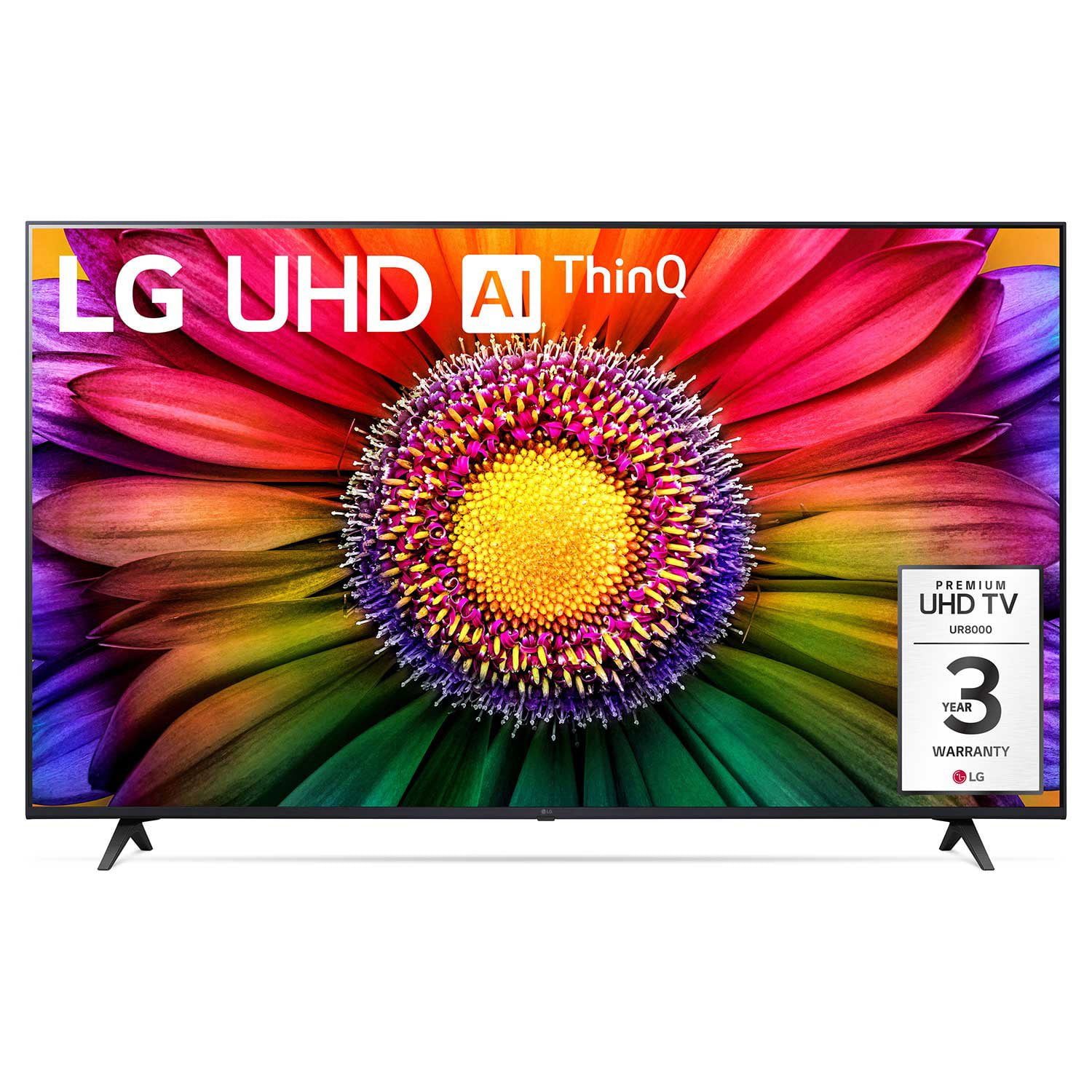
LG 65" Class UR8000 AUB series LED 4K UHD webOS 23 Smart w/ThinQ AI TV - 65UR8000AUA
4.4 out of 5 stars
stars
1,064 ratings929 reviews
  1. 5 stars68% (719)
  2. 4 stars19% (206)
  3. 3 stars6% (63)
  4. 2 stars3% (28)
  5. 1 star5% (48)

Member photos

  • +124 images
Sort by |
Showing 851-860 of 929 reviews
Nov 20, 2024
Reviewer name: GusSanAntonio
1 out of 5 stars
1 out of 5 stars review

Slower every day. Inoperable now.

[This review was collected as part of a promotion.] It was great in the beginning but now t is so slow you can barely use it. You end up just turning it off. I wish there was a way to update the software or something.

Review from lg.com
Helpful?4W6NK93UMF2O13715474926
reply from LG Digital Care Team

Hey there Gus! We want you to get back to enjoying your LG TV so it can run smoothly and efficiently. This link (https://tinyurl.com/yftraywg) can provide you with the most recent software update available for your TV. All you have to do is enter the model number in the search bar, and you'll be able to download the update. So we can make sure everything is running smoothly, please send us a private message on social media at @LGUSSupport with your contact details and model number, and we'll be ready to help! *Josh

Nov 16, 2024
Reviewer name: RandomE
1 out of 5 stars
1 out of 5 stars review

It's a slug

Entry level TV. Backlight is uneven. It shows in dim scenes. TV cpu is a slug. NOTHING snappy about its performance. If I could get a refund, I would. I'm tired of waiting for the TV to catch up to me!

Review from lg.com
Helpful?4W6NK93UMF2O13715474926
reply from LG Digital Care Team

Hey there, we appreciate your feedback and want to ensure you have the best possible experience with your TV. While entry-level models might have different performance characteristics, we'd love to explore any settings or updates that could improve its responsiveness and display. Feel free to send us a message @LGUSSupport, and we’ll gladly assist you! ^ Diego

Jun 2, 2024
Reviewer name: 75inchlg
1 out of 5 stars
1 out of 5 stars review

WORST TV EVER!

Worst tv ever, bought 8 months ago and the screen fell of in the middle of the night. Now LG IS GIVING ME THE RUN AROUND ABOUT NOT GIVING ME A REFUND!!!! It's been over 2 weeks and no service expert has been scheduled. 0 Stars!!!!

Review from lg.com
Helpful?4W6NK93UMF2O13715474926
reply from LG Social

Hi there! We want to ensure that you get the proper assistance to fix your TV, and we'd be more than happy to look into this. Please send us a private message on social media @LGUSSupport with your contact details when you can. ^Anthony

Jun 28, 2024
Reviewer name: blackdog20
3 out of 5 stars
3 out of 5 stars review

not configurable.

[This review was collected as part of a promotion.] picture and sound are just ok, I haven't found a way to make the picture brighter or the sound (voice) louder, everything is controlled by AI supposedly but it doesn't seem to work properly. and when I turn the TV off then back on, I wish it would go to the home screen instead of going to Sling all the time.

Review from lg.com
Helpful?4W6NK93UMF2O13715474926
reply from LG

Hi there. Thank you for reaching us. I'm so sorry to hear that you're feeling frustrated with the picture and sound quality on your LG 65UR8000AUA TV. I can imagine how annoying it must be to not be able to adjust the brightness and volume to your liking, especially when it's supposed to be controlled by AI. First and foremost, I want to acknowledge that we're falling short of your expectations, and for that, I apologize. I understand that having control over the picture and sound settings is crucial for an enjoyable viewing experience. Please reach out to us on social media @LGUSSupport so we can help you further. ^Cris

Apr 2, 2024
Reviewer name: JAS79
4 out of 5 stars
4 out of 5 stars review

Great features!

[This review was collected as part of a promotion.] A good made TV, SO LARGE SCREEN, WHY THE SIDE BY SIDE MODE TO DIVIDE THE SCREEN IN TWO IS SO STRCTLY? WHY CANT I CHOOSE. I.E. ONE SCREEN FOR THE PLAYSTATION AND THE OTHER FOR LOCAL TV. WHY???? DO I NEED AN UPDATE OR DOWLOADING SOME APP?

Review from lg.com
Helpful?4W6NK93UMF2O13715474926
Dec 2, 2023
Reviewer name: LG TVs suck
1 out of 5 stars
1 out of 5 stars review

can't stream video from NAS

I am dumbfounded that I am unable to stream video from my NAS to my TV. My "dumb" Vizio TV could do this. I am returning the TV. I can't believe that this simple feature that has been around for years is not present. I guess I'm going to buy a Samsung, Vizio, or TCL TV

Review from lg.com
Helpful?4W6NK93UMF2O13715474926
reply from LG Social

Hi there. We understand your experience falls short of your expectations and we'd like to have a closer look into it! So that we can address any issues you're having, please feel free to reach out to us on Facebook or X. Our handle for both platforms is @LGUSSupport. Don't forget to include your phone number and TV information (model and serial numbers) in your private message to us. We look forward to hearing from you! ^Chris

Jun 23, 2024
Reviewer name: treker94
4 out of 5 stars
4 out of 5 stars review

It's a TV and that's what it does.

Otherwise, possible issues you may experience are: 1. If auto-update is turned on, you are likely to experience delay from standby to actually able to view a channel due to an update. 2. Even without an update, it takes this model up to 15 seconds to fully power up for viewing a channel.

Review from lg.com
Helpful?4W6NK93UMF2O13715474926
Feb 12, 2024
Reviewer name: John B
1 out of 5 stars
1 out of 5 stars review

Disappointing

I bought this product yesterday and tried to set up using the stands/legs that come with product as we had a table (sturdy) to hold TV. The legs do not secure in a stable manner leaving the TV wobbly. I removed and reinstalled the legs with the same results. A call to the LG helplines was useless, when told of the issue, the CR person simply stated that most people hang the TV. Thanks for nothing.

Helpful?4W6NK93UMF2O13715474926
reply from LG Digital Customer Care

Hi, there. Thank you for taking the time to share your feedback regarding your experience with the 65UR8000AUA TV. We regret any inconvenience caused by the instability of the TV stands/legs and the unhelpful response you received from our customer service representative. We understand how frustrating it must have been for you. You can download its owner's manual through this link: https://www.lg.com/us/support/product/lg-65UR8000AUA.AUS. If you require further assistance, please reach out to us on social media @LGUSSupport so we can help you further. We're here to assist you and provide any additional support you may need. ^Juvy

May 19, 2024
Reviewer name: Crag
3 out of 5 stars
3 out of 5 stars review

Alexa smart capabilities disappointing

[This review was collected as part of a promotion.] Very disappointed with Alexa smart capabilities. The only thing I can do with my Alexa echo is work the volume on my LG UR8000 50 inch TV. When I ask for any other applications such as turn TV on/off I get the response “LG TV does not support that”. I had my options down for choosing two brands of Smart TV, I think I've made the wrong choice. More than anything first thing in the morning I just wanted to say “ Alexa turn my TV on” and then last thing at night “Alexa turn my TV off”. I don't think that was asking much. I have spent two days playing with getting Alexa to work for this TV registering re-registering unregistering, thin Q app, at one point Alexa app gave me an on/off capabilities within the app, once TV was turned off within the app it would not turn back on from within the app. And this only happened once when resetting and re-registering it. Also for some reason when it discovers the TV it shows two TVs within the app one said “TV” the others said “LG webOS 2023 TV”. Tried managing devices within the app to use with LG TV made no difference. guess I can look on the bright side, don't have to pick up the remote to change volume, at least for now. most of the time TV shows as off-line or unavailable within the app. Not to mention I do not want to be going in the app that is the whole reason for voice recognition to the echo device.

Review from lg.com
Helpful?4W6NK93UMF2O13715474926
reply from LG

Hi, There! We're sorry to hear about the challenges you've faced with the Alexa smart capabilities on your 50UR8000AUA TV. Your feedback is important to us as we continually strive to improve our products and services. We want to ensure that you can fully enjoy the convenience of your smart TV experience. While we regret any inconvenience this may have caused, we'd like to assist you further in resolving these issues. Please feel free to reach out to our support team via our social media channels @LGUSSupport for personalized assistance. Thank you for bringing this matter to our attention, and we appreciate your patience as we work to address your concerns. ^James.

Jul 25, 2023
Reviewer name: TLM75
5 out of 5 stars
5 out of 5 stars review

Point and click feature works like a mouse.

Bought this a few days ago to take acrylic painting tutorials on YouTube. Needed a sharp picture for close up pictures. Pictures are perfect and having a built in mouse on the remote makes it fast to move around the apps. No more sequential clicking to reach subject matter. Using this as a monitor and a TV is fantastic either way you look at it. Very happy so far.

Review from lg.com
Helpful?4W6NK93UMF2O13715474926